Stream Deck plugin for Windows
Black out one monitor with one key
Screen Blackout for Windows puts your monitors on Stream Deck keys: black out or dim the monitor you choose, hide the taskbar, turn every screen off, or count down to sleep or shutdown, each with one press.
A side screen goes dark while you game, an OLED monitor left alone goes black by itself, and the picture comes back with a press or a double-click, because the monitor stays powered.
- Black out
- Dim
- Hide taskbar
- Screens off
- Sleep timer
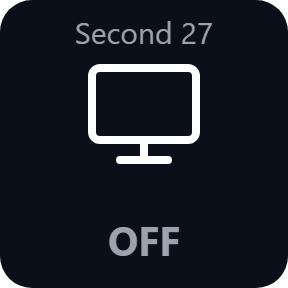
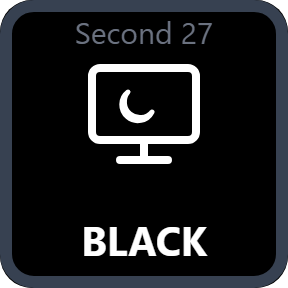
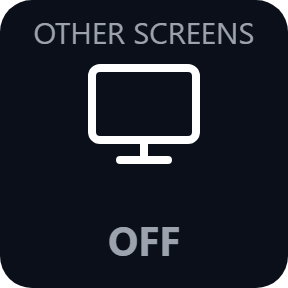
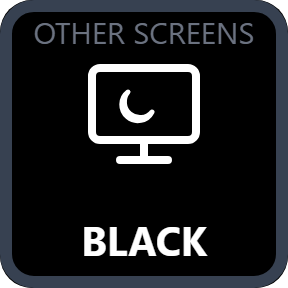
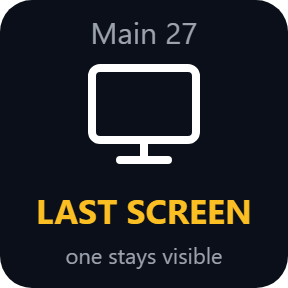
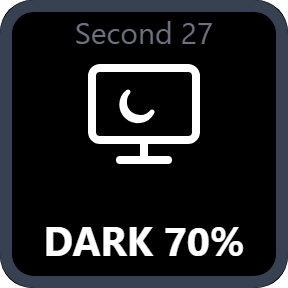
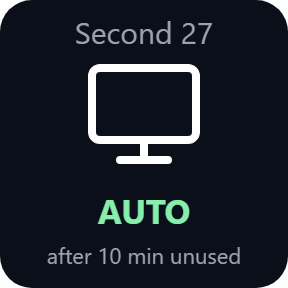
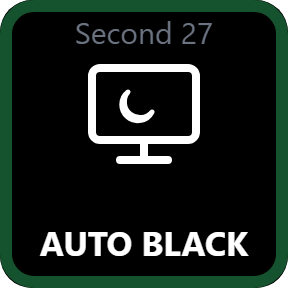
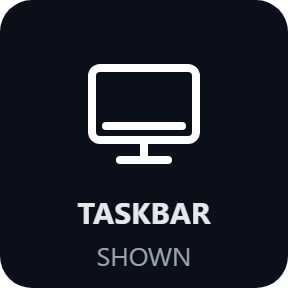
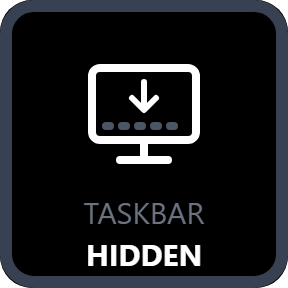
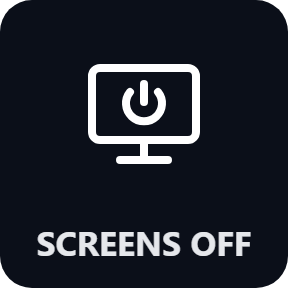
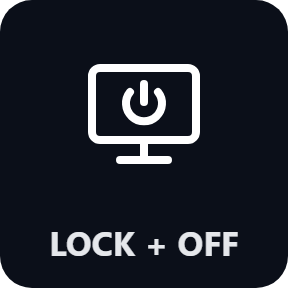
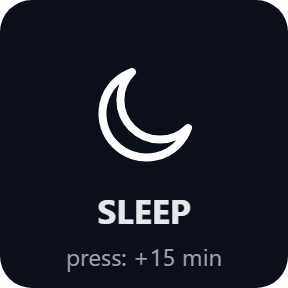
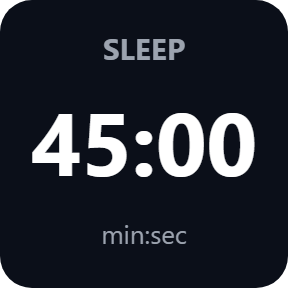
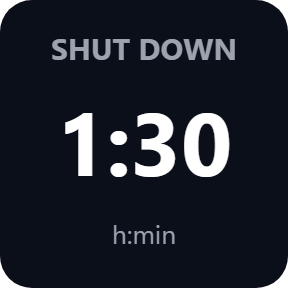
What the keys do
Blackout Monitor
Covers the monitor you pick by name, or every screen except the main one, with a black window. Press again, hold any Blackout key or double-click the black area to bring it back.
Darkness and dials
100% black, or 90% down to 30% to dim a screen and still see it. On Stream Deck +, turn a dial for darkness or minutes and push it to start or stop.
Auto blackout
A monitor left unused for 1 minute to 1 hour goes fully black and comes back when the mouse moves onto it. By default it waits while a full-screen game or video plays.
Hide Taskbar
Turns the Windows taskbar auto-hide on or off, so the taskbar stays out of sight until you point at the screen edge. Desktop icons can hide too. The key shows SHOWN or HIDDEN.
Screens Off
Turns every monitor off with one press, and can lock the PC first. Moving the mouse or pressing a key brings the screens back.
Sleep Timer
Each press adds time, or one press starts a fixed time. The key counts down and blinks in the last minute; hold to cancel. At zero: sleep, hibernate, shut down, screens off or lock.
Black, dimmed or automatic
Each Blackout key has its own darkness: 100% black, or 90% to 30% to keep a dim picture you can still read. Auto blackout is always fully black and starts after the time you choose, from 1 minute to 1 hour.
Leaves your game in charge
The black window is built to leave the keyboard focus with your game and stays out of Alt+Tab.
The monitor stays powered, so there is no waiting for it to wake up: the picture is back as soon as you press the key again.
Nothing about your screens leaves your PC. Auto blackout reads where the pointer and the active window are and keeps nothing. The only thing the direct version sends online is its license key check.
Set up in 3 steps
- Open the plugin file you download after buying. The Stream Deck app installs it.
- In the Stream Deck app, drag the keys you want onto your Stream Deck and enter your license key once.
- Pick a monitor in the Blackout Monitor settings, or keep the default of every screen except the main one, and press the key.
Two places to buy
| Elgato Marketplace | Direct from GRAMSHIFT | |
|---|---|---|
| Amount | Same amount | Same amount, tax added at checkout |
| Checkout | Elgato Marketplace | Stripe (card) |
| New versions | Installed through the Stream Deck app | Download from your key page |
| Use on | Your Elgato account | Up to 3 PCs per license key |
| Plugin display | English and Japanese | English and Japanese |
Requirements
- Windows 10 or later
- Stream Deck app 6.9 or later
- Windows PowerShell 5.1 (built into Windows)
Questions
How do I black out one monitor with Stream Deck?
Drag the Blackout Monitor key onto your Stream Deck, pick the monitor in its settings and press it. The monitor is covered with black and stays powered; press again, hold the key or double-click the black area to bring it back.
How do I hide the taskbar on an OLED monitor with Stream Deck?
Press the Hide Taskbar key. It turns on the Windows taskbar auto-hide, so the taskbar stays hidden until you point at the screen edge. Press it again to show the taskbar.
Can Stream Deck shut down my PC after an hour?
Yes. In the Sleep Timer settings, set At zero to Shut down and choose a fixed time of 1 hour. One press starts the countdown on the key, and holding the key cancels it.
Does it prevent OLED burn-in?
It cuts down still images: black on a monitor you are not using and a hidden taskbar. How much that helps depends on the monitor.
How many PCs can I use with one license key?
Up to 3 of your own PCs. If you replace a PC, write to us and we free up a place for the new one.
How do I get new versions if I buy direct?
Download the latest version from your thank-you page or the key page you received. Your license key keeps working. If you cannot open your key page, email us as the "Recover a lost key" page explains.
What if I lose my license key?
Email contact@gramshift.com from the address you paid with, and include your order number, or the date and amount you paid. We check the purchase and reply with a link to your key page.
Can I get a refund?
Yes, for a direct purchase. If the plugin does not work on your PC, email us within 14 days of purchase and we refund the full amount. The license key stops working after the refund.
Does it work on a Mac?
No. It is for Windows 10 or later only.
Direct purchase: details, refunds and seller
- Price
- ¥780, the same amount as on the Elgato Marketplace. Tax for your country is added at checkout.
- Payment
- Handled by Stripe through Link, Stripe's checkout service. Link appears as the seller on your receipt and card statement, and your card number never reaches GRAMSHIFT.
- Delivery
- Your license key and download link appear right after payment, and the receipt arrives by email.
- Refunds
- If the plugin does not work on your PC, email us within 14 days of purchase for a full refund. You can also ask Link support. The license key stops working after a refund.
- License
- One key for your own use on up to 3 PCs.
- Countries
- The direct checkout is not offered in Ascension Island, China, Cuba, Iran, Kosovo, North Korea, Russia, Syria or Tristan da Cunha.
- Seller
- GRAMSHIFT, Tokyo, Japan. Contact: contact@gramshift.com
Limits
- On a covered monitor, a game in exclusive full screen, the mouse pointer and Windows pop-ups can still show.
- Blackout Monitor always leaves one screen visible, so on a PC with one monitor, use Screens Off instead.
- Auto blackout counts a monitor as used while the pointer or the active window is on it. For a windowed video there, use full screen or turn auto blackout off.
- Auto blackout and the timer run only while their key is shown: another page or profile ends them. Sleep or a restart cancels the timer.
- Hide Taskbar changes a Windows setting, which stays after the app closes. Some managed PCs refuse the change, and the key says so.
- Sleep needs classic sleep (S3); on Modern Standby PCs, choose another action. Some company PCs block PowerShell, and the plugin cannot run there.
- The direct version checks its license key with our server when you activate it, each time the plugin starts, and about once a day while it runs. If it cannot reach the server, it keeps working for up to 44 days after the last successful check.