Stream Deck
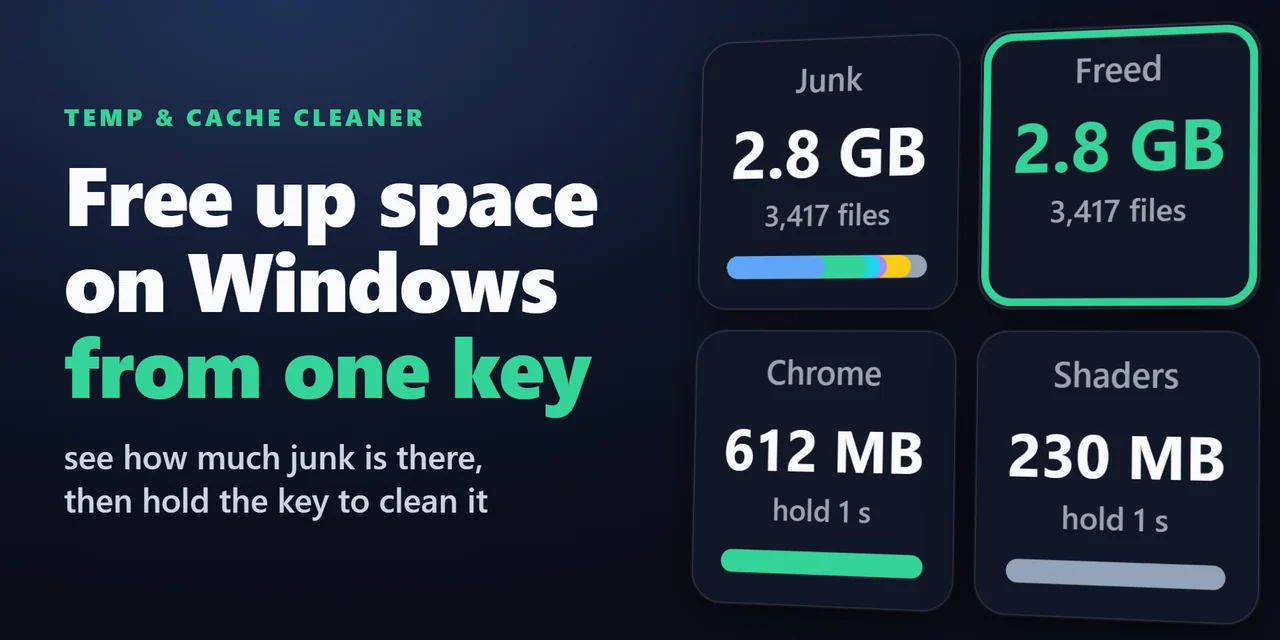
Temp & Cache Cleaner (Stream Deck)
Stream Deck plugin for Windows that shows how much space your Temp folder, browser caches, thumbnail cache, crash dumps and shader cache take, and cleans them …
¥680

Released Nov 20, 2026
Checkout happens on the GRAMSHIFT direct shop. Your license key and refunds are handled there too.
Stream Deck plugin for Windows: put internet radio stations on keys, press to play and again to stop, with the station logo and the song now playing on the key…
Stream Deck plugin for internet radio on Windows
Internet Radio for Windows puts radio stations on your Stream Deck keys: press once to play and again to stop, with the station logo and the song now playing on the key.
Search radio stations worldwide by name or genre, filter by country, or paste a stream URL. No browser needed. Add volume keys, a Stream Deck + dial and a sleep timer that fades out at the end.
Pick a look in each key's settings: Logo shows the station logo, Dark and Color add the station name, country and stream quality.
Search radio stations worldwide by name or genre, filter by country, or pick from the most popular. Paste a stream URL, and .m3u and .pls playlist links work too.
The radio plays from the plugin itself: no browser tab, no other app to install.
When a stream drops, it reconnects on its own, and after the PC wakes from sleep it plays again.
Your stations and listening stay on your PC. Searches go to the open station directory radio-browser.info, and the direct version also goes online to check its license key.
How AI was used: Made by GRAMSHIFT with the help of AI tools.
No published questions yet.
Checkout happens on the GRAMSHIFT direct shop. Your license key and refunds are handled there too. Buy on the GRAMSHIFT direct shop
For how to use this item, ask GRAMSHIFT in "Questions and answers" above.
For help with payment or downloads, just email contact
Stream Deck
Stream Deck plugin for Windows that shows how much space your Temp folder, browser caches, thumbnail cache, crash dumps and shader cache take, and cleans them …
Stream Deck
Stream Deck plugin for Todoist on Windows and Mac: see your next task and its due date on a key, hold the key to complete it, count overdue tasks, add a task w…
Stream Deck
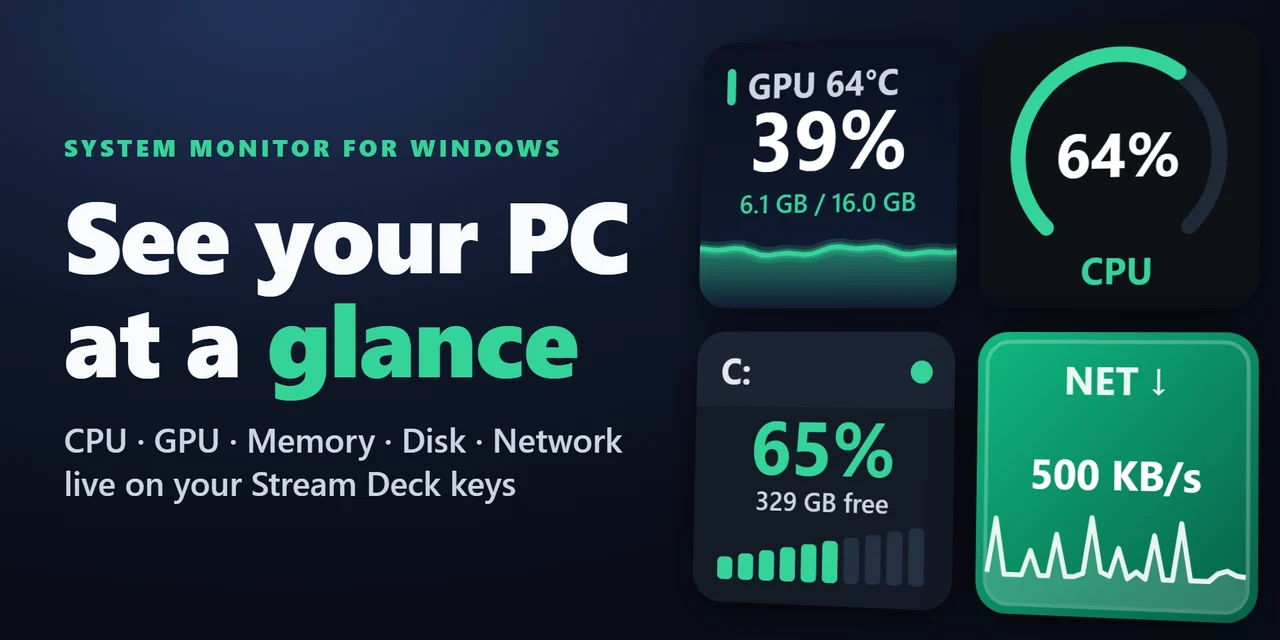
Show CPU, GPU usage and temperature, memory, disk space and network speed live on Stream Deck keys and Stream Deck + dials, on Windows and Mac.
Stream Deck
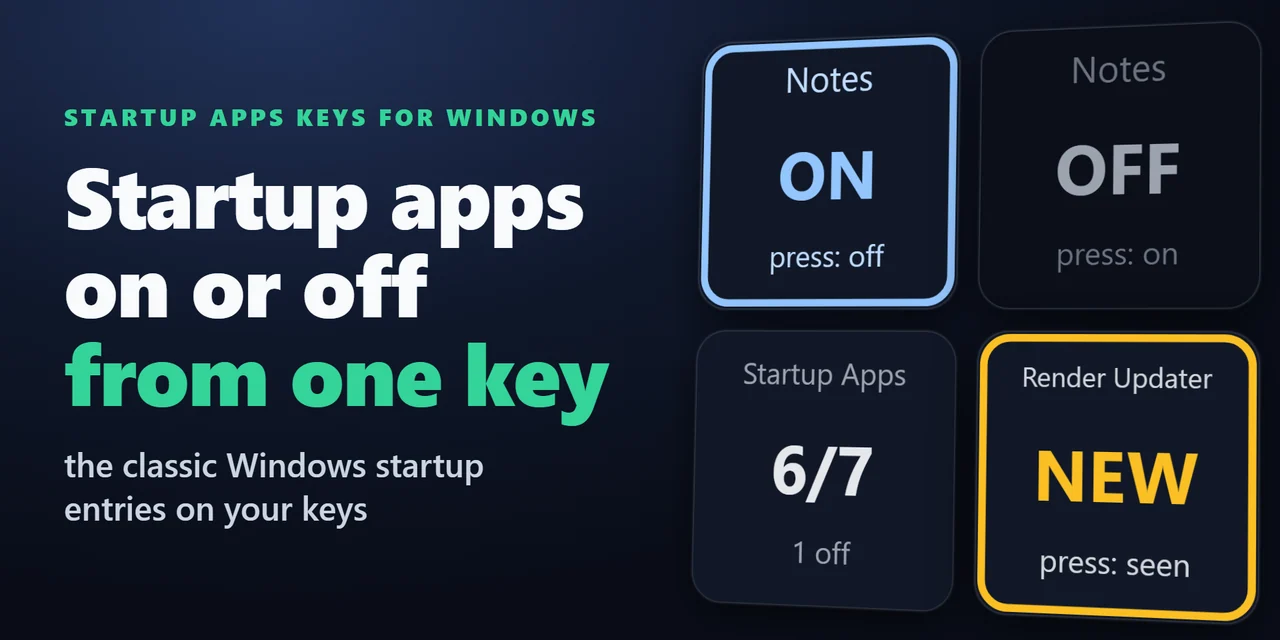
Stream Deck plugin for Windows that shows how many startup apps are on, turns one startup program off or on with a press, and shows NEW with the name when a pr…
Stream Deck
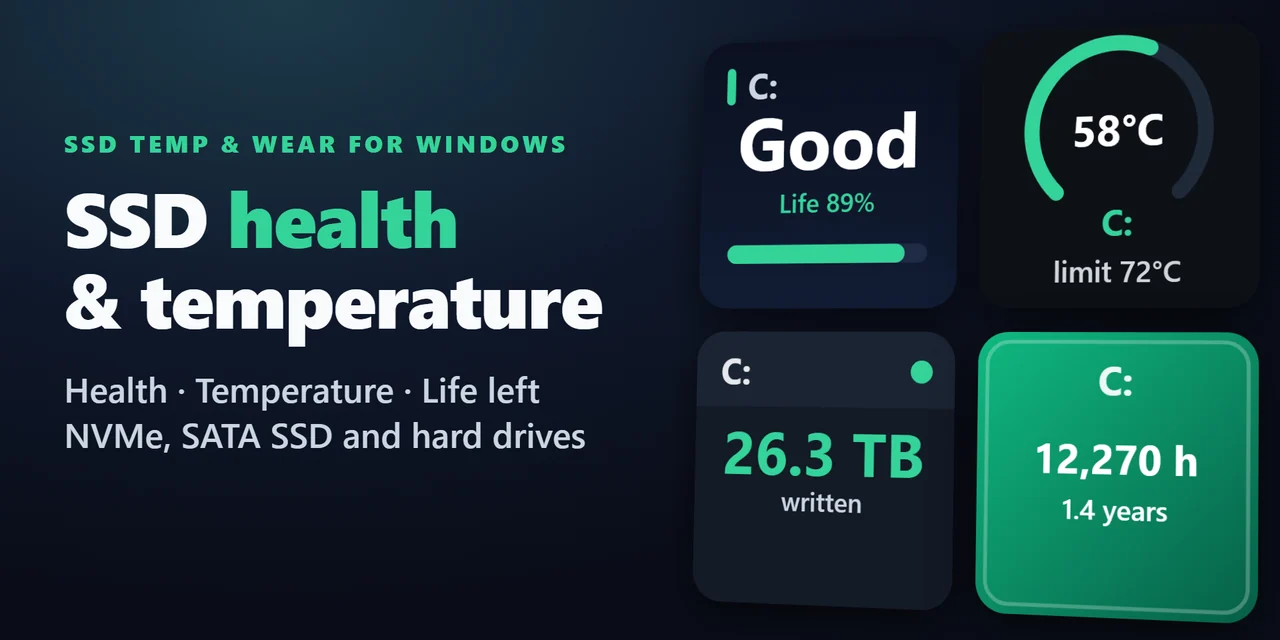
Stream Deck plugin for Windows: see the health (Good, Caution or Bad), life left, temperature with a graph, data written in TB and power-on hours of your SSDs …
Stream Deck
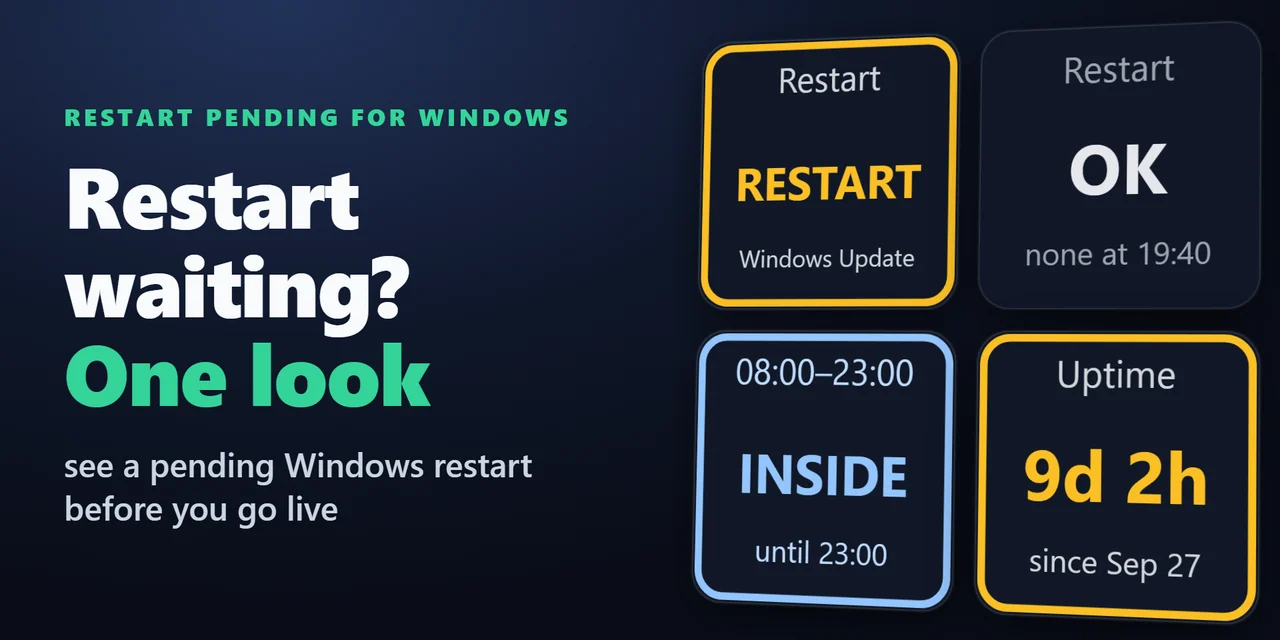
Stream Deck plugin for Windows that shows whether a Windows Update restart is waiting, with the reason, whether you are inside your active hours, and how long …
Stream Deck
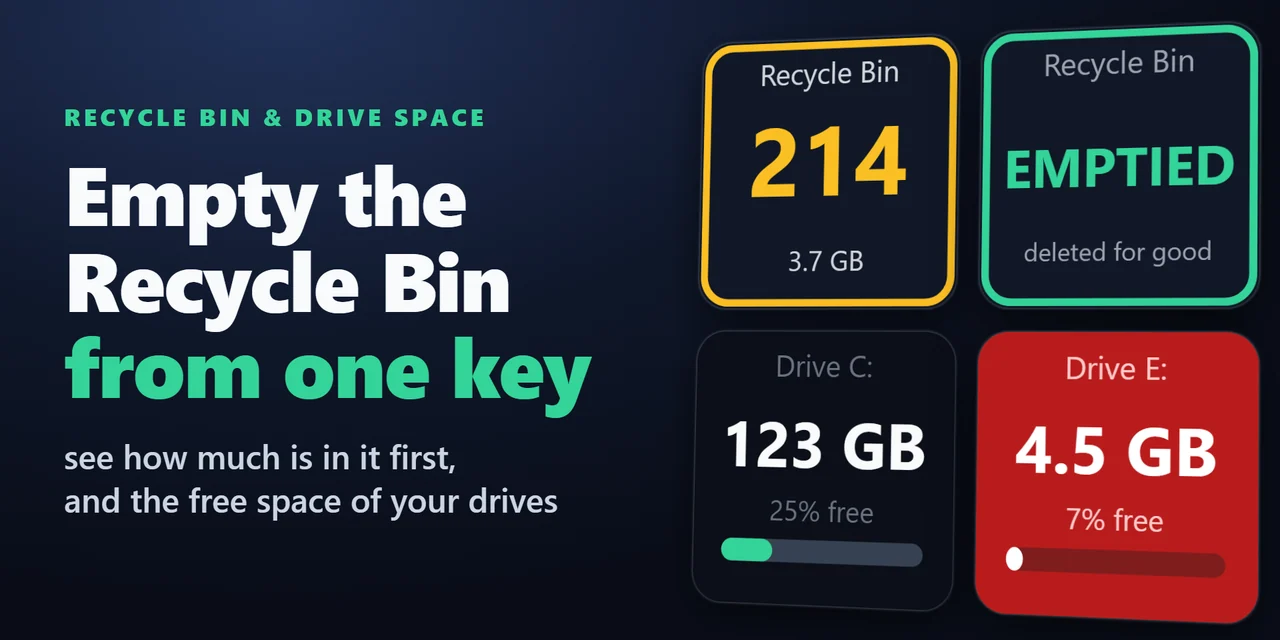
A Stream Deck key for the Recycle Bin on Windows and the Trash on Mac: see how many items are in it and their total size, open it with a press and empty it wit…
Stream Deck
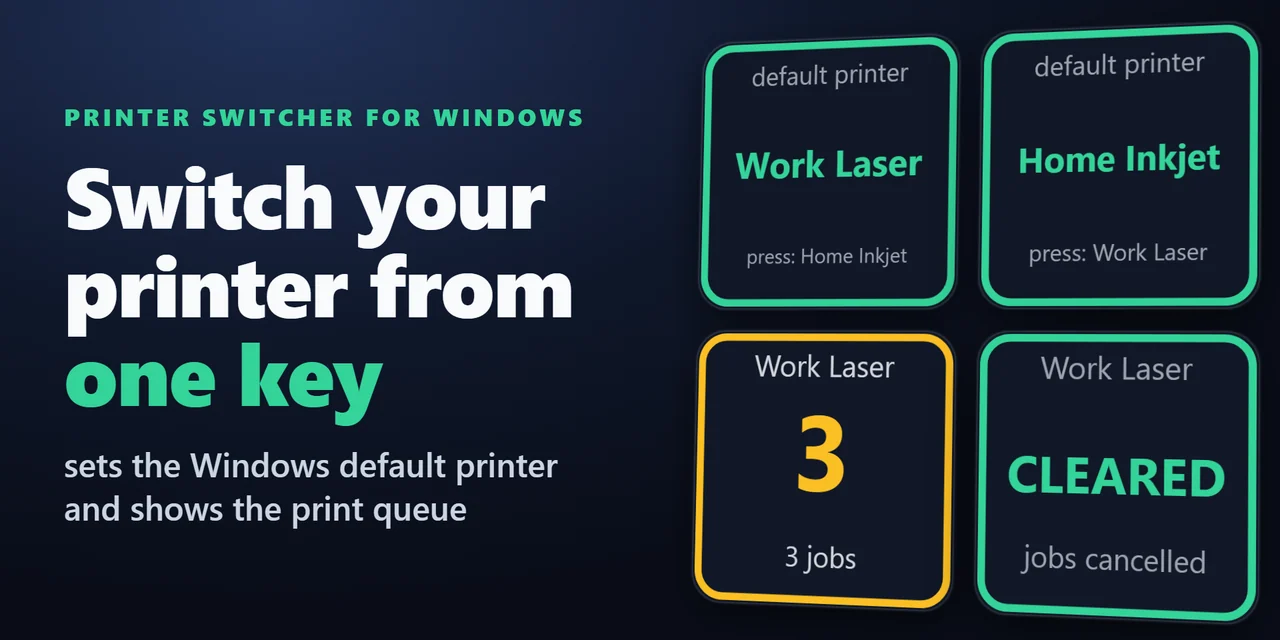
Stream Deck plugin for Windows that switches the default printer with one key: home, office or PDF.