GRAMSHIFTSTORE
  • Pilot Deck (Stream Deck) (1/6)
  • Pilot Deck (Stream Deck) (2/6)
  • Pilot Deck (Stream Deck) (3/6)
  • Pilot Deck (Stream Deck) (4/6)
  • Pilot Deck (Stream Deck) (5/6)
  • Pilot Deck (Stream Deck) (6/6)
  1. Home
  2. Stream Deck

Pilot Deck (Stream Deck)

Released Nov 20, 2026

    Full version

    ¥2,900
    Buy on the GRAMSHIFT direct shop

    Checkout happens on the GRAMSHIFT direct shop. Your license key and refunds are handled there too.

    A Stream Deck profile for Microsoft Flight Simulator 2024 on Windows: gear, flaps, autopilot, trim, cameras and ATC on keys set to the sim's default controls, …

    Stream Deck profile for Windows
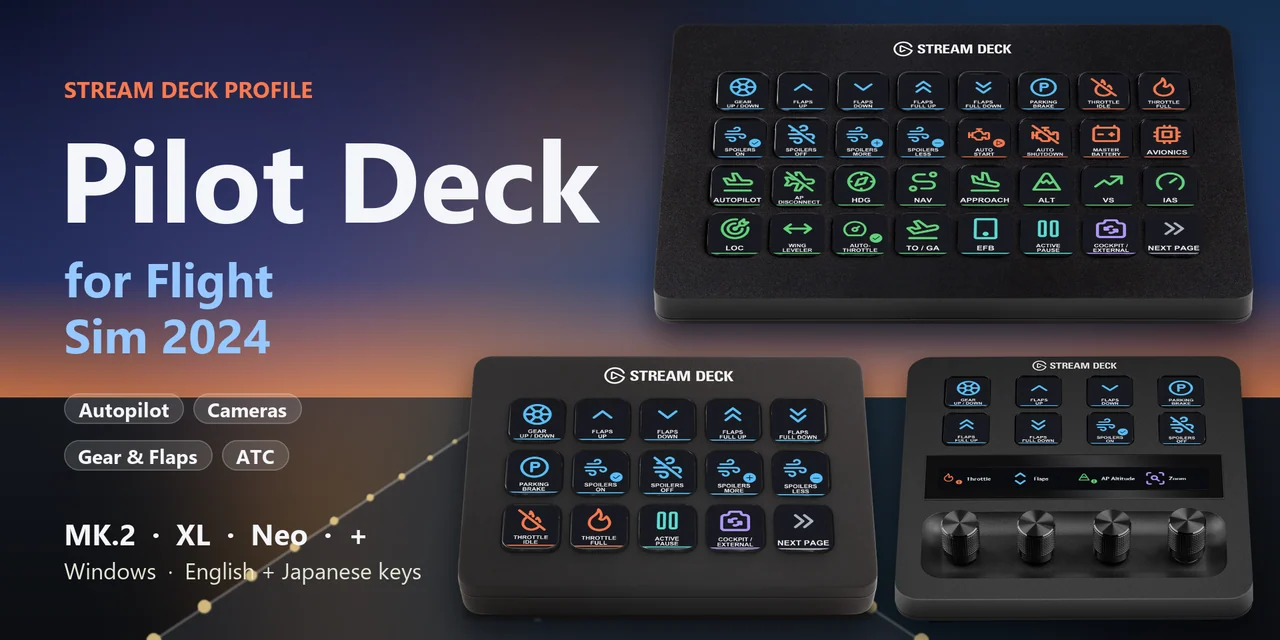
    A Stream Deck profile for Microsoft Flight Simulator 2024 (MSFS 2024) on Windows: lower the gear, set flaps, engage autopilot modes, trim, switch cameras and answer ATC with one press of a labeled key.
    One purchase covers Stream Deck MK.2, XL, Neo, +, + XL and the Corsair Galleon 100 SD, with English or Japanese key labels.
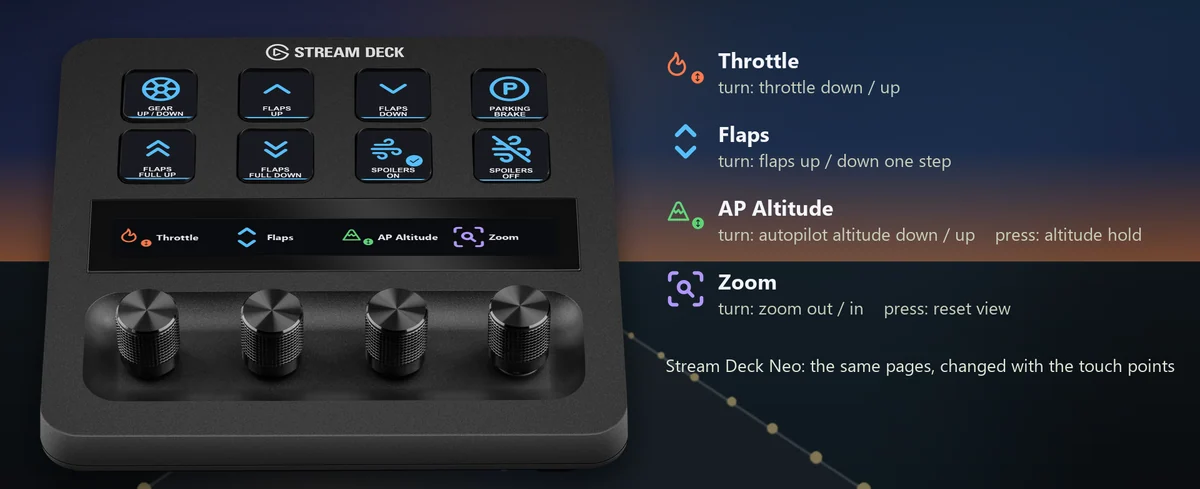
    Each key sends one of the sim's own default keyboard keys, so the sim stays as installed and your keyboard works as before. On Stream Deck + and + XL, four dials move the throttle, the flaps, the autopilot altitude and the camera zoom, and the Corsair Galleon 100 SD has the same four on its two dials.

    • Gear, flaps and spoilers
    • Autopilot modes
    • Autopilot values
    • Trim and engine
    • Cameras and views
    • ATC replies

    What the keys do

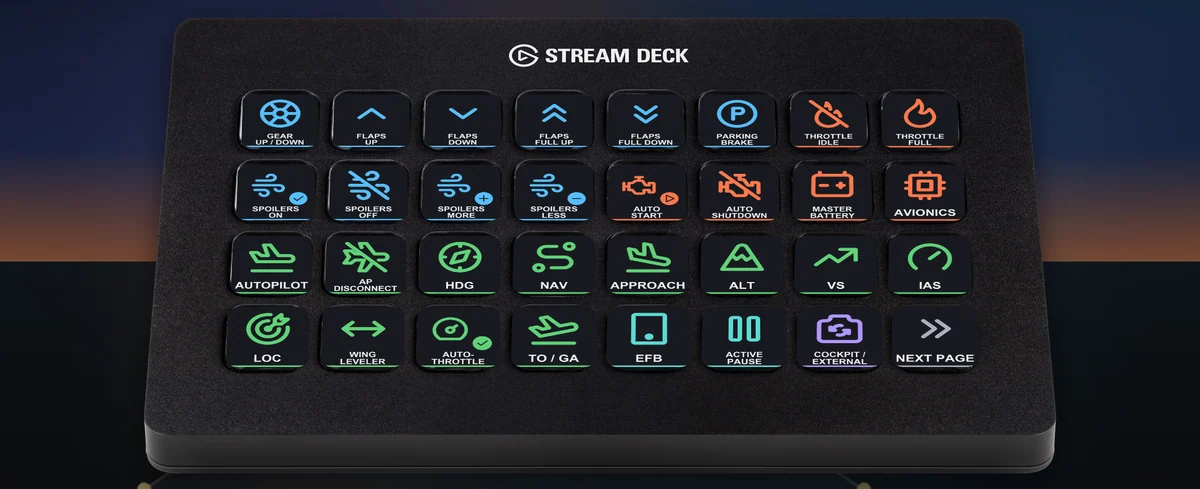
    • Takeoff to landing on one XL page: On Stream Deck XL, the first page puts gear, flaps, spoilers, parking brake, throttle, auto start, battery, avionics and the autopilot modes side by side.
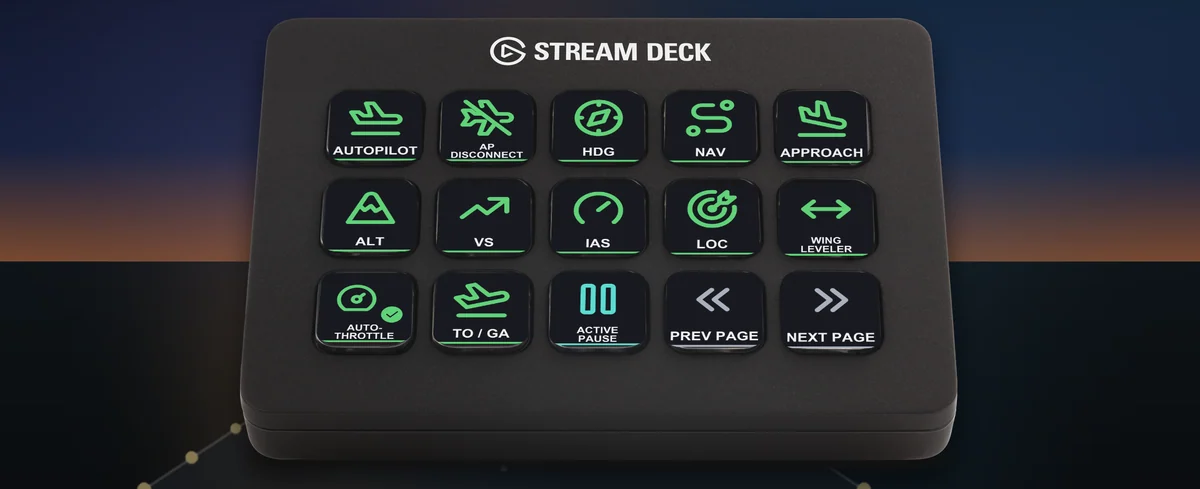
    • Autopilot modes: Autopilot on and off, disconnect, HDG, NAV, approach, ALT, VS, IAS, LOC, wing leveler, auto-throttle arm and TO / GA, one press each.
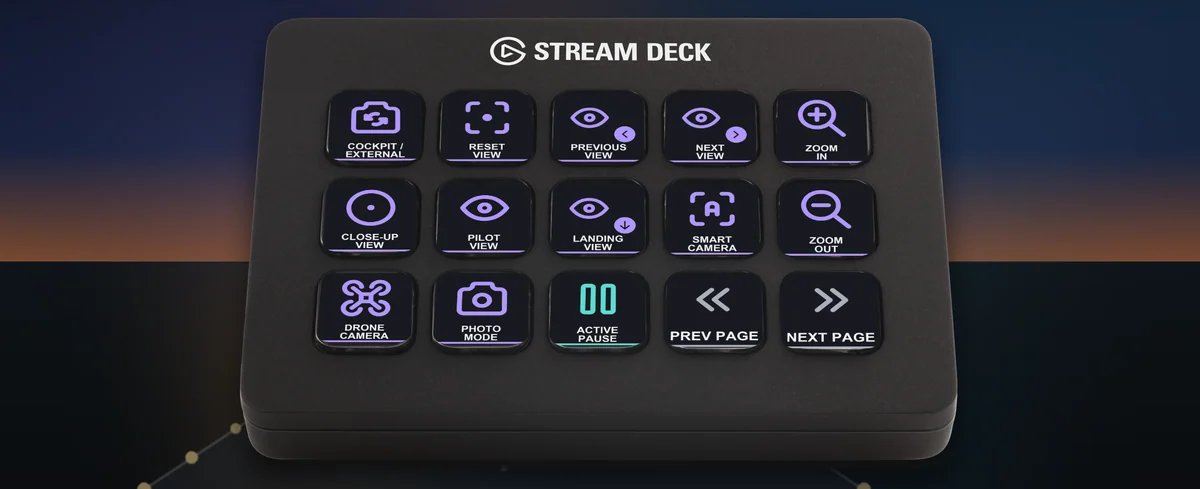
    • Cameras and views: Switch between cockpit and outside, reset the view, step through views, zoom, jump to the close-up, pilot or landing view, and open the smart camera, drone camera or photo mode.
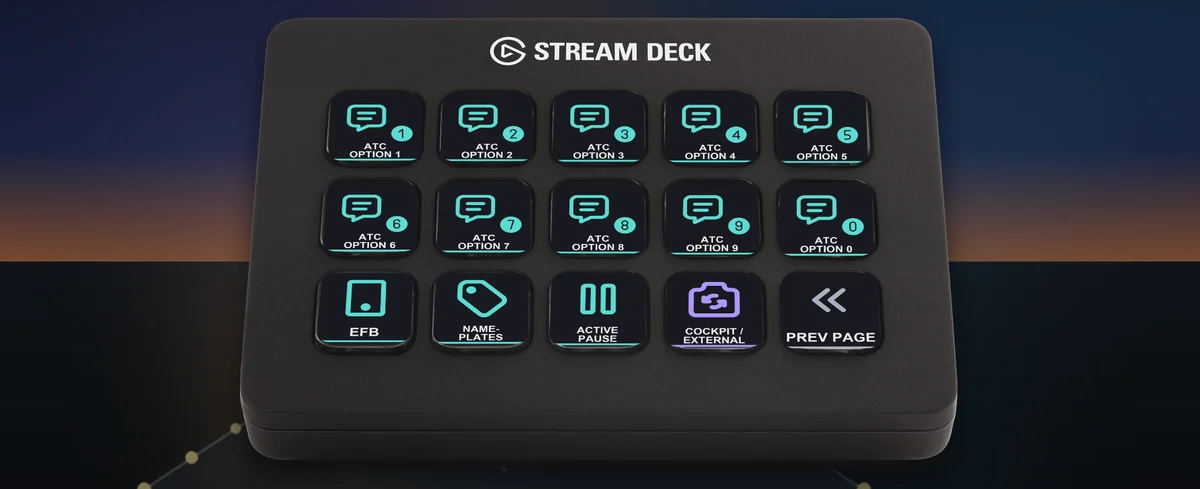
    • Answer ATC: The ATC option keys sit on their own page, next to EFB, nameplates and active pause.
    • Four dials on Stream Deck +: Turn for throttle, flaps, autopilot altitude and camera zoom. Press the altitude dial for altitude hold and the zoom dial to reset the view. On Stream Deck Neo, the touch points change pages.
    • English and Japanese labels: The download holds the same keys twice: once with English labels and once with Japanese labels. Import the set you want.

    Profiles for Stream Deck and the Corsair Galleon 100 SD

    The download holds a profile for each of Stream Deck MK.2, XL, Neo, +, + XL and the Corsair Galleon 100 SD, in English and in Japanese. MK.2 has one page per task, and the Galleon 100 SD has 9 pages that you turn with page keys. + XL has the XL pages on the same keys. Neo and + show 8 keys a page: tap the touch points on Neo, or swipe the touch strip on + and + XL, to change pages.
    Pages for each model: Pilot Deck for Flight Sim 2024 on Corsair Galleon 100 SD and Pilot Deck for Flight Sim 2024 on Stream Deck + XL

    • Takeoff and landing: Gear, flaps up and down one step or all the way, parking brake, spoilers on, off, more and less, throttle idle and full.
    • Engine and systems: Auto start, auto shutdown, master battery, avionics, throttle up and down, mixture rich and lean.
    • Autopilot and values: Autopilot modes, plus altitude, vertical speed and speed targets up and down. Pick the heading, altitude, speed or VS bug, or the transponder, then change it with Value up and down.
    • Trim and instruments: Elevator, rudder and aileron trim, altimeter setting.
    • Cameras: Cockpit / external, reset view, next and previous view, close-up, pilot and landing views, zoom, custom cameras 1 to 4, smart camera, drone camera, photo mode.
    • Sim, tools and ATC: Active pause, pause menu, EFB, pushback, flashlight, back on track, nameplates, landing ribbon, assist displays and the ATC options.

    Set to the default keys

    Every key sends a default keyboard key of Microsoft Flight Simulator 2024, so the sim settings stay as they are. Checked in the sim on its default key settings.
    Every profile in the download imports into the Stream Deck app with all its keys in place.
    Keep the sim window in front: the keys are sent to the window in front.
    Changed a key in the sim's controls? Edit that key's Hotkey in the Stream Deck app to the same key.

    Set up in 3 steps

    • Buy, then download and unzip the file.
    • Double-click the .streamDeckProfile file for your Stream Deck. The Stream Deck app imports it.
    • Start Microsoft Flight Simulator 2024, select the profile on your Stream Deck and press a key.

    Requirements

    • Windows 10 or later
    • Stream Deck MK.2, XL, Neo, +, + XL or the Corsair Galleon 100 SD
    • The Stream Deck app
    • Microsoft Flight Simulator 2024 for Windows (Steam or Microsoft Store / Xbox app) with its default keyboard keys

    How AI was used: Made by GRAMSHIFT with the help of AI tools.

    Questions and answers

    No published questions yet.

    Ask a question about this item

    When GRAMSHIFT answers, the question and answer appear on this page (no email is sent, so check back here). We do not ask for your name or email. Your text is published with the answer, so do not include contact details. URLs are not allowed.

    Payment, refunds and contact

    Checkout happens on the GRAMSHIFT direct shop. Your license key and refunds are handled there too. Buy on the GRAMSHIFT direct shop

    Made by
    GRAMSHIFT

    For how to use this item, ask GRAMSHIFT in "Questions and answers" above.

    For help with payment or downloads, just email contact@gramshift.com. You can also ask GRAMSHIFT from "Questions and answers" on each item page.

    Report this item (not as described, does not work, etc.)

    More items

    See all items

    Stream Deck

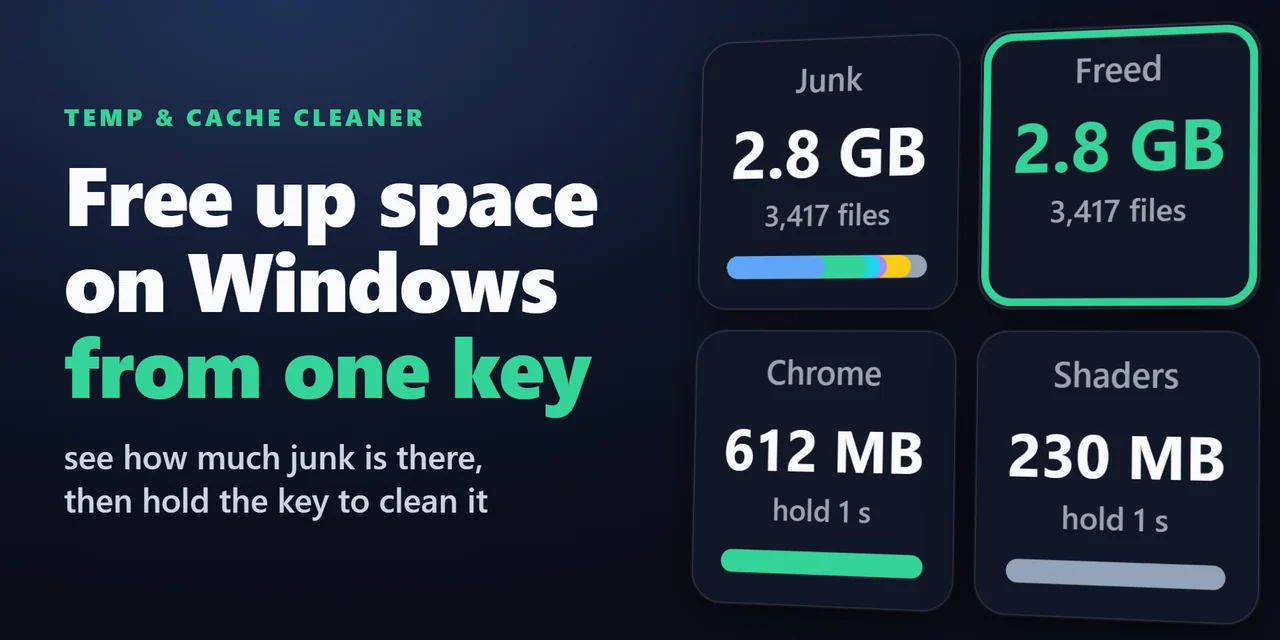
    Temp & Cache Cleaner (Stream Deck)

    Stream Deck plugin for Windows that shows how much space your Temp folder, browser caches, thumbnail cache, crash dumps and shader cache take, and cleans them …

    ¥680
    Stream Deck

    Task Keys for Todoist (Stream Deck)

    Stream Deck plugin for Todoist on Windows and Mac: see your next task and its due date on a key, hold the key to complete it, count overdue tasks, add a task w…

    ¥1,200

    Stream Deck

    System Monitor for Windows (Stream Deck)

    Show CPU, GPU usage and temperature, memory, disk space and network speed live on Stream Deck keys and Stream Deck + dials, on Windows and Mac.

    ¥780

    Stream Deck

    Startup Apps Keys for Windows (Stream Deck)

    Stream Deck plugin for Windows that shows how many startup apps are on, turns one startup program off or on with a press, and shows NEW with the name when a pr…

    ¥780

    Stream Deck

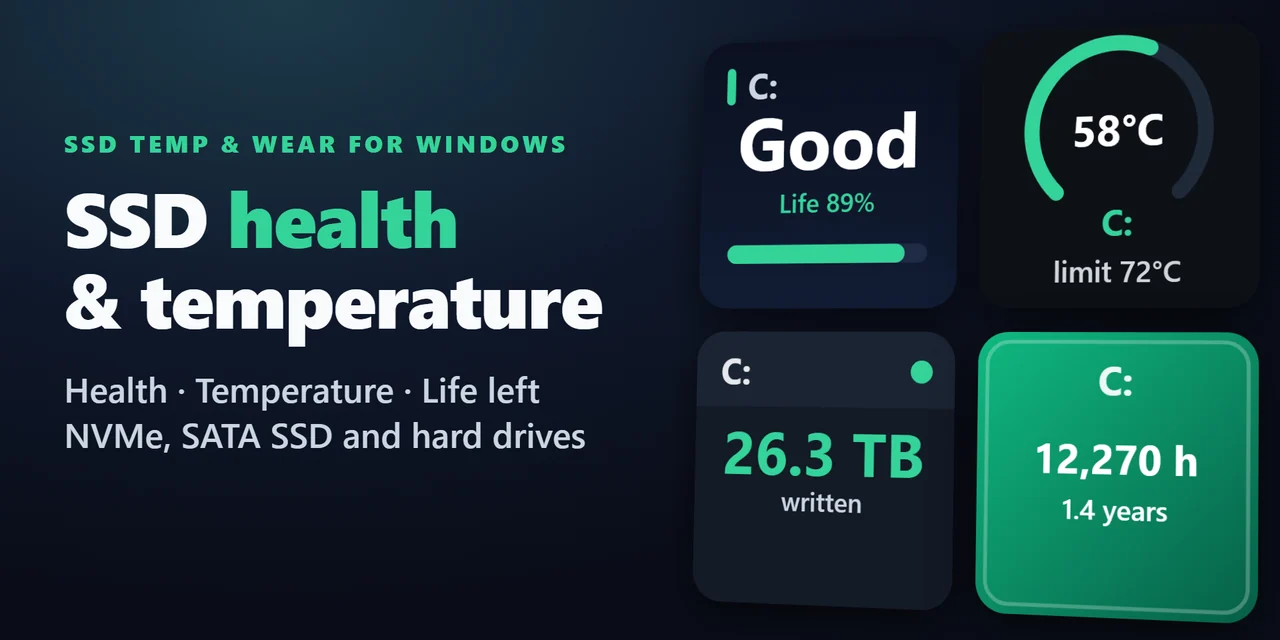
    SSD Temp & Wear for Windows (Stream Deck)

    Stream Deck plugin for Windows: see the health (Good, Caution or Bad), life left, temperature with a graph, data written in TB and power-on hours of your SSDs …

    ¥780

    Stream Deck

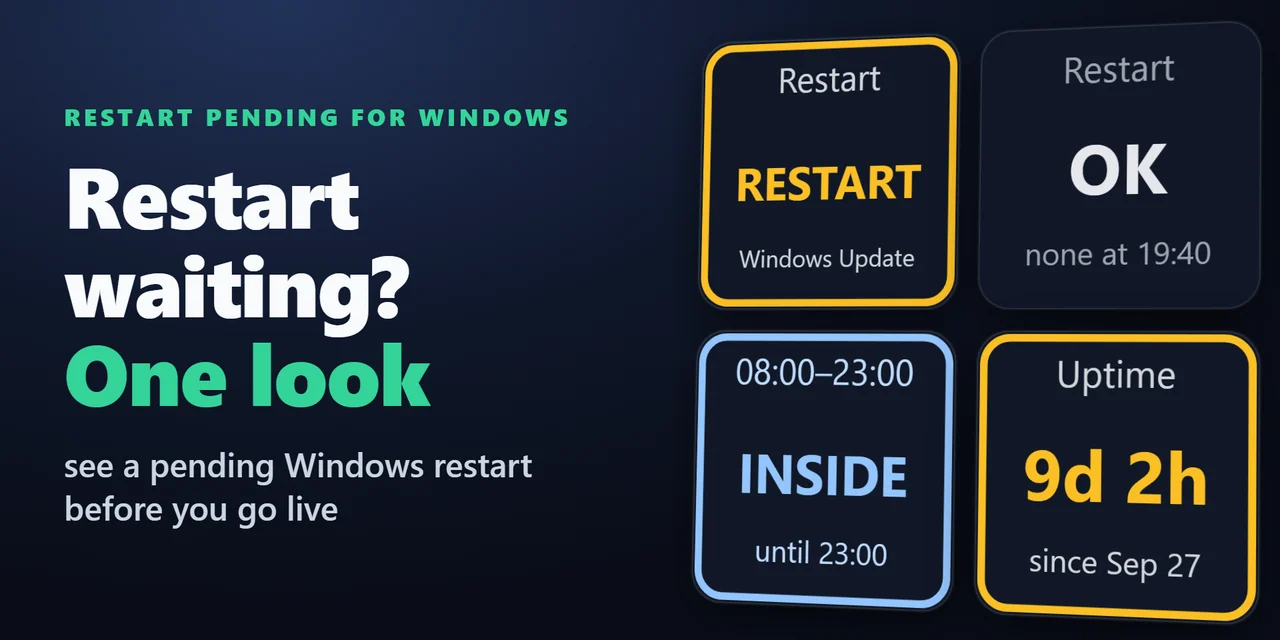
    Restart Pending for Windows (Stream Deck)

    Stream Deck plugin for Windows that shows whether a Windows Update restart is waiting, with the reason, whether you are inside your active hours, and how long …

    ¥780

    Stream Deck

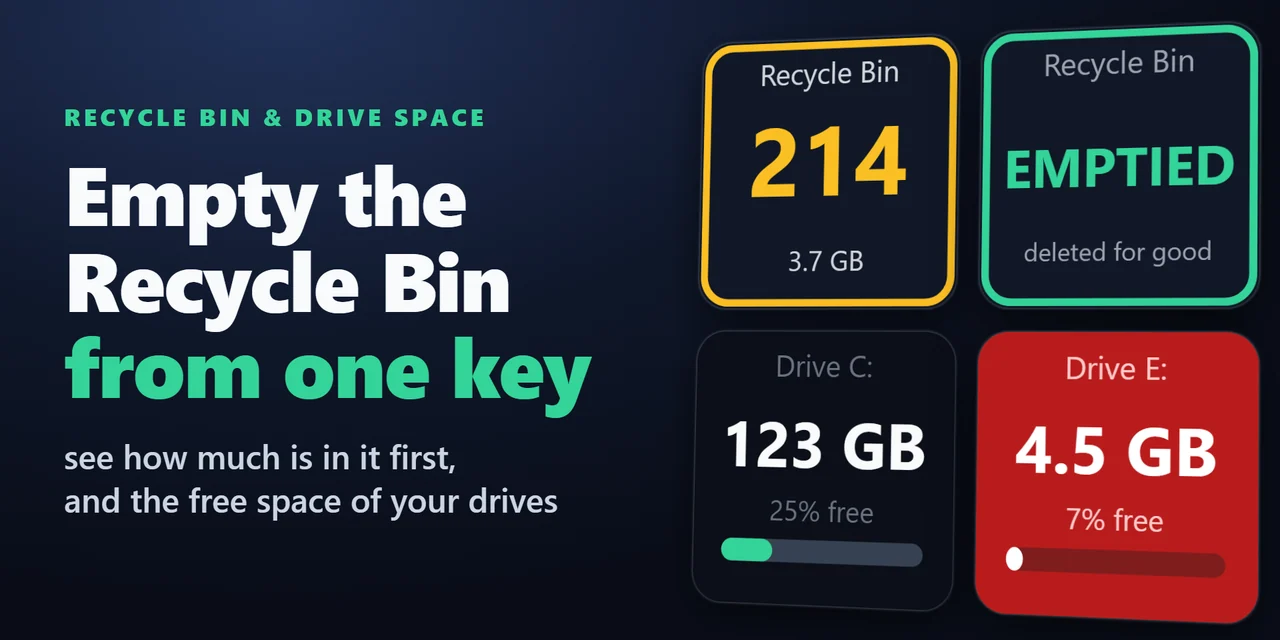
    Recycle Bin & Drive Space (Stream Deck)

    A Stream Deck key for the Recycle Bin on Windows and the Trash on Mac: see how many items are in it and their total size, open it with a press and empty it wit…

    ¥680