OpenDeck & Ajazz / Mirabox
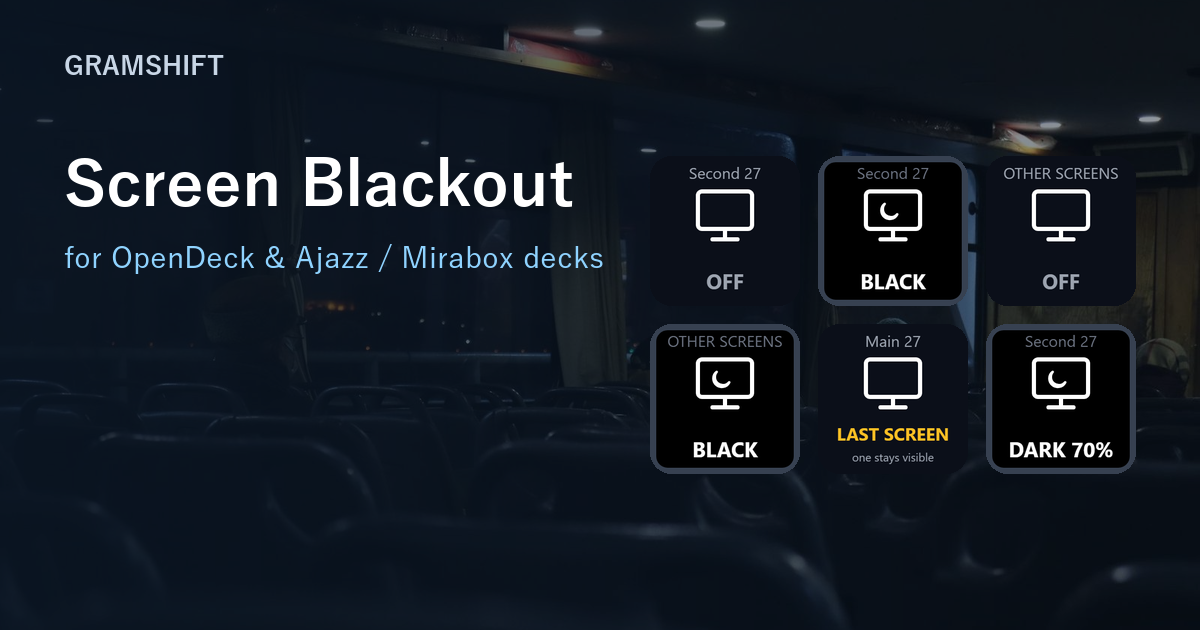
Screen Blackout for OpenDeck & Ajazz / Mirabox
Black out or dim one monitor, turn every screen off or set a sleep timer from your Ajazz or Mirabox deck with OpenDeck, on Windows and Mac.
¥780
Released Nov 25, 2026
Checkout happens on the GRAMSHIFT direct shop. Your license key and refunds are handled there too.
Estimate: the ECB rate of 2026-11-24 plus the Stripe conversion fee (about 4%). Checkout shows the exact amount, or you can choose to pay in Japanese yen.
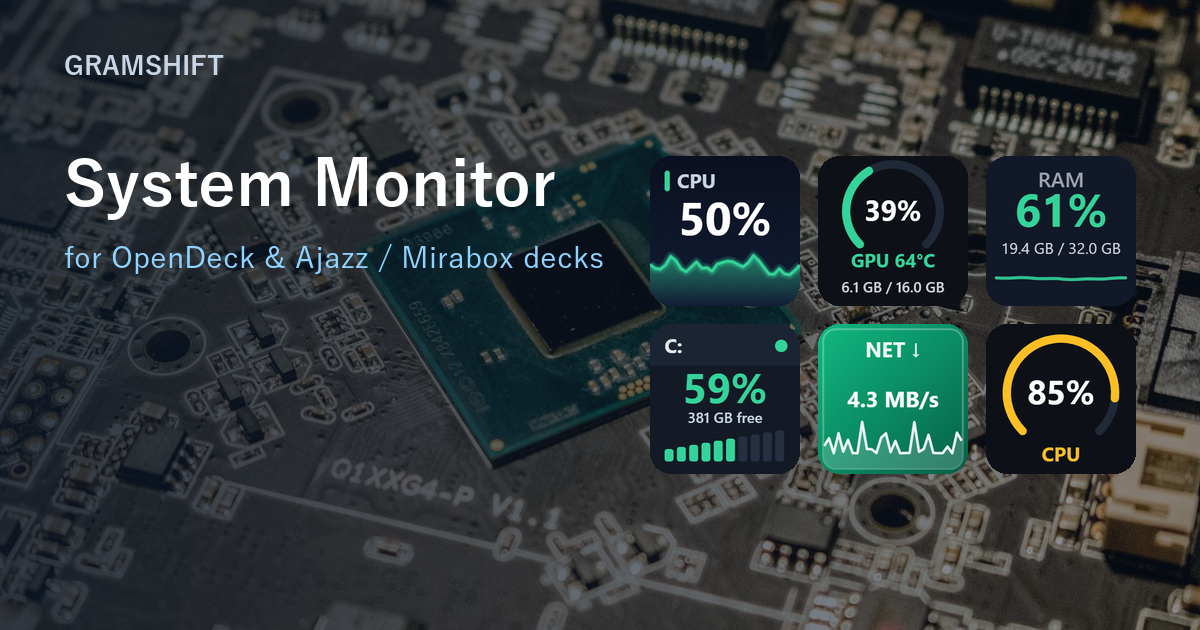
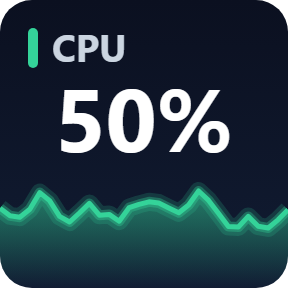
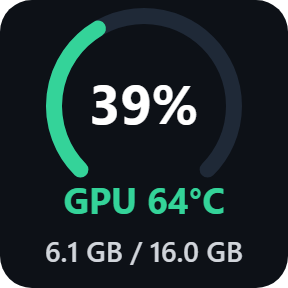
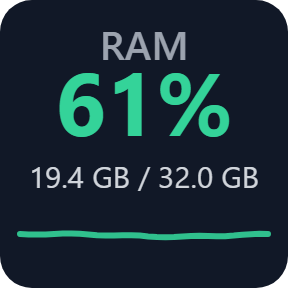
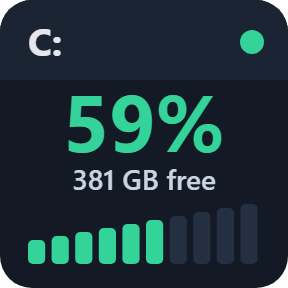
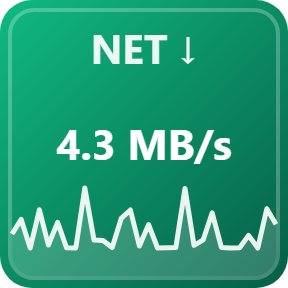
System Monitor puts live CPU, GPU, memory, disk and network readings on the keys of your Ajazz or Mirabox deck through OpenDeck, on Windows and Mac.
Plugin for OpenDeck on Windows and Mac
See how hard your PC is working without leaving your game or your editor: live CPU, GPU, memory, disk and network numbers sit right on your keys.
Place a key and it refreshes every 2 seconds with values read from Windows or macOS itself. On Windows, GPU temperature is included.
In OpenDeck, open the Plugins tab, install the .streamDeckPlugin file you downloaded, then enter your license key once in a key's settings.
How AI was used: Made by GRAMSHIFT with the help of AI tools.
No published questions yet.
Checkout happens on the GRAMSHIFT direct shop. Your license key and refunds are handled there too. Buy on the GRAMSHIFT direct shop
For how to use this item, ask GRAMSHIFT in "Questions and answers" above.
For help with payment or downloads, just email contact
OpenDeck & Ajazz / Mirabox
Black out or dim one monitor, turn every screen off or set a sleep timer from your Ajazz or Mirabox deck with OpenDeck, on Windows and Mac.
OpenDeck & Ajazz / Mirabox
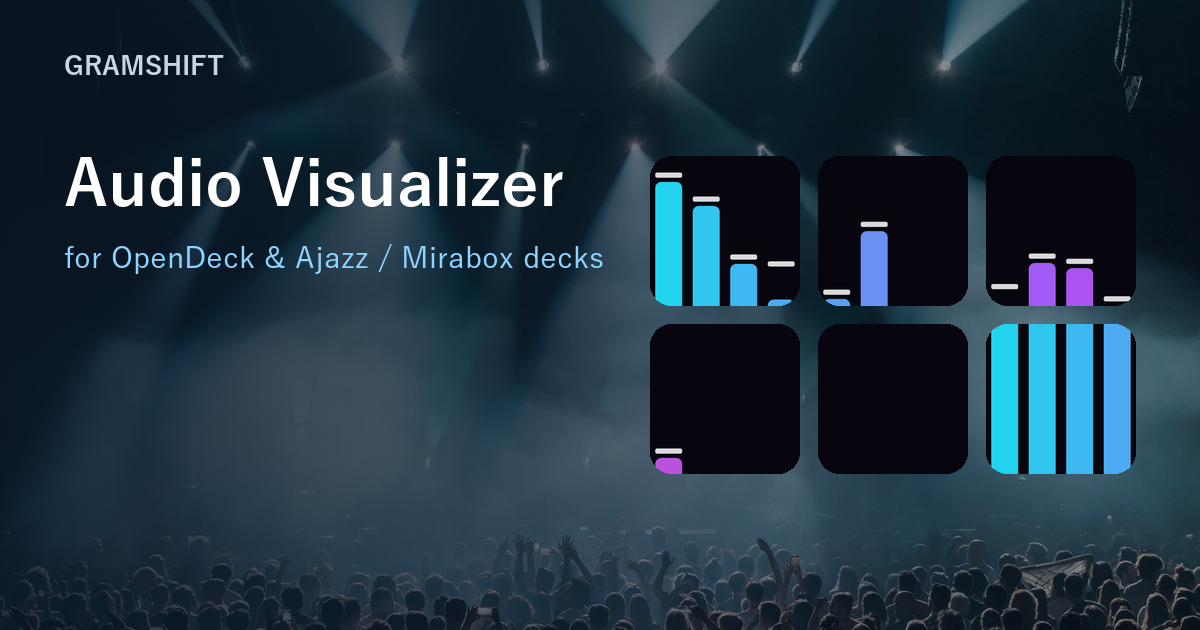
Turn the keys of your Ajazz or Mirabox deck into one music visualizer with OpenDeck, moving with the music, games and videos your PC plays.
OpenDeck & Ajazz / Mirabox
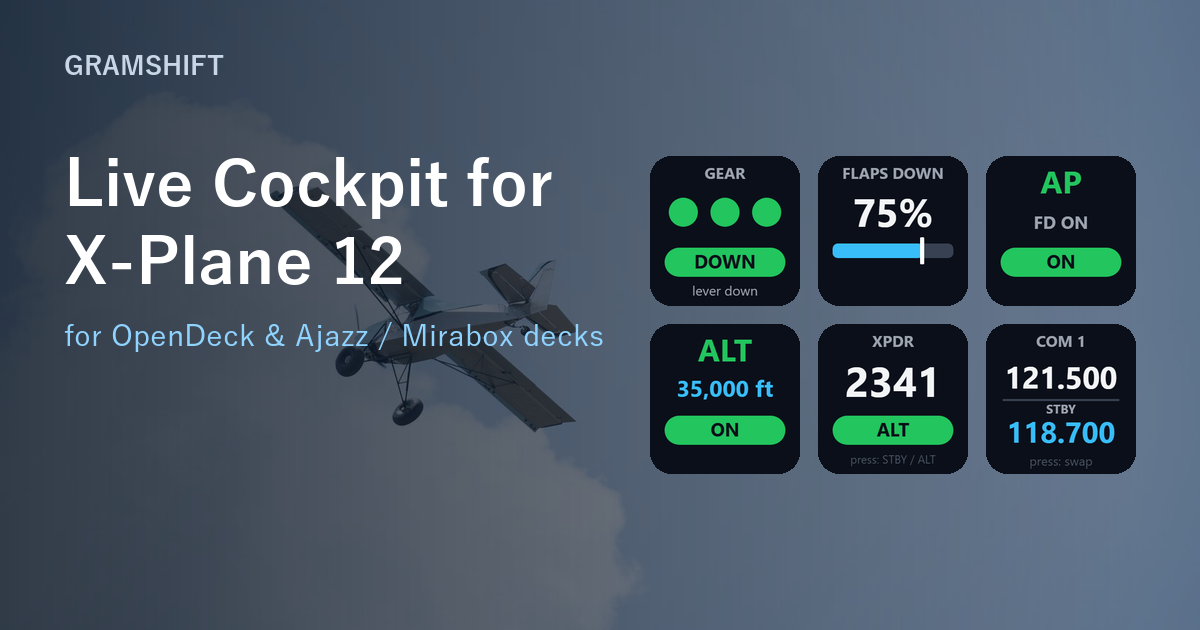
Put X-Plane 12 radios, gear, autopilot and engine gauges on your Ajazz or Mirabox deck with OpenDeck. The keys follow your real aircraft.
OpenDeck & Ajazz / Mirabox
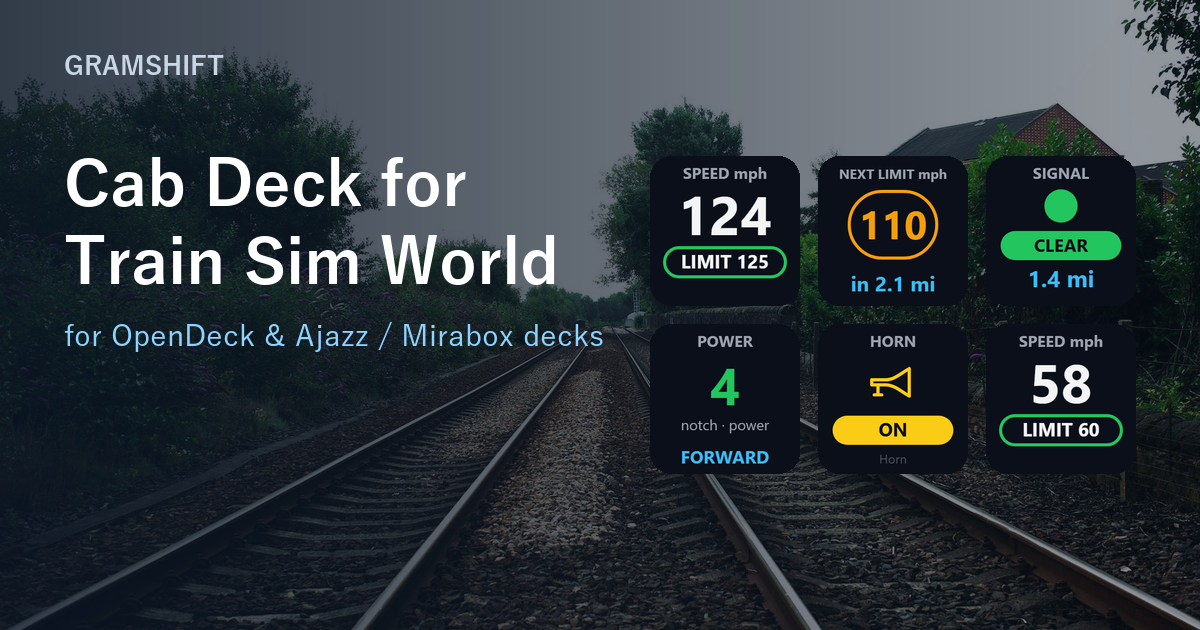
Show Train Sim World speed, limits and signals on your Ajazz or Mirabox deck with OpenDeck, and sound the horn or acknowledge AWS from a key.
OpenDeck & Ajazz / Mirabox
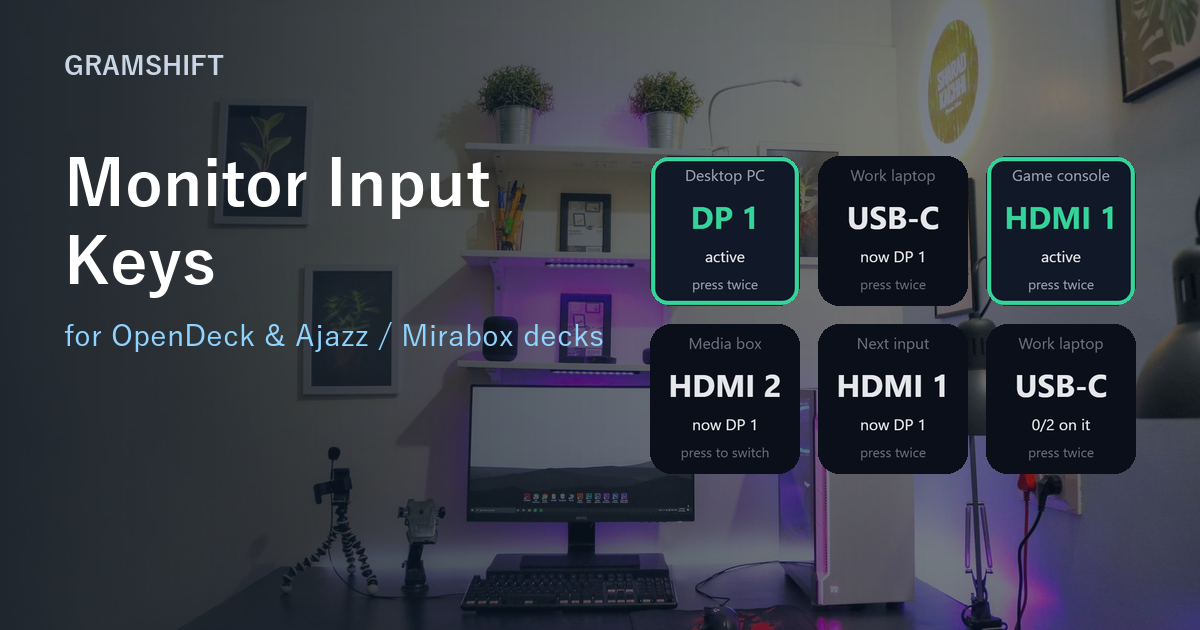
Switch your monitor between HDMI, DisplayPort and USB-C with one key, and set brightness. For OpenDeck and Ajazz or Mirabox decks on Windows.
OpenDeck & Ajazz / Mirabox
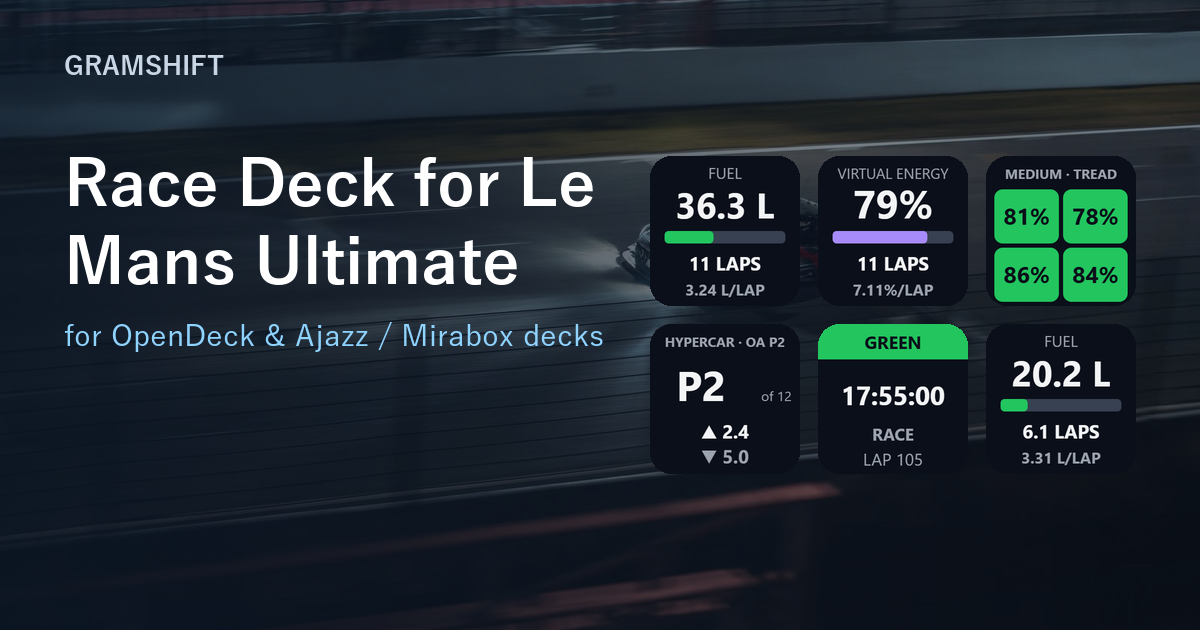
Fuel laps, energy, tyres, class position and full course yellow on your keys, plus game key buttons. For OpenDeck and Ajazz or Mirabox decks.
OpenDeck & Ajazz / Mirabox
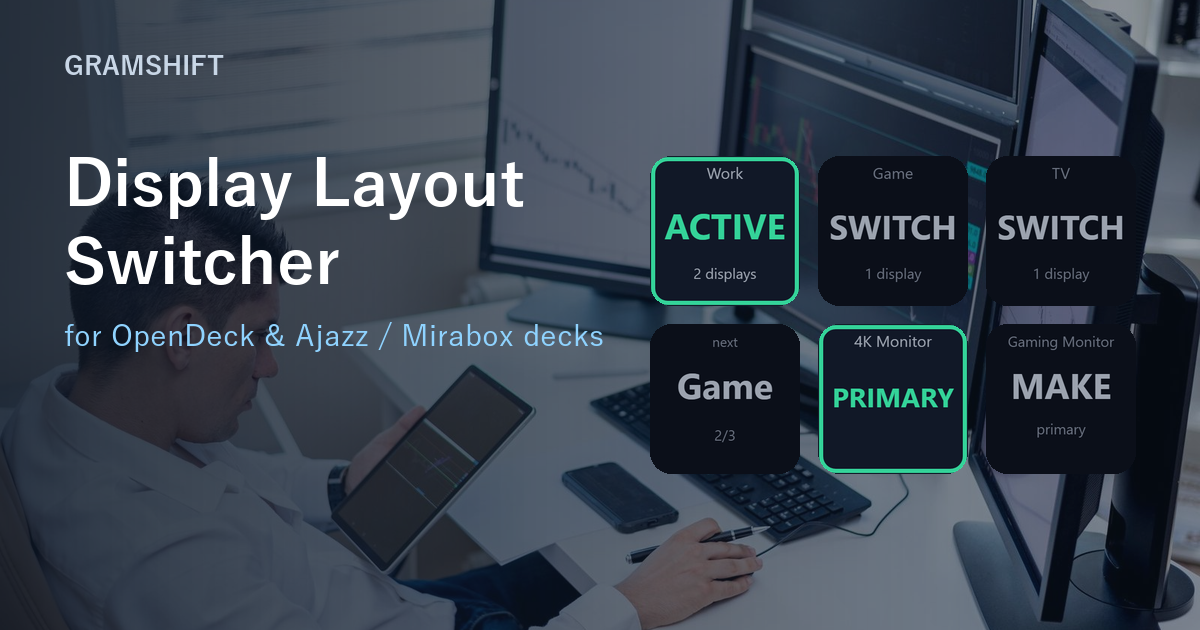
Save monitor layouts and switch them with one key: resolution, refresh rate, HDR and primary display. For OpenDeck and Ajazz or Mirabox decks.
OpenDeck & Ajazz / Mirabox
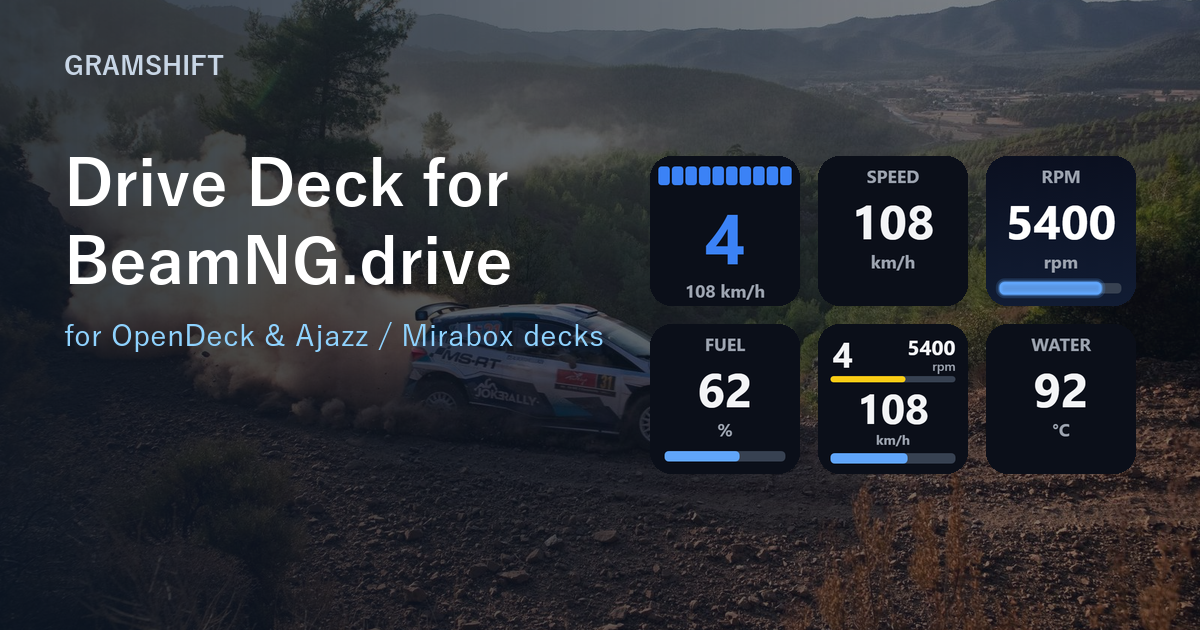
Show BeamNG. drive gear, shift lights, speed, rpm, fuel and temperatures on your keys. A plugin for OpenDeck and Ajazz or Mirabox decks.