OpenDeck & Ajazz / Mirabox
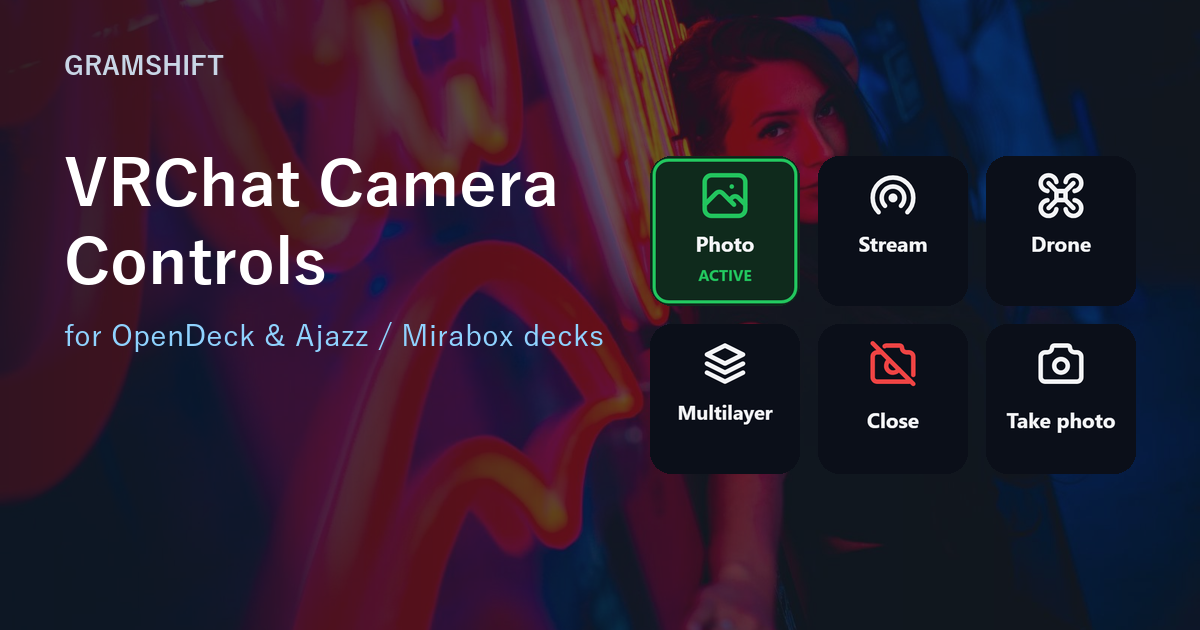
VRChat Camera Controls for OpenDeck & Ajazz / Mirabox
Control the VRChat camera from an Ajazz or Mirabox deck with OpenDeck: take photos, timer shots, zoom, exposure, focus and aperture on keys, over OSC.
¥980
Released Nov 26, 2026
Checkout happens on the GRAMSHIFT direct shop. Your license key and refunds are handled there too.
Estimate: the ECB rate of 2026-11-25 plus the Stripe conversion fee (about 4%). Checkout shows the exact amount, or you can choose to pay in Japanese yen.
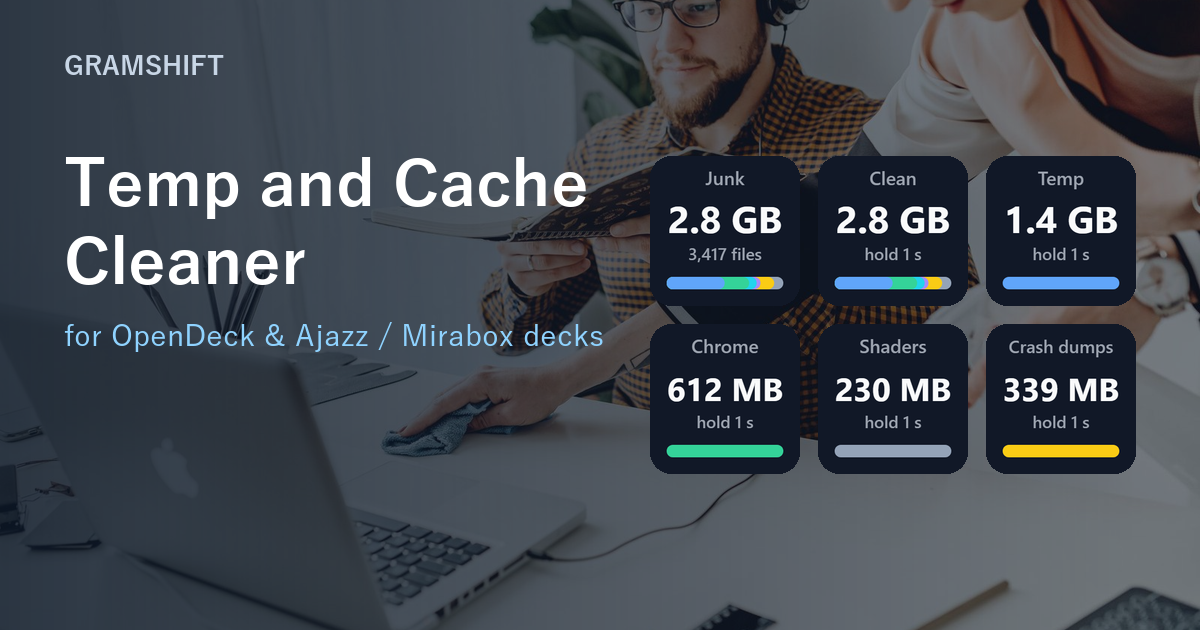
Clean Temp files, browser cache and shader cache with a 1 second hold on your Ajazz or Mirabox deck with OpenDeck, and see the space you got back.
OpenDeck plugin for Windows
C: drive filling up?
On an Ajazz or Mirabox deck with OpenDeck, a key shows how much space your Temp folder, browser caches, thumbnail cache, crash dumps and DirectX and GPU shader caches take right now. Hold it for 1 second to clean them.
Clean everything at once, or give the Temp folder or one browser its own key. Only files older than 24 hours go by default, and in a browser only its cache is cleaned: passwords, history, cookies and bookmarks stay.
In OpenDeck, open the Plugins tab, install the .streamDeckPlugin file you downloaded, then enter your license key once in a key's settings.
How AI was used: Made by GRAMSHIFT with the help of AI tools.
No published questions yet.
Checkout happens on the GRAMSHIFT direct shop. Your license key and refunds are handled there too. Buy on the GRAMSHIFT direct shop
For how to use this item, ask GRAMSHIFT in "Questions and answers" above.
For help with payment or downloads, just email contact
OpenDeck & Ajazz / Mirabox
Control the VRChat camera from an Ajazz or Mirabox deck with OpenDeck: take photos, timer shots, zoom, exposure, focus and aperture on keys, over OSC.
OpenDeck & Ajazz / Mirabox
Unread email counter for OpenDeck on Ajazz and Mirabox decks: one key shows unread mail from Gmail, iCloud, Yahoo or any IMAP account, and press to open it.
OpenDeck & Ajazz / Mirabox
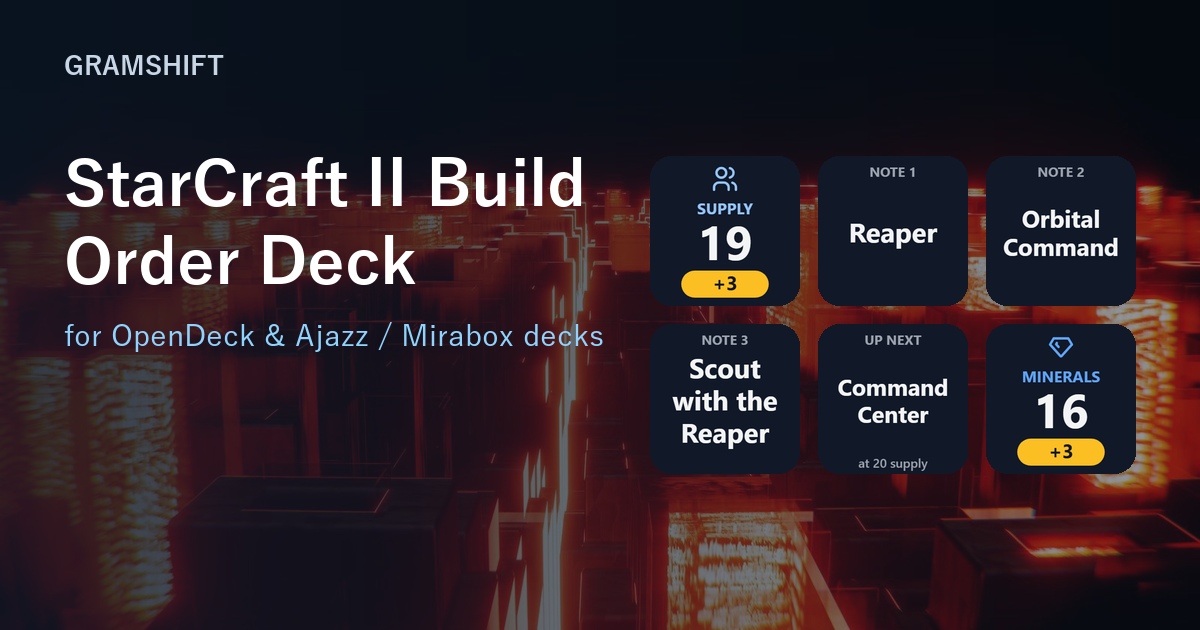
StarCraft II build order keys for Ajazz and Mirabox decks with OpenDeck: the supply to build at, what to make, notes and a timer. Paste your own builds.
OpenDeck & Ajazz / Mirabox
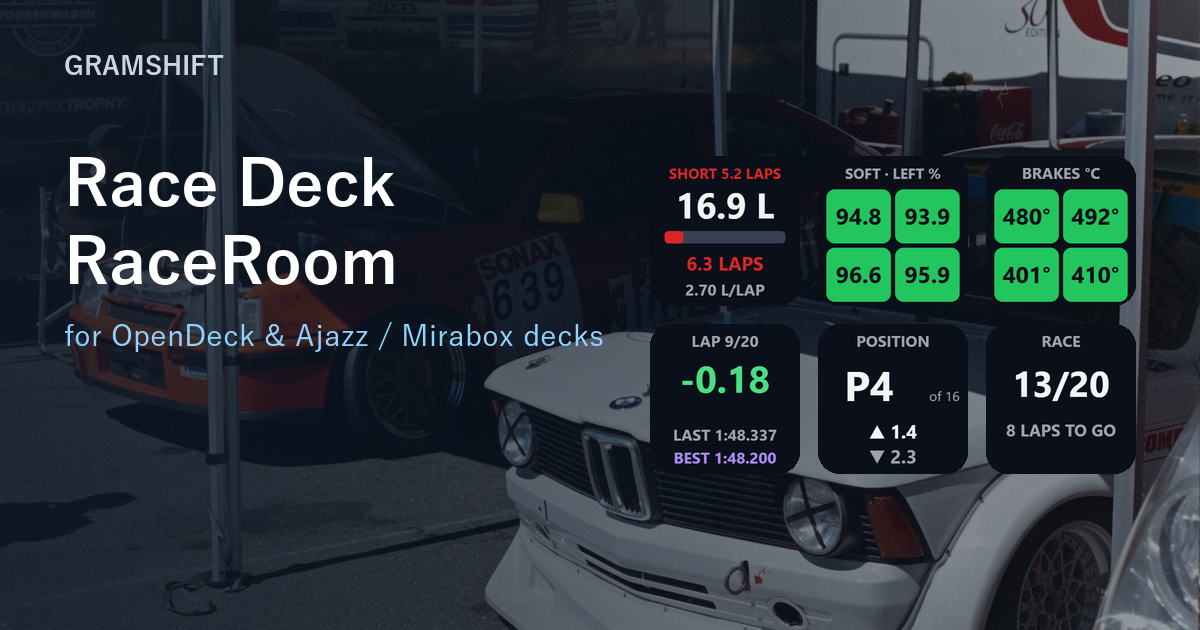
RaceRoom keys for Ajazz and Mirabox decks on OpenDeck: fuel and laps it lasts, tyres, brake temperatures, lap delta, position and gaps, flags, pit and stint.
OpenDeck & Ajazz / Mirabox
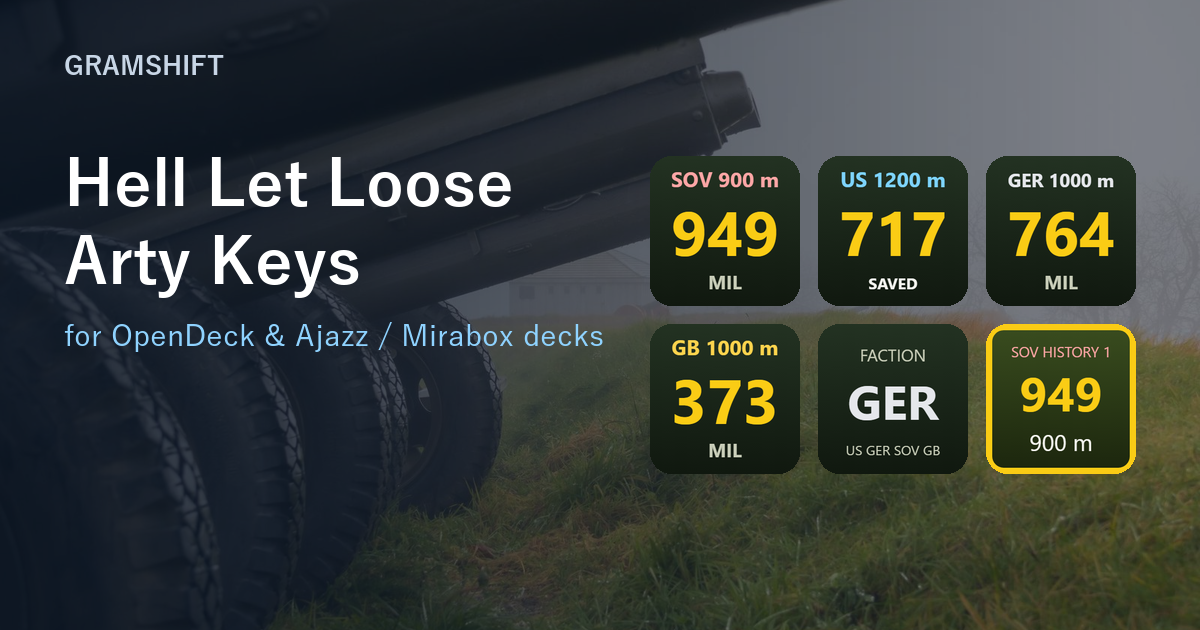
Hell Let Loose artillery calculator for Ajazz and Mirabox decks on OpenDeck: type the map distance on keys and read the mil for US, GER, SOV or GB guns.
OpenDeck & Ajazz / Mirabox
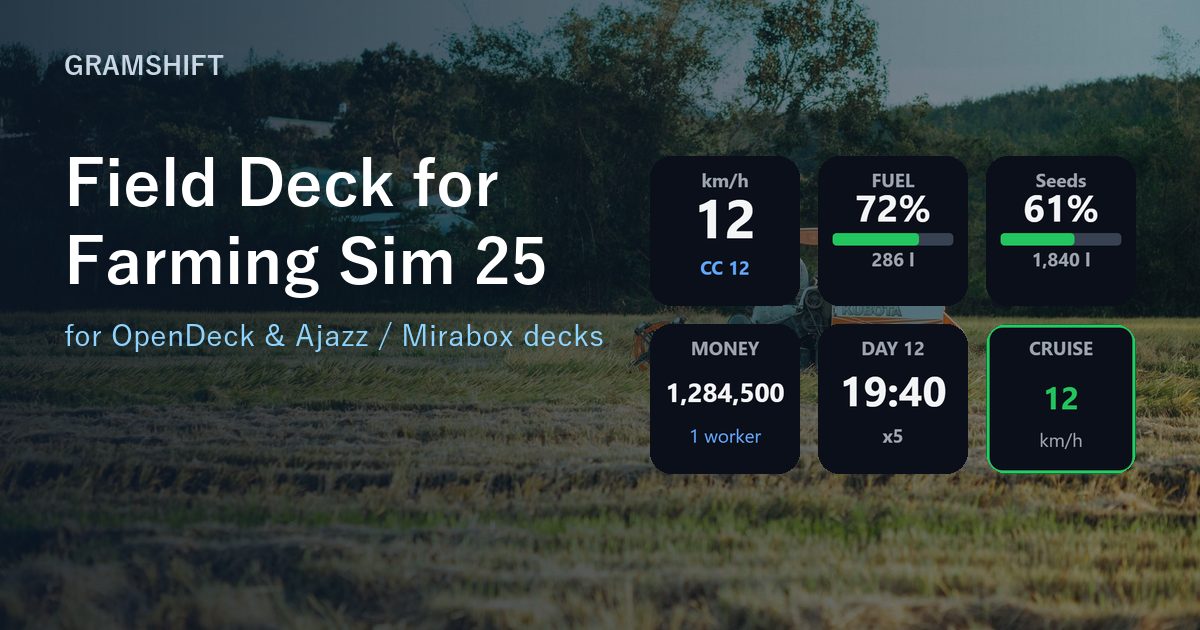
Farming Simulator 25 speed, fuel, fill level, money, time and workers live on Ajazz or Mirabox deck keys with OpenDeck, plus keys for engine and lights.
OpenDeck & Ajazz / Mirabox
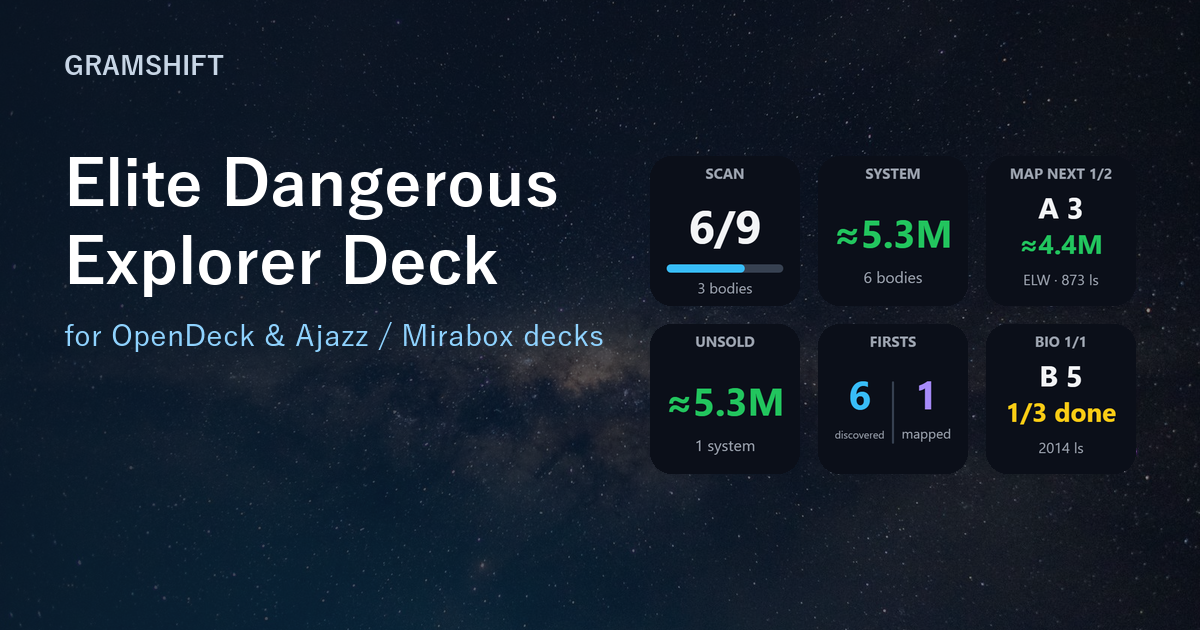
Elite Dangerous exploration on Ajazz or Mirabox deck keys with OpenDeck: bodies scanned, the world to map next, data value and sample distance.
OpenDeck & Ajazz / Mirabox
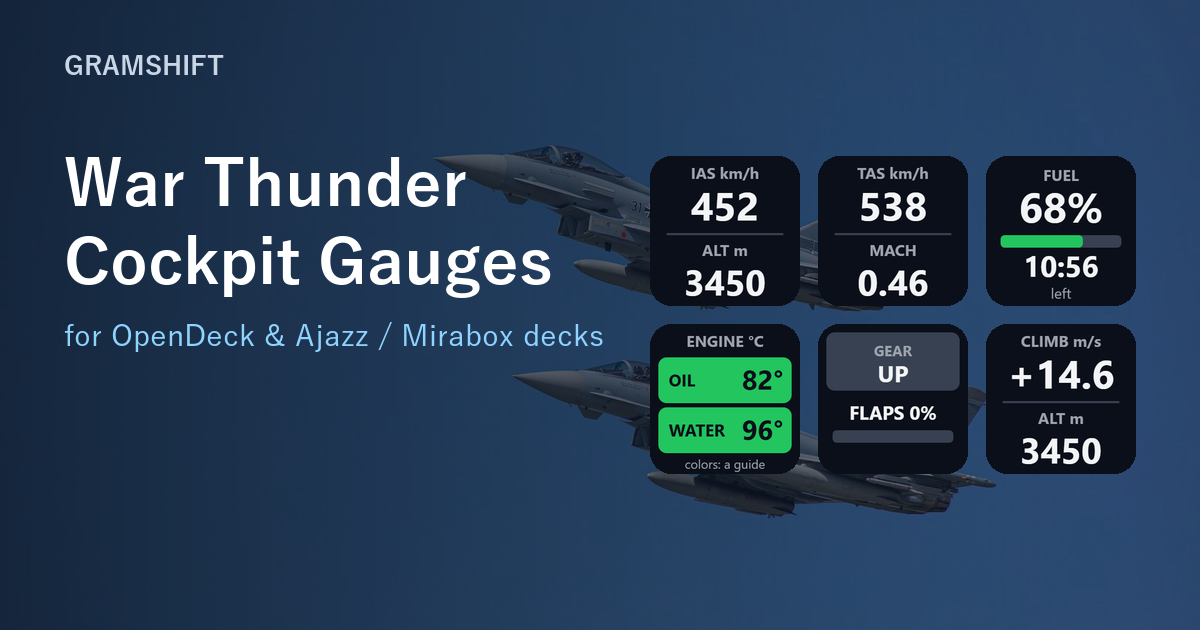
See War Thunder airspeed, altitude, fuel minutes and engine temperatures live on Ajazz or Mirabox deck keys with OpenDeck, in aircraft and tanks.