GRAMSHIFTSTORE
  • Window Position Keys (Stream Deck) (1/5)
  • Window Position Keys (Stream Deck) (2/5)
  • Window Position Keys (Stream Deck) (3/5)
  • Window Position Keys (Stream Deck) (4/5)
  • Window Position Keys (Stream Deck) (5/5)
  1. Home
  2. Stream Deck

Window Position Keys (Stream Deck)

Released Nov 20, 2026

    Full version

    ¥780
    Buy on the GRAMSHIFT direct shop

    Checkout happens on the GRAMSHIFT direct shop. Your license key and refunds are handled there too.

    Snap a window with one Stream Deck key on Windows: halves, thirds, quarters, center, maximize, a set size or the next screen. Press again to put it back.

    Stream Deck plugin for Windows
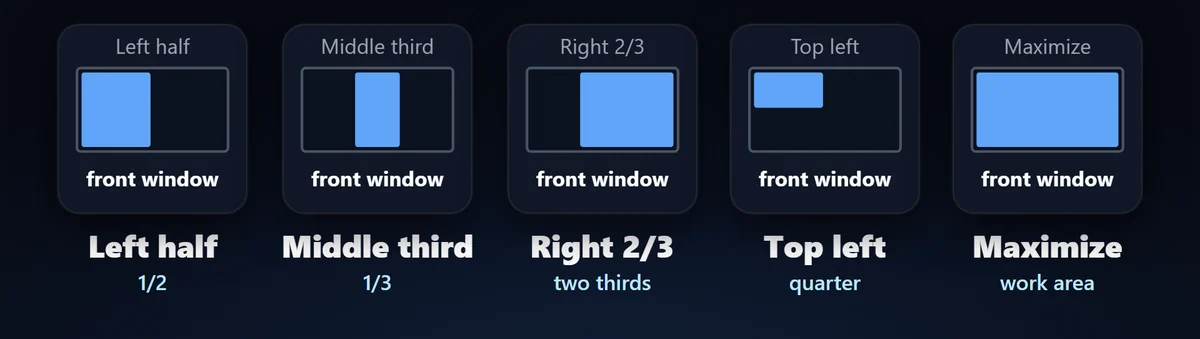
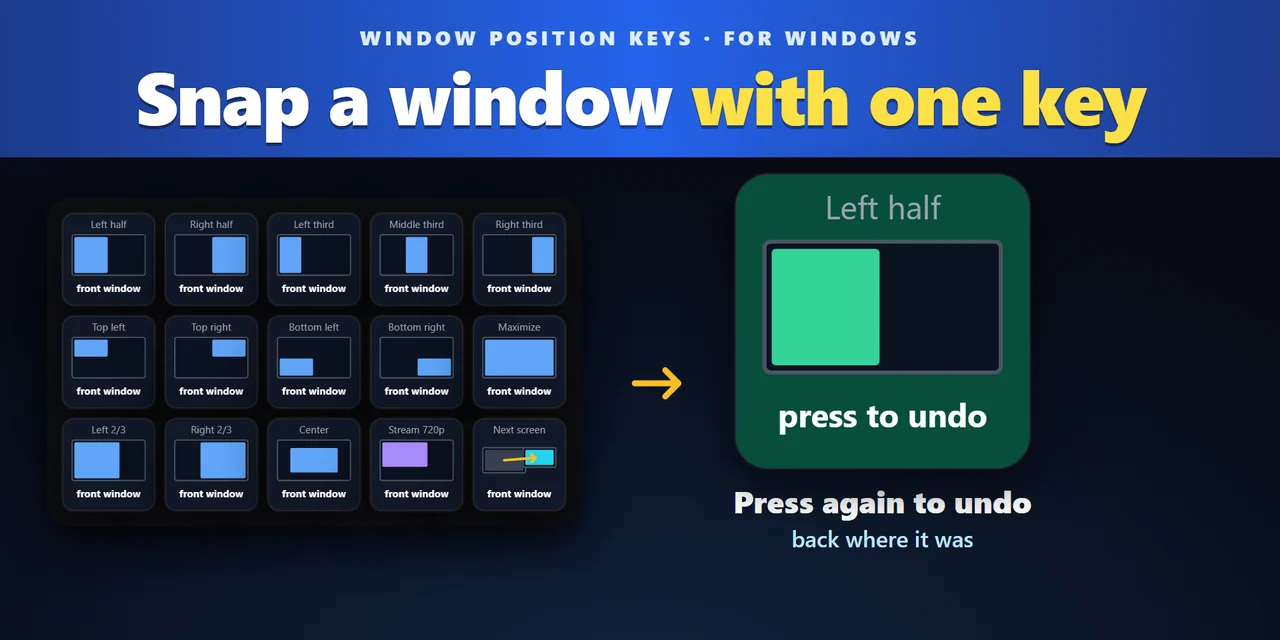
    Window Position Keys snaps the window in front to a half, a third, a quarter, the center or full size with one Stream Deck key on Windows.
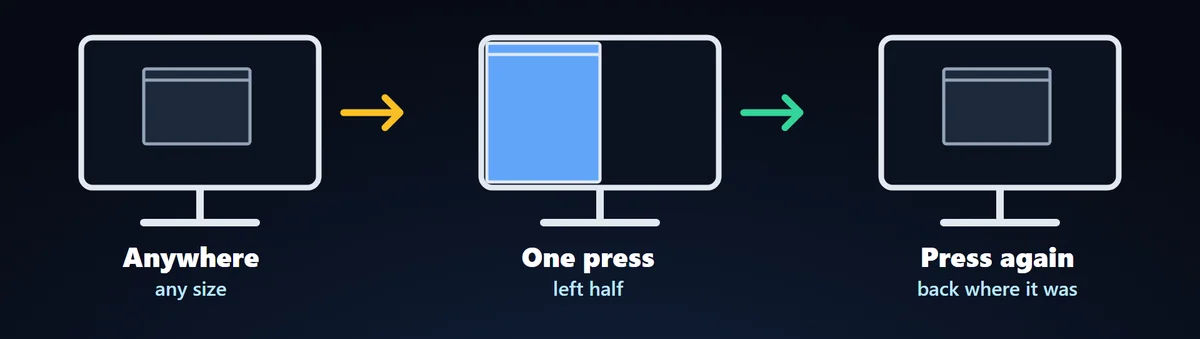
    Press it again and the window goes back to where it was, at its old size.
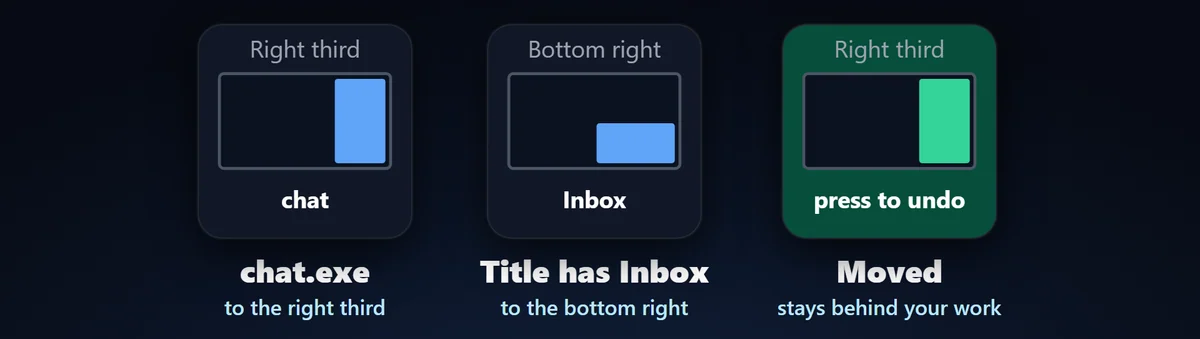
    A key can also move one program you choose, even when it is behind other windows or minimized, and the window you work in stays in front. Other keys set an exact position and size, or send the window to your next screen.

    • Halves, thirds, quarters
    • Press again to put it back
    • A program you choose
    • Exact position and size
    • Next screen
    • 4 looks

    What the keys do

    • 15 places on your screen: Pick one per key: four halves, three thirds, two two-thirds, four quarters, the center and maximize. The center can keep the window's own size or use 50 to 90% of the screen. The part of the window you see fills the place, on the screen without the taskbar, so windows line up edge to edge. You can add a small or large gap.
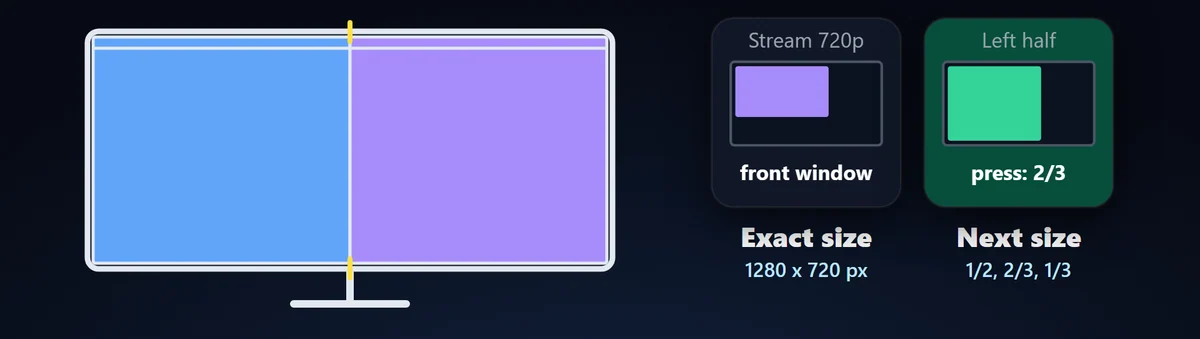
    • Press again to put it back: While the window is still where the key put it, the next press returns it to its old position and size, maximized or minimized too. The map on the key turns green to show it. On a half, the next press can instead step through 2/3 and 1/3.
    • Move a program that is not in front: Set a key to a program, and to words from its title if you like. The key moves that window even when it is behind other windows or minimized, without bringing it to the front.
    • An exact position and size: Custom Position places the window in percent of the screen or in pixels, like 1280 x 720 for a capture window. If the size does not fit the screen, the window is fitted inside it. You can put your own name on the key.
    • Send it to the next screen: Next Screen sends the window to the next or previous screen at the same share of it: a left half stays a left half, and a maximized window is maximized there.
    • Tells you what happened: After each press the plugin reads the window again and the key says so when it could not go exactly there: ADMIN for a window of a program running as administrator, MOVED for a program with its own minimum size, FULLSCREEN when it was left as it is.

    Choose the look of each key

    Each key can show a small map of the place, or use another look. The key images on this page are the plugin's own output, with sample programs and names.

    What the key says after a press

    Press a half set to next size and the key shows the size it goes to next. If a program keeps a minimum size of its own, the key says the window moved but not exactly.

    Only the window you meant moves

    A key moves one window: the one in front, or the one of the program you chose. The other windows stay where they are, and the window in front stays in front.
    The plugin leaves alone a window that fills the whole screen without a title bar (a full-screen game or video), the desktop, the taskbar, the Stream Deck app, small dialogs and tool palettes that belong to another window, and windows on other virtual desktops.
    No account is needed, and the plugin asks for no administrator rights.

    Set up in 3 steps

    • Open the plugin file you download after buying. The Stream Deck app installs it.
    • In the Stream Deck app, drag Snap Window, Custom Position or Next Screen onto a key.
    • Enter your license key once in the key's settings to turn the keys on. In the same settings, choose the place. Then click a window and press the key.

    Requirements

    • Windows 10 or later
    • Stream Deck app 6.9 or later
    • A Stream Deck with keys

    How AI was used: Made by GRAMSHIFT with the help of AI tools.

    Questions and answers

    No published questions yet.

    Ask a question about this item

    When GRAMSHIFT answers, the question and answer appear on this page (no email is sent, so check back here). We do not ask for your name or email. Your text is published with the answer, so do not include contact details. URLs are not allowed.

    Payment, refunds and contact

    Checkout happens on the GRAMSHIFT direct shop. Your license key and refunds are handled there too. Buy on the GRAMSHIFT direct shop

    Made by
    GRAMSHIFT

    For how to use this item, ask GRAMSHIFT in "Questions and answers" above.

    For help with payment or downloads, just email contact@gramshift.com. You can also ask GRAMSHIFT from "Questions and answers" on each item page.

    Report this item (not as described, does not work, etc.)

    More items

    See all items

    Stream Deck

    Temp & Cache Cleaner (Stream Deck)

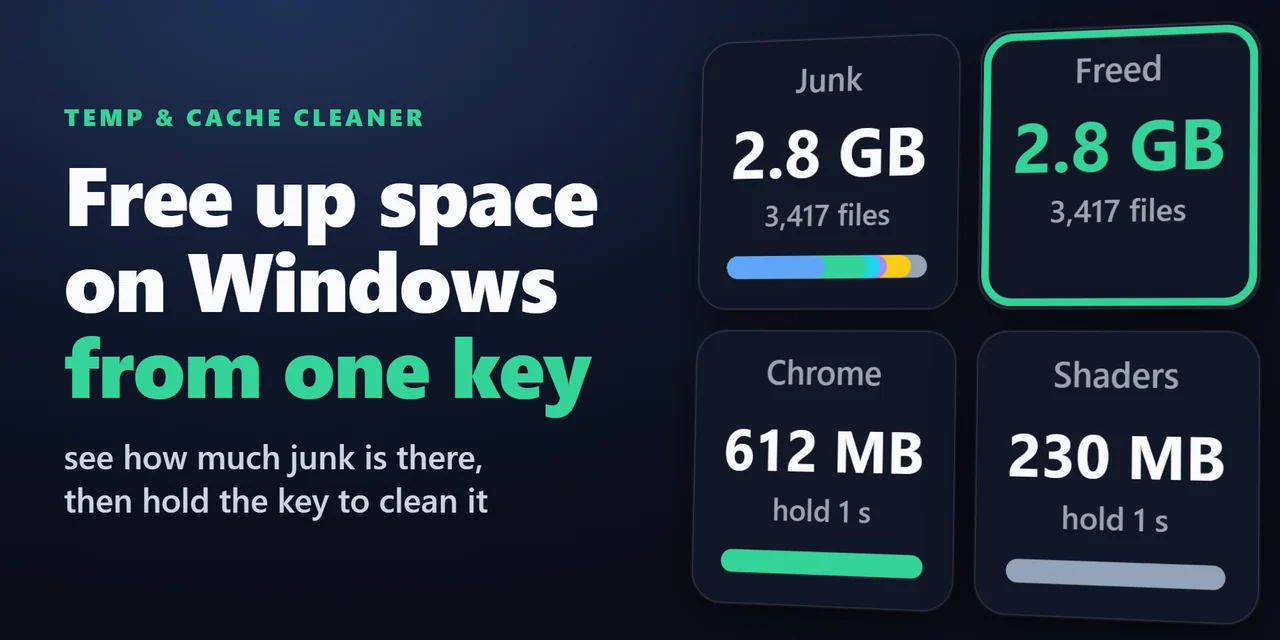
    Stream Deck plugin for Windows that shows how much space your Temp folder, browser caches, thumbnail cache, crash dumps and shader cache take, and cleans them …

    ¥680
    Stream Deck

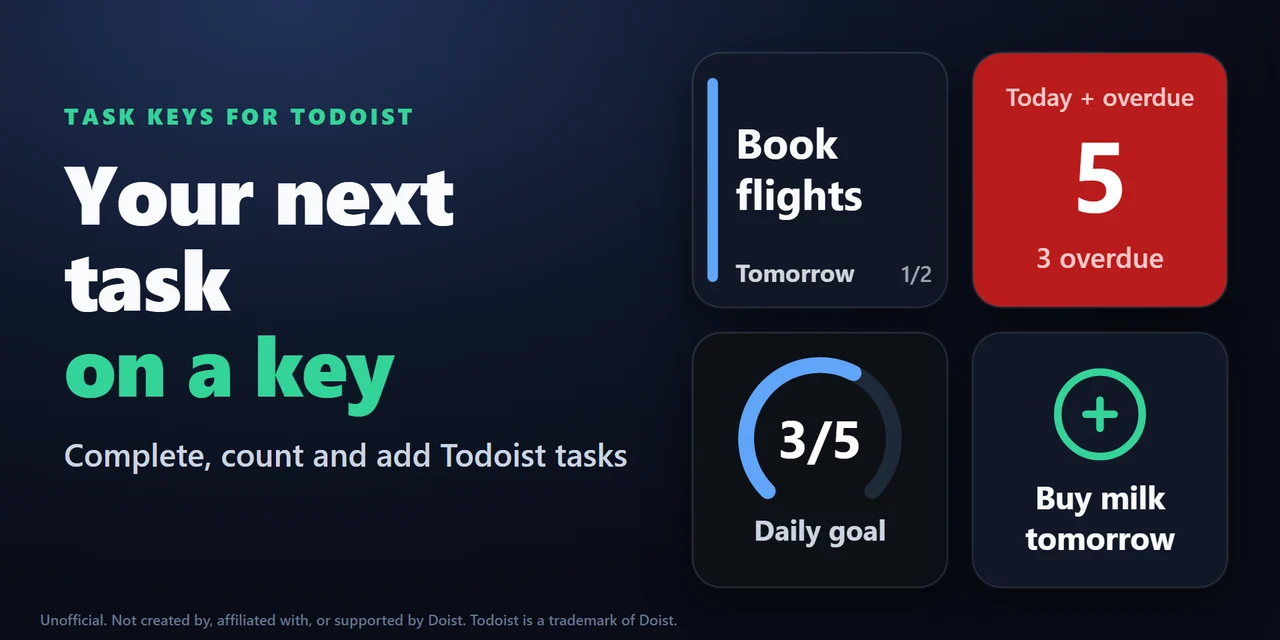
    Task Keys for Todoist (Stream Deck)

    Stream Deck plugin for Todoist on Windows and Mac: see your next task and its due date on a key, hold the key to complete it, count overdue tasks, add a task w…

    ¥1,200

    Stream Deck

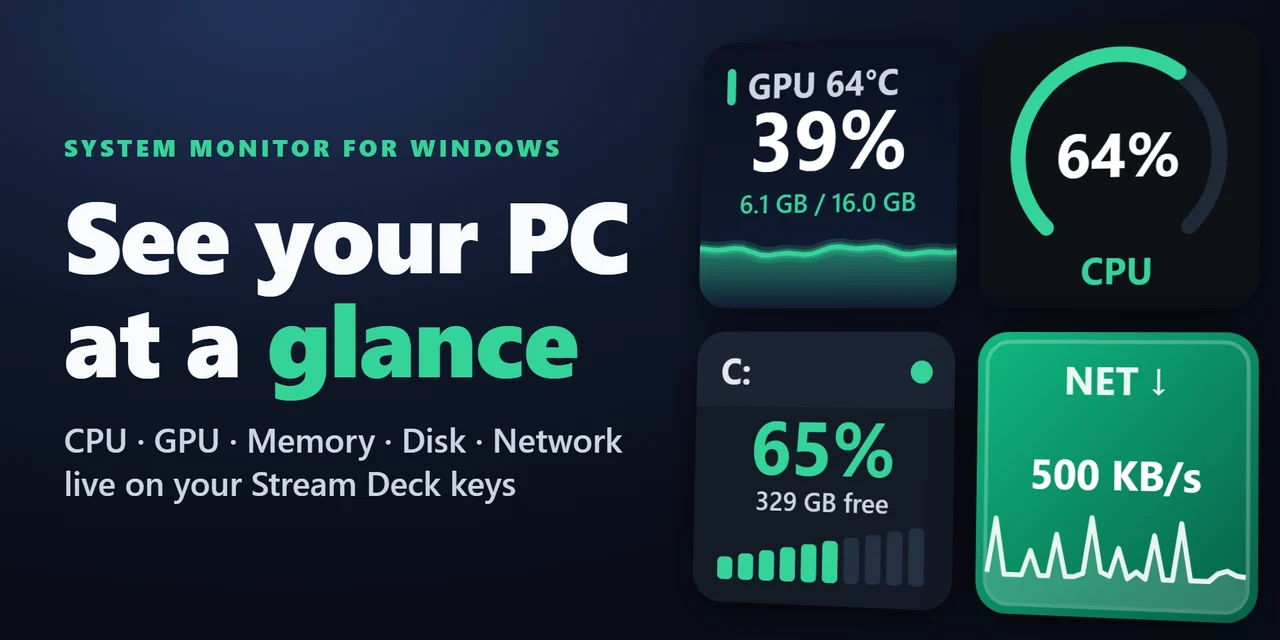
    System Monitor for Windows (Stream Deck)

    Show CPU, GPU usage and temperature, memory, disk space and network speed live on Stream Deck keys and Stream Deck + dials, on Windows and Mac.

    ¥780

    Stream Deck

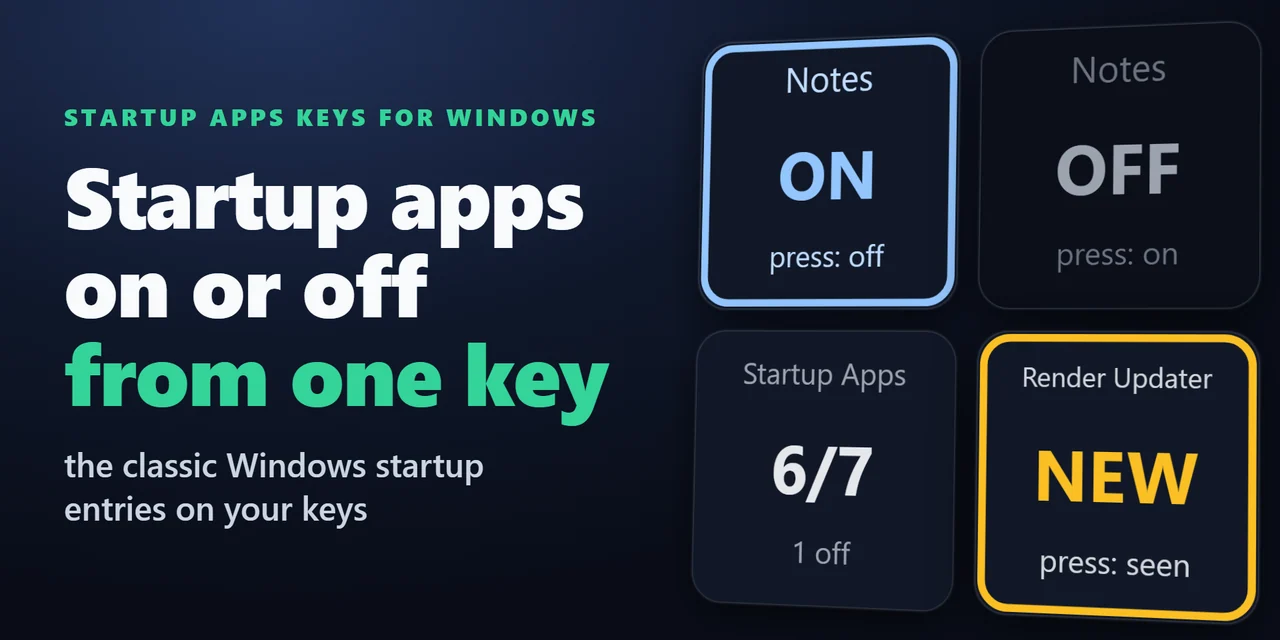
    Startup Apps Keys for Windows (Stream Deck)

    Stream Deck plugin for Windows that shows how many startup apps are on, turns one startup program off or on with a press, and shows NEW with the name when a pr…

    ¥780

    Stream Deck

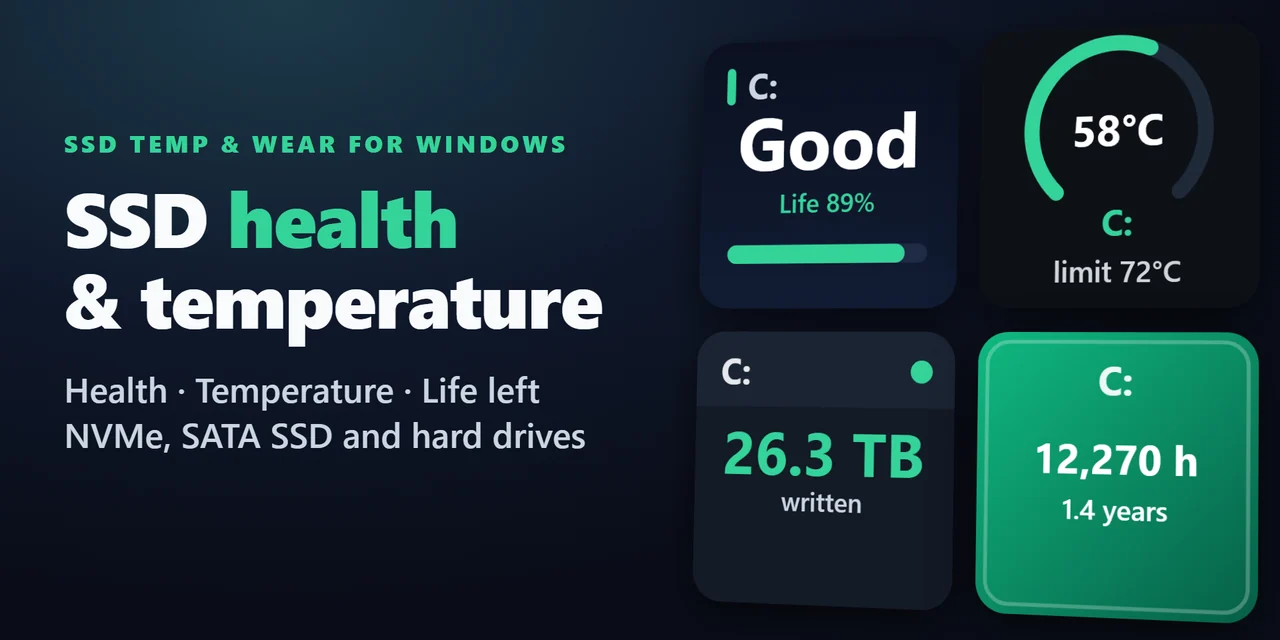
    SSD Temp & Wear for Windows (Stream Deck)

    Stream Deck plugin for Windows: see the health (Good, Caution or Bad), life left, temperature with a graph, data written in TB and power-on hours of your SSDs …

    ¥780

    Stream Deck

    Restart Pending for Windows (Stream Deck)

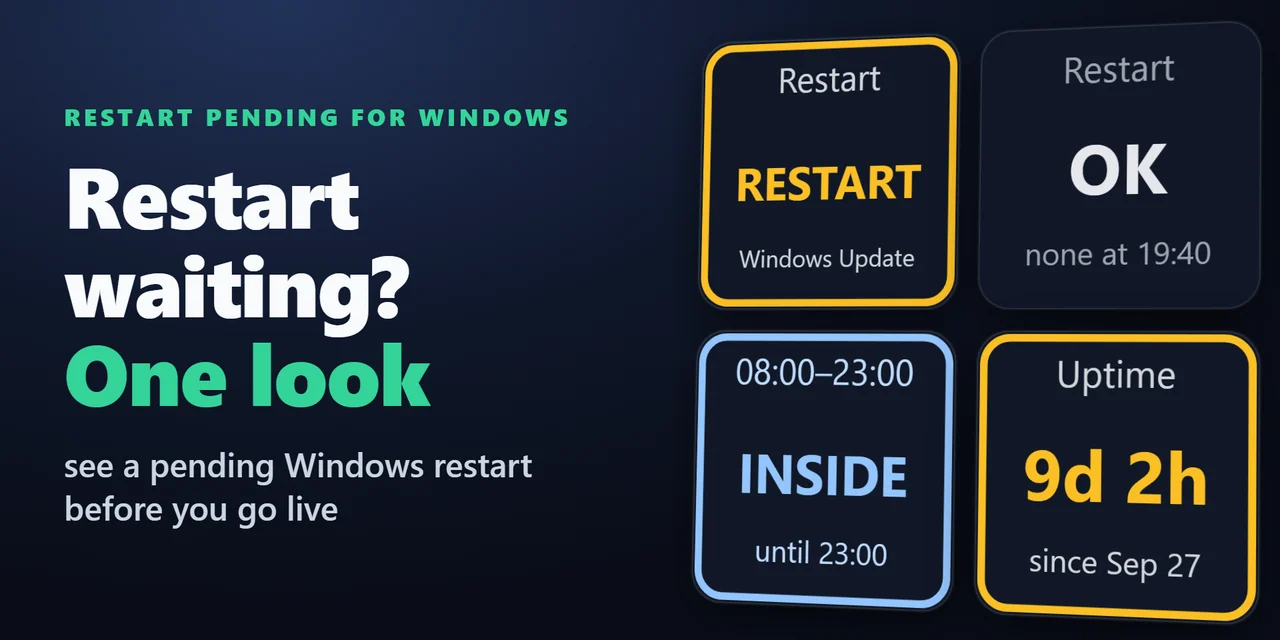
    Stream Deck plugin for Windows that shows whether a Windows Update restart is waiting, with the reason, whether you are inside your active hours, and how long …

    ¥780

    Stream Deck

    Recycle Bin & Drive Space (Stream Deck)

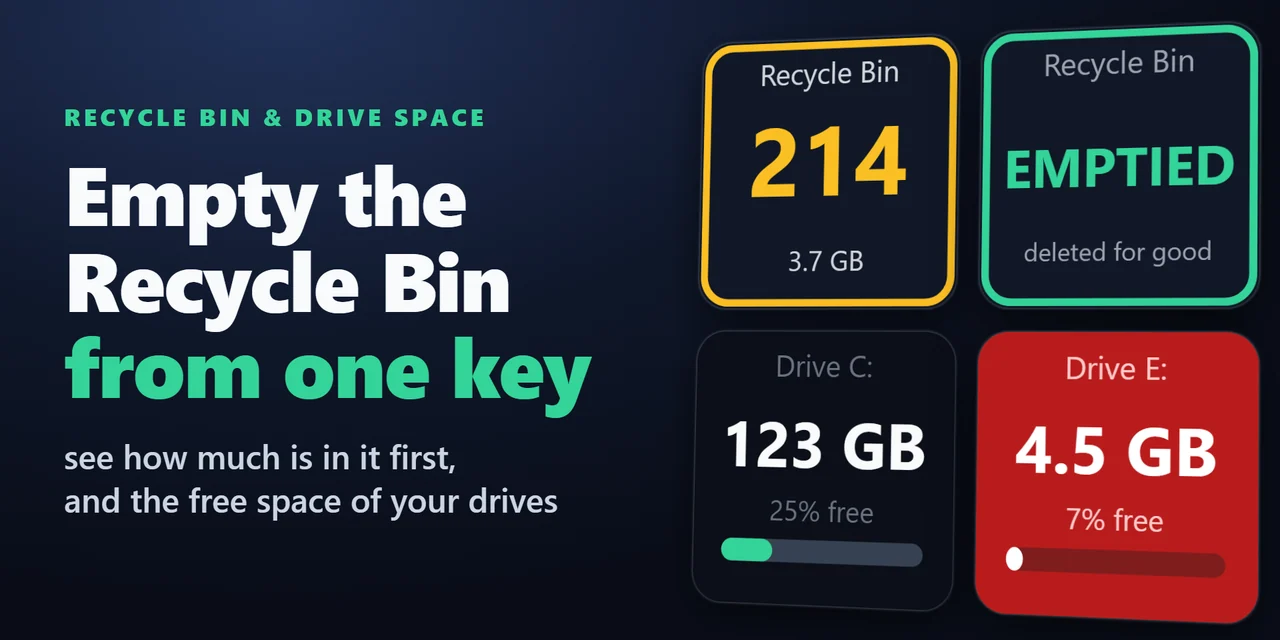
    A Stream Deck key for the Recycle Bin on Windows and the Trash on Mac: see how many items are in it and their total size, open it with a press and empty it wit…

    ¥680