01
See what's playing
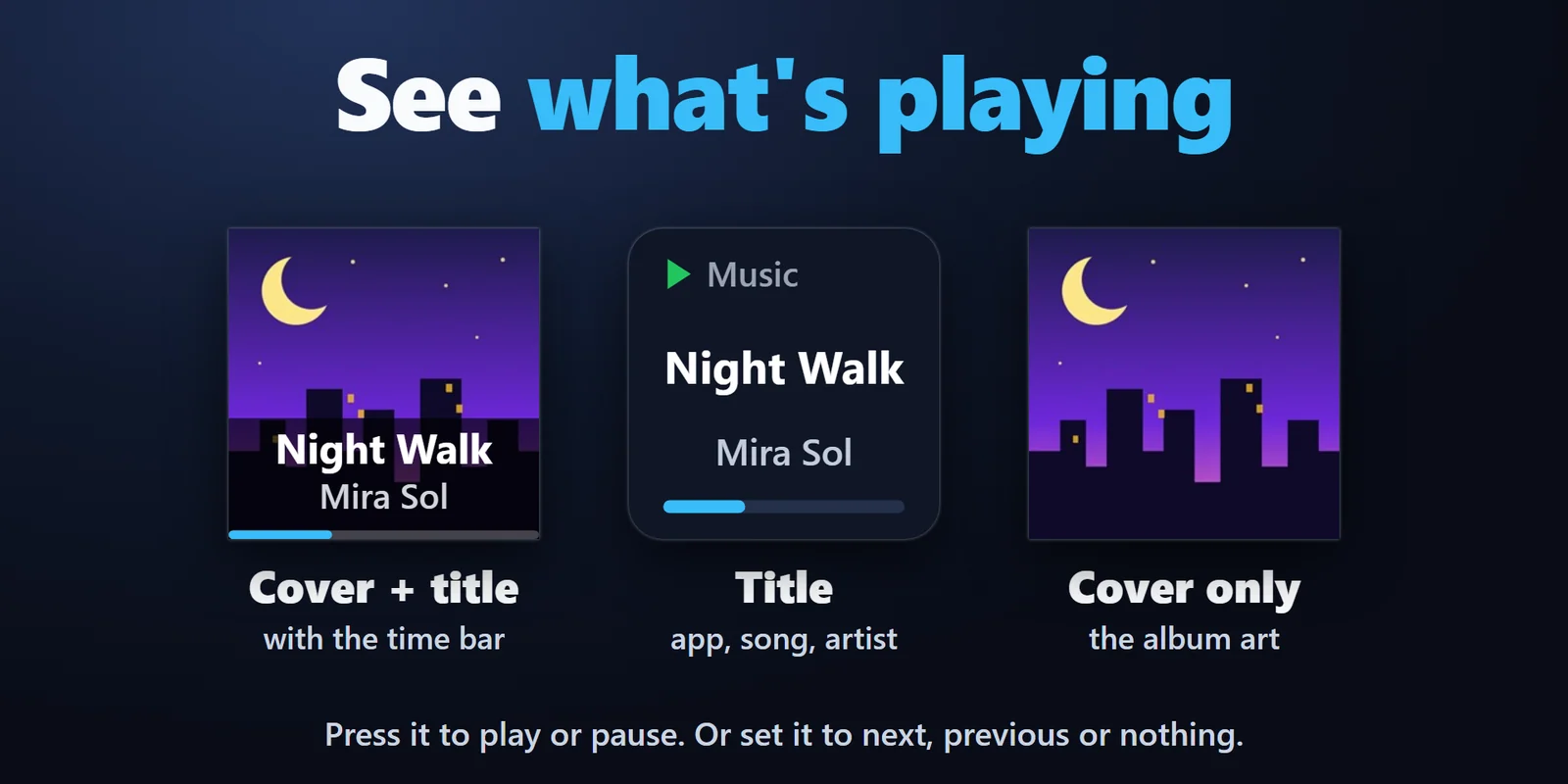
The album art, song title and artist on a key, with a bar for how far the song is. Press it to play or pause, or set it to next, previous or nothing.
Play, pause, skip and seek Spotify, YouTube and other music on Windows from keys that show the cover.
Overview
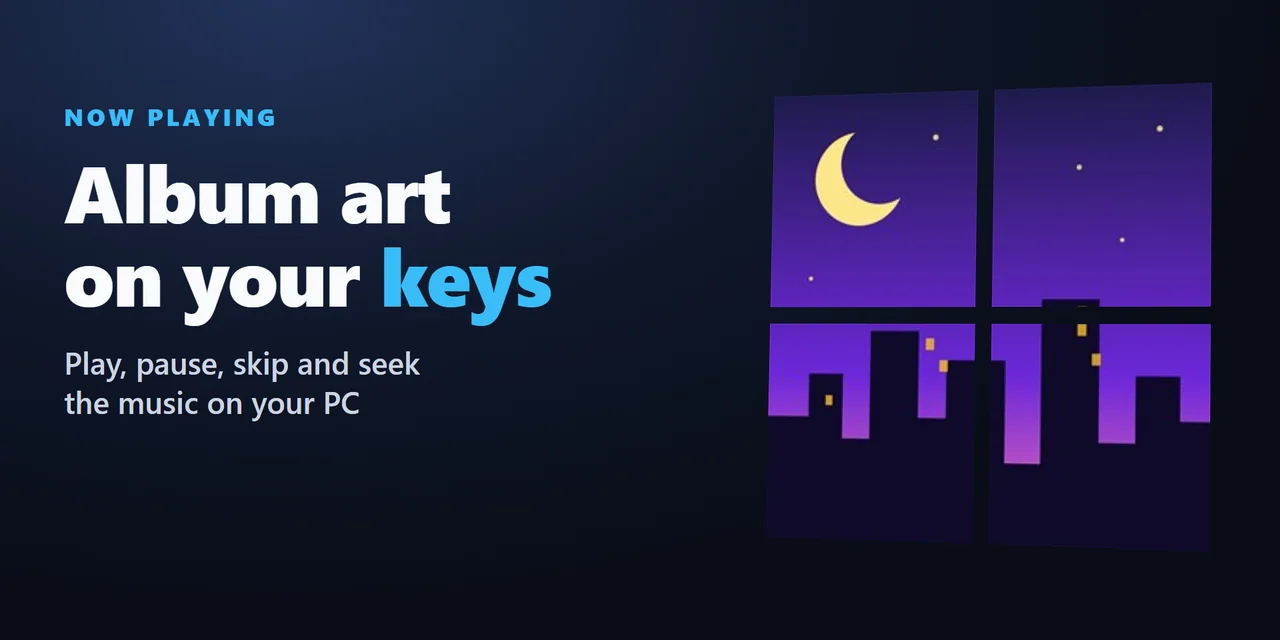
To see what is now playing on Windows on a Stream Deck, add Now Playing & Album Art and drag the Now Playing action onto a key: it shows the album art, title and artist of what plays in Spotify, YouTube in your browser and other apps in the Windows media controls.
Add Play / Pause, Next Track, Previous Track and Skip Back / Forward keys to control the song, put four keys in a square for one big cover, use the Stream Deck + dial, and send the song and cover to OBS for your stream.
Features
The album art, song title and artist on a key, with a bar for how far the song is. Press it to play or pause, or set it to next, previous or nothing.
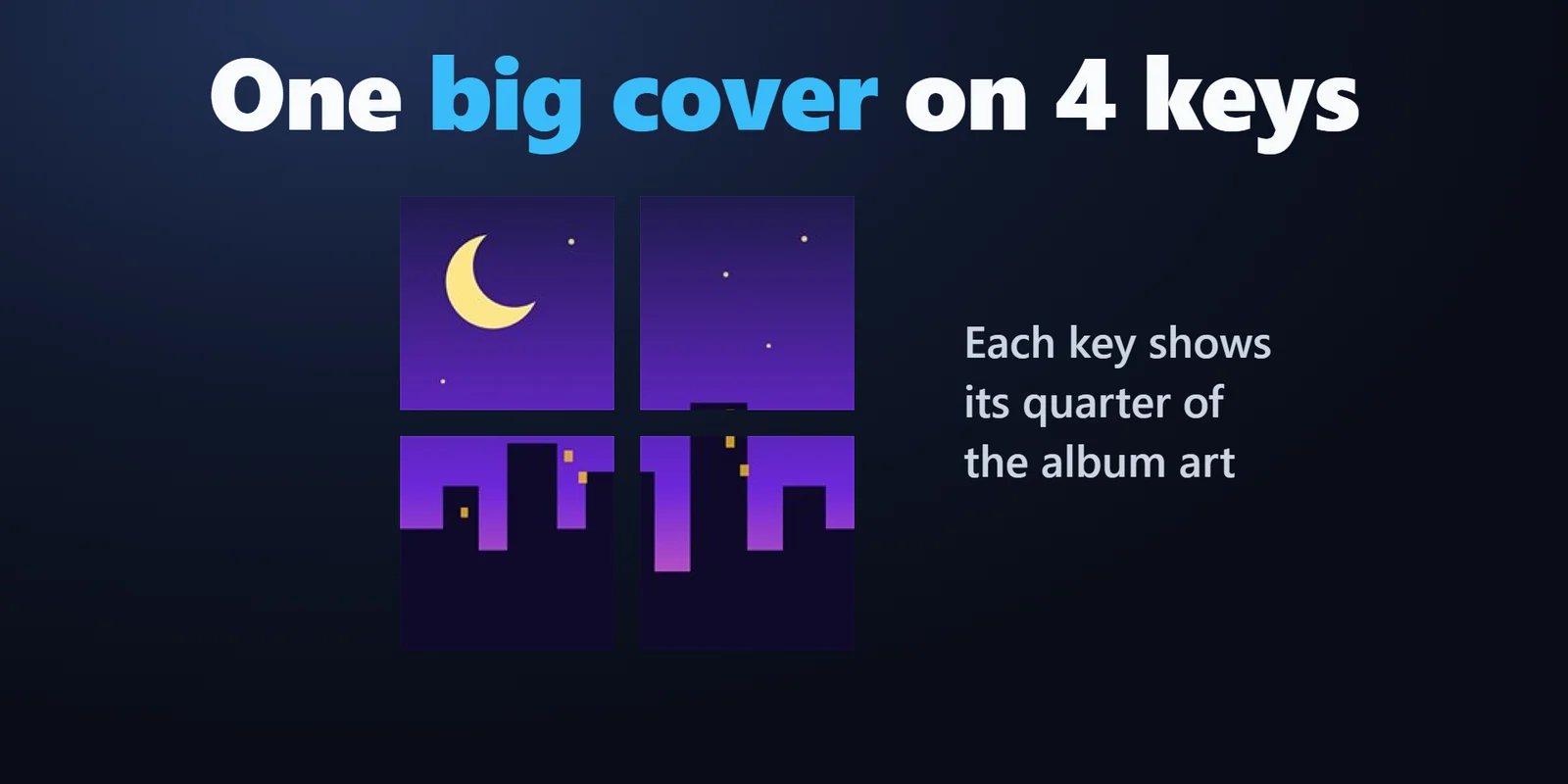
Put four Now Playing keys in a square and each key shows its quarter of the album art.
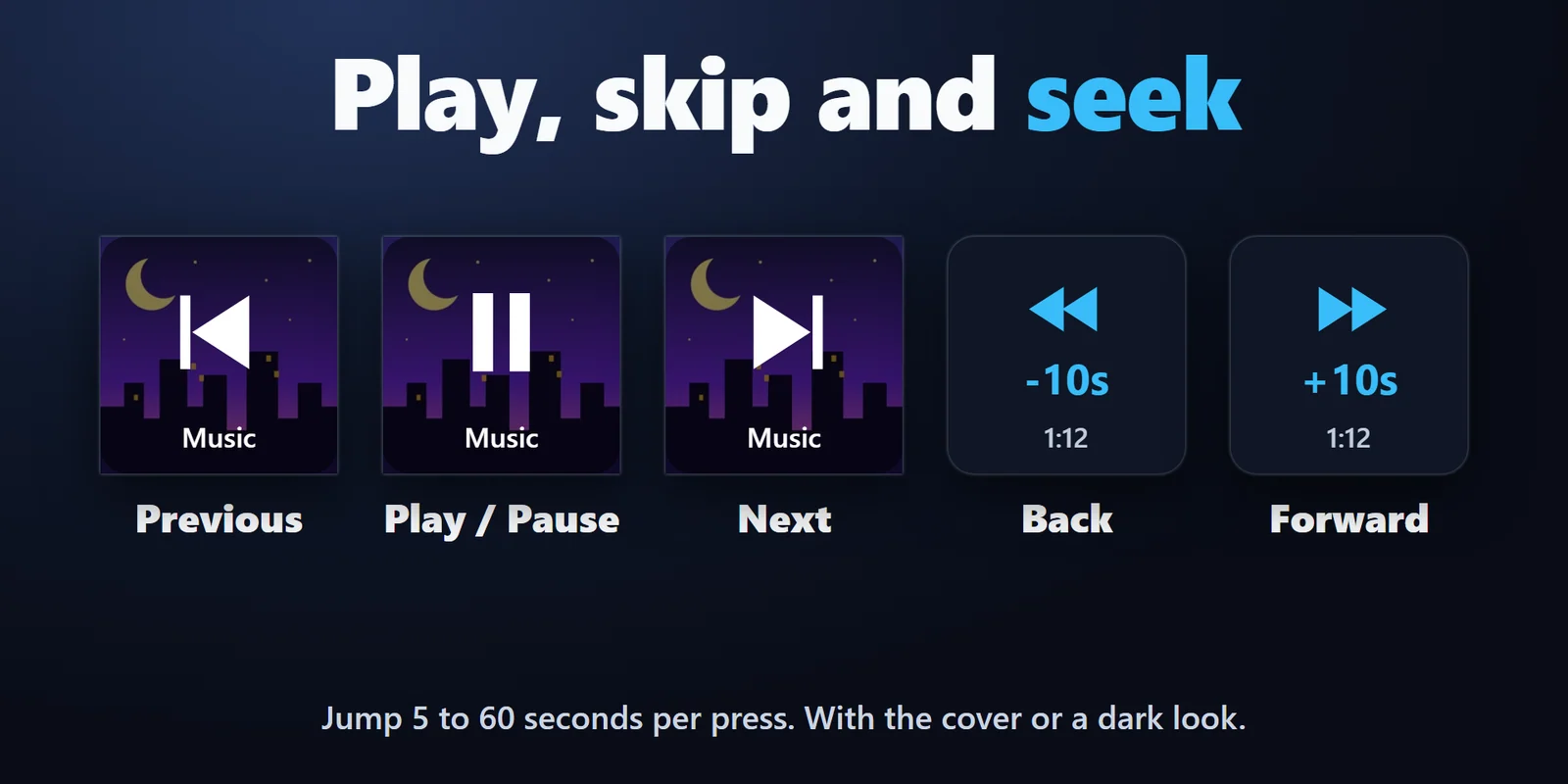
Play / Pause, Next Track and Previous Track keys with the cover behind the symbol or a dark look, and Skip Back / Forward keys that jump 5 to 60 seconds. A key turns grey when the app blocks that step.
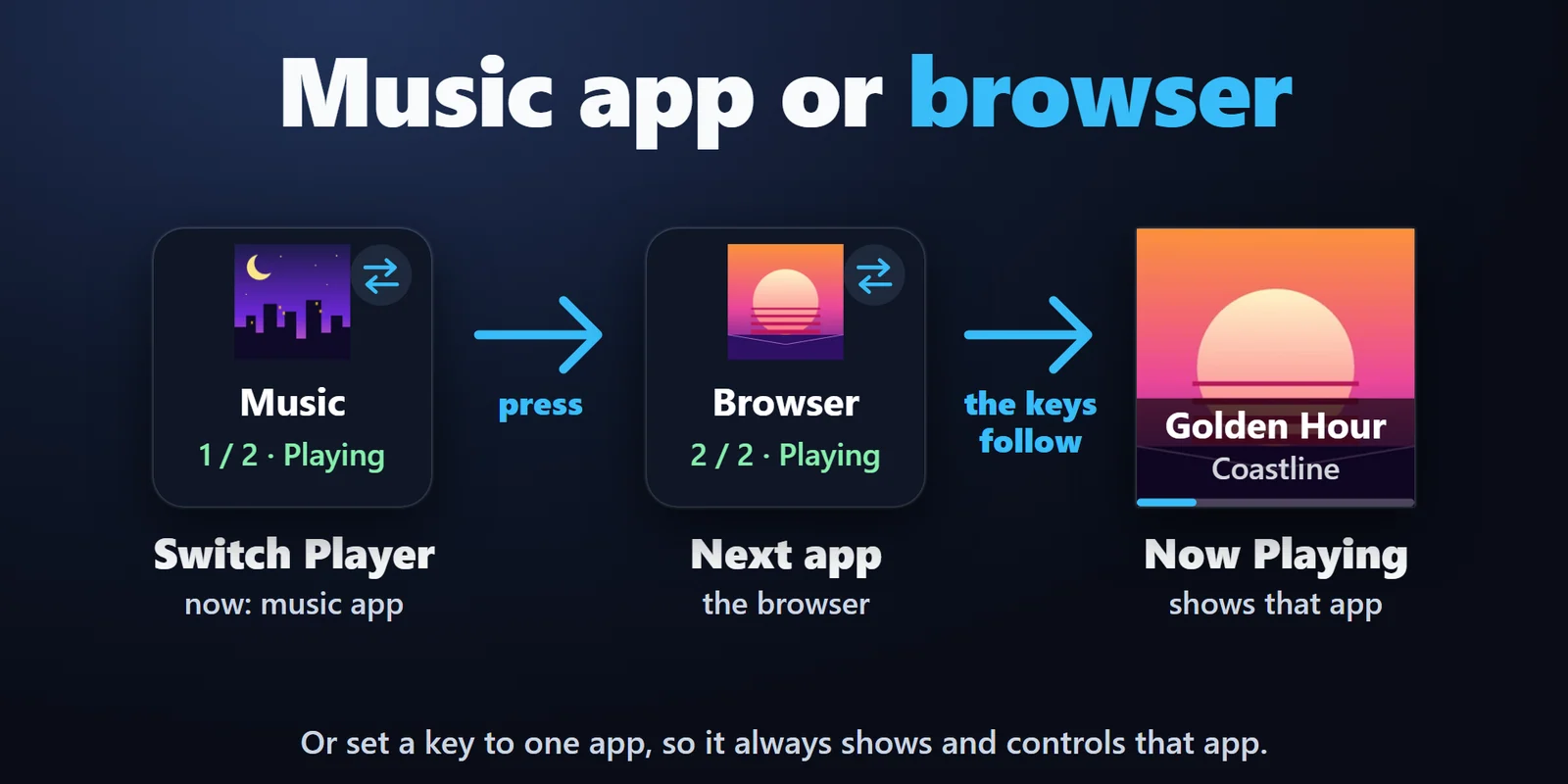
Spotify, YouTube in Chrome, Edge or Firefox, Media Player and other apps in the Windows media controls. Switch Player picks the app the keys follow, or give a key one app of its own.
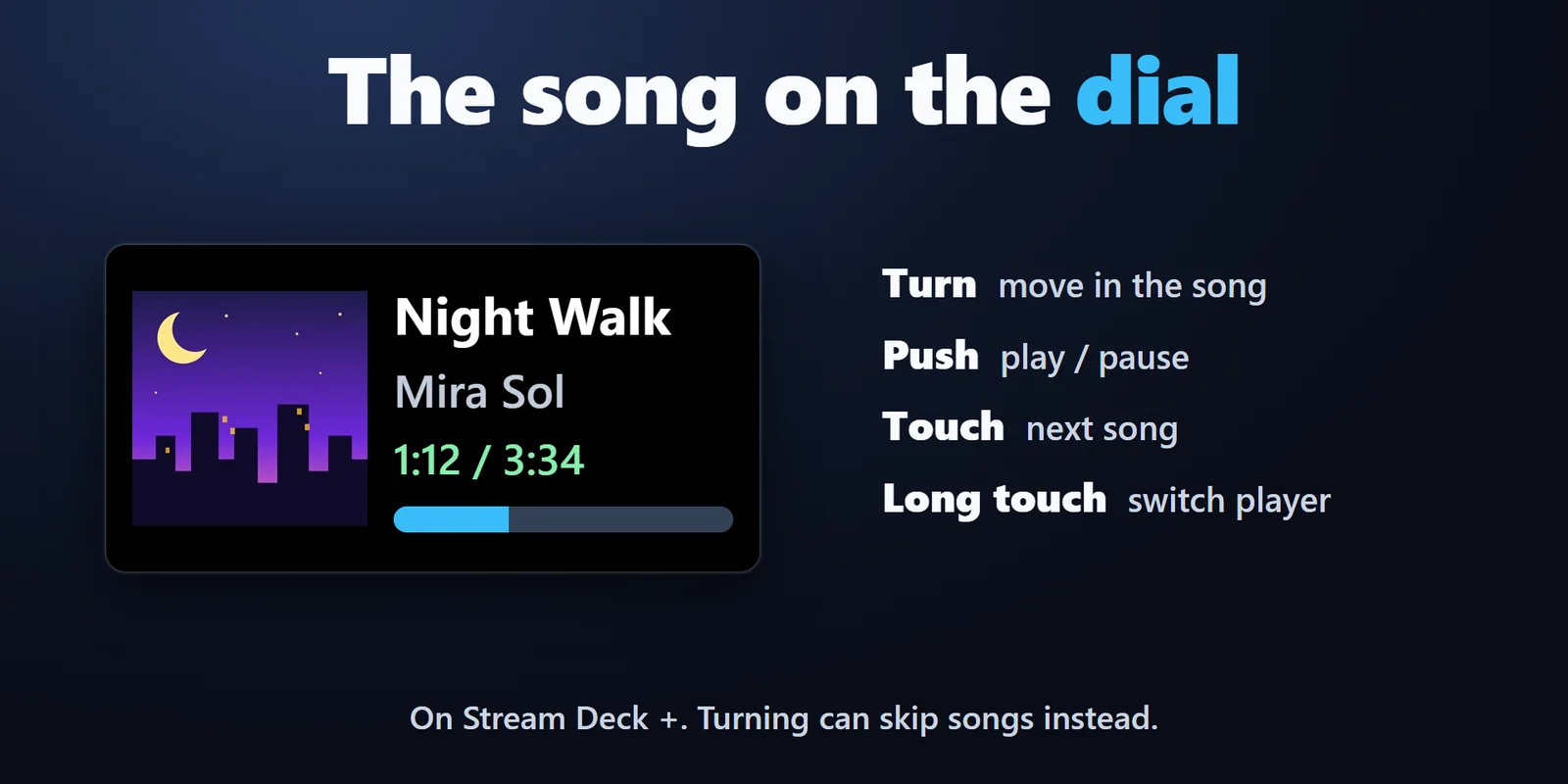
On Stream Deck +, the touch screen shows the cover, title, artist and time. Turn to move through the song or skip songs, push to play or pause, touch for the next song.
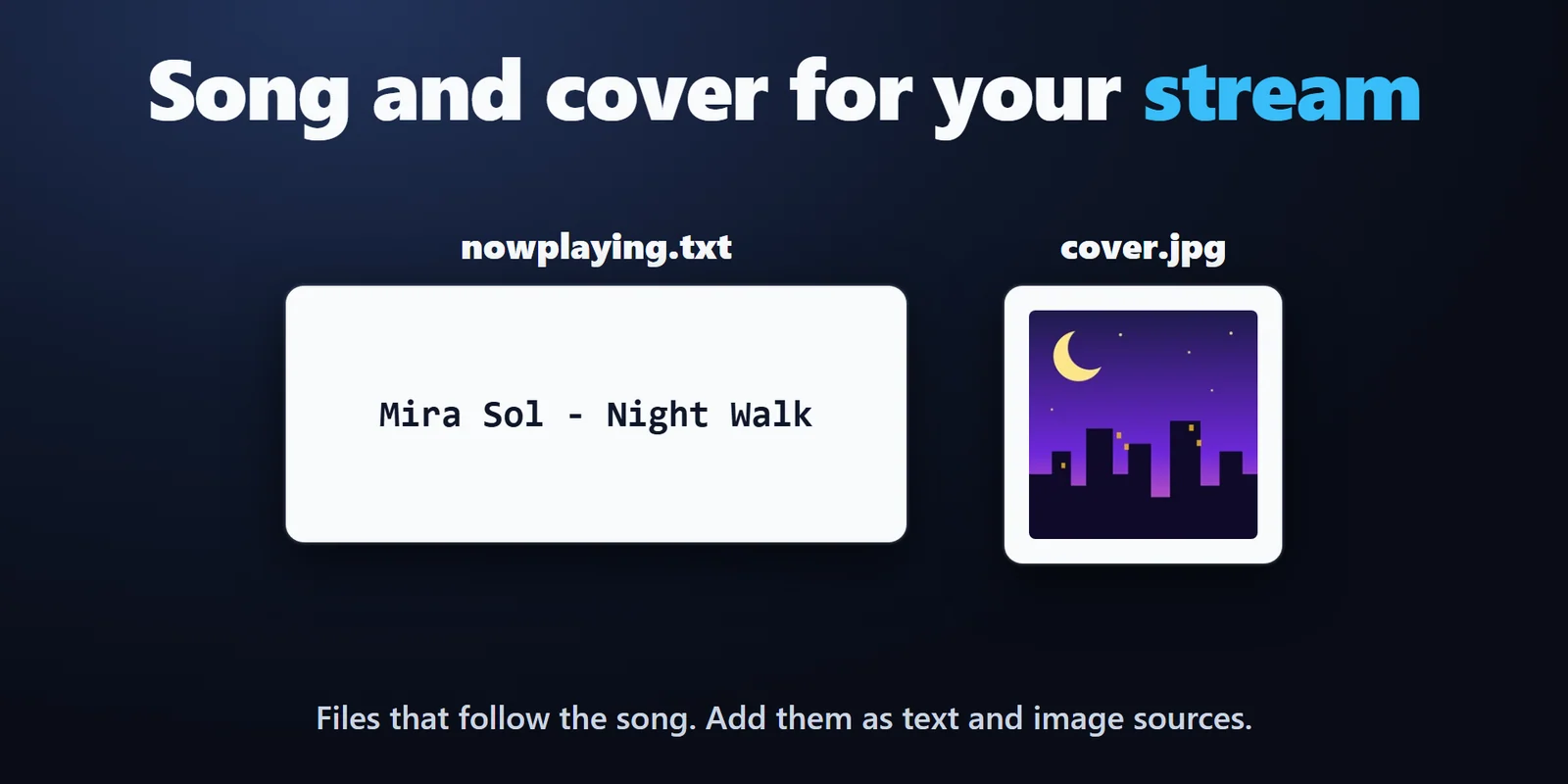
The song as text in your own pattern, such as "{artist} - {title}", plus title, artist and cover files that follow the song, ready for OBS Text and Image sources.
Cover with title, text, or cover only. English and Japanese.
Set up
Coming soon: Elgato Marketplace
FAQ
Short answers to what people ask before they add it.
Email contact
Add the Now Playing key of Now Playing & Album Art. It shows the album art, title and artist of the song playing in Spotify on Windows, and a press plays or pauses it.
Yes, when the tab shows in the Windows media controls (the box that appears next to the volume when you press a media key). Play / pause, next and moving in the video work as far as the web site allows.
Turn on "Write the song to text files" in any key's settings. In OBS, add a Text source with "Read from file" for nowplaying.txt, and an Image source for cover.jpg. They change with the song. The files are in Documents\Now Playing unless you choose another folder.
Yes. Turn the Media Dial to move back or forward in the song, 5 seconds per notch by default, or set it to skip songs instead.
Press Switch Player to choose which app the keys show and control, or set a key to one app so it always shows that app.
Requirements
Works on Windows 10 version 1809 or later and Windows 11, with the Stream Deck app 6.9 or later and apps that show their song in the Windows media controls. It uses Windows PowerShell, which is part of Windows, so there is no other app to install.
A Stream Deck plugin sold on the Elgato Marketplace.
More for your Stream Deck
Works on Windows 10 version 1809 or later and Windows 11, with the Stream Deck app 6.9 or later and apps that show their song in the Windows media controls. It uses Windows PowerShell, which is part of Windows, so there is no other app to install.
Coming soon: Elgato Marketplace