01
See the whole layout at once
On a Stream Deck XL or MK.2, time, building, map and army keys share one page.
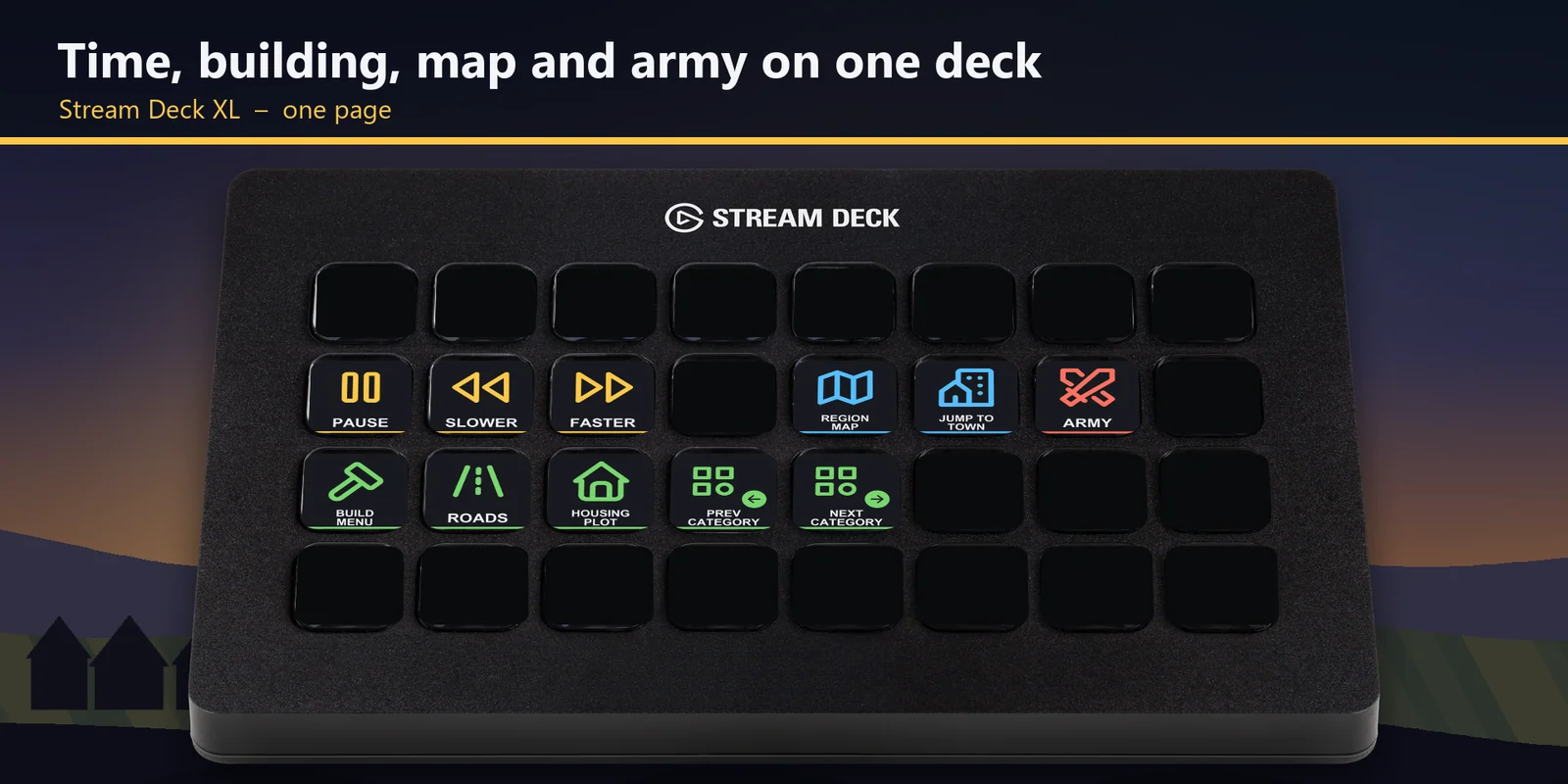

Pause, set the speed, open the build menu, pick roads and plots and jump to your town in Manor Lords from a Stream Deck.
One-time purchase direct from GRAMSHIFT, plus any tax at checkout. A download link appears right after payment, and the receipt arrives by email.
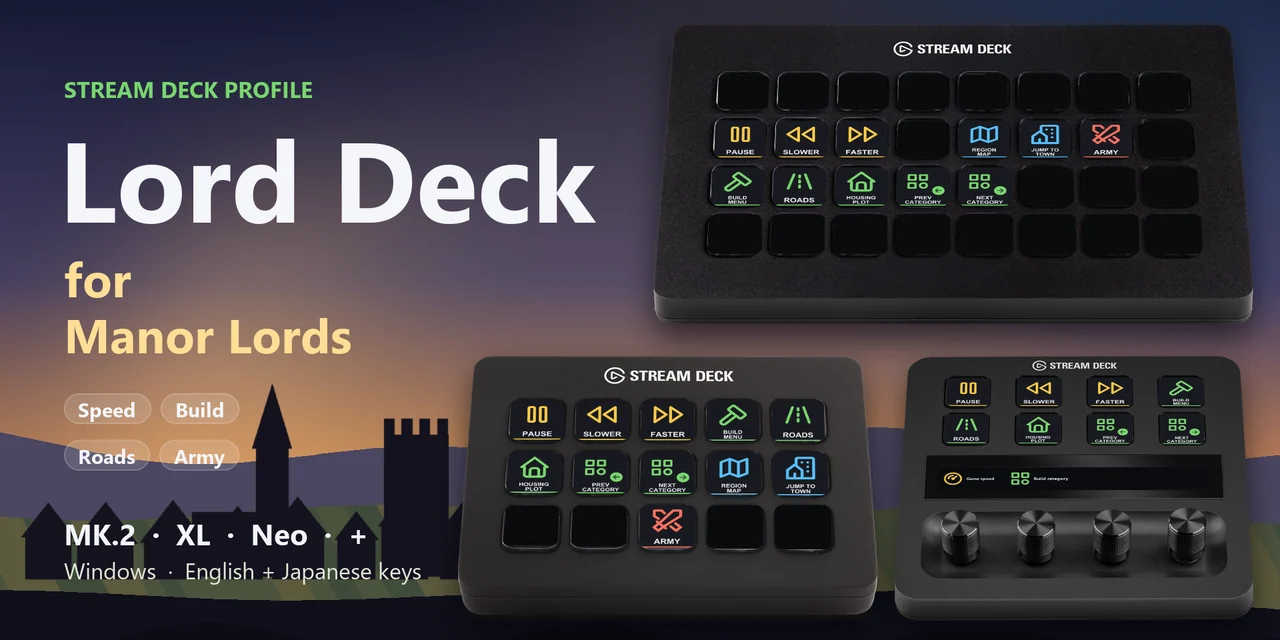
Overview
To pause, change the game speed, open the construction menu, pick the road and housing plot tools, open the region map or jump back to your town in Manor Lords from a Stream Deck on Windows, open the Lord Deck for Manor Lords profile for your device and keep the game window in front.
Each key of Lord Deck for Manor Lords sends the keyboard key the game uses out of the box, so there is nothing to set up inside the game and no mods, with English or Japanese labels.
Features
On a Stream Deck XL or MK.2, time, building, map and army keys share one page.
Pause while you plan, then slow down or speed up the game without reaching for the keyboard.
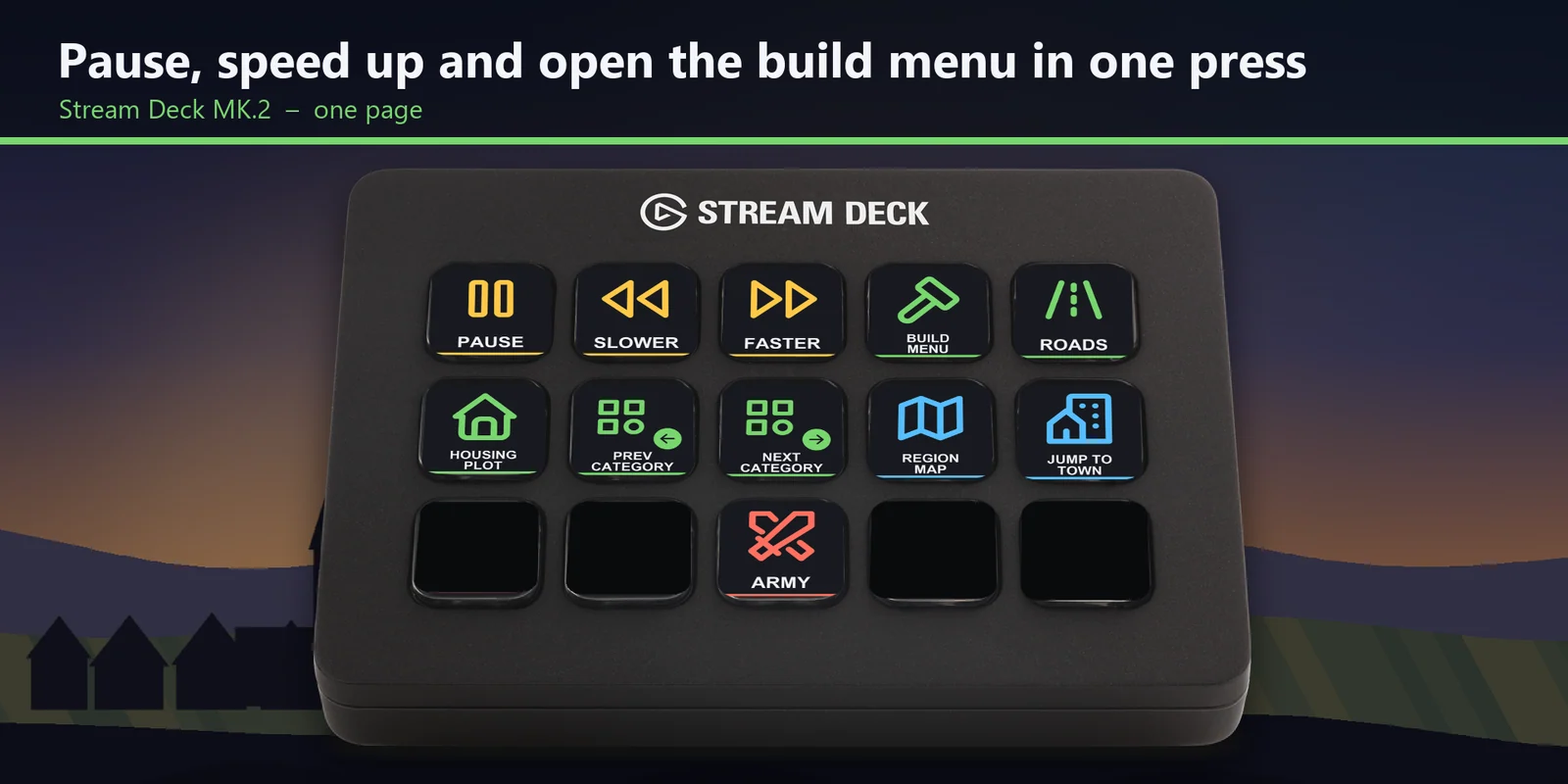
Open the construction menu, step to the previous or next building category, and pick the road and housing plot tools straight away.
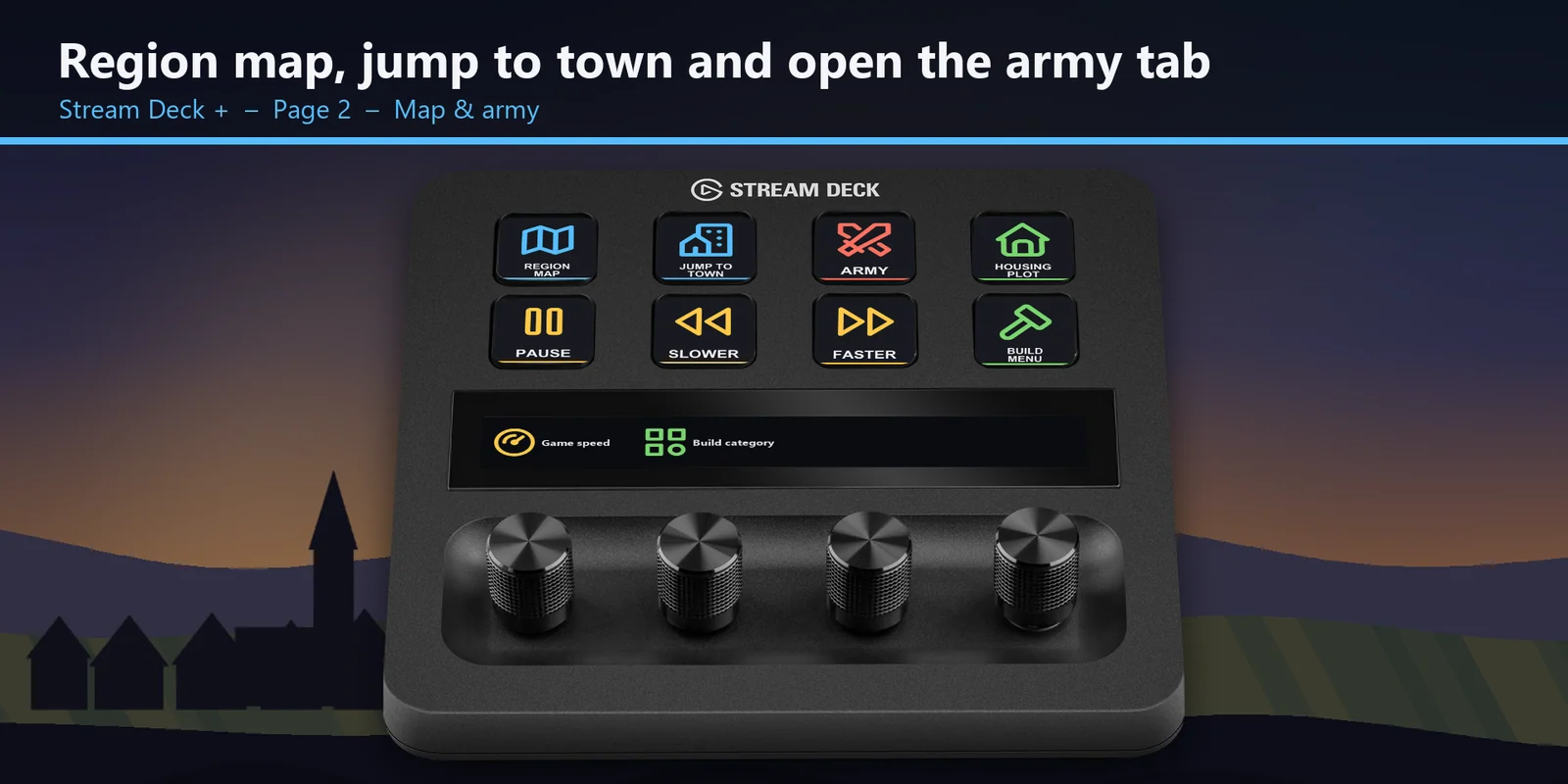
Open the region map, bring the camera back to your town and open the military tab when a raid comes.
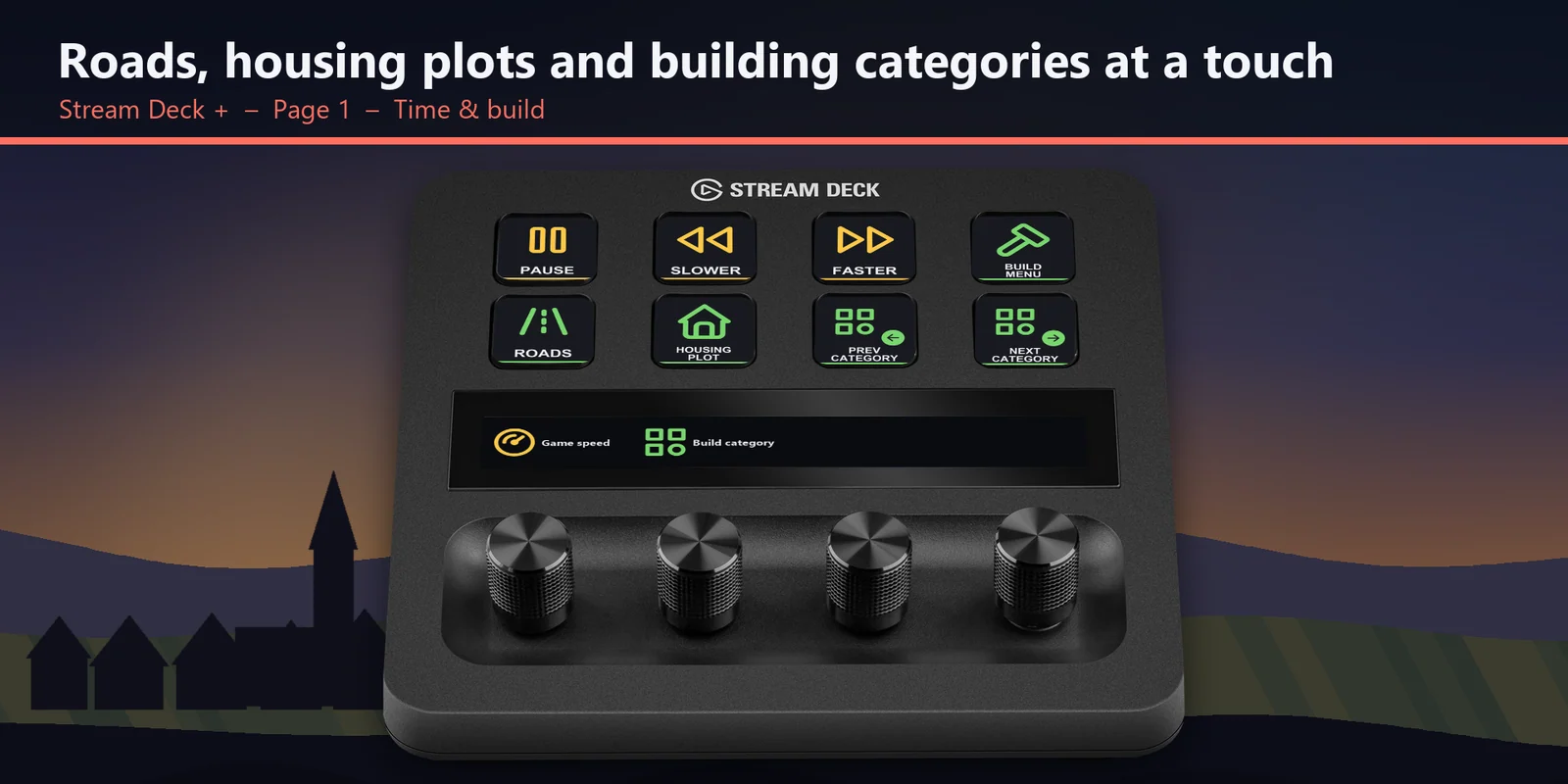
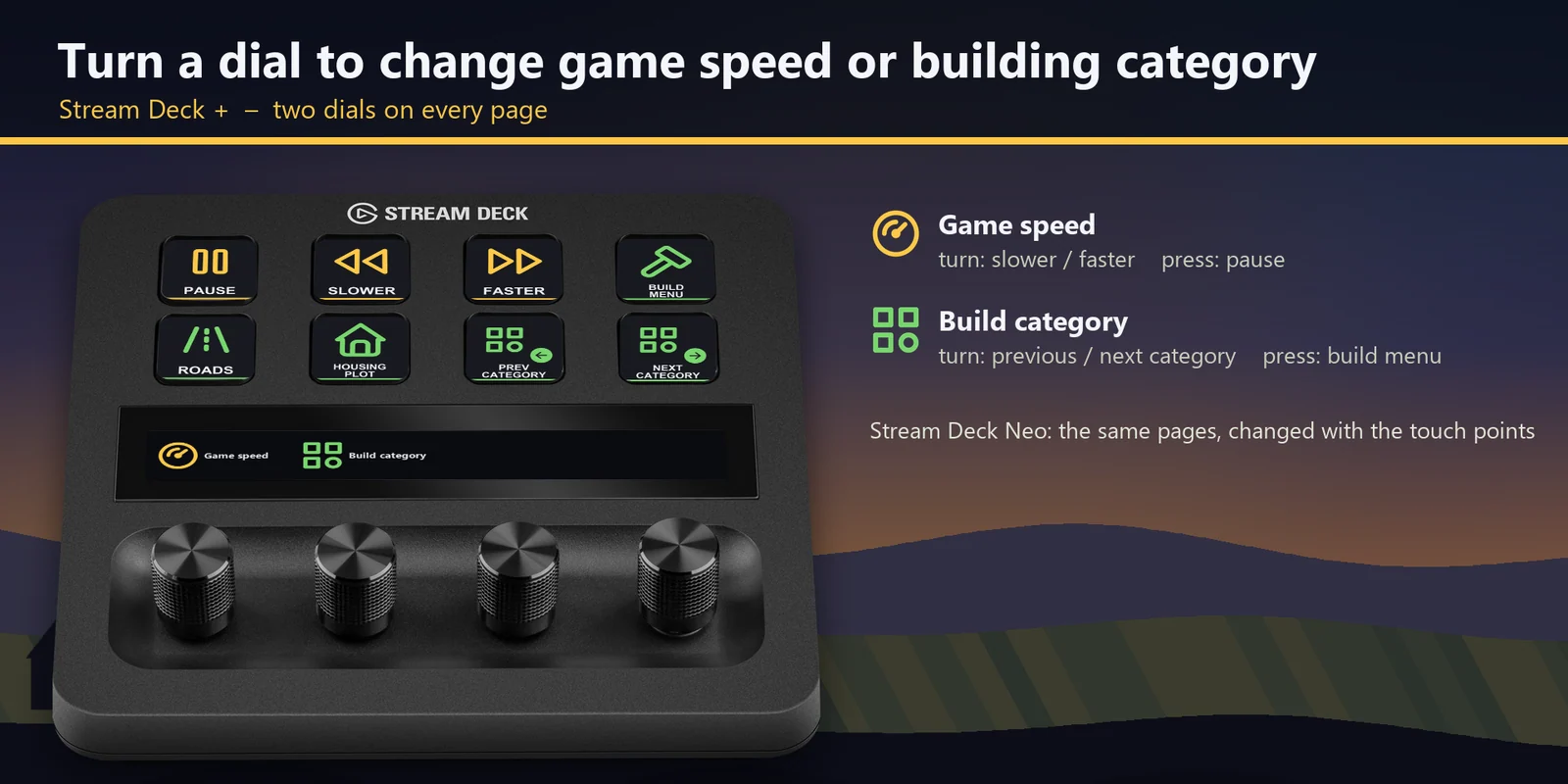
One dial slows down or speeds up time and pauses on press, the other steps through the building categories and opens the construction menu on press.
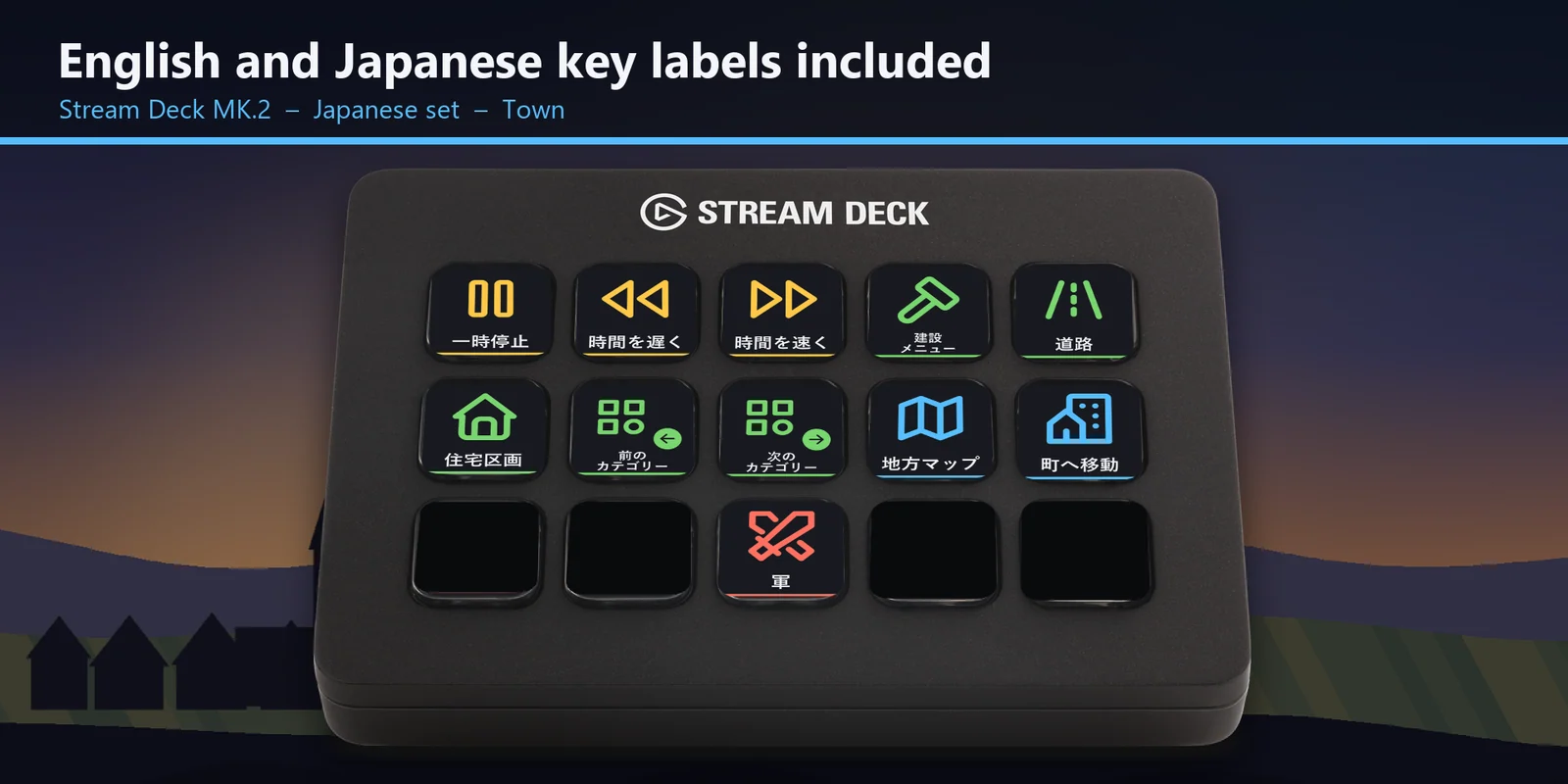
Every profile comes as an English set and a Japanese set with the same keys.
Set up
Good to knowEach key sends the game's key for its label to the window in front. On the XL and MK.2 every key is on one page; on the Neo and + the same keys are split into the Time & build and Map & army pages.
FAQ
Short answers to what people ask before they add it.
Email contact
Open the Lord Deck for Manor Lords profile for your Stream Deck MK.2, XL, Neo or +, start the game and keep its window in front. Each key sends the game's key for its label, such as pause, faster, the construction menu, roads, the region map or the military tab.
The Stream Deck MK.2, XL, Neo and + on Windows, with English or Japanese labels. On the + one dial changes the game speed and the other steps through the building categories.
No. The keys match the game's default key bindings, and no mods are needed. If you changed a key in the game, open that key in the Stream Deck app and set its Hotkey to the key you use.
With a building selected, the game uses the same keys (Q and E) to hire and dismiss workers, as on your keyboard. With no building selected, they step through the building categories.
No. Moving, rotating and zooming the camera stay on your keyboard and mouse, because the game uses held keys and the mouse for them. The Jump to town key brings the camera back to your town in one press.
The keys go to the window in front, so keep the game window in front. If another app uses the same key as a shortcut across Windows, change that app's shortcut.
Requirements
For the Stream Deck MK.2, XL, Neo and + on Windows, with Manor Lords (Steam or PC Game Pass) and the keys it starts with.
A Stream Deck profile sold directly by GRAMSHIFT.
More for your Stream Deck

For the Stream Deck MK.2, XL, Neo and + on Windows, with Manor Lords (Steam or PC Game Pass) and the keys it starts with.
Buy from GRAMSHIFTOne-time purchase direct from GRAMSHIFT, plus any tax at checkout. A download link appears right after payment, and the receipt arrives by email.