01
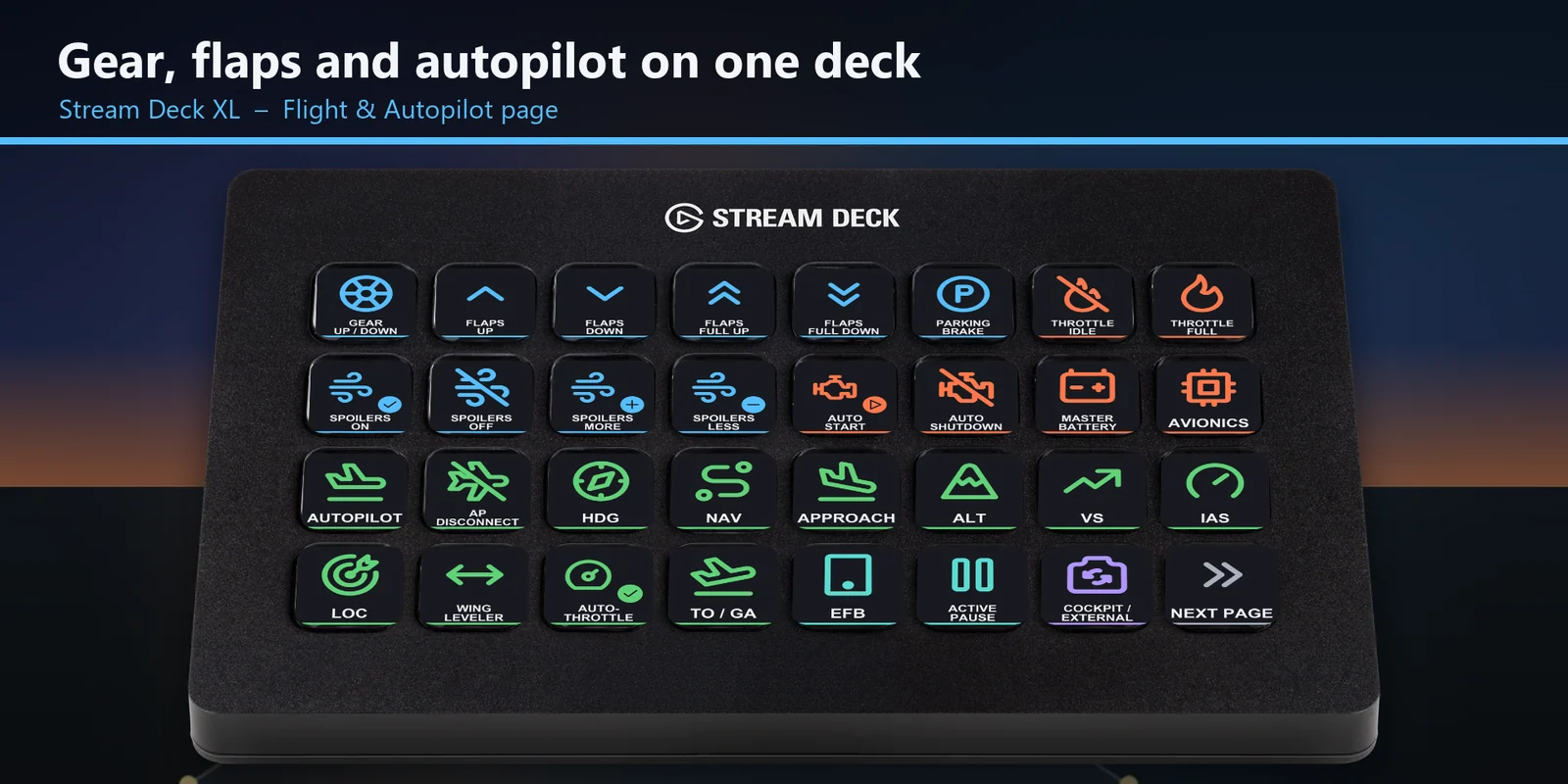
Fly from one page on a Stream Deck XL
Gear, flaps, spoilers, engine and autopilot modes sit together on the first page.
Lower gear, set flaps, engage autopilot modes, trim, switch cameras and answer ATC with one press in MSFS.
One-time purchase direct from GRAMSHIFT, plus any tax at checkout. A download link appears right after payment, and the receipt arrives by email.
Overview
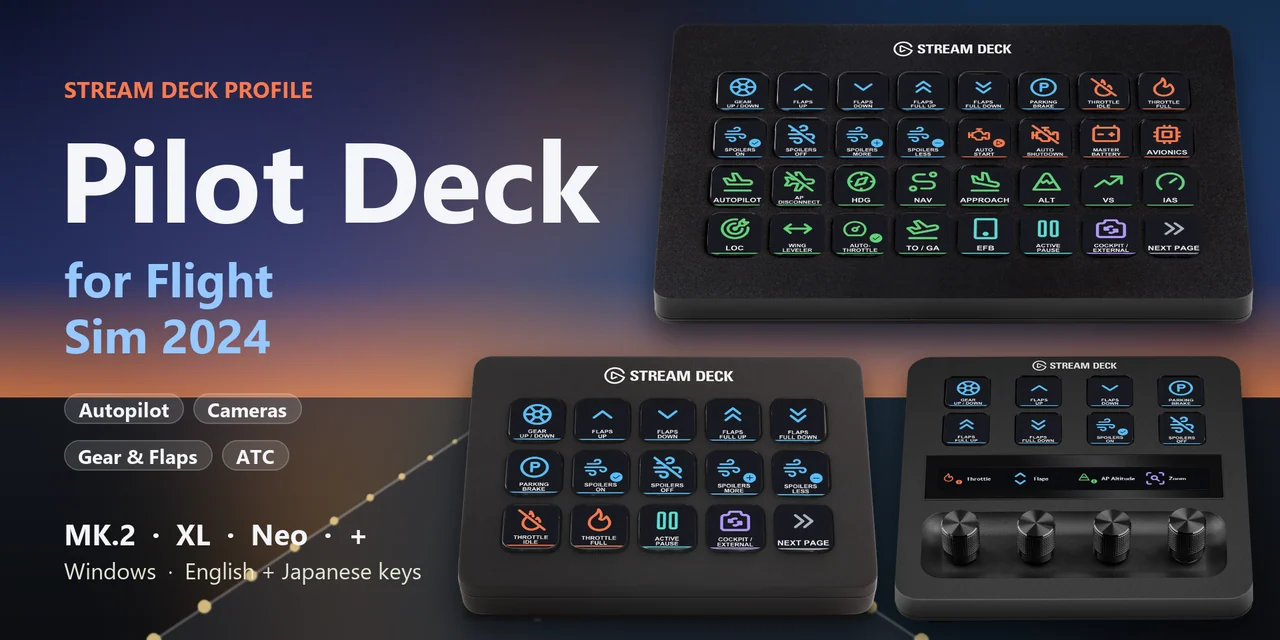
To lower the gear, set flaps and engage autopilot modes in Microsoft Flight Simulator 2024 from a Stream Deck MK.2, XL, Neo or + on Windows, open the Pilot Deck for Flight Sim 2024 profile for your device and keep the sim window in front.
Each key of Pilot Deck for Flight Sim 2024 sends the sim's own default keyboard key for its label, so the sim stays as installed and your keyboard keeps working as before.
Features
Gear, flaps, spoilers, engine and autopilot modes sit together on the first page.
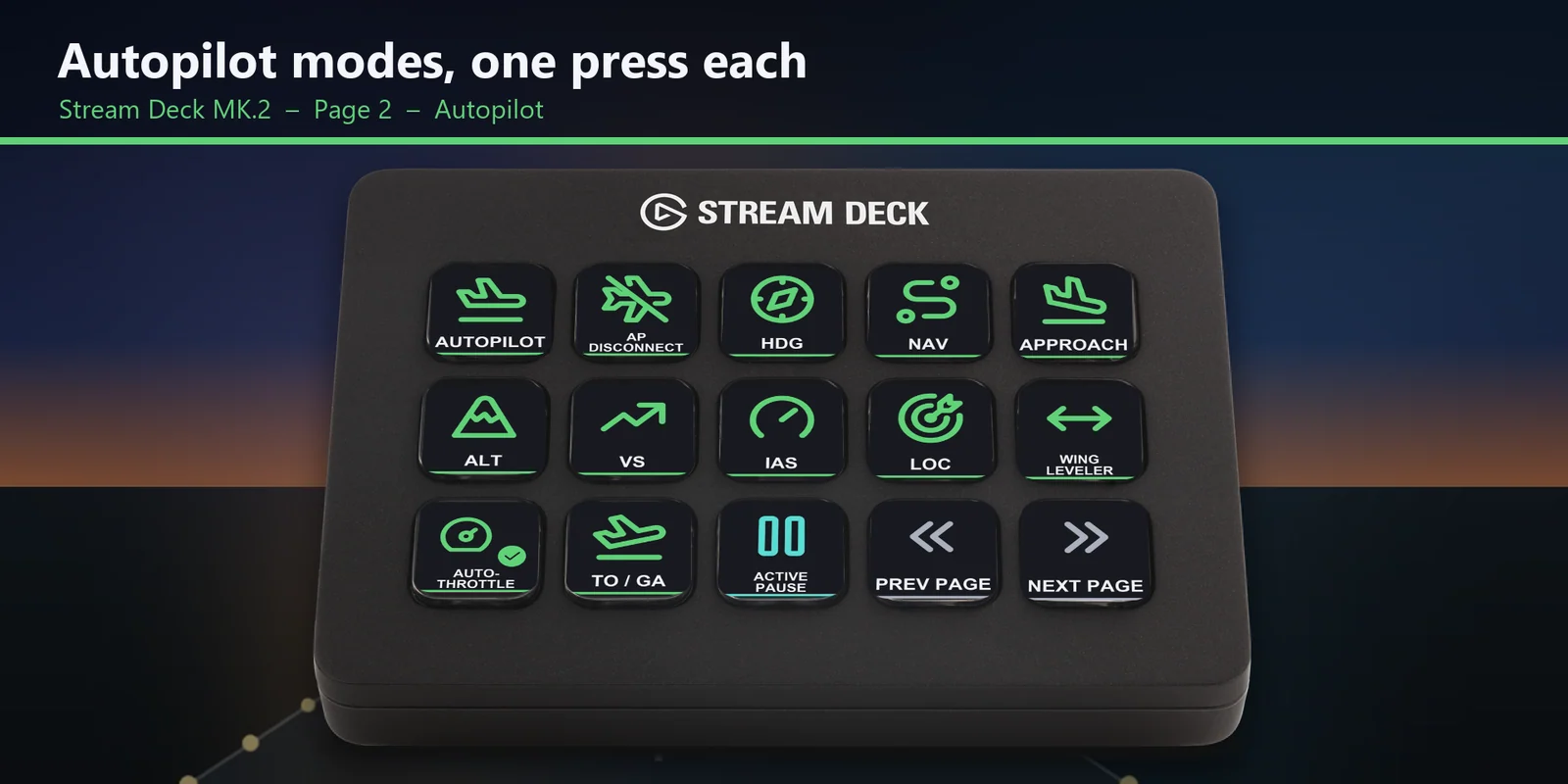
Autopilot on and off, disconnect, HDG, NAV, APR, ALT, VS, IAS, LOC, wing leveler, auto-throttle arm and TO / GA on the MK.2 Autopilot page.
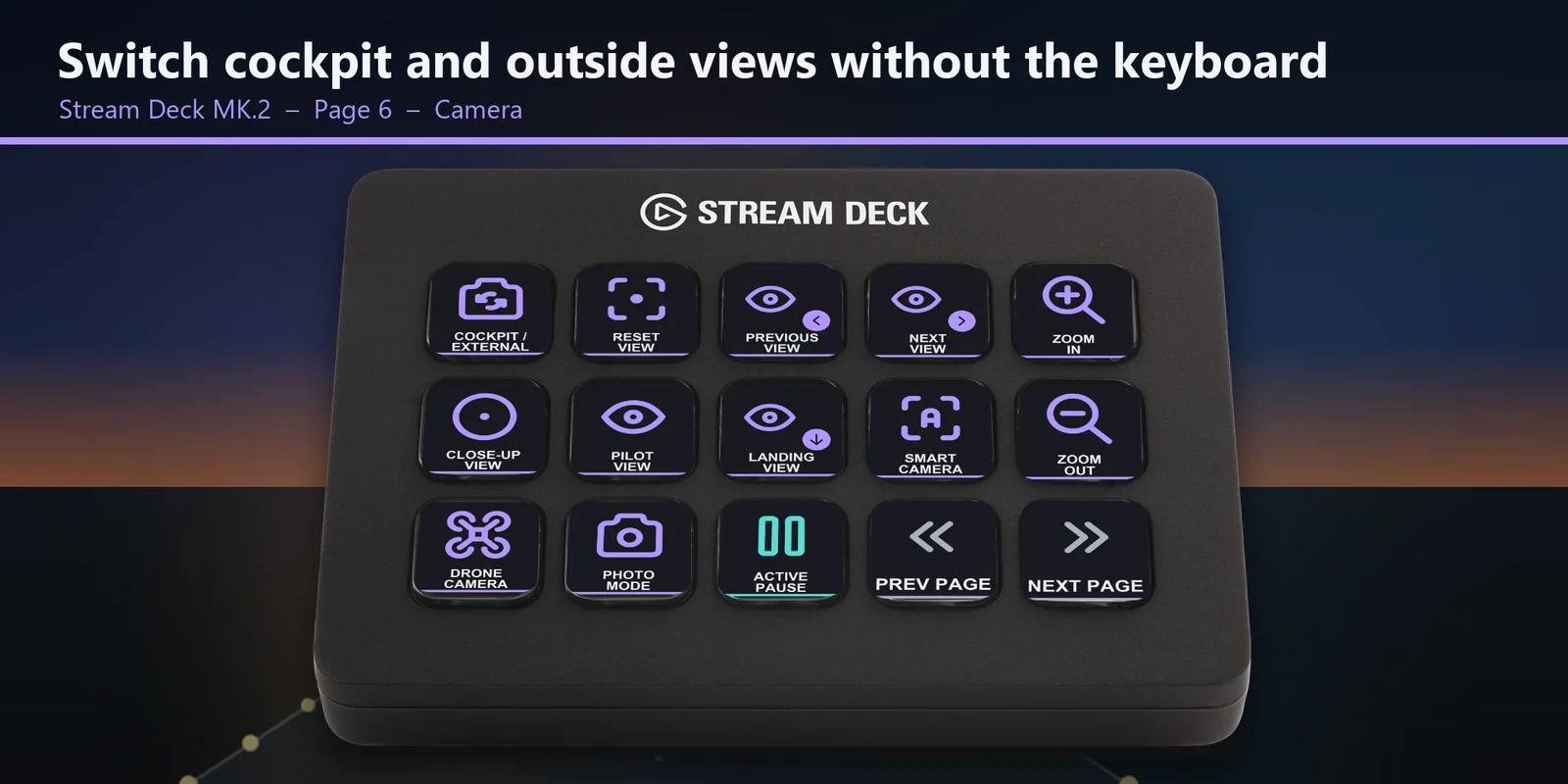
Cockpit or external, reset view, next and previous view, close-up, pilot and landing views, zoom, custom cameras, smart camera, drone camera and photo mode.
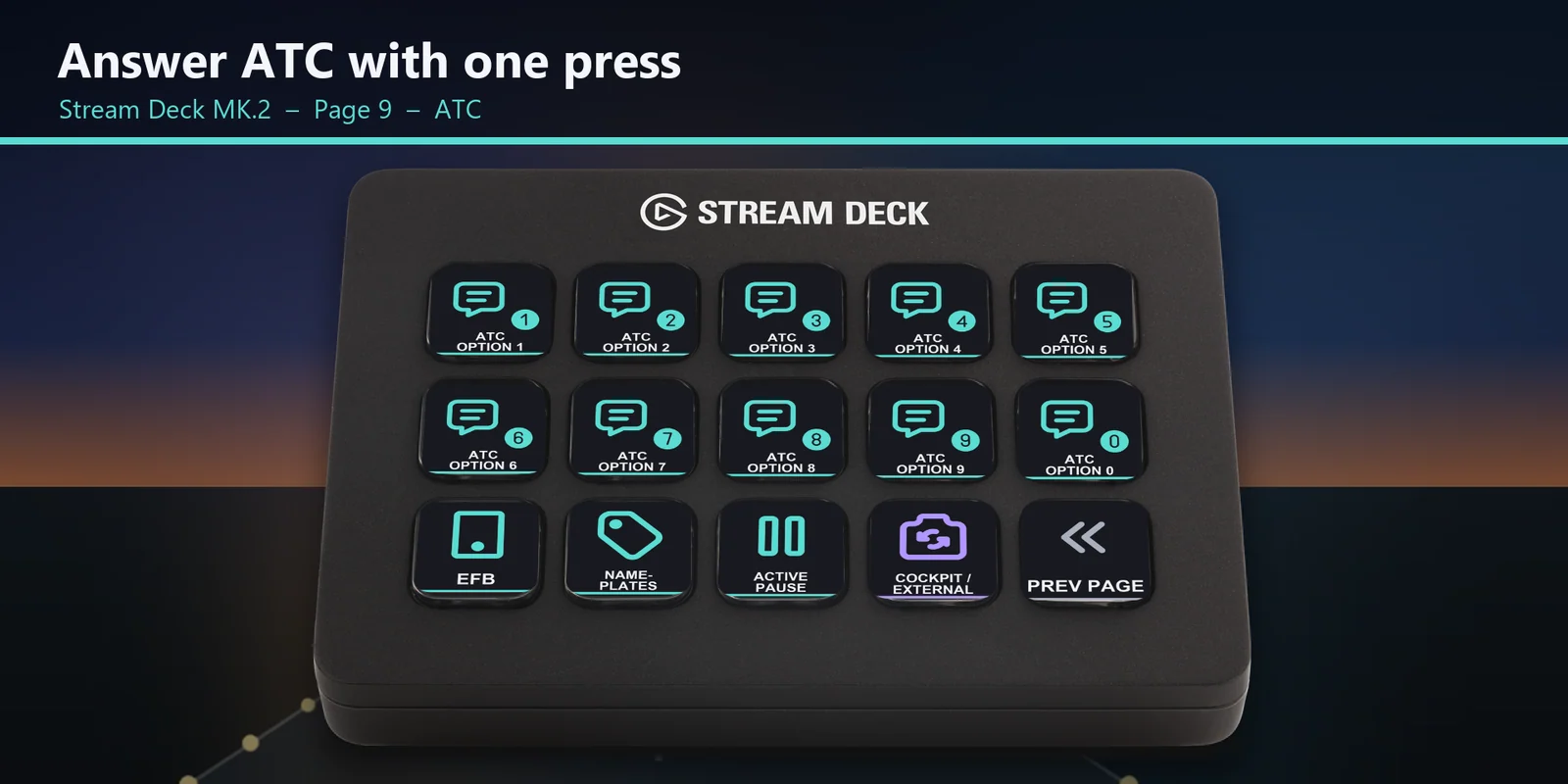
The option keys 1 to 9 and 0 are on their own page.
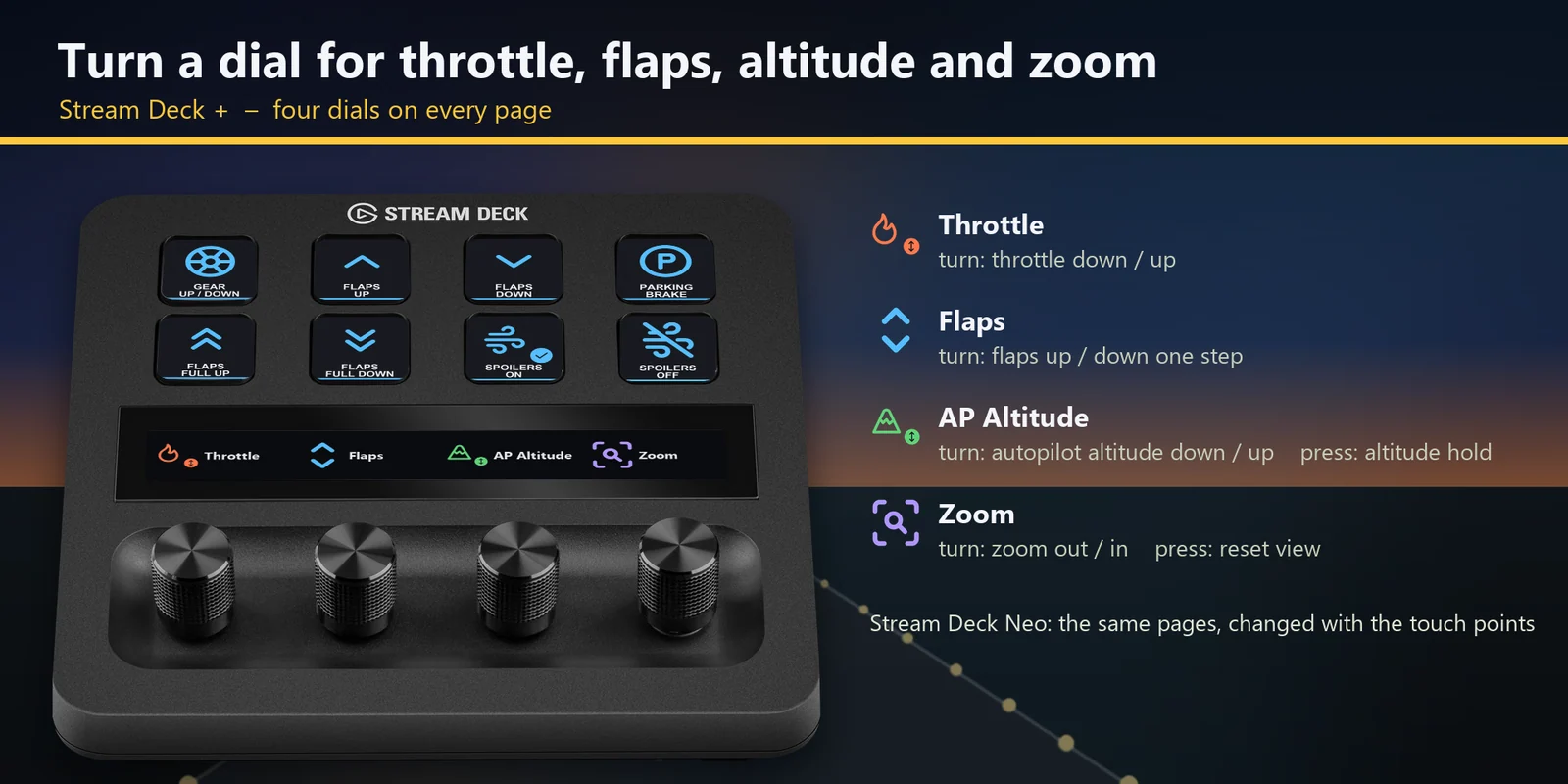
Throttle, flaps, autopilot altitude (press for altitude hold) and zoom (press to reset the view).
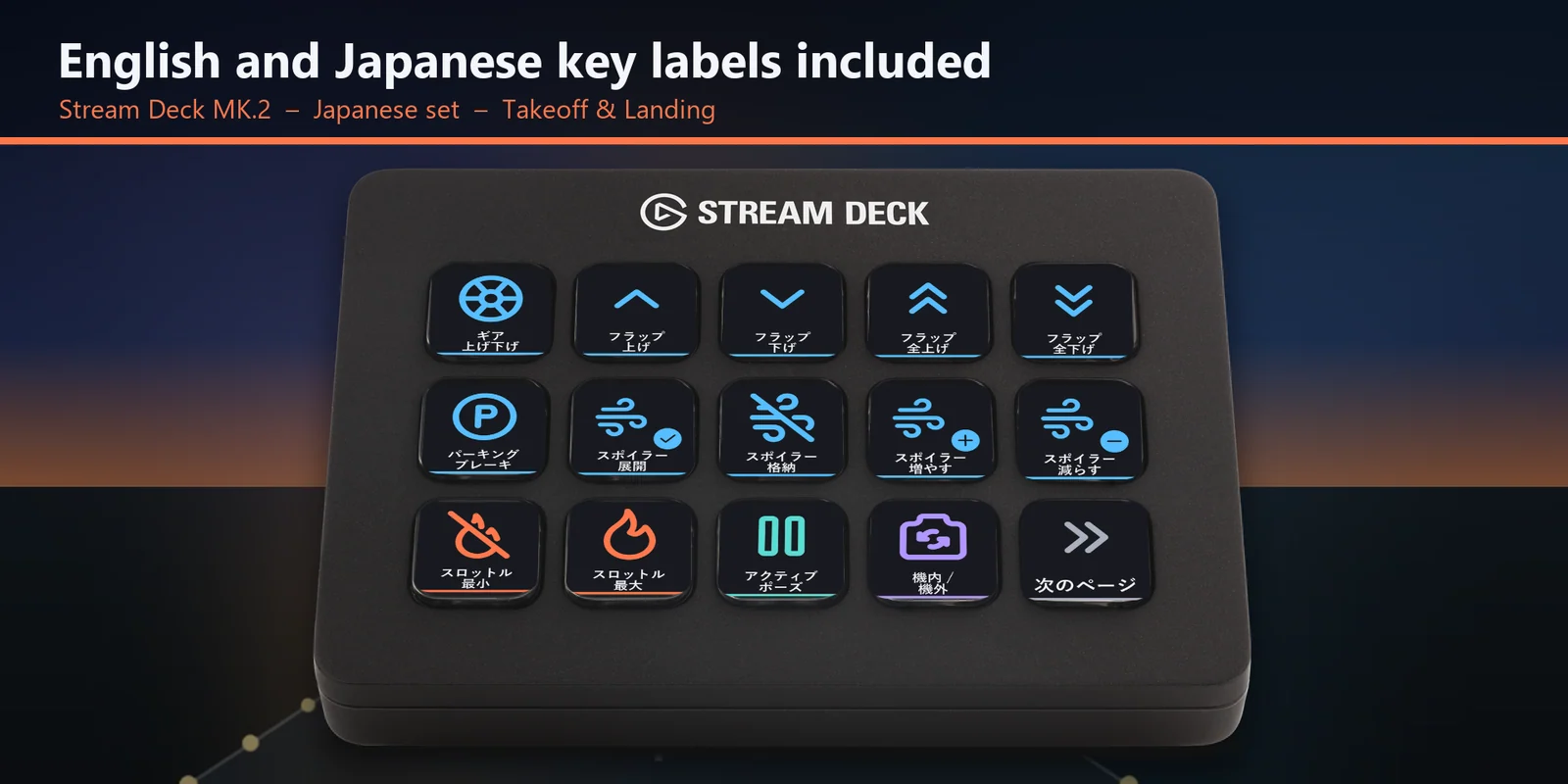
The profile comes as an English set and a Japanese set of key labels with the same keys.
Pick the heading, altitude, speed or VS bug, or the transponder code, then change it with Value up and Value down.
Auto start, auto shutdown, master battery, avionics, trim, active pause, pause menu, EFB and pushback are one press away.
Set up
Good to knowEach key sends one of the sim's default keyboard keys to the window in front, so nothing is added to the sim.
FAQ
Short answers to what people ask before they add it.
Email contact
Open the Pilot Deck for Flight Sim 2024 profile for your Stream Deck MK.2, XL, Neo or +, start the sim and keep its window in front. Each key sends the sim's default keyboard key for its label, such as gear, flaps, autopilot modes, trim, cameras and ATC options.
The Stream Deck MK.2, XL, Neo and +. On the + the dials move the throttle, the flaps, the autopilot altitude and the camera zoom.
No. The keys use the keys the sim already has, so nothing is added to the sim and your keyboard keeps working as before.
Open that key in the Stream Deck app and set its Hotkey to the same key you use in the sim. The profile is made for the sim's default keyboard keys.
No. A key sends one short press, so held controls such as rudder, brakes and looking around stay on your keyboard, joystick or yoke. The keys cover the controls you tap.
Requirements
For the Stream Deck MK.2, XL, Neo and + with the Stream Deck app, and Microsoft Flight Simulator 2024 for Windows (Steam or Microsoft Store / Xbox app) with its default keyboard keys.
A Stream Deck profile sold directly by GRAMSHIFT.
More for your Stream Deck
For the Stream Deck MK.2, XL, Neo and + with the Stream Deck app, and Microsoft Flight Simulator 2024 for Windows (Steam or Microsoft Store / Xbox app) with its default keyboard keys.
Buy from GRAMSHIFTOne-time purchase direct from GRAMSHIFT, plus any tax at checkout. A download link appears right after payment, and the receipt arrives by email.