01
Run the park view
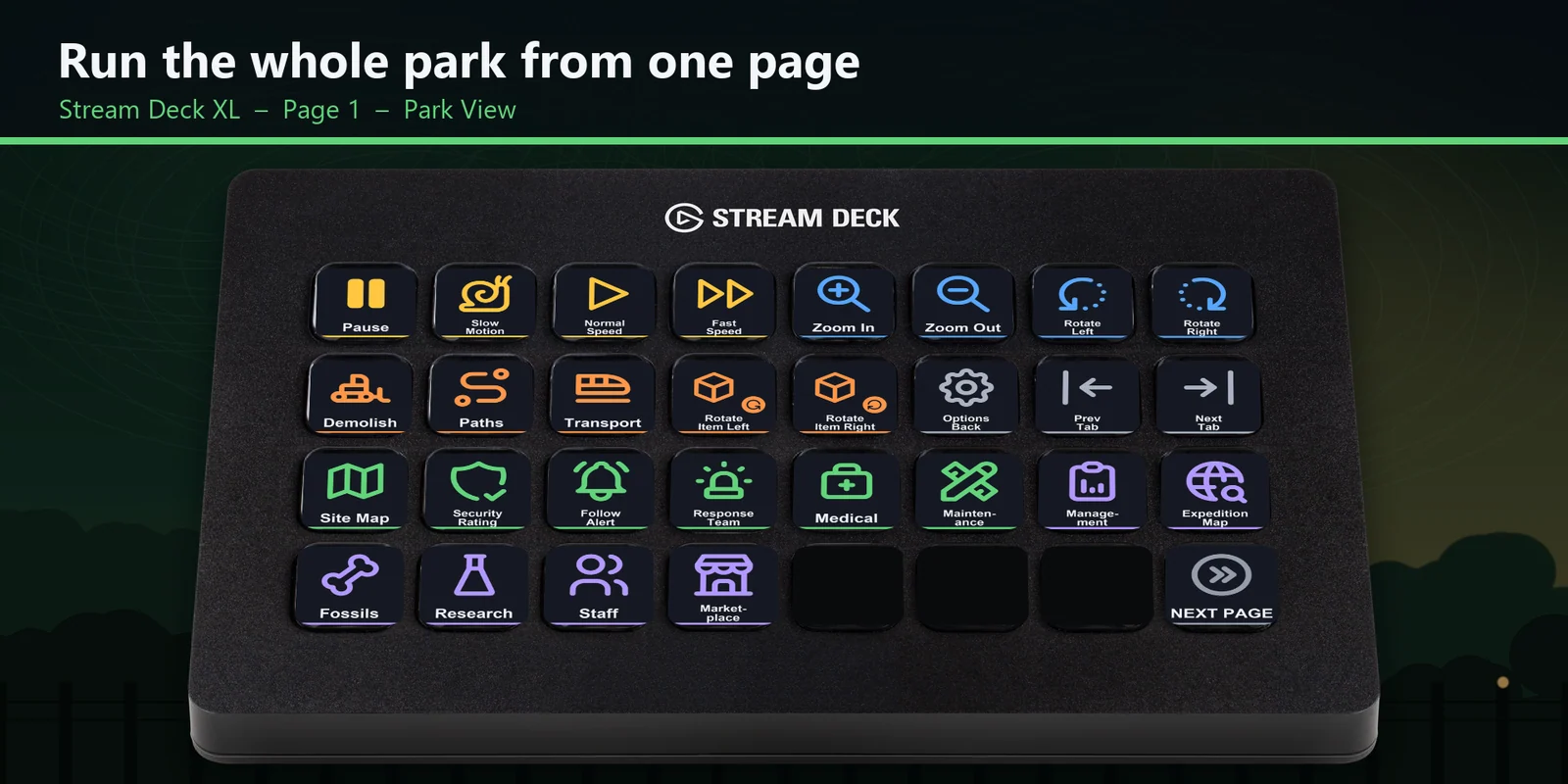
Pause, slow motion, normal and fast speed, the site map and security rating, and the last notification are one press away.
Set game speed, open Control Room tabs and frame Capture Mode photos in Jurassic World Evolution 3 from a Stream Deck.
One-time purchase direct from GRAMSHIFT, plus any tax at checkout. A download link appears right after payment, and the receipt arrives by email.
Overview
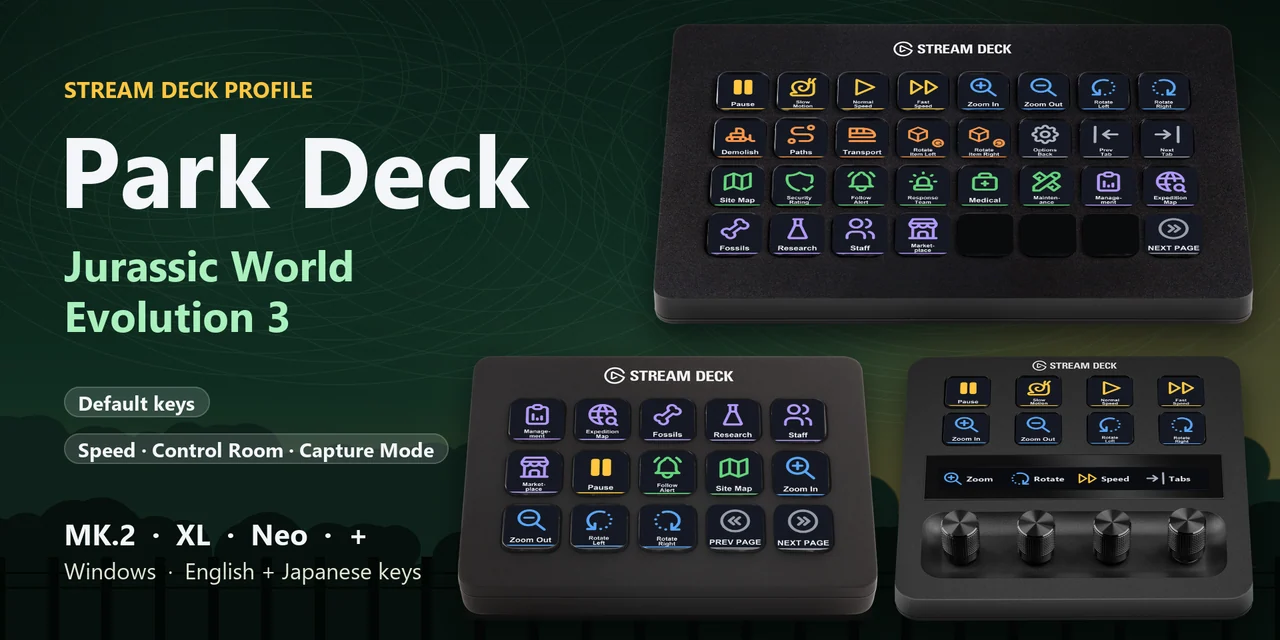
To change the game speed, open the Control Room tabs, jump to park facilities, frame Capture Mode photos or use the ranger vehicle keys in Jurassic World Evolution 3 from a Stream Deck on Windows, open the Park Deck for Jurassic Evo 3 profile for your device and keep the game window in front.
Each key of Park Deck for Jurassic Evo 3 is matched to the keys in the game's settings screen (Settings > Controls), so one press does what the keyboard key does, with English or Japanese labels.
Features
Pause, slow motion, normal and fast speed, the site map and security rating, and the last notification are one press away.
Management, Expedition Map, Fossils, Research, Staff Management and Marketplace.
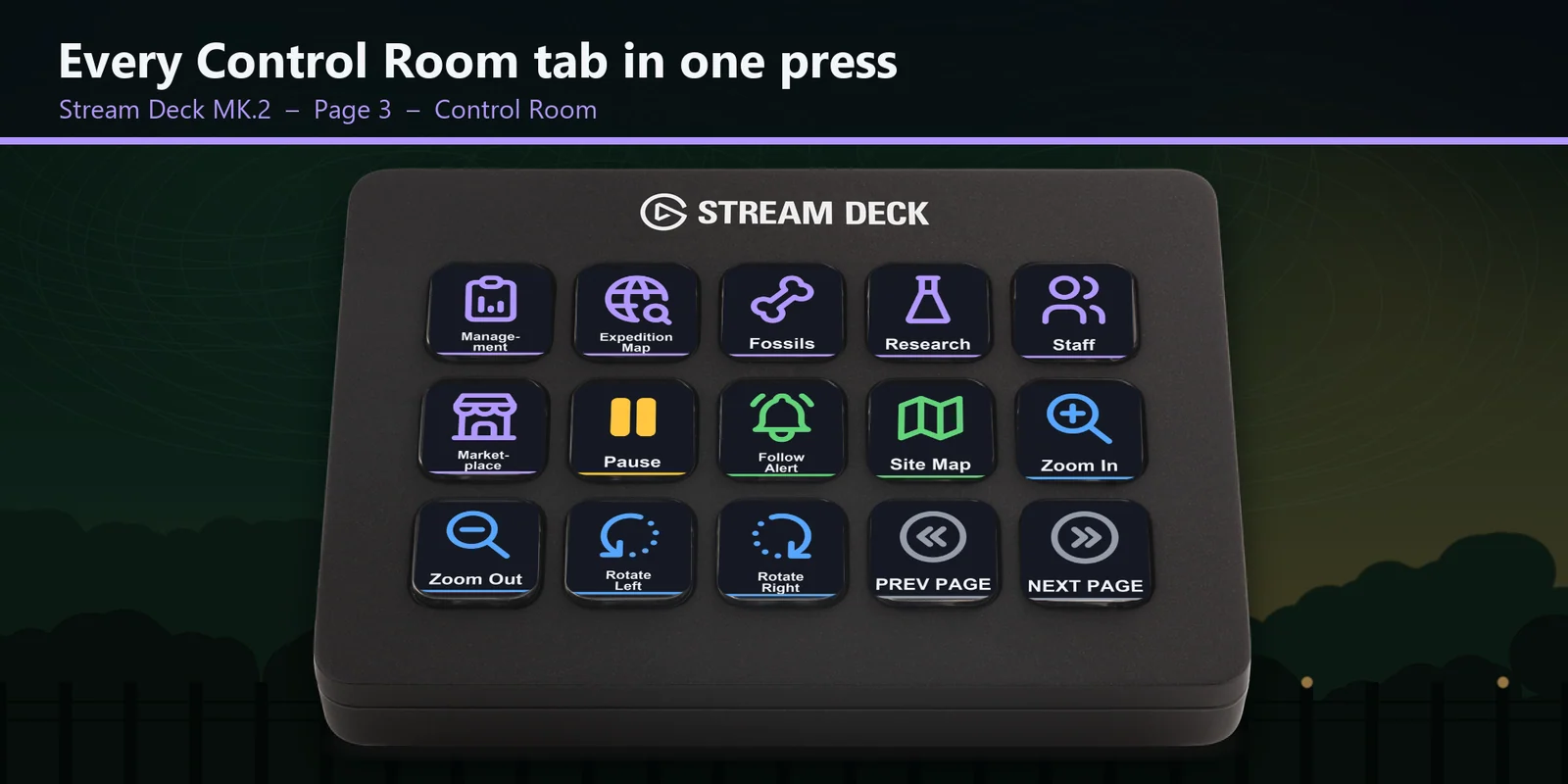
Open it, hide the controls, roll and reset the roll, and zoom in and out from their own page.
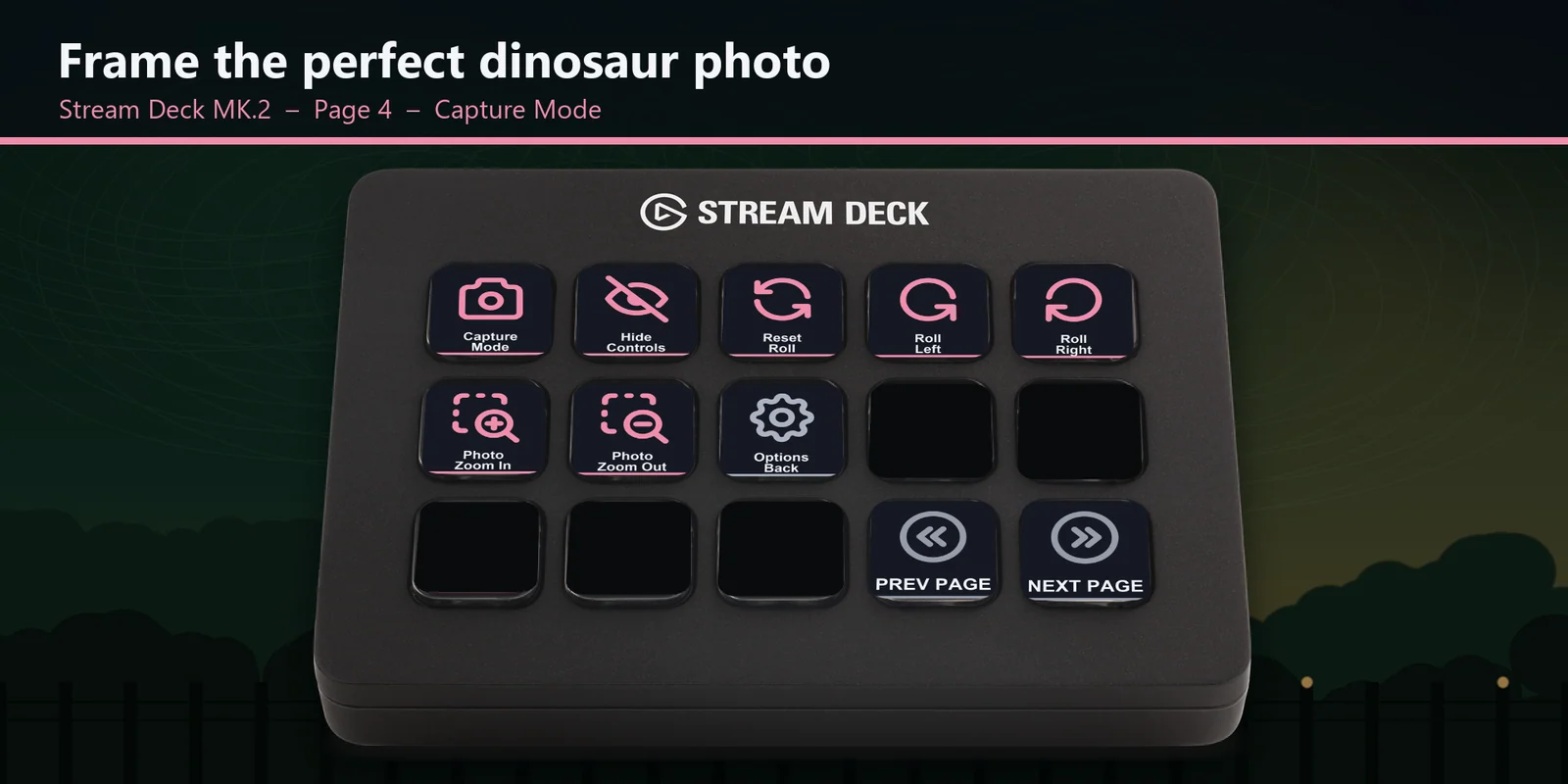
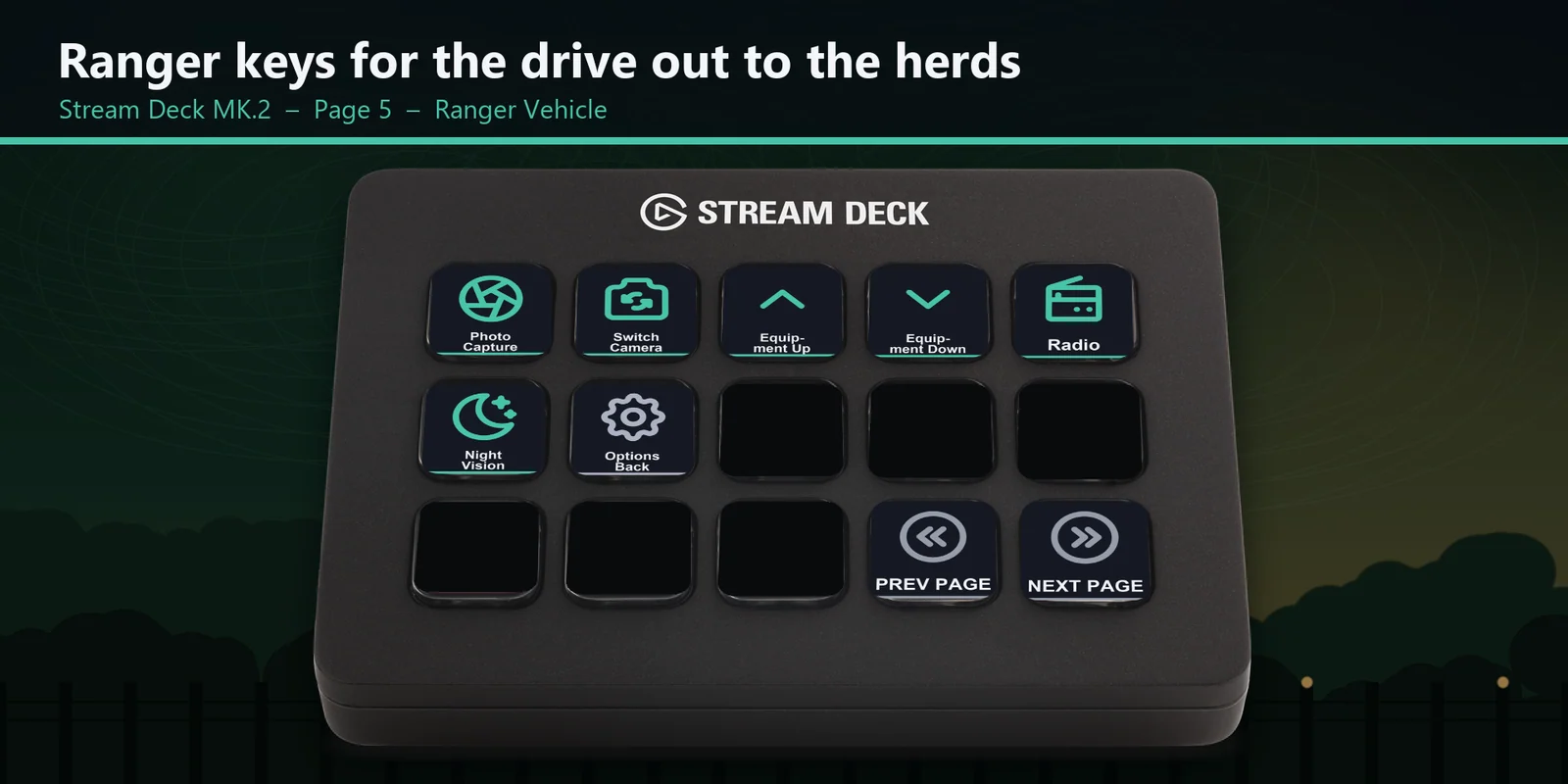
Photo capture, camera, equipment, radio and night vision, and take photos on the Ranger Photo page with the dinosaur highlight.
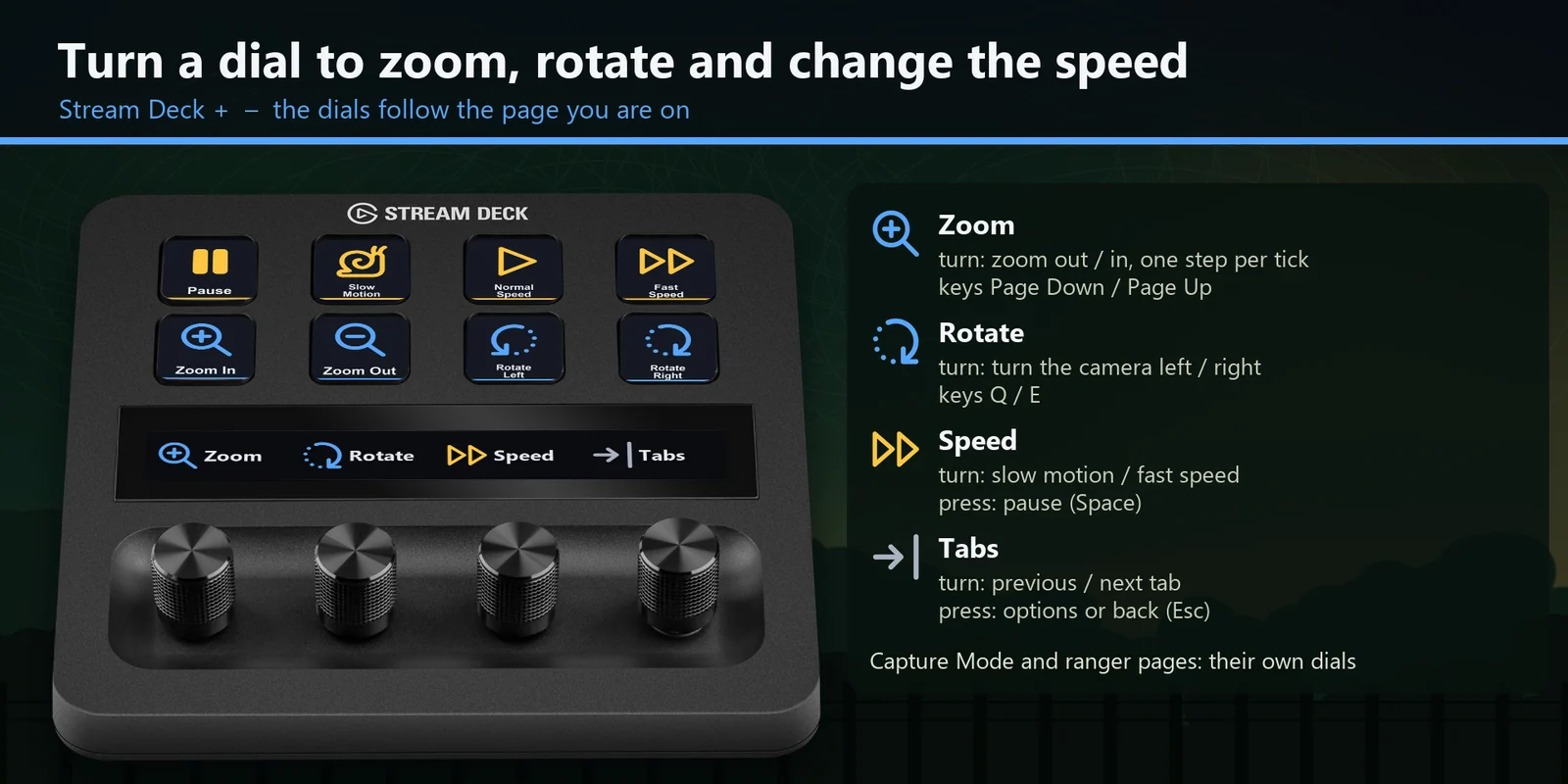
The dials follow the page, for zoom, rotate, game speed and tabs in the park view, zoom and roll in Capture Mode, and equipment or camera on the ranger pages.
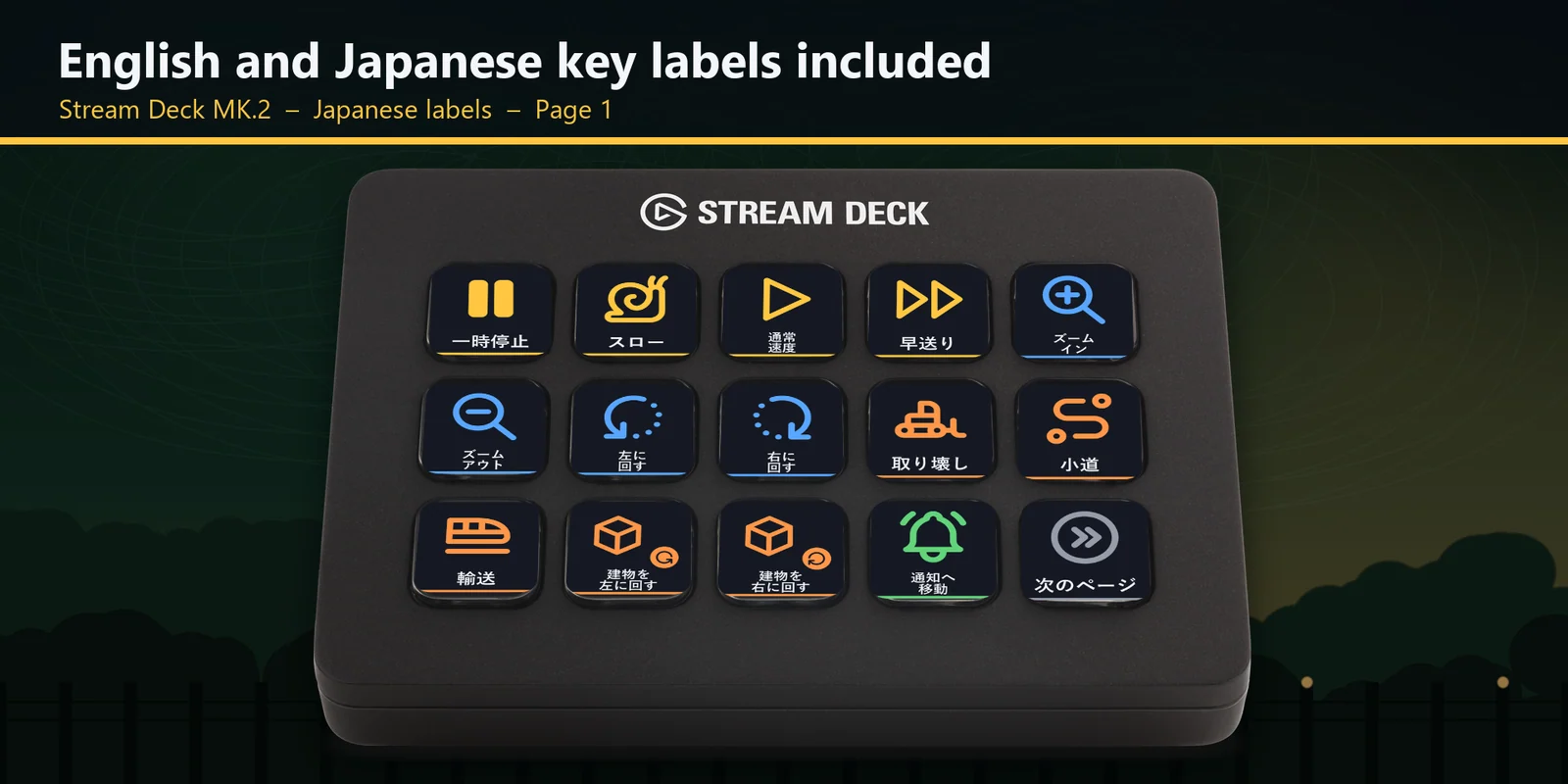
Each profile comes as an English set and a Japanese set with the same keys.
Set up
Good to knowEach key sends the game's key for its label to the window in front. Each page is named for the part of the game its keys are for: Time, Camera, Build, Menus, Park, Control Room, Capture Mode, Ranger Vehicle and Ranger Photo.
FAQ
Short answers to what people ask before they add it.
Email contact
Open the Park Deck for Jurassic Evo 3 profile for your Stream Deck MK.2, XL, Neo or +, start the game and keep its window in front. Each key sends the game's key for its label, such as pause, a Control Room tab, Capture Mode or night vision.
The Stream Deck MK.2, XL, Neo and +, with English or Japanese labels. On the + the dials follow the page you are on.
The game uses Q and E to turn the park camera, to roll the photo camera in Capture Mode and to switch ranger equipment. Each of those has its own page with its own labels, so the label you see is what the key does there.
Open that key in the Stream Deck app and set its Hotkey to the key you use in the game. The profile follows the keys the game starts with.
Moving and steering are keys you hold down. A Stream Deck key sends one short press, so those stay on the keyboard; zoom and rotate are on keys and on the Stream Deck + dials.
Requirements
For the Stream Deck MK.2, XL, Neo and + on Windows, with Jurassic World Evolution 3 and the keys it starts with.
A Stream Deck profile sold directly by GRAMSHIFT.
More for your Stream Deck
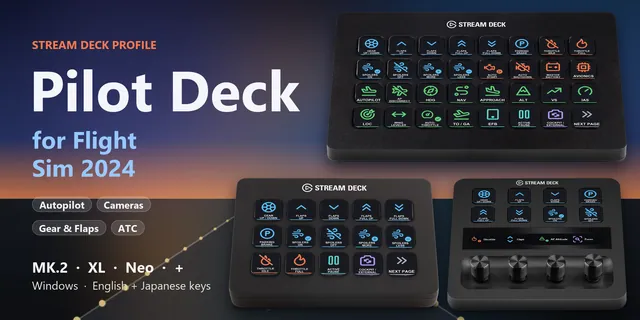
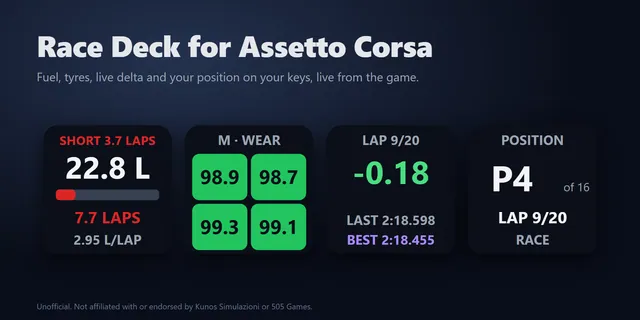
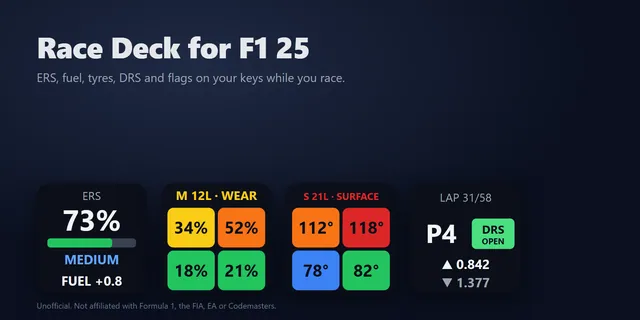
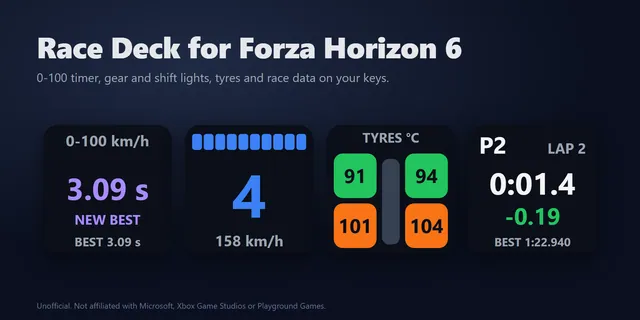
For the Stream Deck MK.2, XL, Neo and + on Windows, with Jurassic World Evolution 3 and the keys it starts with.
Buy from GRAMSHIFTOne-time purchase direct from GRAMSHIFT, plus any tax at checkout. A download link appears right after payment, and the receipt arrives by email.