01
Turn into
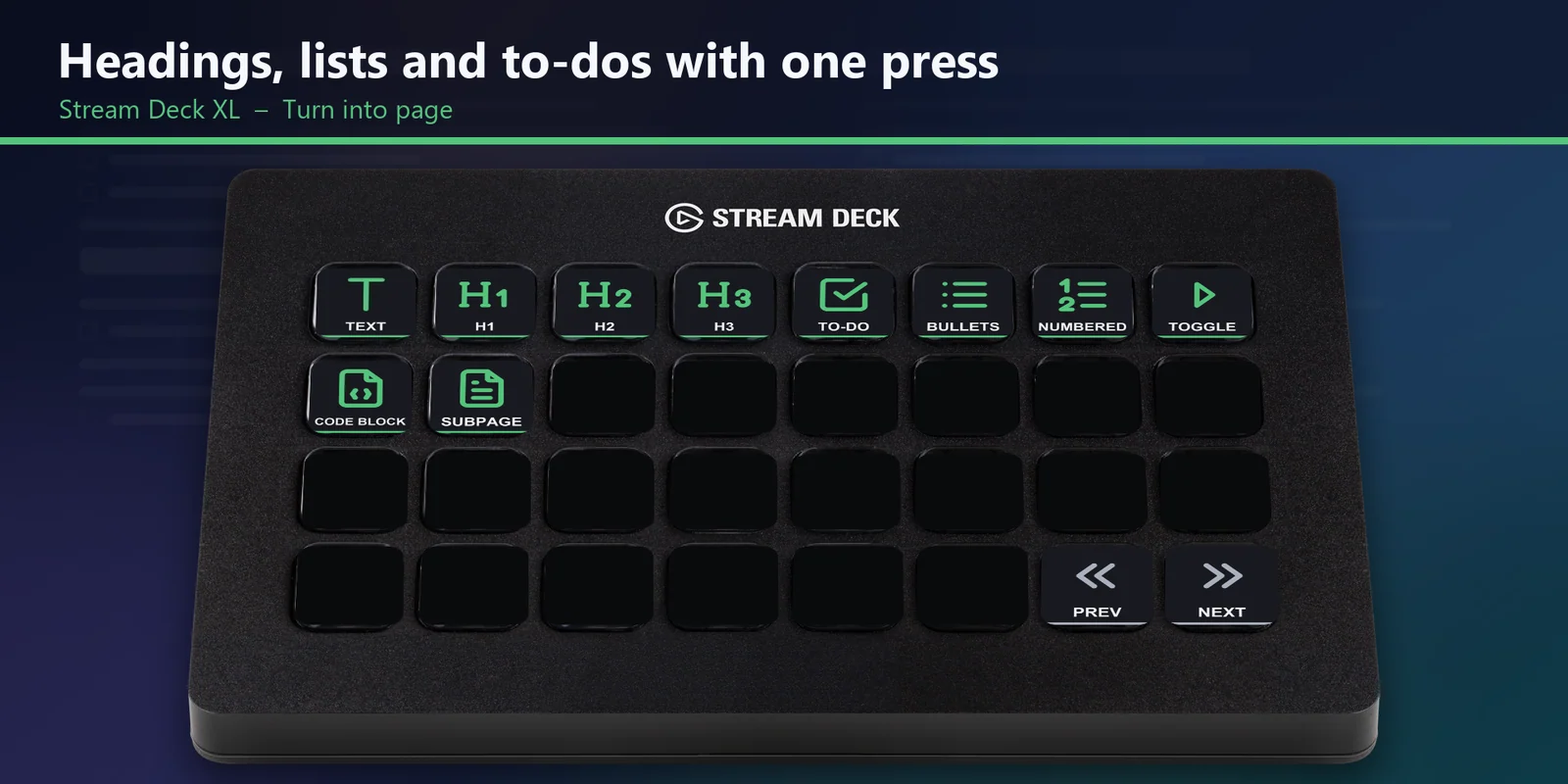
Change a line into text, heading 1 to 3, a to-do, a bulleted, numbered or toggle list, a code block or a page with one press on the Turn into page.
Format text, turn lines into headings or lists, move blocks and add dividers or embeds in Notion with Stream Deck keys.
Overview
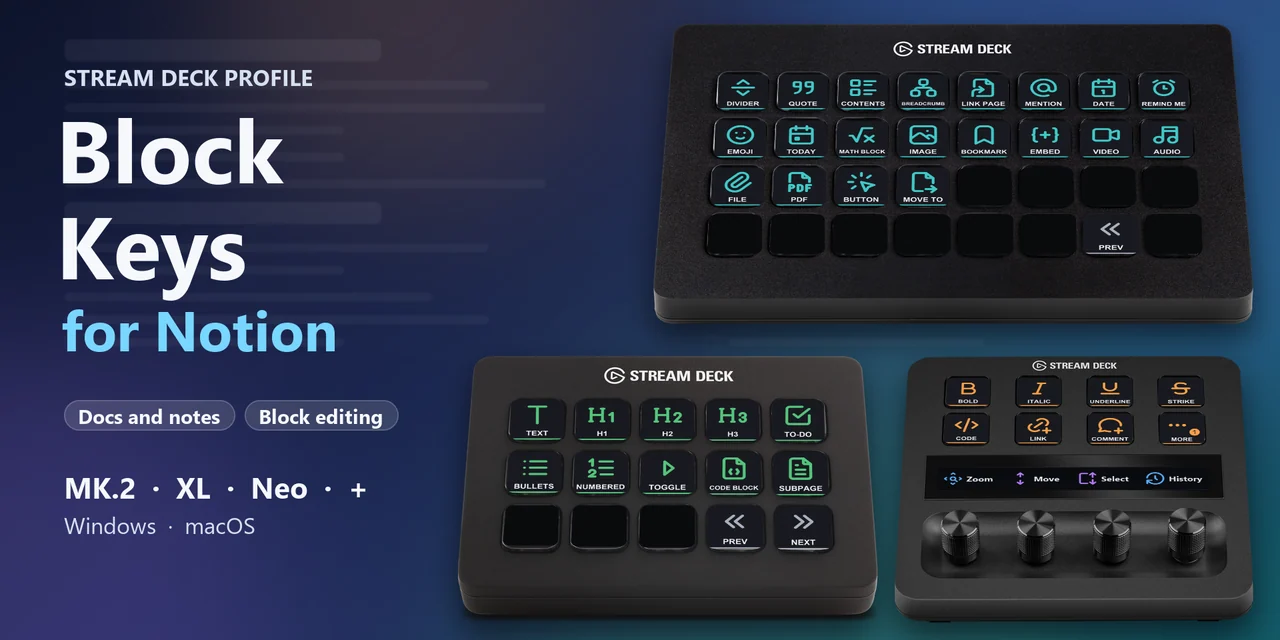
To run Notion from a Stream Deck MK.2, XL, Neo or + on Windows or macOS, open the Block Keys for Notion profile for your device, click into a Notion page and press a labeled key.
The keys of Block Keys for Notion send the shortcuts on Notion's own keyboard shortcut help page and type Notion's slash and @ commands, so they work in the Notion desktop app and in Notion in your browser, with nothing to install into Notion.
Features
Change a line into text, heading 1 to 3, a to-do, a bulleted, numbered or toggle list, a code block or a page with one press on the Turn into page.
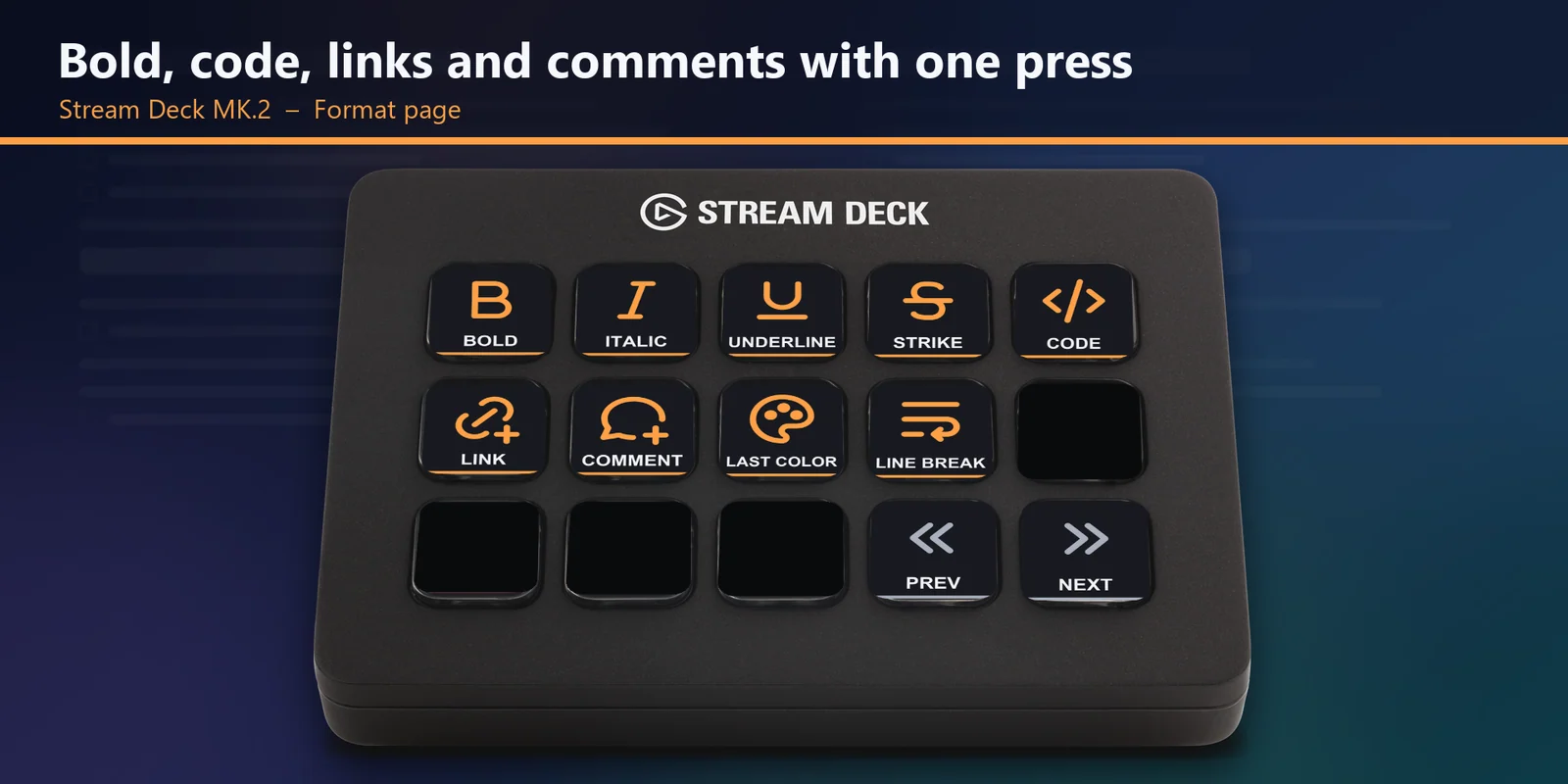
Bold, italic, underline, strikethrough, inline code, link, comment, last used color and a line break inside a block.
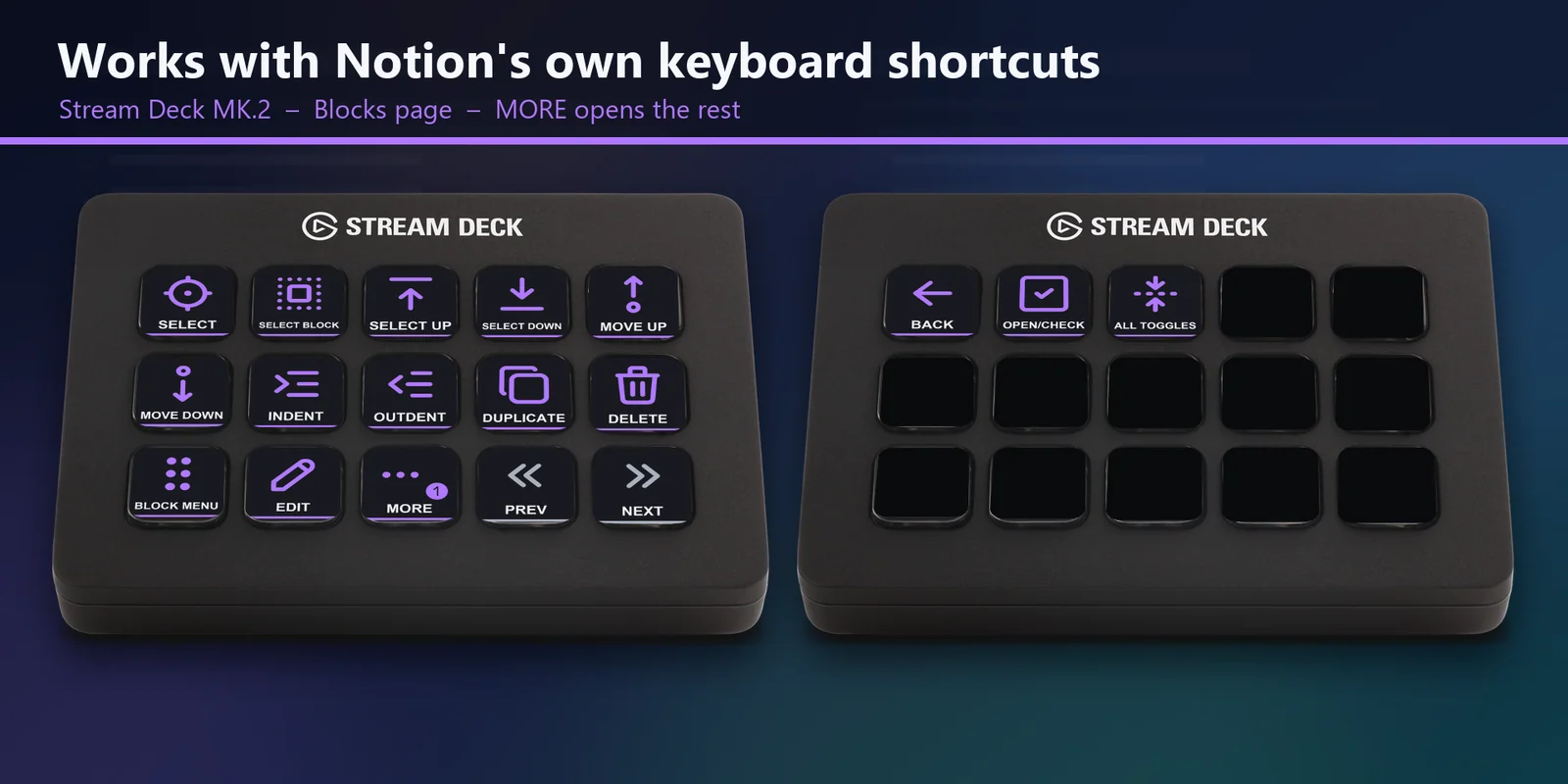
Select, grow the selection up or down, move blocks up or down, indent, outdent, duplicate, delete, open the block menu and expand or close all toggles.
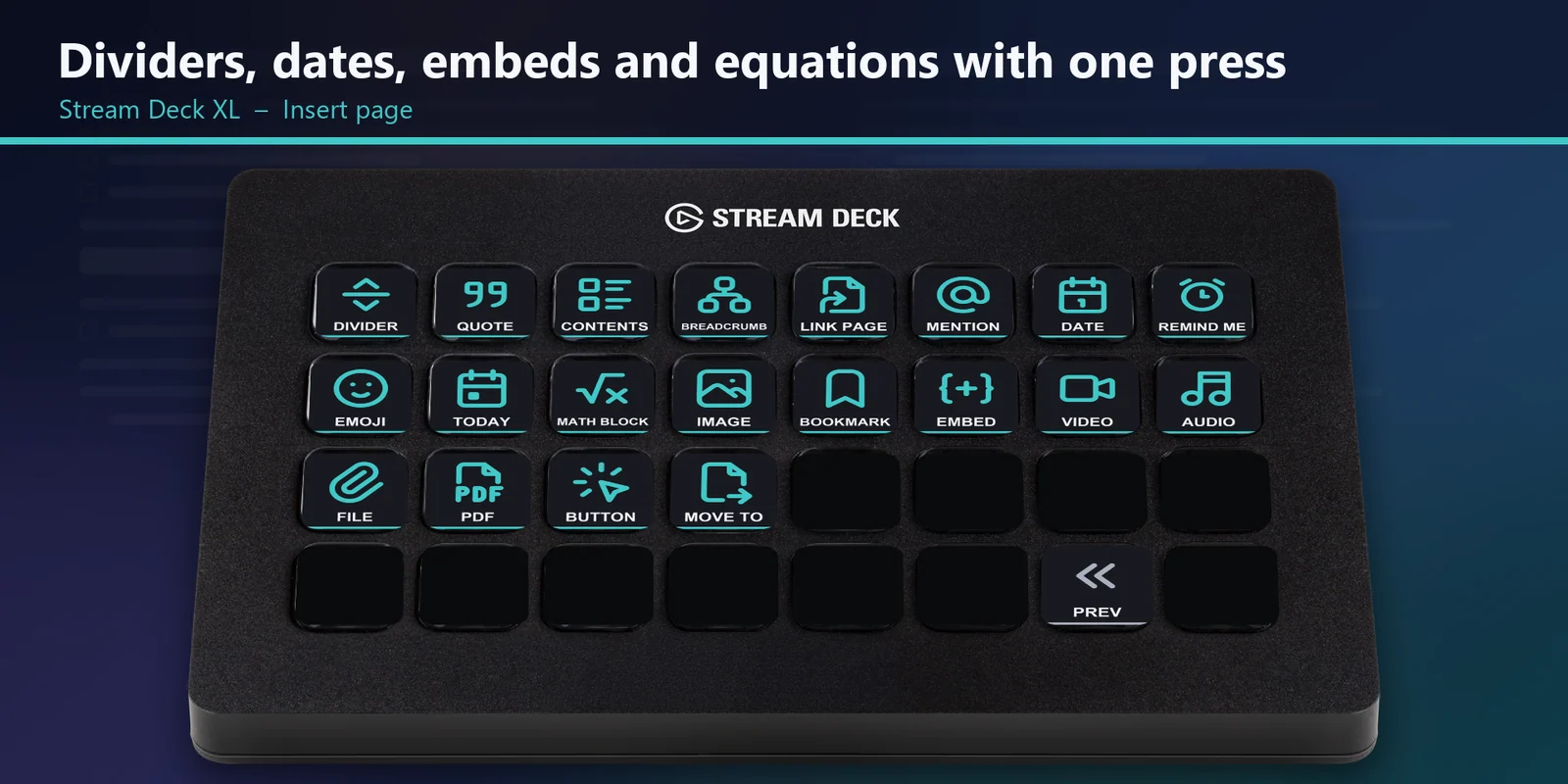
The Insert keys type a slash or @ command and press Enter, for a divider, quote, table of contents, breadcrumb, date, today's date, a reminder, math block, emoji, image, bookmark, embed, video, file, PDF, button and more.
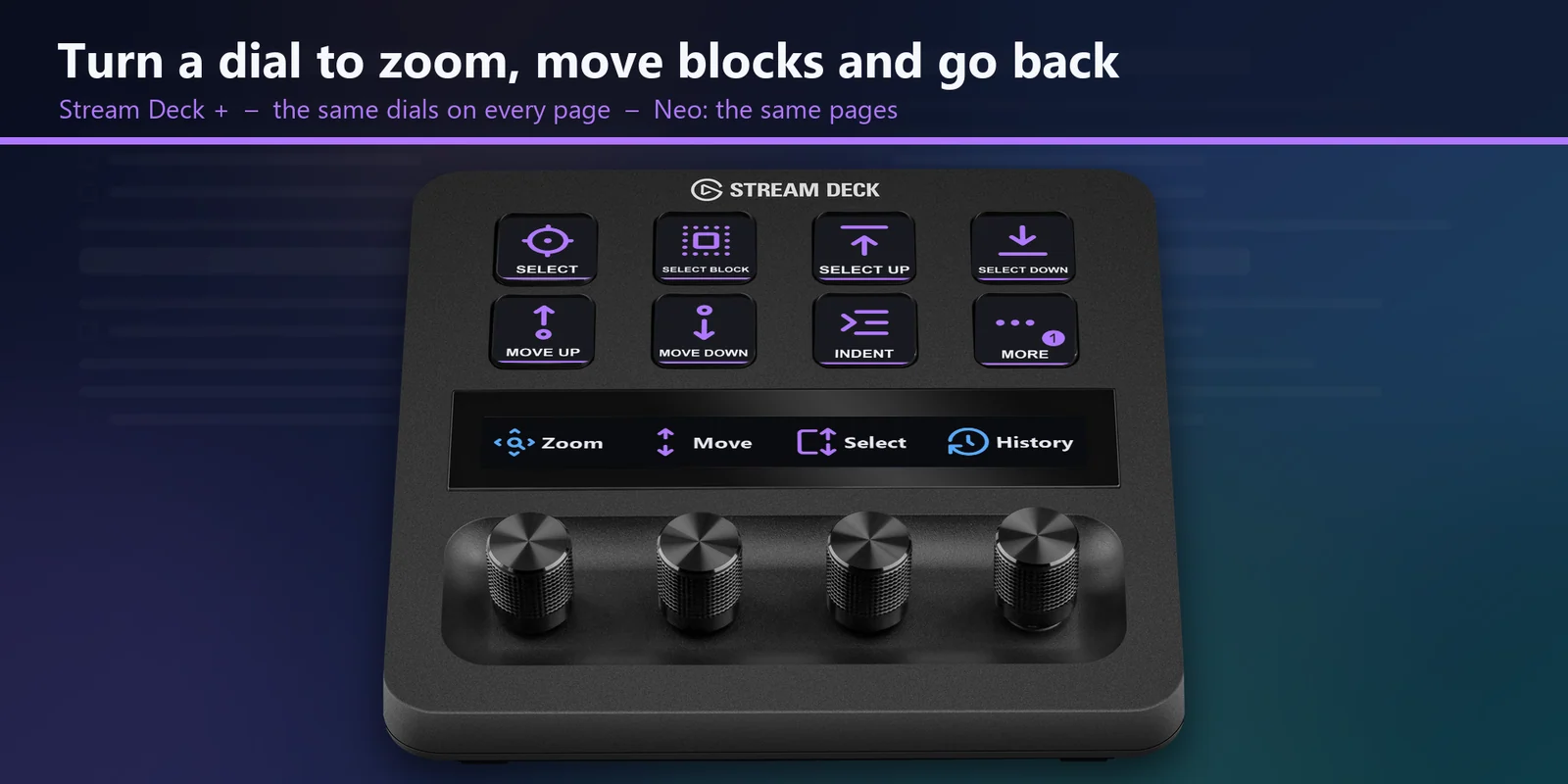
Zoom (press for dark mode), move blocks (press to duplicate), grow the selection (press to select the block) and back / forward (press to search).
Windows, macOS with a US keyboard and macOS with a Japanese keyboard. On a Stream Deck XL every key of a page is on one screen.
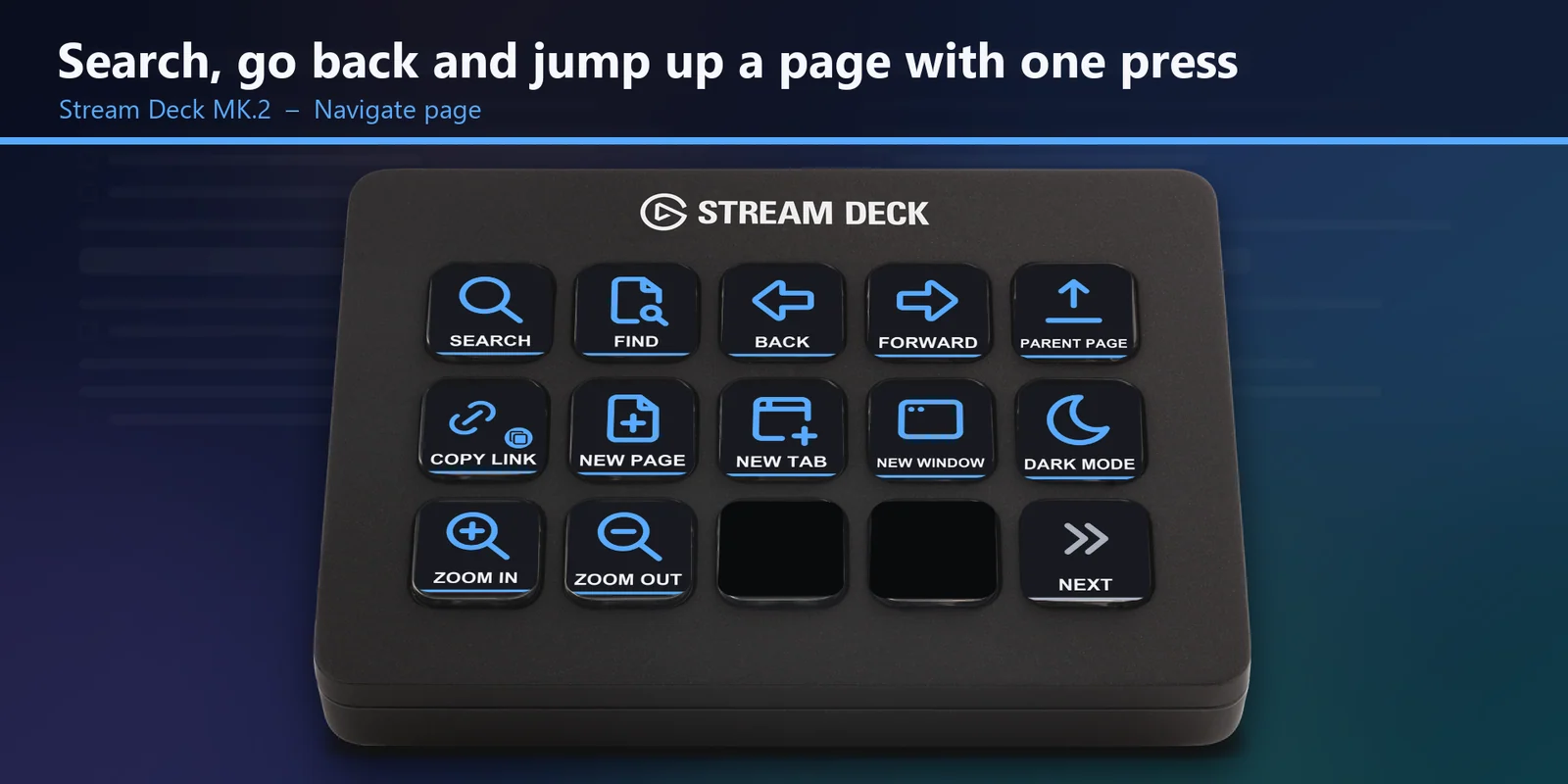
Search, find in page, back and forward, parent page, copy page link, new page, new tab, new window, dark mode and zoom.
Set up
Good to knowEach key sends the Notion keyboard shortcut for its label to the window in front; the Insert keys type an English slash command such as /div and press Enter.
Coming soon: Elgato Marketplace
FAQ
Short answers to what people ask before they add it.
Email contact
Open the Block Keys for Notion profile for your Stream Deck MK.2, XL, Neo or +, click into a Notion page and press a key. Each key sends one of Notion's own keyboard shortcuts, such as Heading 1, Bold, Move up or Duplicate, or types a slash command such as /div.
Yes, for the writing keys: formatting, Turn into, blocks, Insert and most of Navigate. New page, new tab, new window and copy page link are keys of the Notion desktop app; in a browser those keys act on the browser.
Yes. There are profiles for macOS with a US keyboard and with a Japanese (JIS) keyboard. On a Mac the Turn into keys send Command+Option+0-9, the Mac keys on Notion's help page.
No. The keys send Notion's own shortcuts, so nothing is installed into Notion and your Notion settings stay as they are.
The Stream Deck MK.2, XL, Neo and +. On the XL every key of a page is on one screen; on the MK.2 PREV and NEXT change pages, and on the Neo and + the touch points or the touch strip do. On the MK.2, Neo and + a MORE key opens the rest of a longer page.
The four dials are the same on every page: Zoom (press for dark mode), Move blocks up / down (press to duplicate), Grow the selection up / down (press to select the block the cursor is in) and Back / Forward (press to search).
Requirements
For the Stream Deck MK.2, XL, Neo and + on Windows and macOS with the Stream Deck app, and Notion in the desktop app or a web browser.
A Stream Deck profile sold on the Elgato Marketplace.
More for your Stream Deck
For the Stream Deck MK.2, XL, Neo and + on Windows and macOS with the Stream Deck app, and Notion in the desktop app or a web browser.
Coming soon: Elgato Marketplace