How-to · KaoTraPon - face tracking for avatars without it
VRChat face tracking avatar setup Add the missing blendshapes to an avatar without face tracking
Free trial available
An avatar without face tracking support can still use VRChat face tracking once the missing blendshapes are built from its own expressions. KaoTraPon goes on the avatar's root and, when you upload as usual, builds as many missing keys as it can (wink, eye wide, brows, mouth corners, jaw left/right) and fills the face tracking fields.
What KaoTraPon - face tracking for avatars without it does
See all 22 fields in one table
Each field shows already there, will be made, or cannot be made, with the reason.
Your files stay untouched
No Blender. Your original files never change; the keys go only into the uploaded avatar.
No special hardware needed
VRChat's built-in face tracking works with a PC webcam or an Android camera.
Preview in the scene first
Switch before and after and watch the new keys move before uploading.
What it looks like


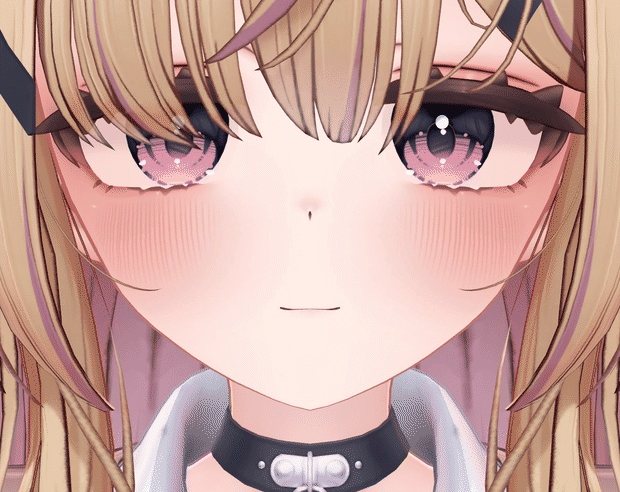
Avatar: Yumeka (Arka_X)
FAQ
Can an avatar without face tracking support use face tracking?
Yes. Build the missing blendshapes from the avatar's own expressions and put them in the fields. The number of keys depends on the avatar; on six differently built avatars, 16 to 22 of the 22 fields were filled.
Can I see how much of my avatar gets filled before buying?
The free trial shows the table for your avatar and a preview in the scene.
I do not own face tracking hardware.
Use Camera Tracking under Tracking & IK in VRChat's settings with a PC webcam or the camera of an Android phone or tablet.
KaoTraPon - face tracking for avatars without it
Try the free trial on your own avatar first.
Get KaoTraPon - face tracking for avatars without it¥2,500Header photo: SHVETS production on Pexels