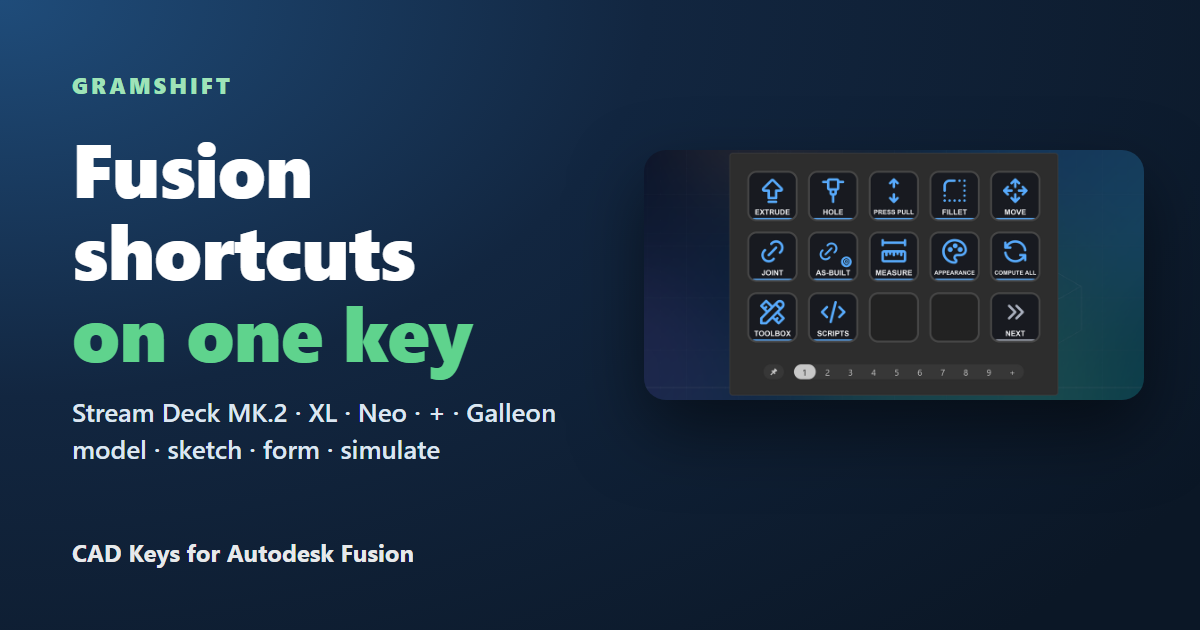
A Stream Deck profile for Autodesk Fusion (Fusion 360) on Windows and Mac: extrude, fillet, sketch and dimension from labeled keys.
Stream Deck profile for Windows and Mac
Model faster in Autodesk Fusion (Fusion 360): extrude, fillet, sketch and dimension with one press of a labeled Stream Deck key instead of menus.
One purchase covers Stream Deck MK.2, XL, Neo and + on Windows and Mac, and Stream Deck + XL and Corsair Galleon 100 SD on Windows.
The keys send Fusion's own default keyboard shortcuts, so they work with Fusion as it comes and your settings stay as they are. 85 keys on 9 pages cover modeling, sketching, Form, Simulation, Animation, Manufacture and Drawing, and on Stream Deck + the dials undo and redo, switch workspaces and step through Form selections.
- Solid modeling
- Sketch
- Form (T-splines)
- Simulation
- Manufacture and Drawing
- Windows and Mac
What the keys do
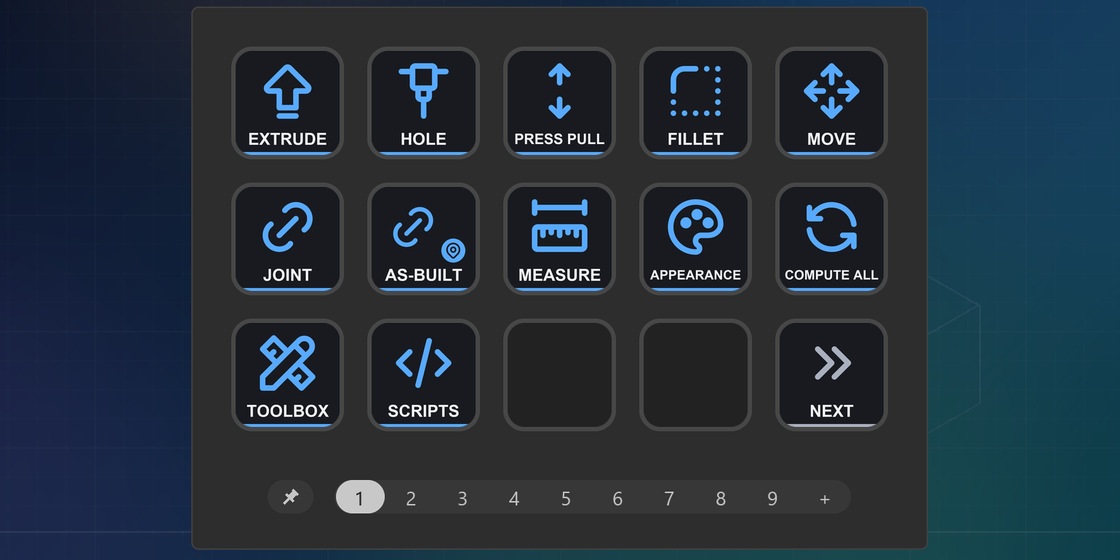
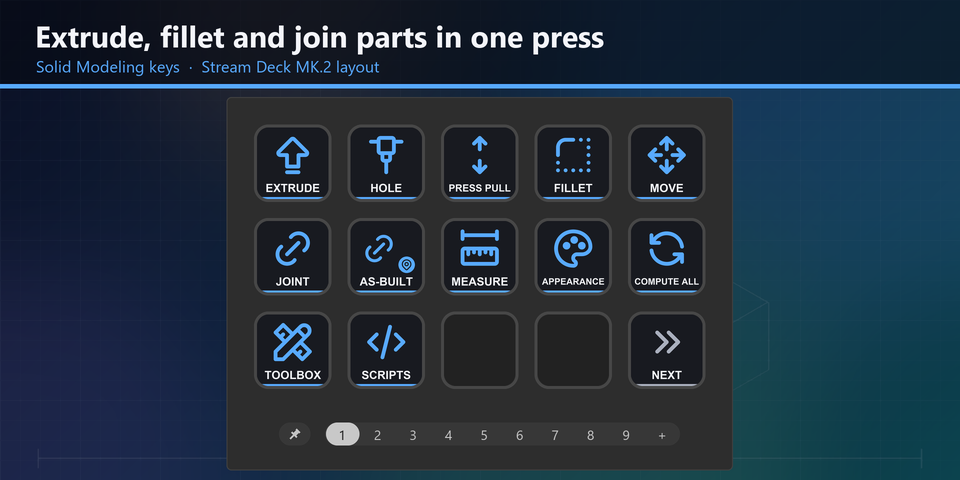
- Solid modeling in one press: Extrude, hole, press pull, fillet, move, joint, as-built joint, measure, appearance, compute all, the toolbox and scripts and add-ins.
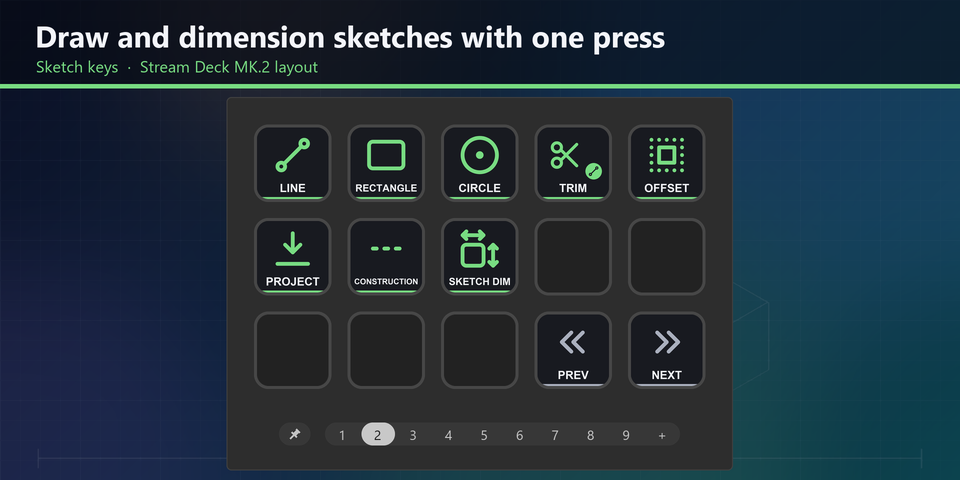
- Sketch without the menus: Line, rectangle, circle, trim, offset, project, construction and sketch dimension sit on their own page for the time you spend in a sketch.
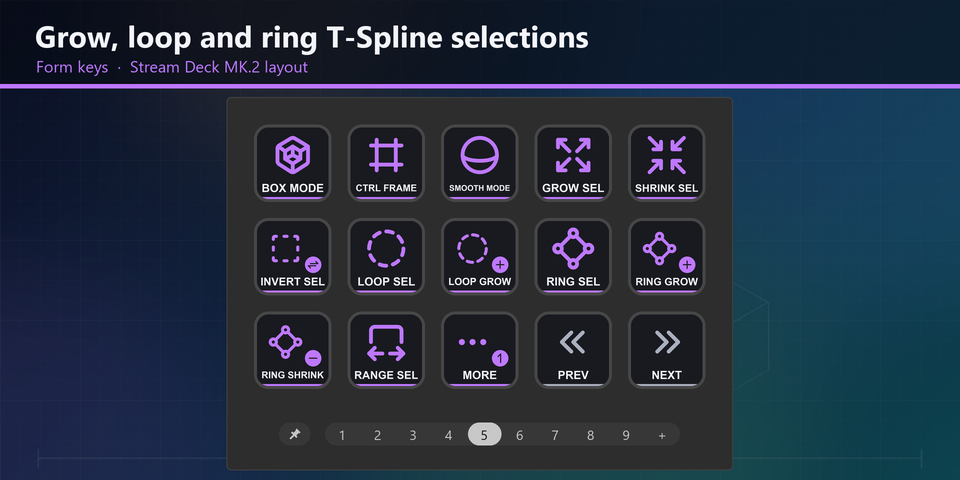
- Form and T-splines: Box, control frame and smooth display, grow, shrink, invert, loop, ring, previous and next U and V, range and feature selection for Create Form.
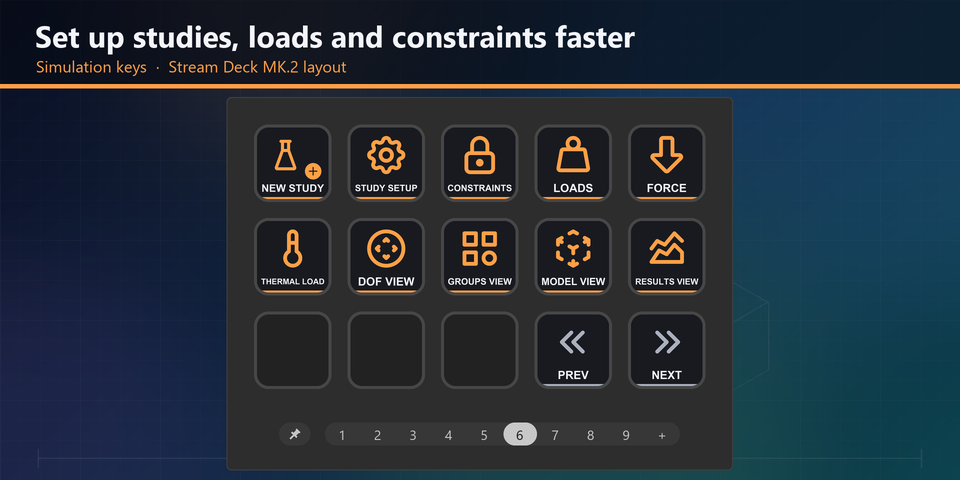
- Simulation studies: New study, study settings, constraints, loads, force and thermal load, with the DOF, groups, model and results views one press apart.
- Selection and panels: Toggle visibility and component colors, switch between window, freeform and paint selection, and show or hide the ViewCube, browser, comments, text commands, navigation bar and data panel.
Profiles for six Stream Deck models
The download holds a profile for each of Stream Deck MK.2, XL, Neo and + for Windows and for Mac, and for Stream Deck + XL and Corsair Galleon 100 SD for Windows. MK.2 changes pages with PREV and NEXT, XL and + XL show a whole page at once, and Neo and + show 8 keys a page. On Stream Deck + four dials undo and redo, switch workspaces and step through Form selections; on + XL and Galleon 100 SD two dials undo and redo and switch workspaces.
- Solid Modeling: Extrude, hole, press pull, fillet, move, joint, as-built joint, measure, appearance, compute all, toolbox, scripts and add-ins.
- Sketch: Line, rectangle, circle, trim, offset, project, construction and sketch dimension.
- Select & Display: Visibility, component colors, window, freeform and paint selection, ViewCube, browser, comments, text commands, navigation bar, data panel and reset layout.
- File & Undo: New design, open, save, recovery save, next tab, undo, redo, copy, paste, cut and workspace up and down.
- Form: Display modes, grow, shrink, invert, loop, grow loop, ring, grow and shrink ring, previous and next U and V, range and feature.
- Simulation, Animation, Manufacture, Drawing: Study setup, loads and views; transform and explode; generate toolpath and the log; projected views, dimensions, text and balloons.
Set to Fusion's default shortcuts
Each key sends one of Autodesk Fusion's default keyboard shortcuts. Nothing is imported into Fusion, and your Fusion settings stay as they are.
Keep Fusion in front, in the workspace the page is for: the keys are sent to the window in front.
Changed a shortcut in Fusion? Edit that key's Hotkey in the Stream Deck app to the same key.
Set up in 3 steps
- Buy, then download and unzip the file.
- Double-click the .streamDeckProfile file for your Stream Deck and your computer. The Stream Deck app imports it.
- Open Autodesk Fusion, select the profile on your Stream Deck and press a key.
Requirements
- Windows 10 or later, or macOS
- Stream Deck MK.2, XL, Neo or + (Windows or Mac), or Stream Deck + XL or Corsair Galleon 100 SD (Windows)
- The Stream Deck app
- Autodesk Fusion with its default keyboard shortcuts
How AI was used: Made by GRAMSHIFT with the help of AI tools.
Questions and answers
No published questions yet.
Ask a question about this item
Payment, refunds and contact
Checkout happens on the GRAMSHIFT direct shop. Your license key and refunds are handled there too. Buy on the GRAMSHIFT direct shop
- Made by
- GRAMSHIFT
For how to use this item, ask GRAMSHIFT in "Questions and answers" above.
For help with payment or downloads, just email contact@gramshift.com. You can also ask GRAMSHIFT from "Questions and answers" on each item page.
Report this item (not as described, does not work, etc.)