Stream Deck
CAD Keys: Autodesk Fusion on Stream Deck
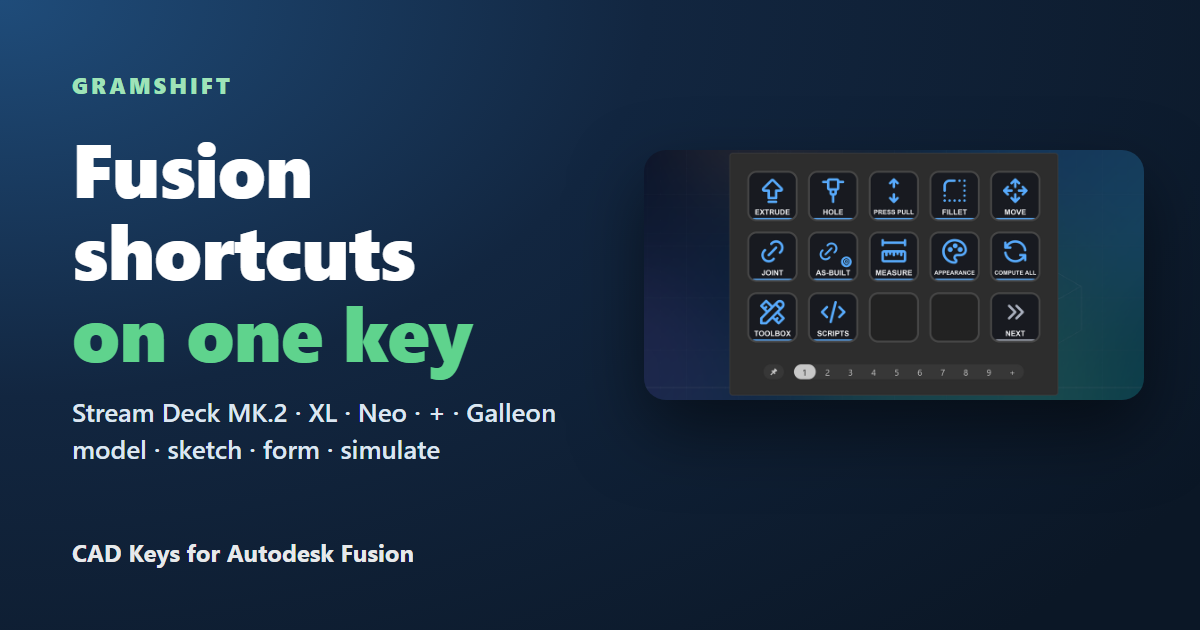
A Stream Deck profile for Autodesk Fusion (Fusion 360) on Windows and Mac: extrude, fillet, sketch and dimension from labeled keys.
¥2,800
Released Nov 26, 2026
Checkout happens on the GRAMSHIFT direct shop. Your license key and refunds are handled there too.
Estimate: the ECB rate of 2026-11-25 plus the Stripe conversion fee (about 4%). Checkout shows the exact amount, or you can choose to pay in Japanese yen.
Stream Deck plugin for Microsoft Flight Simulator 2024: real-world METAR flight category colors, wind and gusts, a TAF warning for your arrival, and headwind a…
Stream Deck plugin for Microsoft Flight Simulator 2024 on Windows
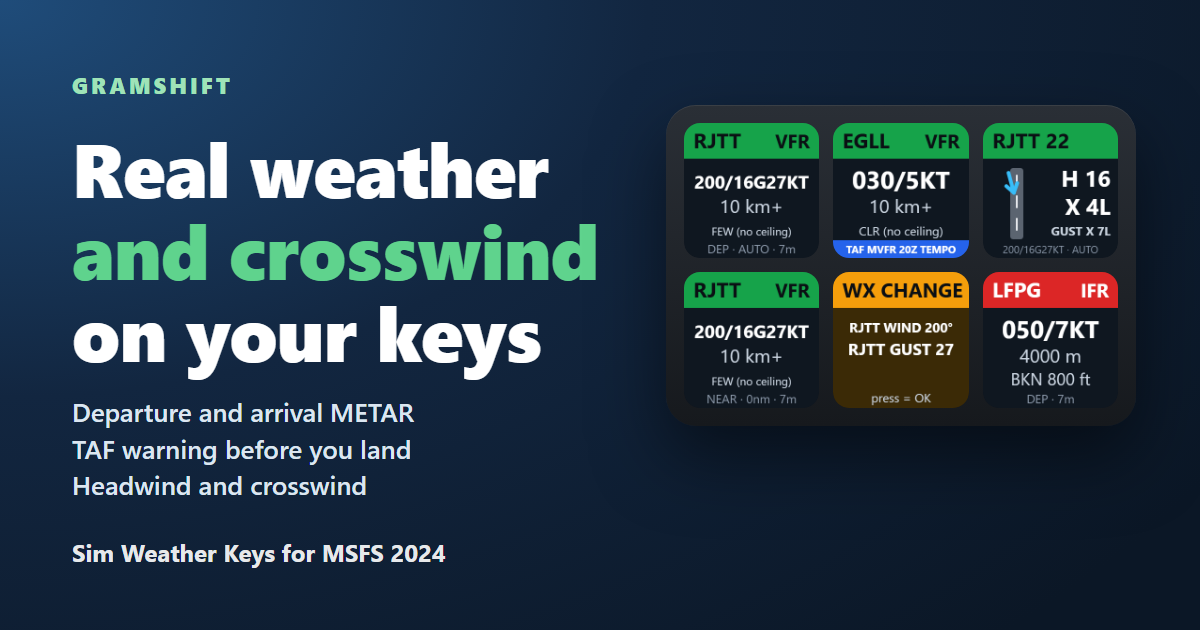
To see the weather at your departure and arrival while you fly Microsoft Flight Simulator 2024, put the weather keys on your Stream Deck: each shows the flight category as a color (VFR, MVFR, IFR, LIFR), wind with gusts, visibility and ceiling.
Arrival Weather adds a strip when the TAF turns worse, and Runway Wind shows the headwind and crosswind on the runway most into the wind.
Leave the departure empty and, with MSFS 2024 running and your aircraft on the ground, the key picks the nearest airport with a report. Nothing to install in the sim. Display only.
The band on each weather key takes the color of the flight category, so you see the conditions before you read a number. A color-blind safe set of colors is in the settings.
The plugin runs in the Stream Deck app. There is nothing to install in the sim or the Community folder.
It is display only: it presses no keys in the sim and changes nothing in it.
Weather requests carry only airport codes. Your aircraft position is used on your PC to find the nearest airport and is never sent.
How AI was used: Made by GRAMSHIFT with the help of AI tools.
No published questions yet.
Checkout happens on the GRAMSHIFT direct shop. Your license key and refunds are handled there too. Buy on the GRAMSHIFT direct shop
For how to use this item, ask GRAMSHIFT in "Questions and answers" above.
For help with payment or downloads, just email contact
Stream Deck
A Stream Deck profile for Autodesk Fusion (Fusion 360) on Windows and Mac: extrude, fillet, sketch and dimension from labeled keys.
Stream Deck
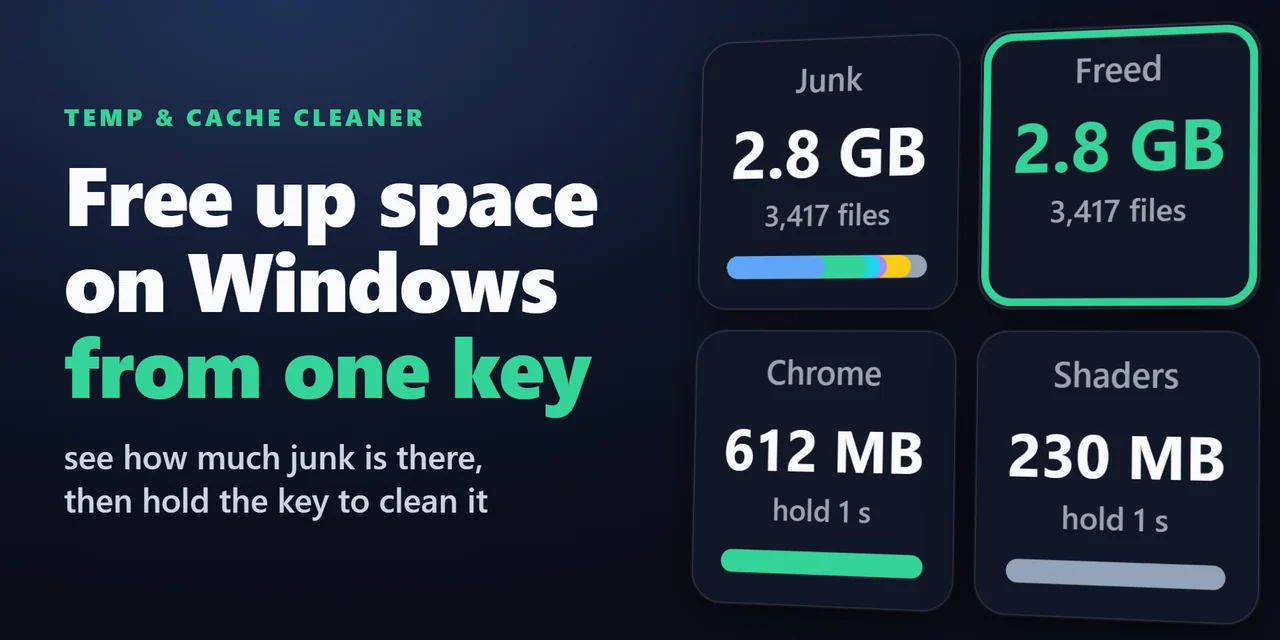
Stream Deck plugin for Windows that shows how much space your Temp folder, browser caches, thumbnail cache, crash dumps and shader cache take, and cleans them …
Stream Deck
Stream Deck plugin for Todoist on Windows and Mac: see your next task and its due date on a key, hold the key to complete it, count overdue tasks, add a task w…
Stream Deck
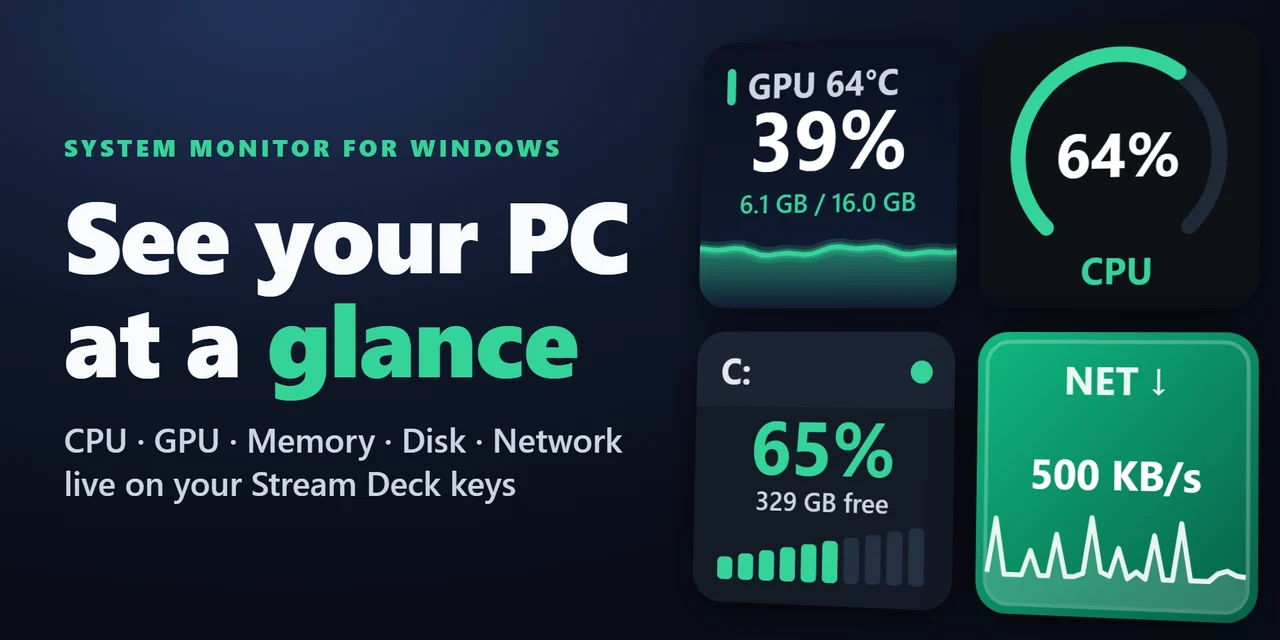
Show CPU, GPU usage and temperature, memory, disk space and network speed live on Stream Deck keys and Stream Deck + dials, on Windows and Mac.
Stream Deck
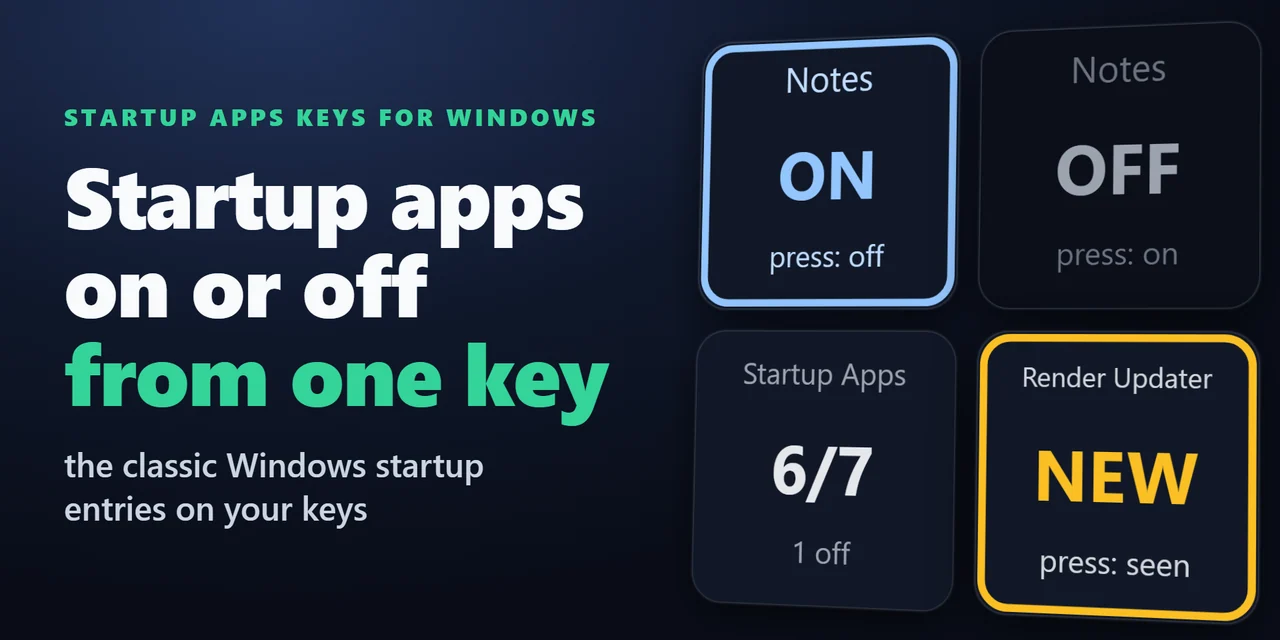
Stream Deck plugin for Windows that shows how many startup apps are on, turns one startup program off or on with a press, and shows NEW with the name when a pr…
Stream Deck
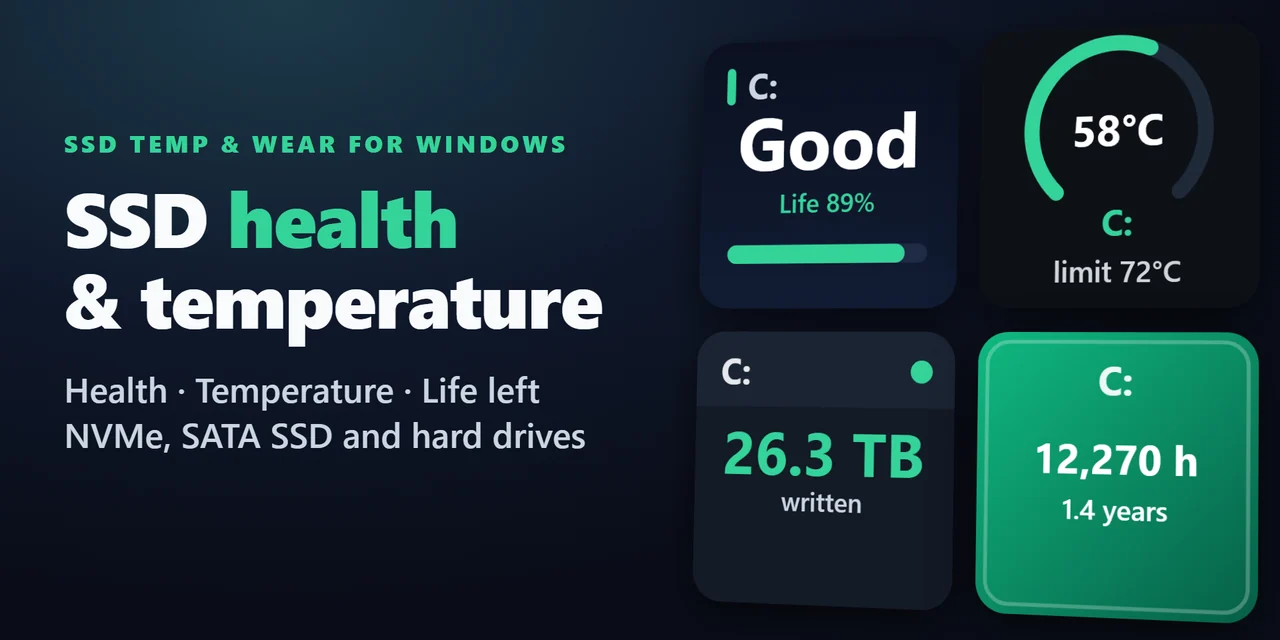
Stream Deck plugin for Windows: see the health (Good, Caution or Bad), life left, temperature with a graph, data written in TB and power-on hours of your SSDs …
Stream Deck
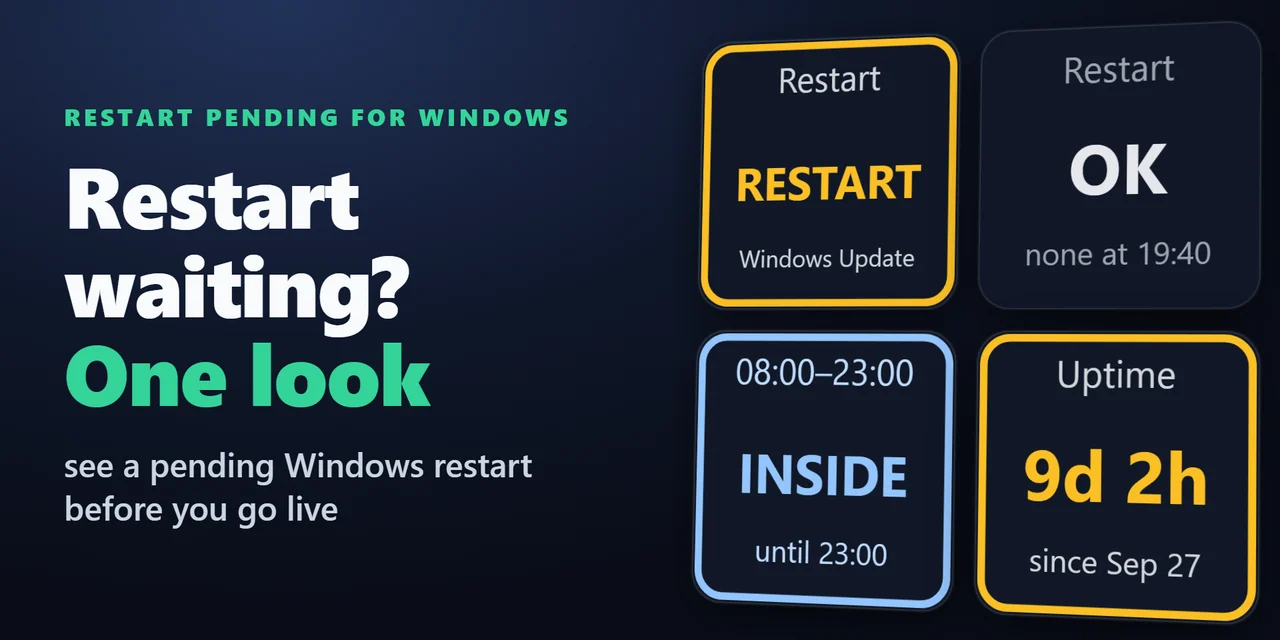
Stream Deck plugin for Windows that shows whether a Windows Update restart is waiting, with the reason, whether you are inside your active hours, and how long …
Stream Deck
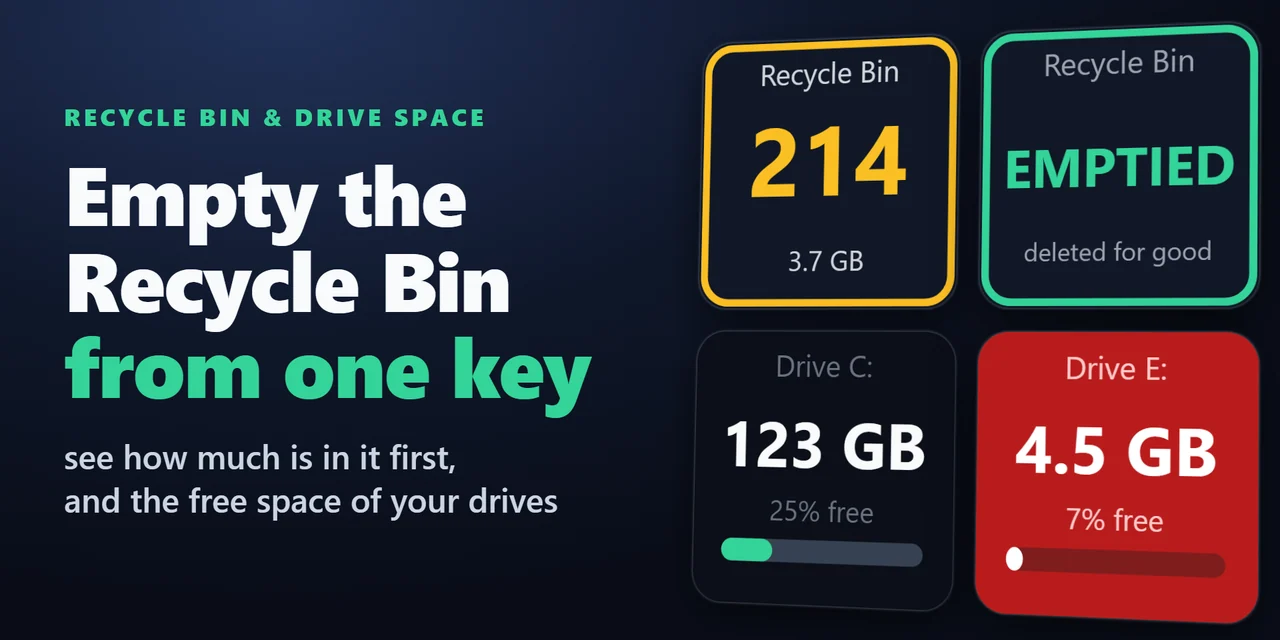
A Stream Deck key for the Recycle Bin on Windows and the Trash on Mac: see how many items are in it and their total size, open it with a press and empty it wit…