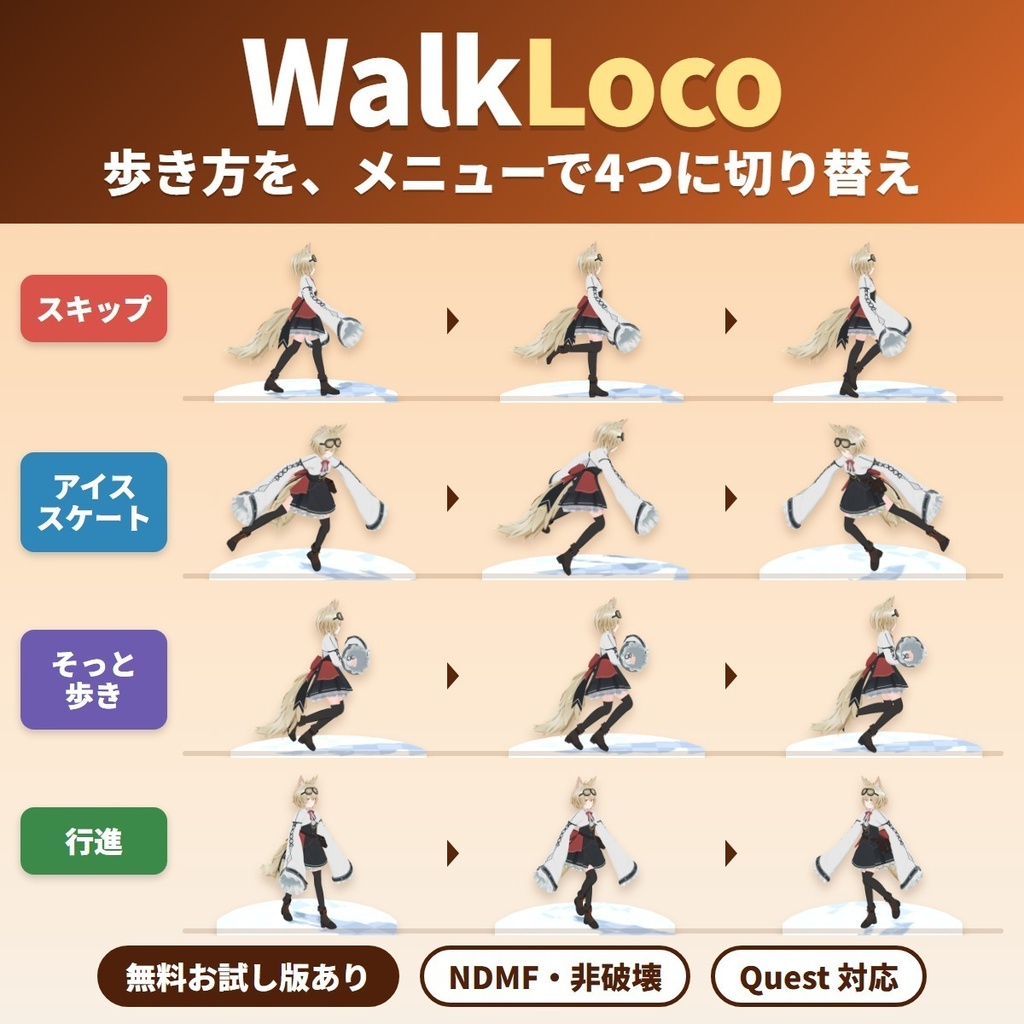
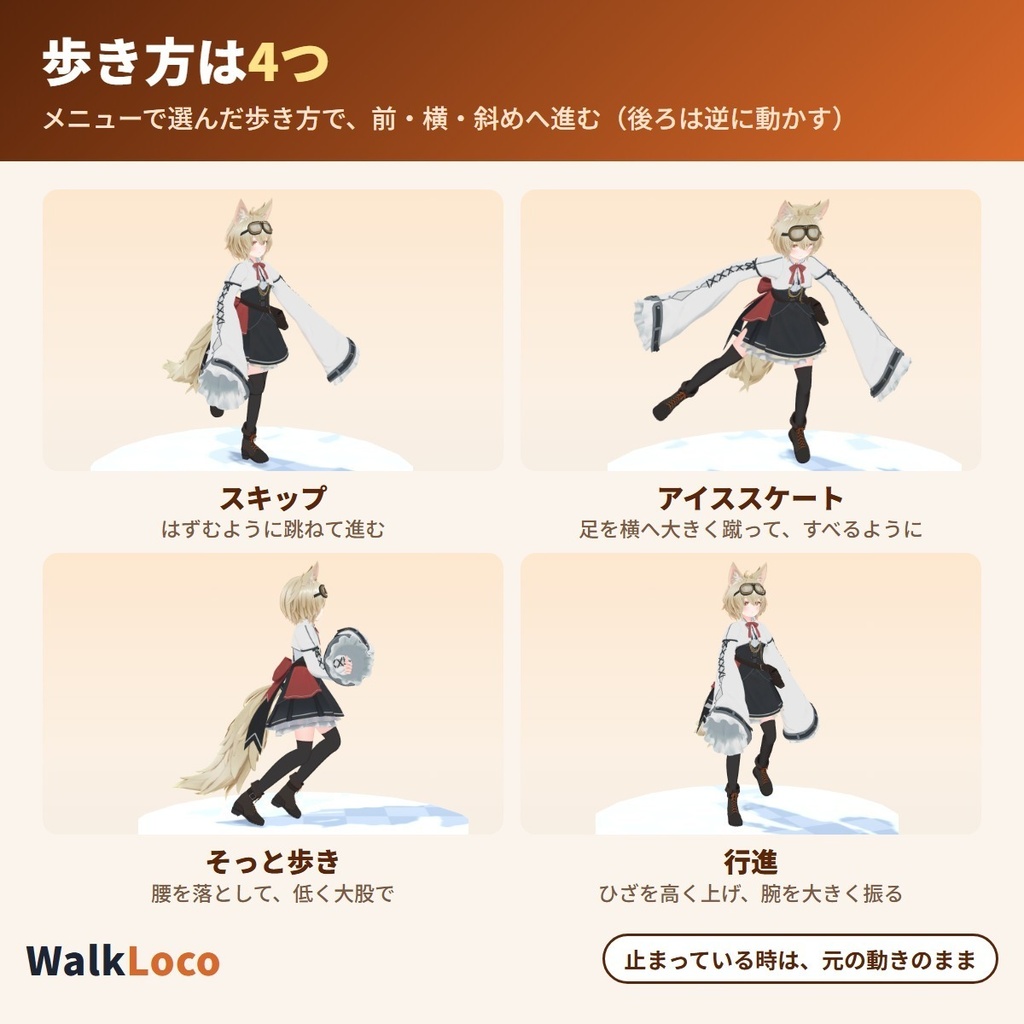
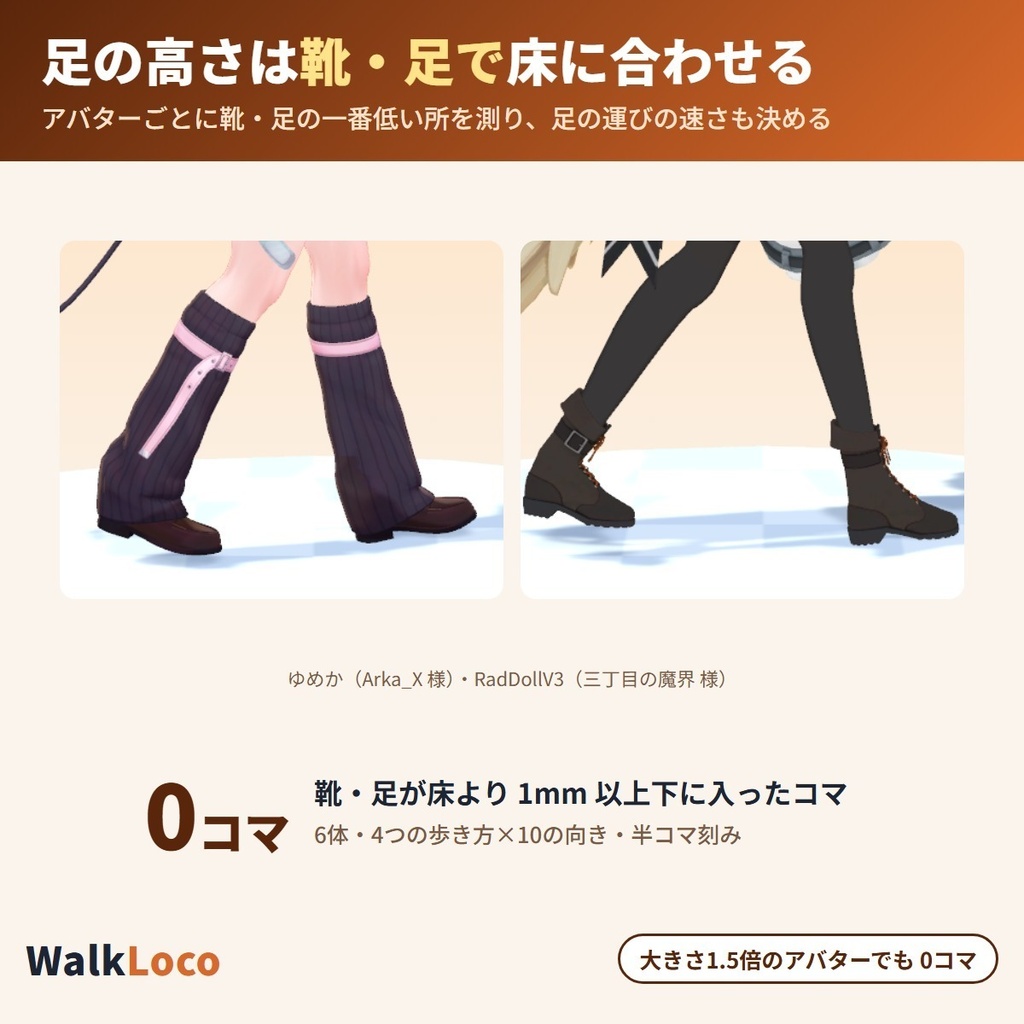
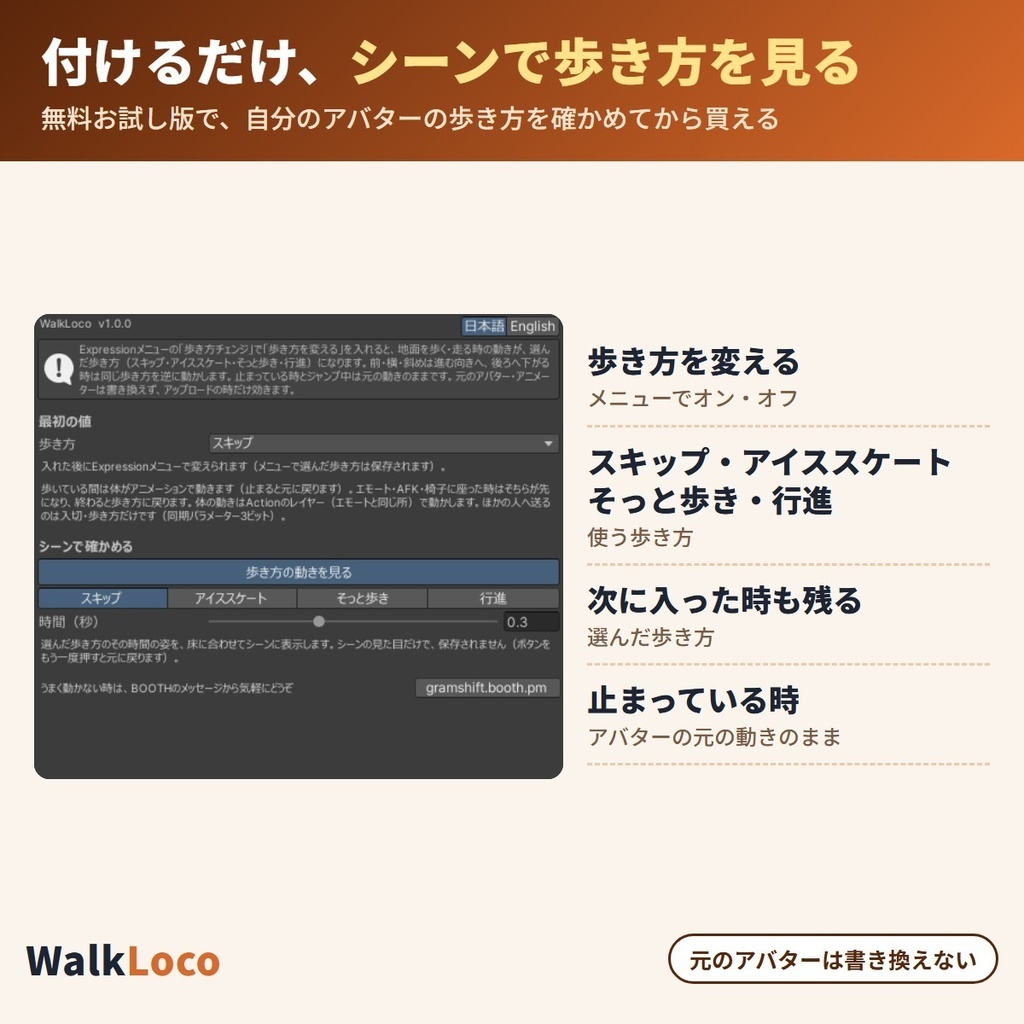
Not in the trial: Applying it to your uploaded avatar (the trial lets you watch the walk styles in the scene).
This tool uses Modular Avatar (free, the standard tool for avatar edits). If Modular Avatar is not in your VCC yet, press the button below first. You only do this once; after that, VCC installs it together with the tool.
For ALCOM or manual setup: https://vpm.nadena.dev/vpm.json
URL for ALCOM or manual setup
https://gramshift.com/vpm-shop/free/index.json
Buying in your region
Checkout is not offered in your region. Free items (such as trials) are still available on this page.
Estimate: the ECB rate of 2026-11-20 plus the Stripe conversion fee (about 4%). Checkout shows the exact amount, or you can choose to pay in Japanese yen.
Prices include Japanese tax. In some countries, local tax may be added at checkout; you see the total before you pay. Right after payment you get an "Add to VCC" button and a zip download. Add it to VCC (the free official app from VRChat) or ALCOM (a free app that does the same), and new versions install with one click.
How AI was used: AI tools helped draft the description.
Requirements
Unity
2022.3
VRChat SDK - Avatars
3.10.5 or later
NDMF
1.14.0 or later
Modular Avatar
1.18.0 or later, below 2.0.0
Update history
Version 1.0.2Trial
Trial version released
Version 1.0.1Full version
First release
Reviews
No reviews yet.
Only people who bought this item here can review it (from the Library after buying).
Questions and answers
No published questions yet.
Ask a question about this item
Payment, refunds and contact
Payment
Handled by Stripe through Link, Stripe's checkout service. Link is the name shown on your receipt and card statement, and your card number never reaches GRAMSHIFT.
Delivery
Right after payment, the page shows your download (Unity tools also get a link to add to VCC and ALCOM). The receipt arrives by email.
Refunds
If something does not work, just email contact@gramshift.com. As these are digital items, we do not accept returns for a change of mind, but if a tool does not work in your setup and you contact us within 14 days of purchase, we refund the full amount. After a refund, the item can no longer be downloaded.
Countries
Checkout is not offered in Ascension Island, China, Cuba, Iran, Kosovo, North Korea, Russia, Syria or Tristan da Cunha.