01
See the farm at a glance
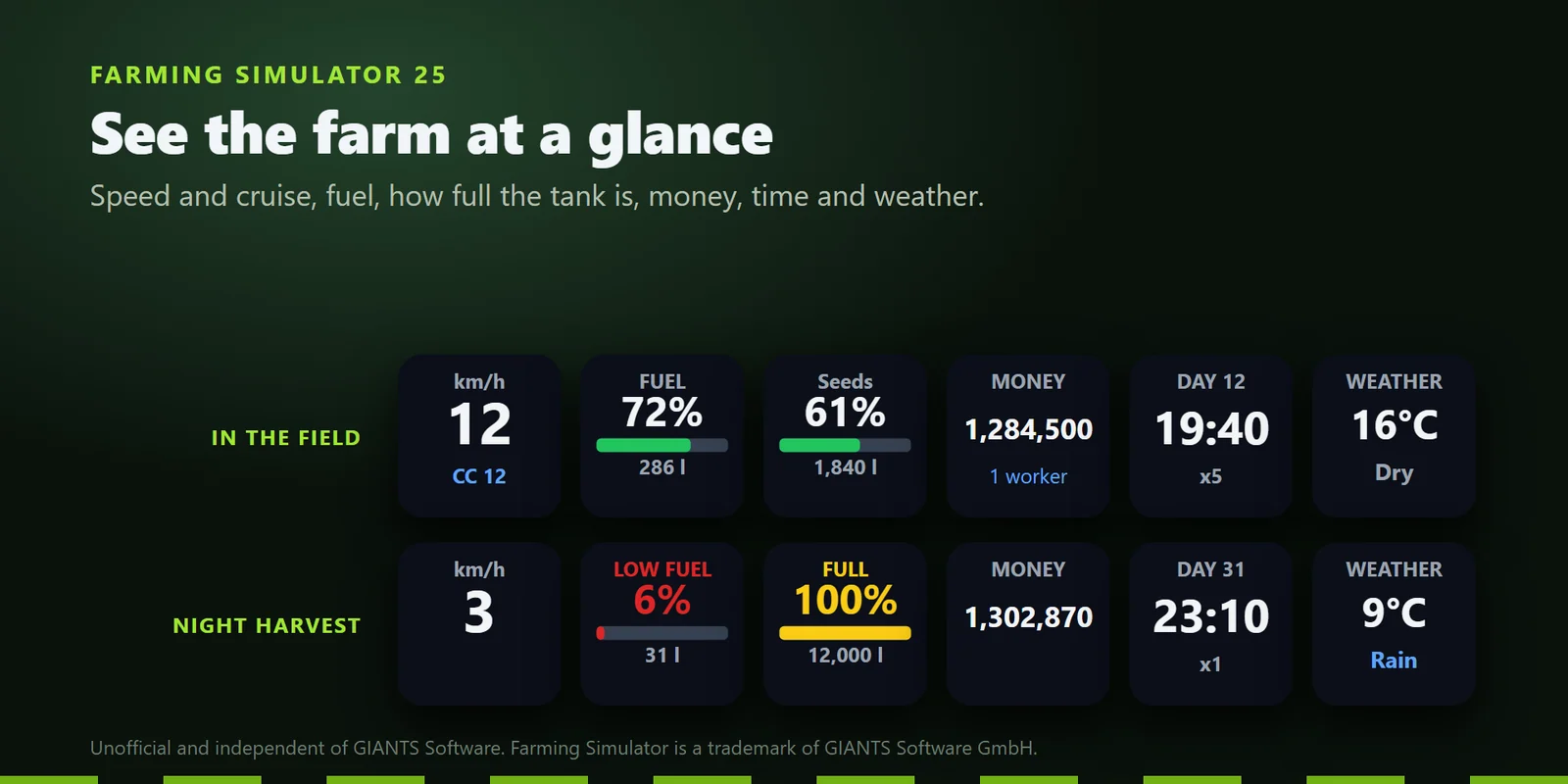
Speed with the cruise speed, diesel, charge or methane left, what your vehicle or implement holds and how full it is, the farm's money, the time of day and the weather.
Show FS25 speed, fuel, fill level, money and workers on Stream Deck keys, and switch engine, lights and implements.
One-time purchase direct from GRAMSHIFT, plus any tax at checkout. One license key for up to 3 computers; the plugin goes online to check its license key.
Overview
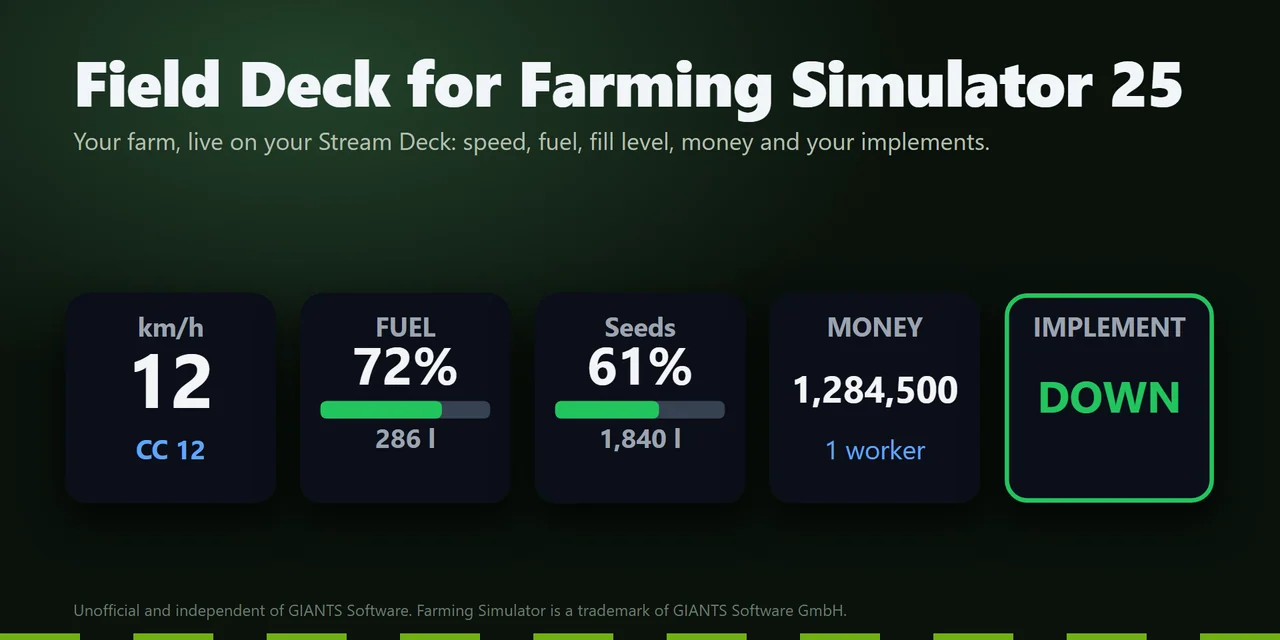
To see your speed, fuel, fill level, money and hired workers from Farming Simulator 25 on a Stream Deck, install Field Deck for Farming Simulator 25, a Windows plugin whose keys show the game's live values while you play.
Its switch keys start the engine, turn on the lights, beacon and cruise control, and lower, turn on or fold your implement, and each key shows whether it is on. A companion mod is included and installs from a key's settings.
Features
Speed with the cruise speed, diesel, charge or methane left, what your vehicle or implement holds and how full it is, the farm's money, the time of day and the weather.
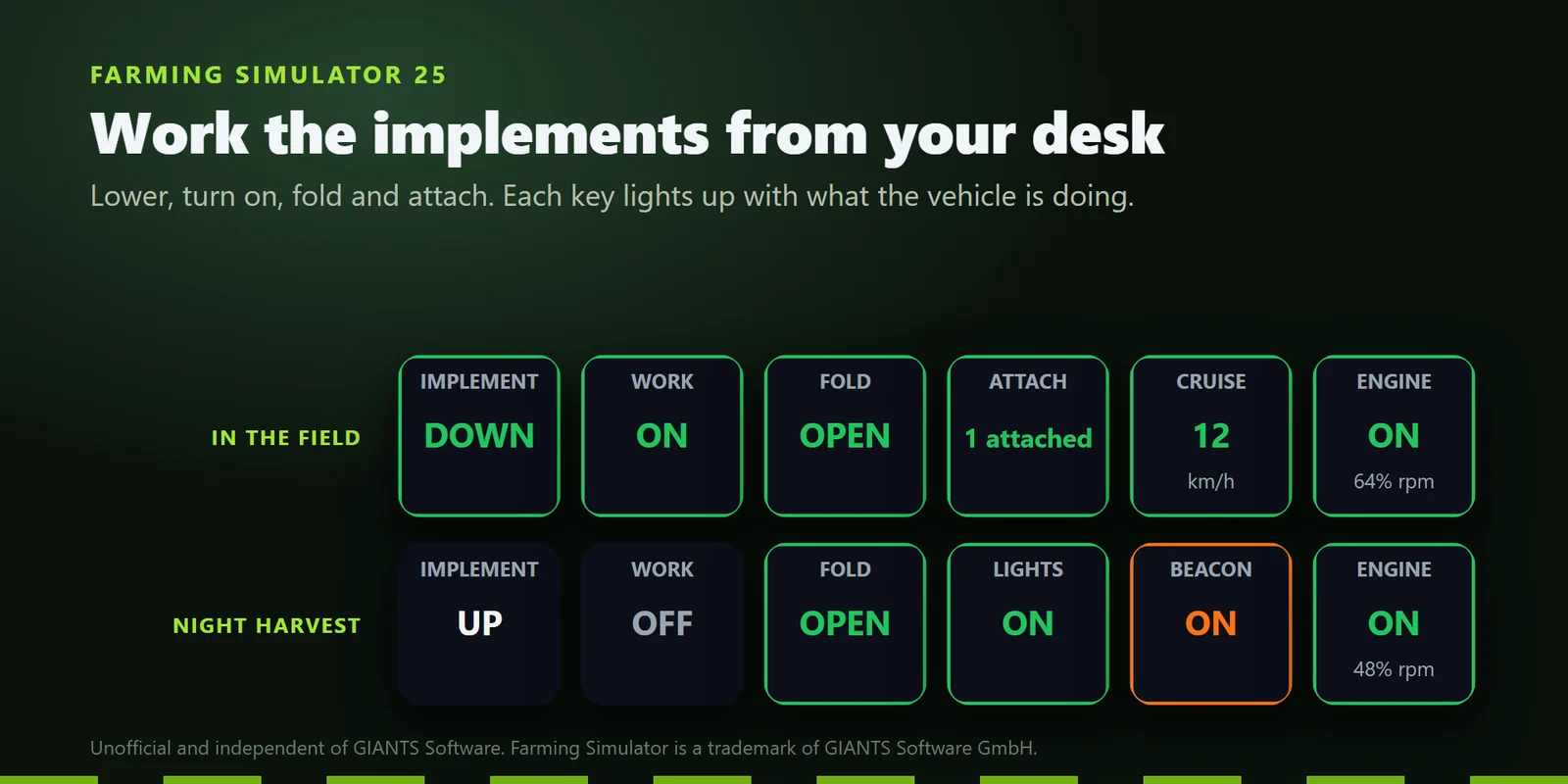
Lower, turn on, fold and attach, with each key showing DOWN or UP, on or off, FOLDED or OPEN and what is attached.
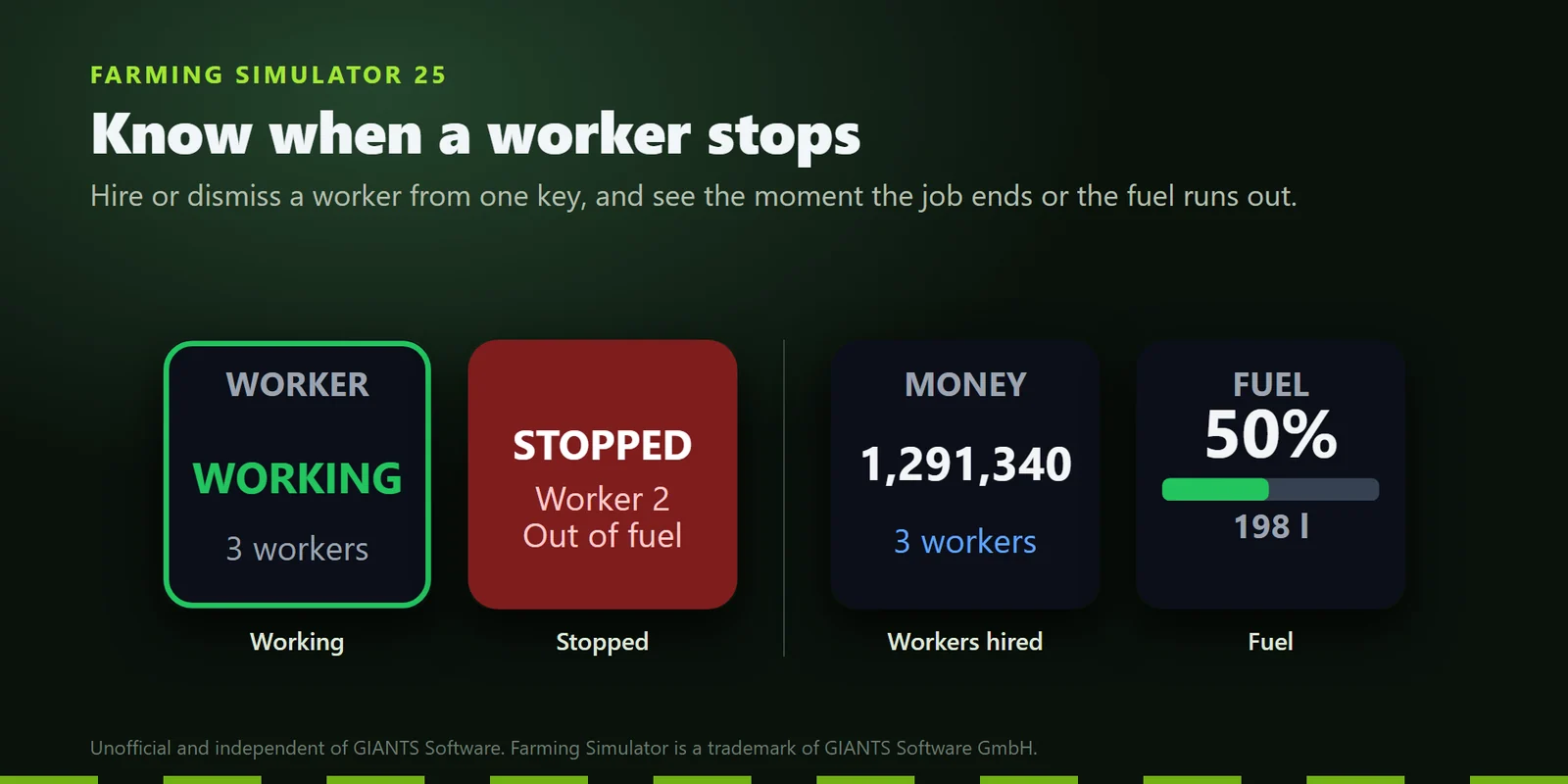
Hire or dismiss a worker with a press, and the key turns red and tells you when the job is done, the worker is blocked or out of fuel.
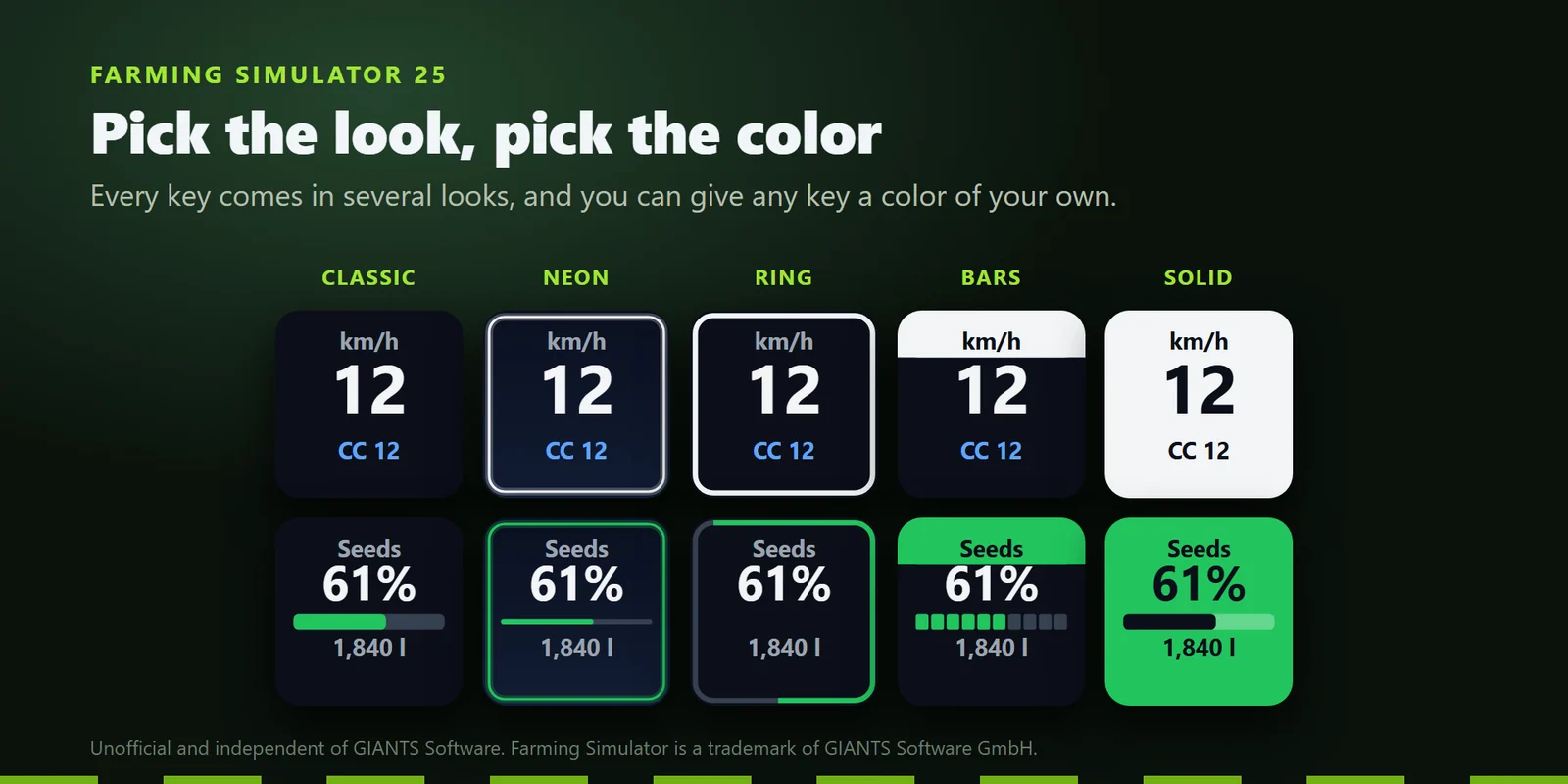
Classic, Neon, Ring, Bars or Solid on every key, or a color of your own.
Engine, lights, high beam, front and rear work lights, beacon, blinkers, hazard lights and cruise control each show their state on the key.
Set the cruise speed, the blinkers and the time scale, with a press for cruise on or off, hazard lights and the time direction.
Game Control picks from a list such as camera, next vehicle, enter and exit, gears, pipe, cover, tip, seed type, work width, shop and menu.
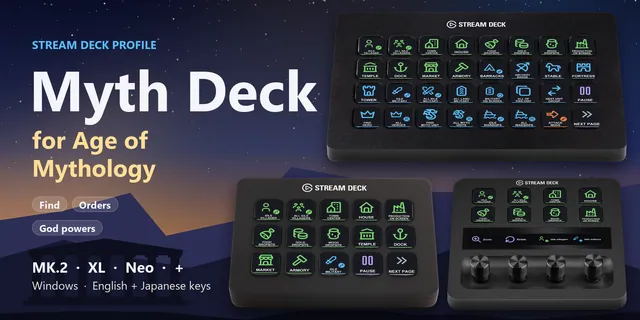
Showcase fills every key with sample values marked SAMPLE, and ready-made profiles for MK.2, XL, Neo and + come with the plugin.
Set up
Good to knowThe keys show what the game reports, also when you switch something with your keyboard, mouse or controller. A press sends the keyboard key set in the game's Controls, including keys you changed yourself.
FAQ
Short answers to what people ask before they add it.
Email contact
Drag Speed, Fuel and Fill Level onto your Stream Deck and enter your license key once in a key's settings. Press Install under Companion mod there, start the game and tick Field Deck in the mod list when you load your savegame. The keys then show your vehicle.
Farm Deck is a profile of preset keys that press the game's shortcuts. Field Deck is a plugin: its keys show the game's live values, such as speed, fuel, fill level, money, time and your workers, and its switch keys show whether the engine, lights or implement are on.
Usually not. A press sends the keyboard key set in the game's Controls, including keys you changed yourself. If a control has only a mouse or controller button, give it a keyboard key in the game's Controls, or type a key in the key's settings.
Farming Simulator 25 on Windows PC: the Steam or GIANTS version and the Microsoft Store / Xbox app version. If the plugin does not find the game's folder by itself, type it under Game folder in a key's settings.
Yes. Dials set the cruise speed, the blinkers and the time scale, and the other keys can sit on a dial too. The plugin also comes with a ready-made profile for Stream Deck MK.2, XL, Neo and +.
Field Deck is sold on gramshift.com. One license key works on up to 3 of your own PCs, and new versions download from your license key page.
Requirements
For Stream Deck keys on Windows 10 or later with the Stream Deck app 6.9 or later, dials on Stream Deck +, and Farming Simulator 25 for Windows PC (Steam, GIANTS or Microsoft Store / Xbox app version).
A Stream Deck plugin sold directly by GRAMSHIFT.
More for your Stream Deck
For Stream Deck keys on Windows 10 or later with the Stream Deck app 6.9 or later, dials on Stream Deck +, and Farming Simulator 25 for Windows PC (Steam, GIANTS or Microsoft Store / Xbox app version).
Buy from GRAMSHIFTOne-time purchase direct from GRAMSHIFT, plus any tax at checkout. One license key for up to 3 computers; the plugin goes online to check its license key.