
A Stronghold 4 Stream Deck profile for PC, coming soon
Stronghold 4 castle-building controls on labeled Stream Deck buttons, made for Windows PC and shaped by player requests.
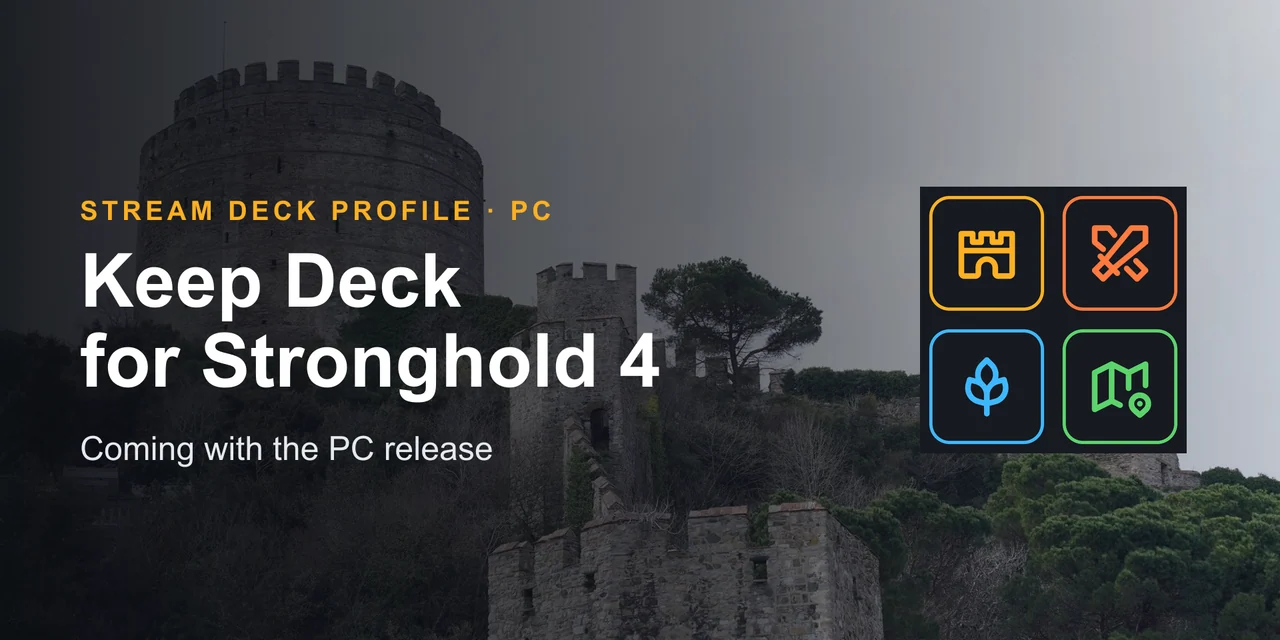
Overview
What Keep Deck for Stronghold 4 does
GRAMSHIFT is preparing Keep Deck for Stronghold 4, a Stream Deck key profile for the castle builder Stronghold 4 on Windows PC, planned for launch with the game's PC early access release on April 20, 2027.
Keep Deck for Stronghold 4 is planned to put the controls a castle builder reaches for, such as pause, game speed, the build menu, building rotation, demolish, unit groups, map views, camera and quick save, on labeled Stream Deck buttons, and the keys players ask for most shape the first version.
Features
What you can do
- Run your keep from one deck
The castle-building controls you reach for most are planned to sit on labeled Stream Deck buttons, one press each.
- Built on the game's own controls
Each key is planned to send a keyboard key the PC version uses, so there is nothing to add to the game.
- Read the keys in your language
The profile is planned with an English set and a Japanese set of the same keys.
- Ask for your keys
Email the keys you want on your Stream Deck, and the most requested ones shape the first version.
Set up
How it works
- When Stronghold 4 comes out on PC, get Keep Deck for Stronghold 4 from the GRAMSHIFT shop.
- Open the profile file for your Stream Deck in the Stream Deck app.
- Start the game, keep its window in front and press a key.
Good to knowAlready building castles on PC? Lord Deck for Manor Lords, from GRAMSHIFT, puts the controls of a medieval settlement builder on your Stream Deck today; it is in the list below.
Coming with the PC release
FAQ
Questions
Short answers to what people ask before they add it.
Email contact
Can you use a Stream Deck with Stronghold 4?
On PC, yes. Keep Deck for Stronghold 4 is a Stream Deck profile GRAMSHIFT is preparing for the PC version of Stronghold 4: each key is planned to send one of the game's keyboard keys, so you press a labeled button instead of looking for the key.
Is Keep Deck for Stronghold 4 made for the PC version?
Yes. A Stream Deck sends its keys to the computer it is plugged into, so the profile is built for Stronghold 4 on a Windows PC, which is the platform the game is announced for.
When will Keep Deck for Stronghold 4 come out?
It is planned for launch with the PC early access release of Stronghold 4, which is currently set for April 20, 2027. We are preparing it now and will open it in the GRAMSHIFT shop when the game comes out.
Which controls will it have?
It is planned to cover controls typical of a castle builder, such as pause, game speed, the build menu, building rotation, demolish, unit groups, map views, camera and quick save. The exact keys are set from the keyboard controls of the PC version once it is out. Email contact@gramshift.com with the keys you want on your Stream Deck; the most requested ones shape the first version.
Will the dials on Stream Deck + be used?
The dials are on Stream Deck + only. On that model the dials are planned for the camera and game speed, and every other Stream Deck gets the same controls on its keys.
Is there a Stream Deck profile for other medieval builders?
Yes: Lord Deck for Manor Lords from GRAMSHIFT works with Manor Lords today. See the list of Stream Deck profiles and plugins further down this page.
Requirements
Good to know before it comes out
Works with
For a Stream Deck on Windows PC, with the PC version of Stronghold 4 and its default keyboard controls. The dials are on Stream Deck + only.
A Stream Deck profile to be sold directly by GRAMSHIFT.
Limits
- For the PC version of Stronghold 4 on Windows: the keys go to the PC the Stream Deck is plugged into.
- Made for the game's default keyboard controls; if you change a key in the game, set the same key in the Stream Deck app.
- Questions or key requests? Email contact@gramshift.com in English or Japanese and we will reply.
Stream Deck profiles you can use now
Related Stream Deck plugins
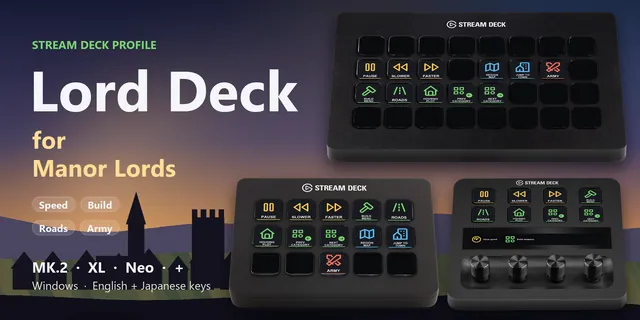 Lord Deck for Manor LordsPause, set the speed, open the build menu, pick roads and plots and jump to your town in Manor Lords from a Stream Deck.
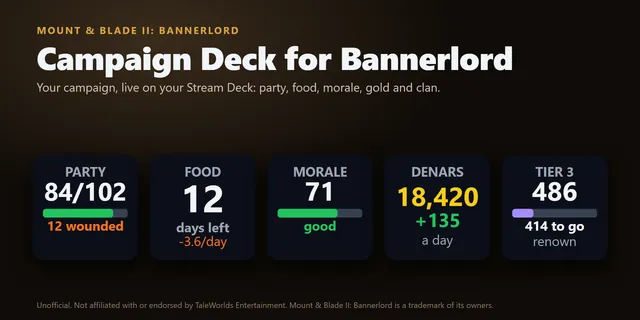 Campaign Deck for BannerlordParty size, food, morale, gold, renown and troops in battle from Mount & Blade II: Bannerlord on Stream Deck keys.
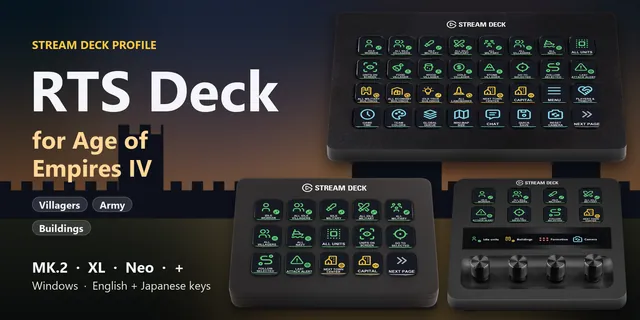 RTS Deck for Age of Empires IVFind idle villagers, command your army, open build menus and train units with default-hotkey keys on MK.2, XL, Neo or +.
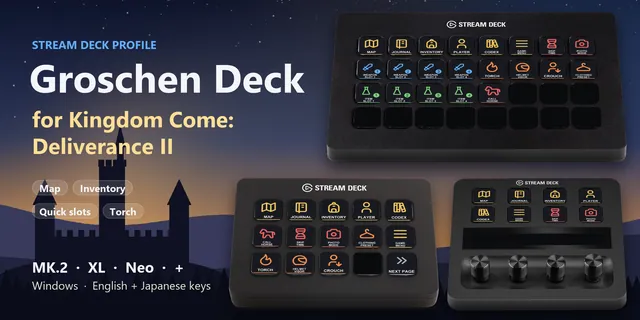 Groschen Deck for Kingdom ComeOpen the map, use quick slots, light your torch and call your horse in Kingdom Come: Deliverance II from a Stream Deck.
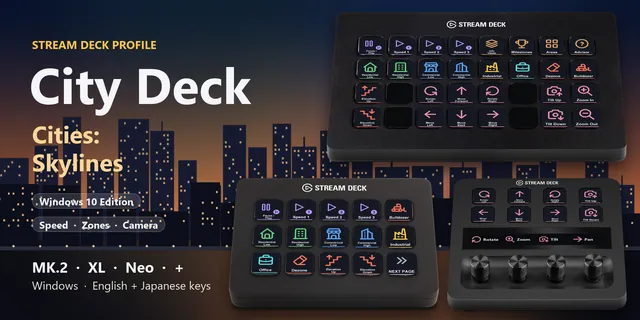 City Deck for Cities: SkylinesPause, set the speed, pick a zone type, bulldoze and move the Cities: Skylines camera from keys on MK.2, XL, Neo or +.
Keep Deck for Stronghold 4
For a Stream Deck on Windows PC, with the PC version of Stronghold 4 and its default keyboard controls. The dials are on Stream Deck + only.
Coming with the PC release