01
See every key at once
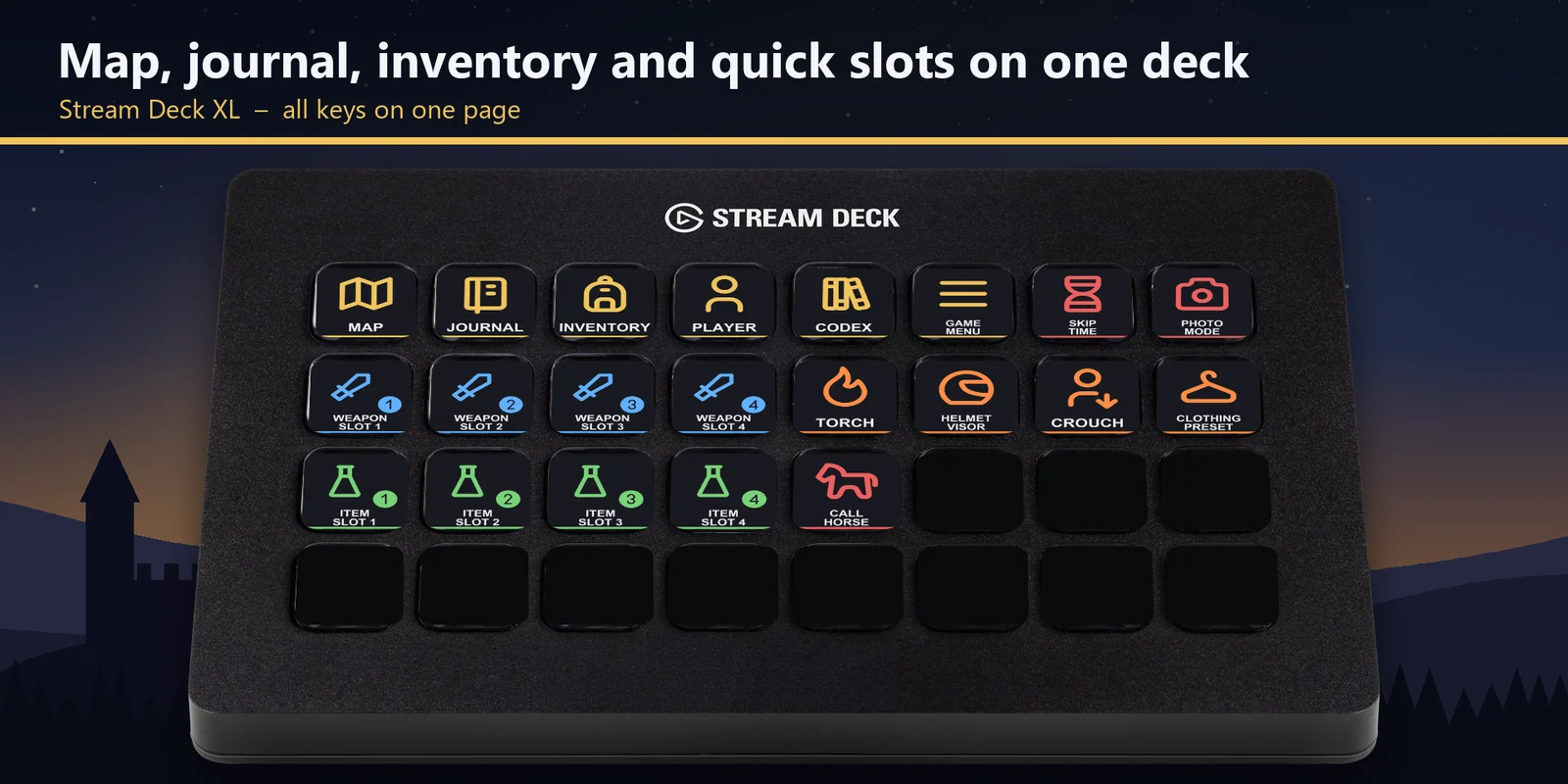
On a Stream Deck XL, the menu, quick slot, gear and world keys share one page.
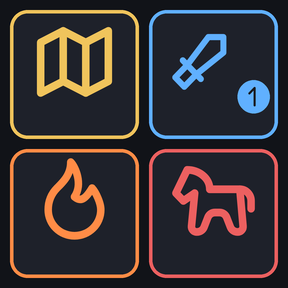
Open the map, use quick slots, light your torch and call your horse in Kingdom Come: Deliverance II from a Stream Deck.
One-time purchase direct from GRAMSHIFT, plus any tax at checkout. A download link appears right after payment, and the receipt arrives by email.
Overview
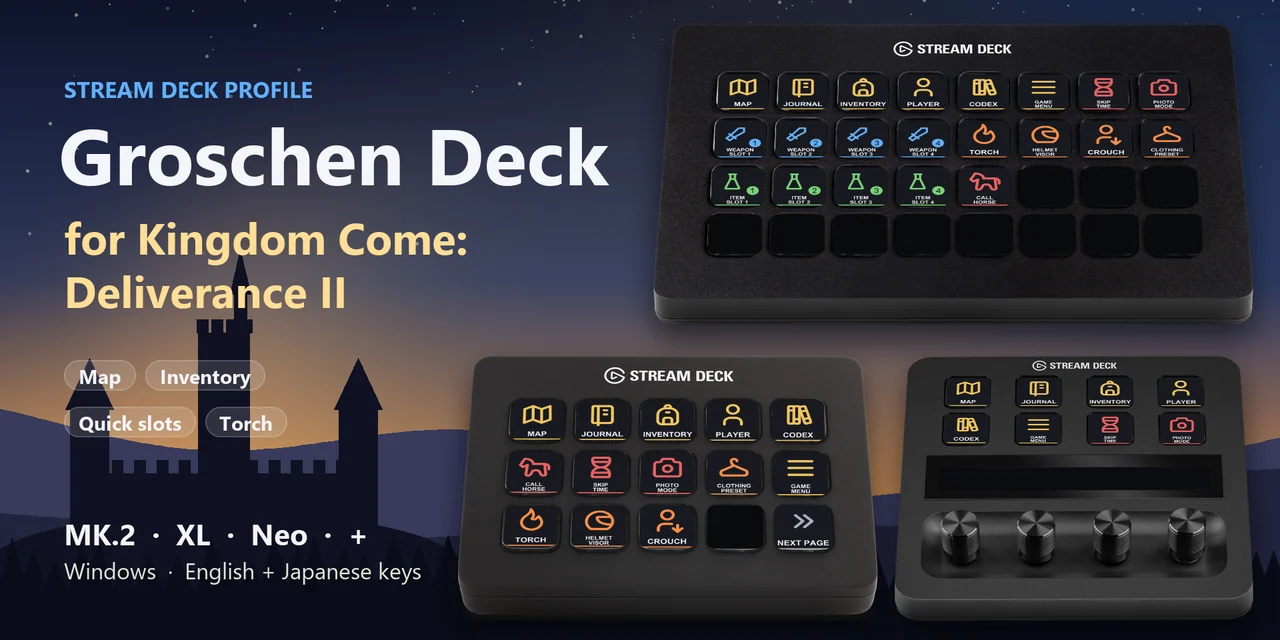
To open the map, journal or inventory, use your weapon and item quick slots, light your torch, call your horse or skip time in Kingdom Come: Deliverance II from a Stream Deck on Windows, open the Groschen Deck for Kingdom Come profile for your device and keep the game window in front.
Each key of Groschen Deck for Kingdom Come sends the keyboard key the game uses out of the box, so there is nothing to set up inside the game and no mods, with English or Japanese labels.
Features
On a Stream Deck XL, the menu, quick slot, gear and world keys share one page.
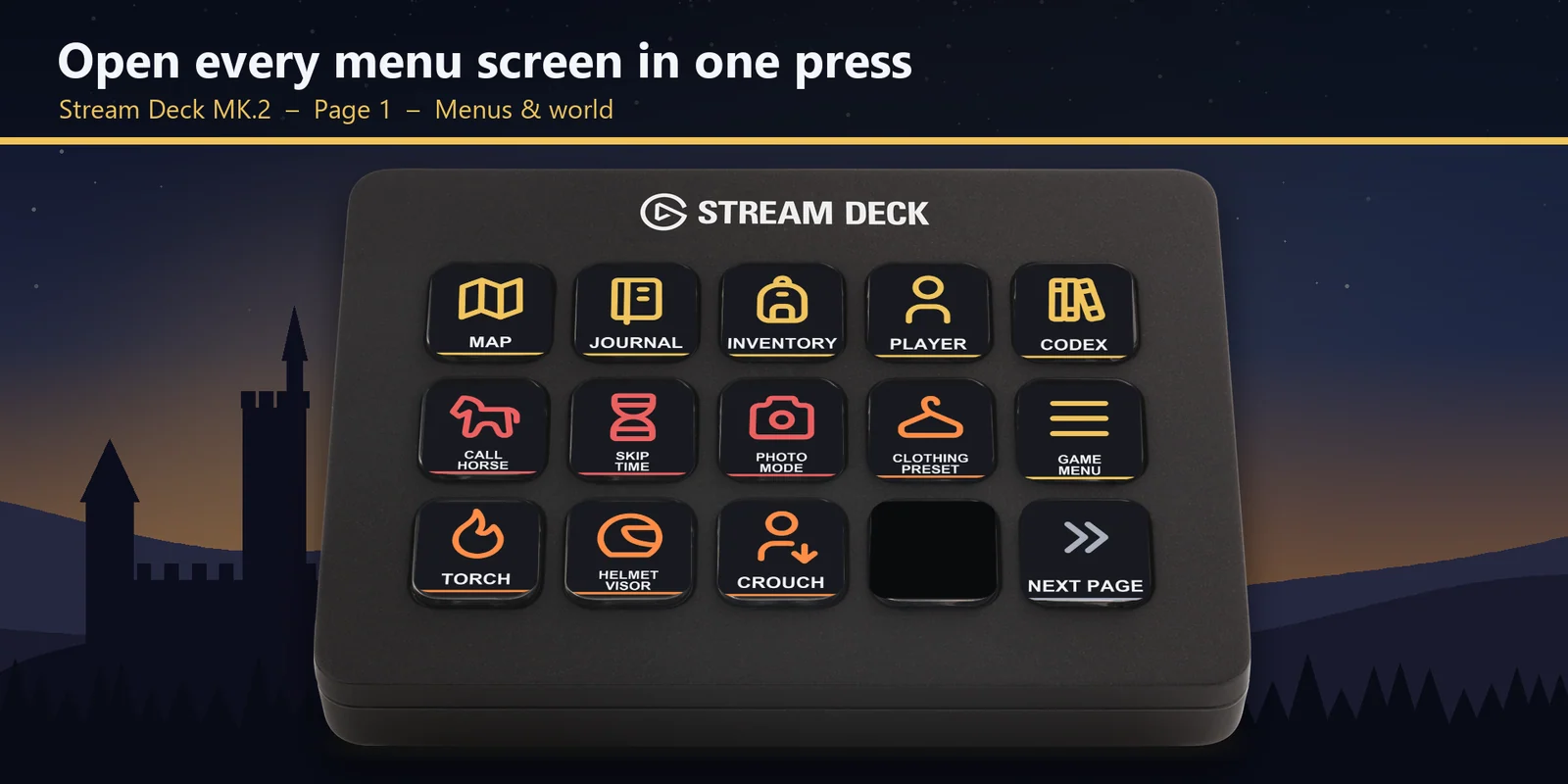
The map, journal, inventory, player screen and codex, the game menu and photo mode.
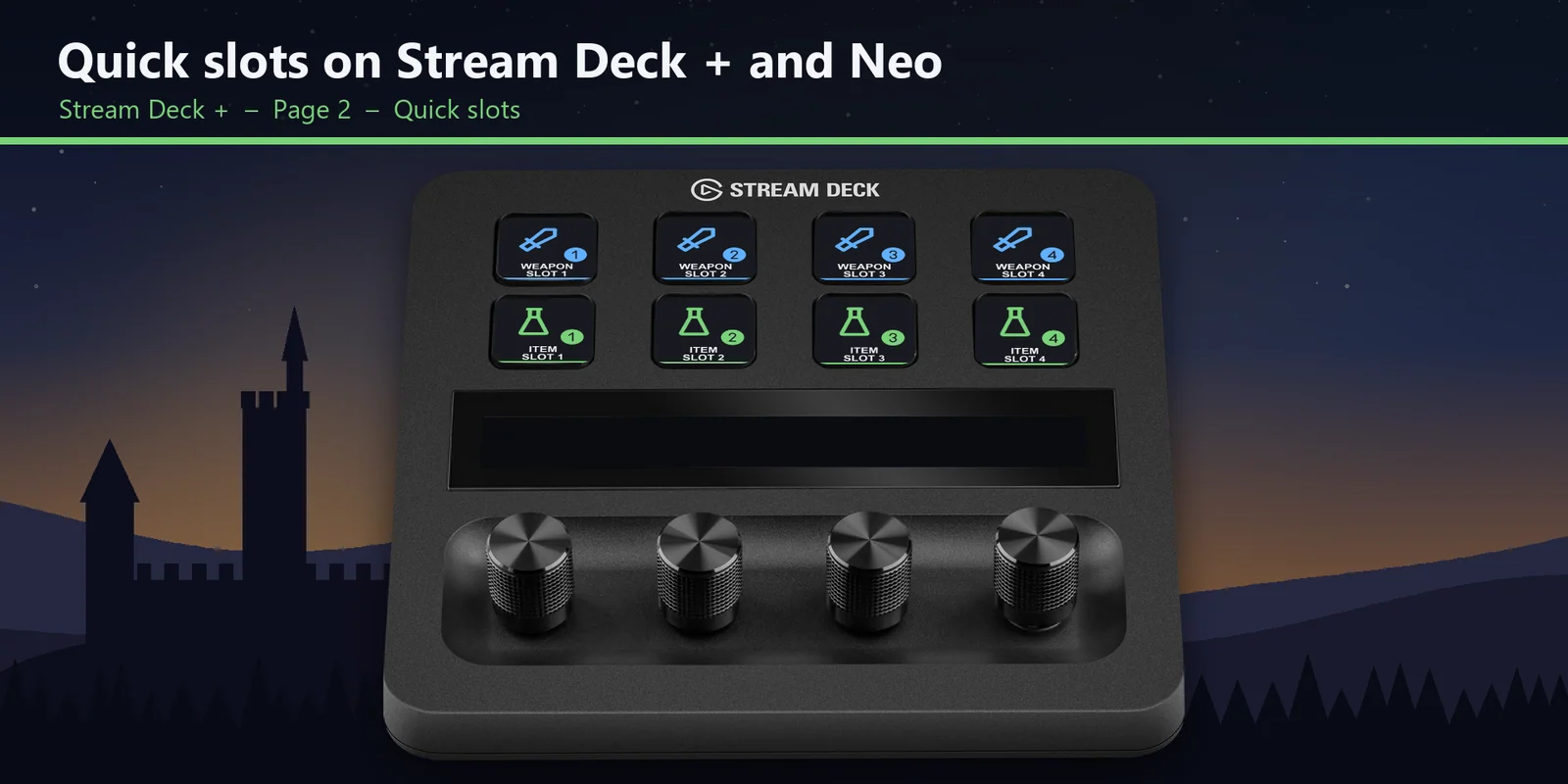
Take out the weapons and use the consumables you put on weapon slots 1 to 4 and item slots 1 to 4.
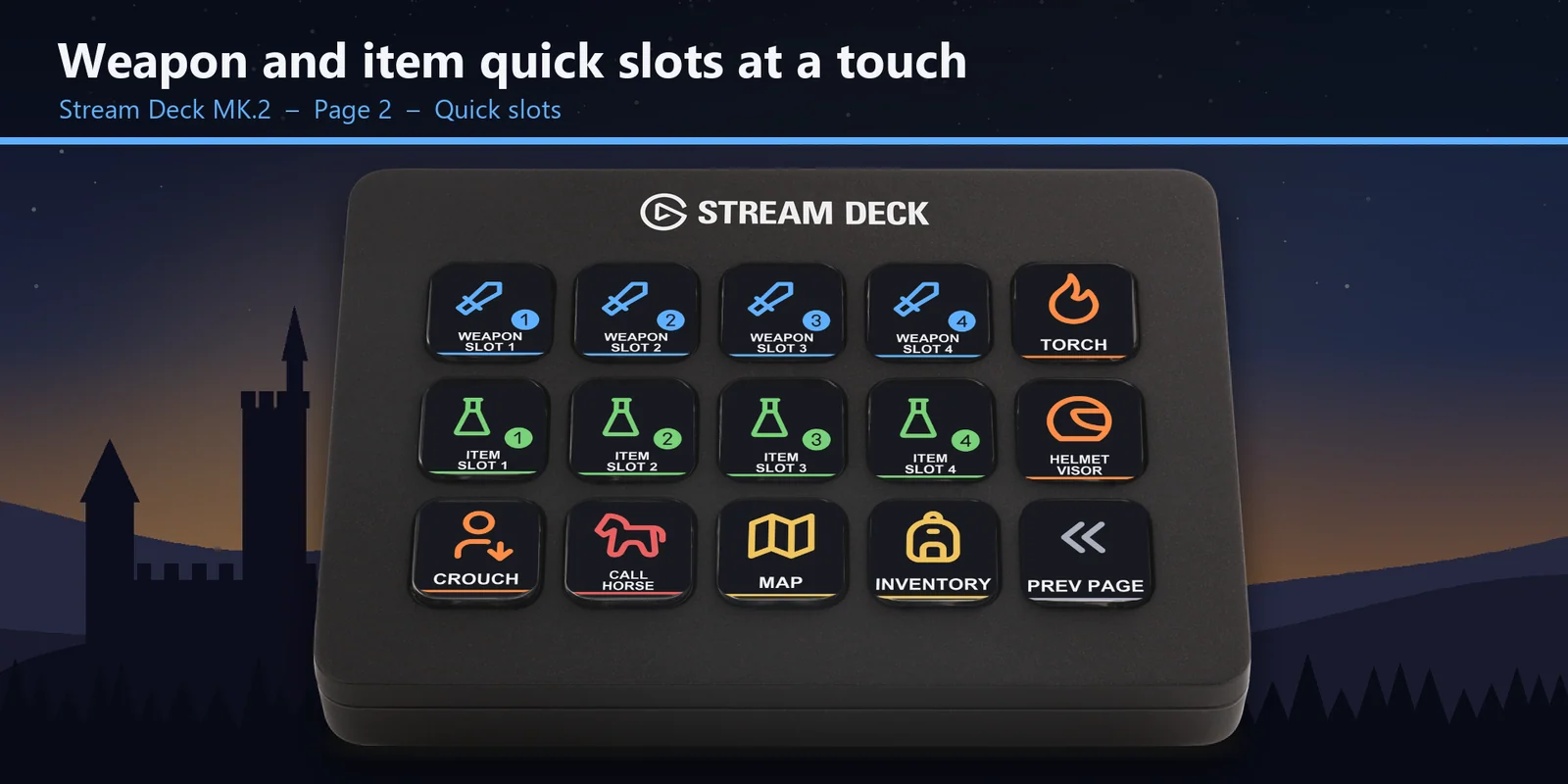
Light your torch, lower your helmet visor, crouch, switch to your next clothing preset, call your horse and open the wait screen to skip time.
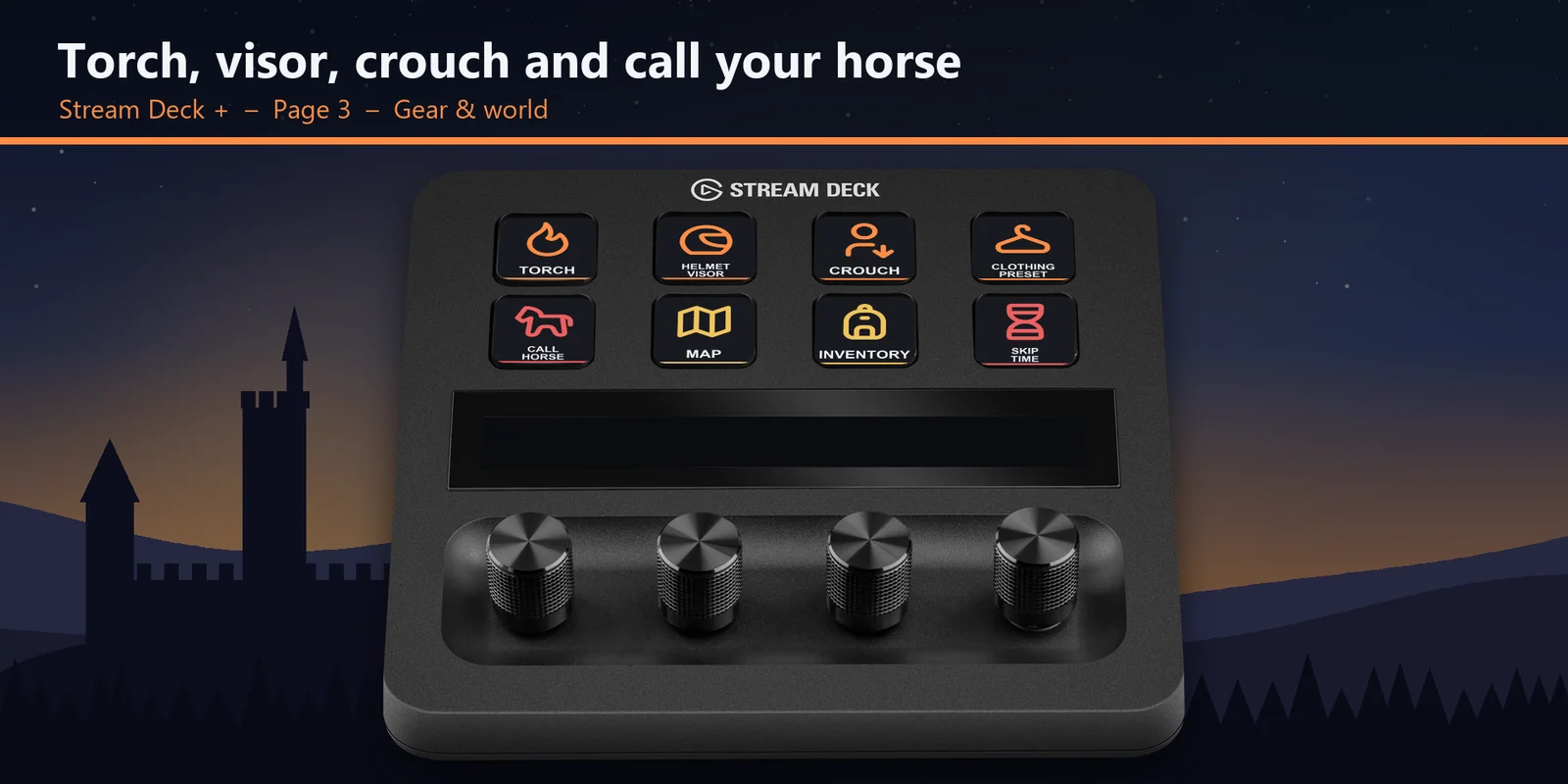
The keys sit on the Menus, Quick slots and Gear & world pages; tap the touch points or swipe the touch strip, and the + dials stay open for your own actions.
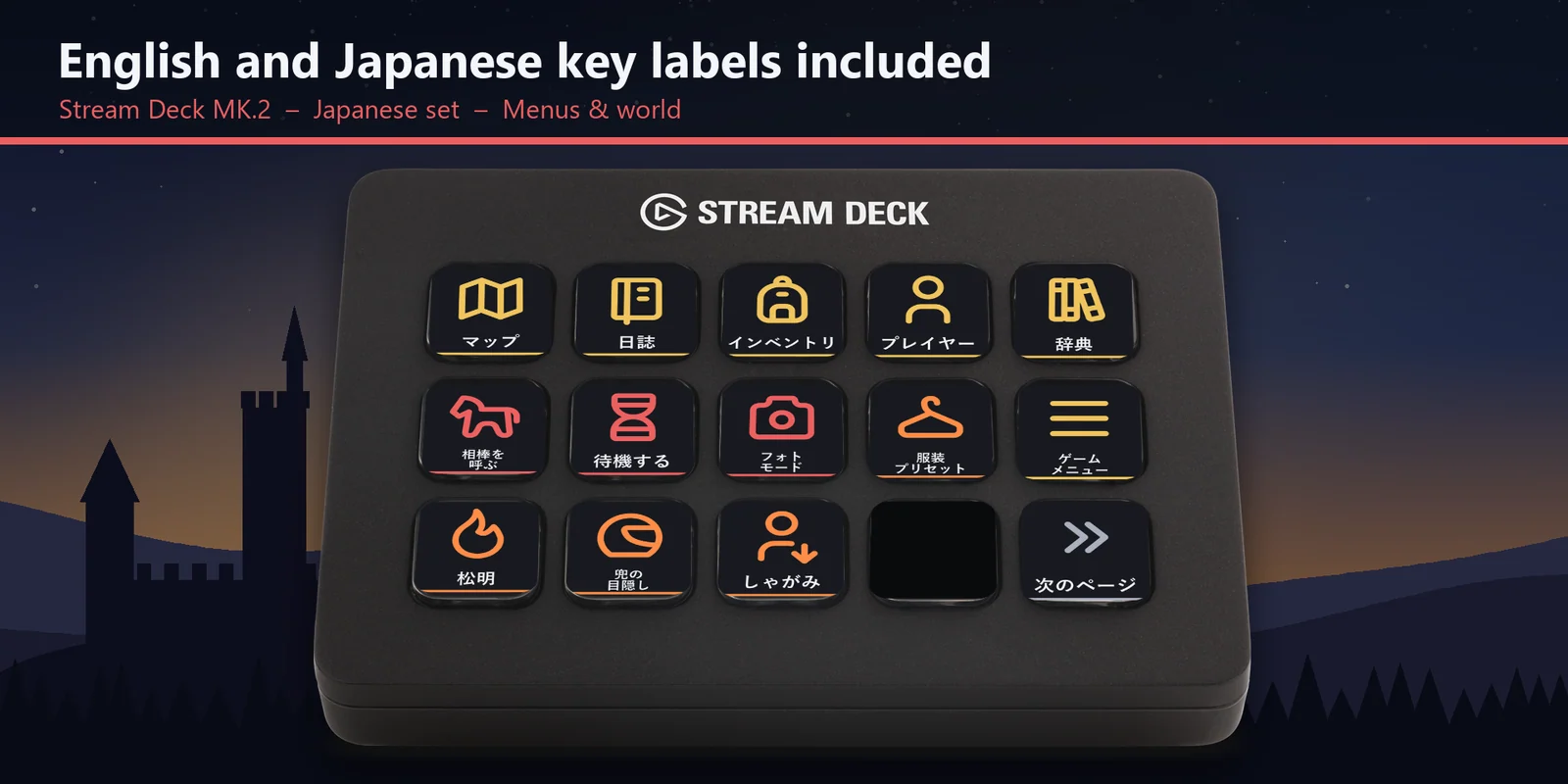
Every profile comes as an English set and a Japanese set with the same keys, and the Japanese set uses the game's own Japanese names.
Set up
Good to knowEach key sends the game's key for its label to the window in front. On the XL every key is on one page; the MK.2 has the Menus & world and Quick slots pages, and the Neo and + split the same keys into the Menus, Quick slots and Gear & world pages.
FAQ
Short answers to what people ask before they add it.
Email contact
Open the Groschen Deck for Kingdom Come profile for your Stream Deck MK.2, XL, Neo or +, start the game and keep its window in front. Each key sends the game's key for its label, such as the map, the journal, a weapon or item quick slot, the torch or Call horse.
The Stream Deck MK.2, XL, Neo and + on Windows, with English or Japanese labels. On the + the game keys are on the touch keys and the dials are left open for your own actions.
No. The keys match the game's default key bindings, and no mods are needed. If you changed a key in the game, open that key in the Stream Deck app and set its Hotkey to the key you use.
They press the game's quick slots: Weapon slot 1 to 4 take out the weapons you put on those slots in the game, and Item slot 1 to 4 use the consumables you put there.
It presses the game's Companion control key (X), the one you use to call your horse to you. Skip time opens the game's wait screen, where you choose how long to wait.
The keys go to the window in front, so keep the game window in front. If another app uses the same key as a shortcut across Windows, change that app's shortcut.
Requirements
For the Stream Deck MK.2, XL, Neo and + on Windows, with Kingdom Come: Deliverance II (Steam or Xbox app / PC Game Pass) and its default keyboard controls.
A Stream Deck profile sold directly by GRAMSHIFT.
More for your Stream Deck
For the Stream Deck MK.2, XL, Neo and + on Windows, with Kingdom Come: Deliverance II (Steam or Xbox app / PC Game Pass) and its default keyboard controls.
Buy from GRAMSHIFTOne-time purchase direct from GRAMSHIFT, plus any tax at checkout. A download link appears right after payment, and the receipt arrives by email.