01
See the whole city on one deck
On a Stream Deck XL, speed, every zone type, the bulldozer, the panels and the camera share one page, with the camera keys in the W A S D shape.
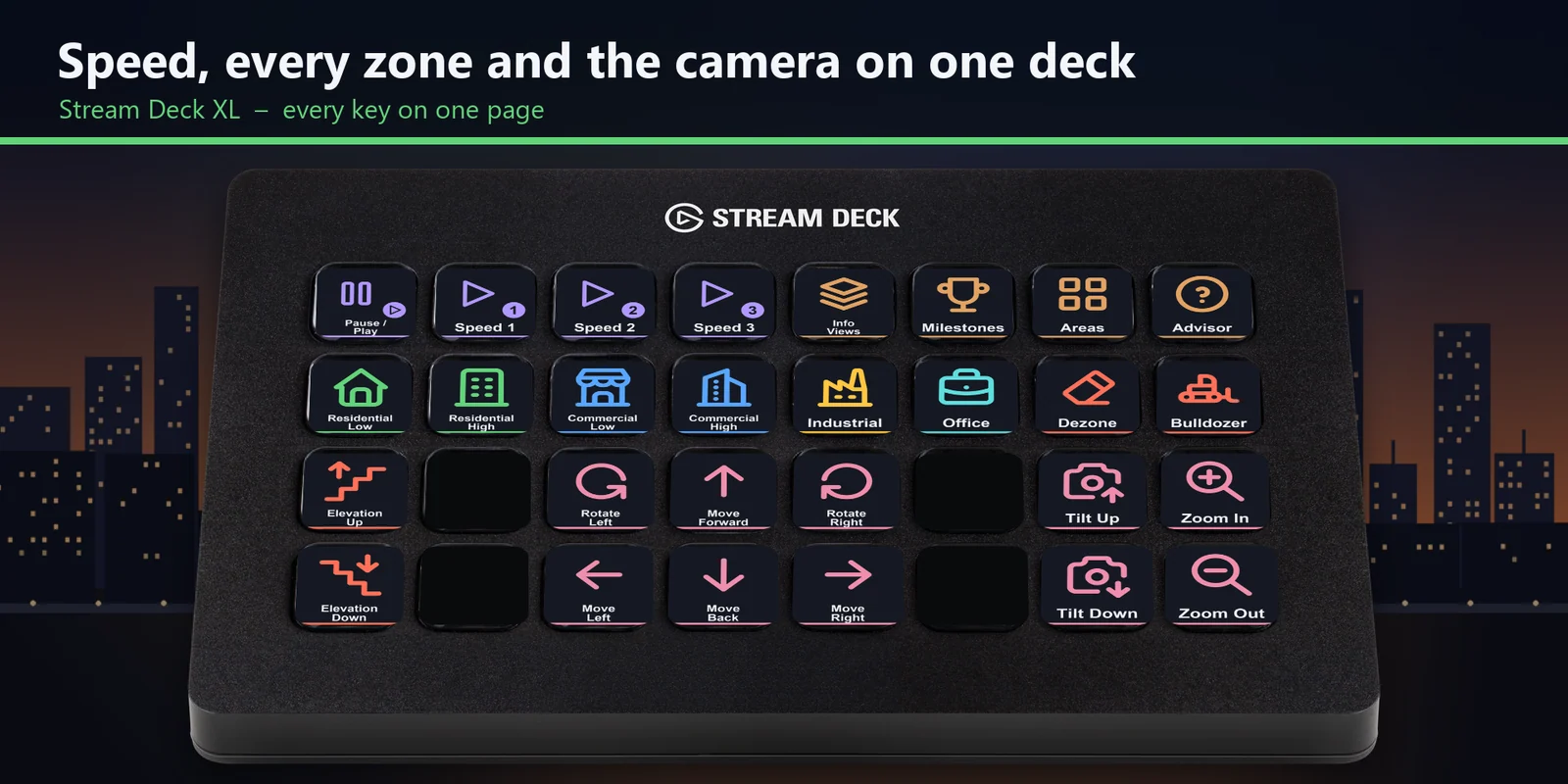

Pause, set the speed, pick a zone type, bulldoze and move the Cities: Skylines camera from keys on MK.2, XL, Neo or +.
One-time purchase direct from GRAMSHIFT, plus any tax at checkout. A download link appears right after payment, and the receipt arrives by email.
Overview
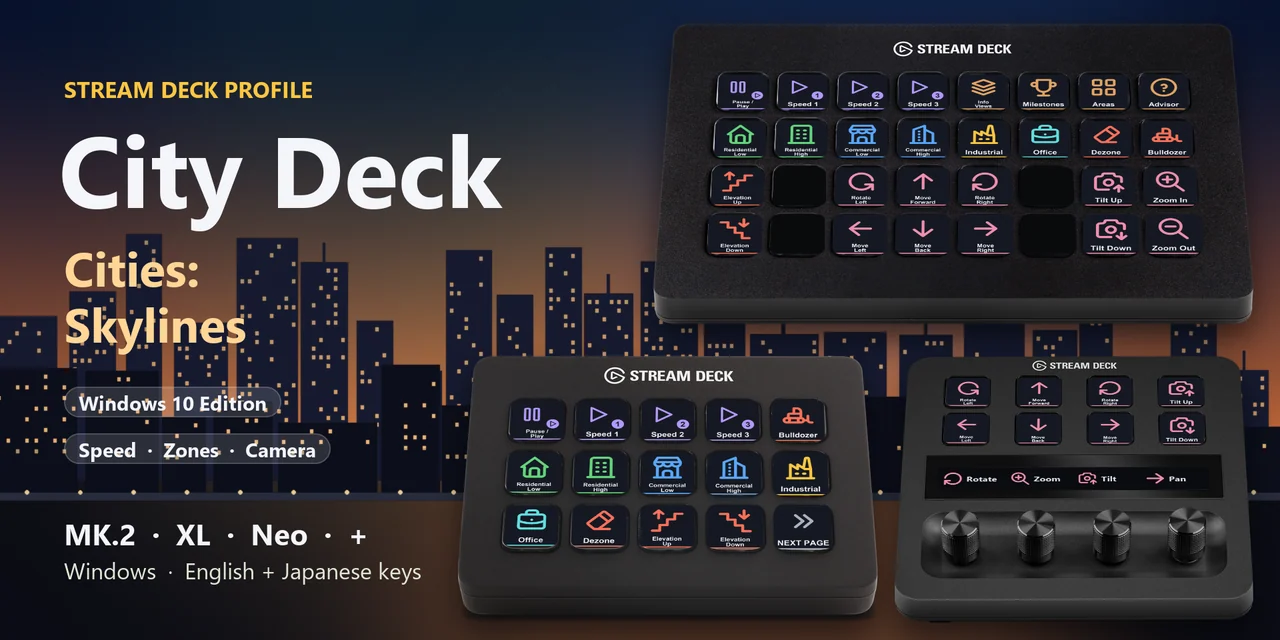
To pause, change the speed, pick a zone or move the camera in Cities: Skylines from a Stream Deck on Windows, open the City Deck for Cities: Skylines profile for your device and keep the game window in front.
Each key of City Deck for Cities: Skylines sends the key the game lists for its label in Options > Controls, so one press does what the keyboard key does, with English or Japanese labels.
Features
On a Stream Deck XL, speed, every zone type, the bulldozer, the panels and the camera share one page, with the camera keys in the W A S D shape.
Pause or play and speed 1, 2 and 3 are each one key away.
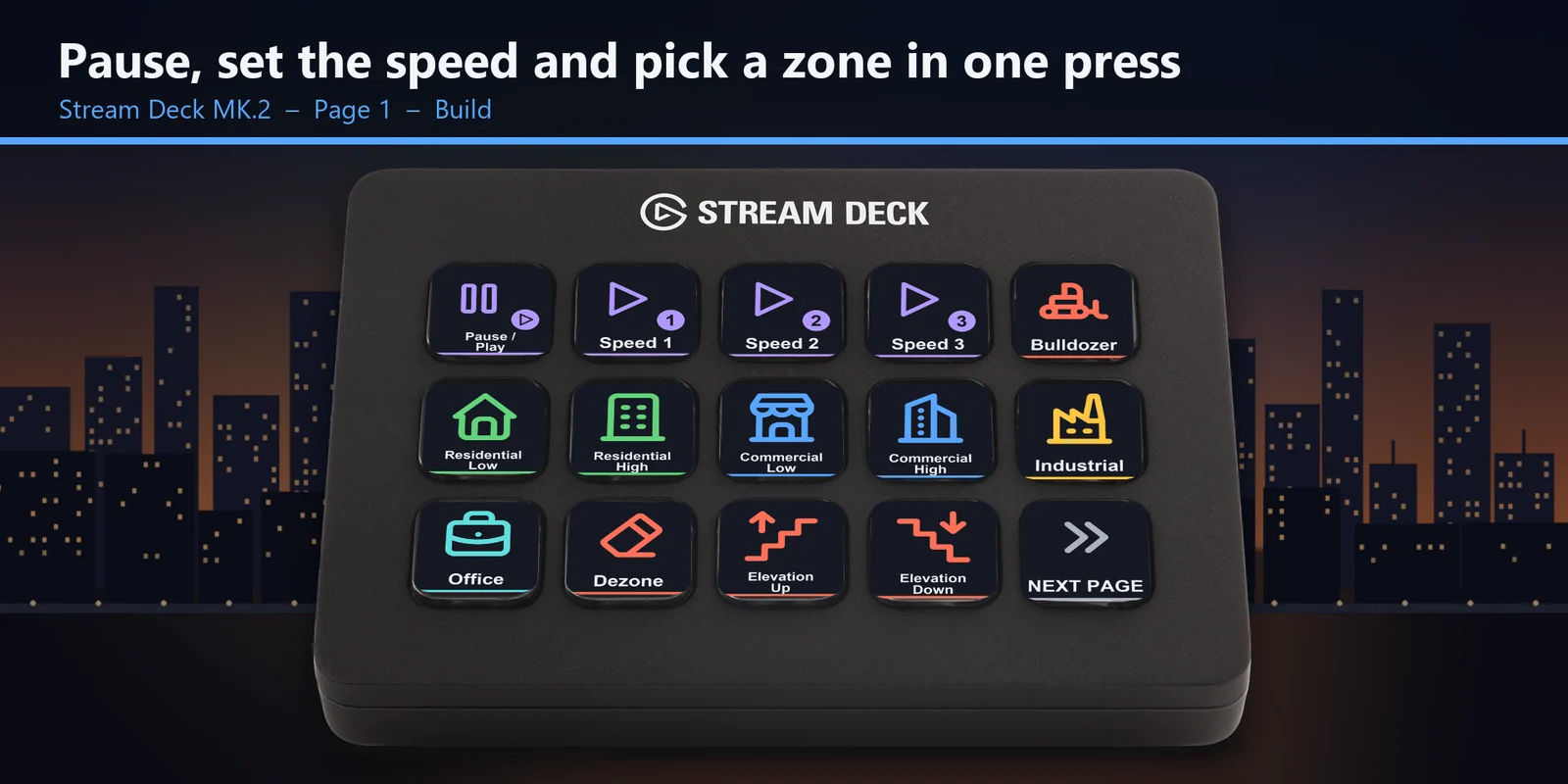
Residential, commercial, industrial and office keys in their own colors, low and high density, plus dezone.
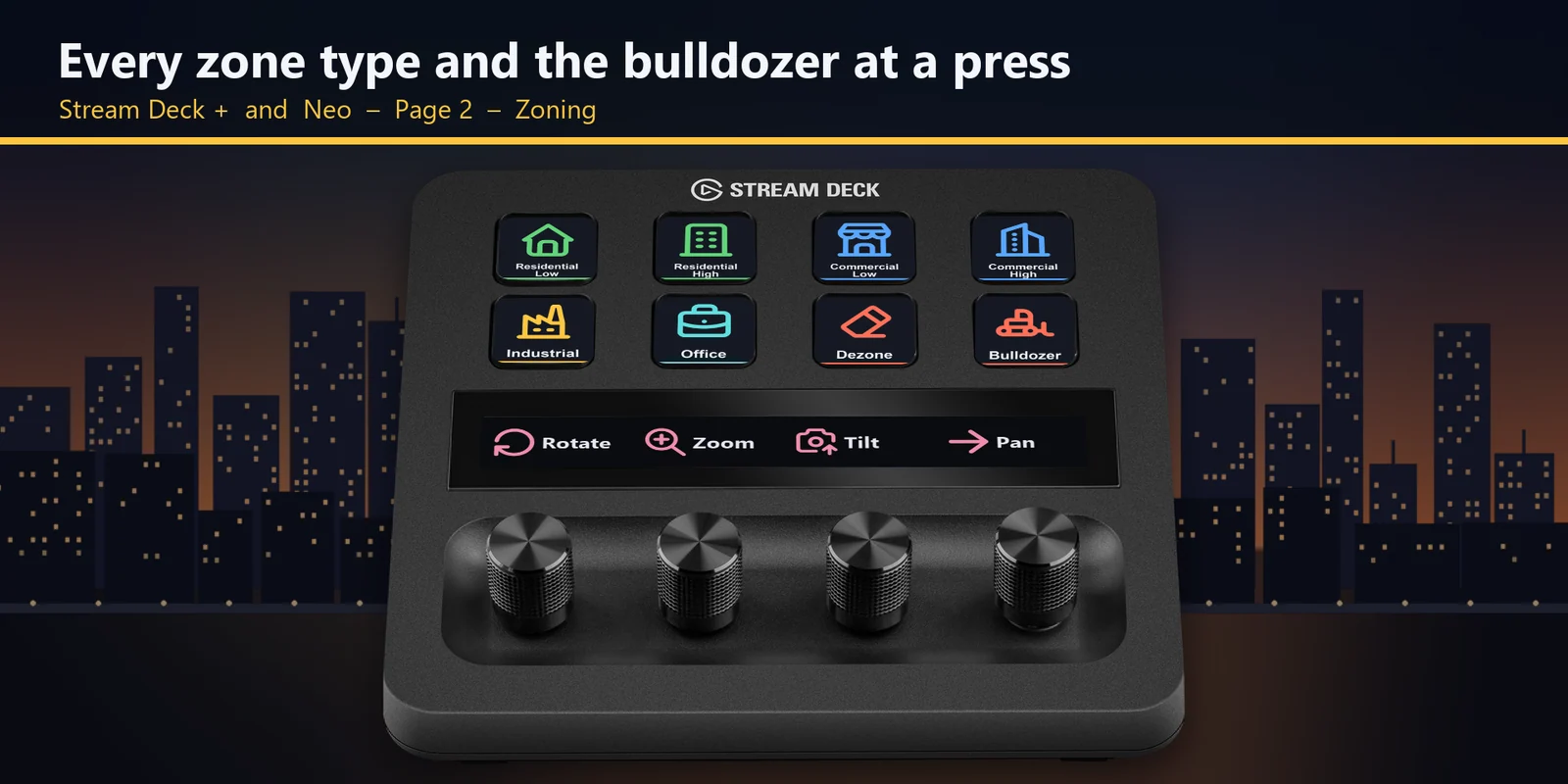
The bulldozer and the elevation keys, which raise or lower a road while you place it and switch to the underground view with the bulldozer.
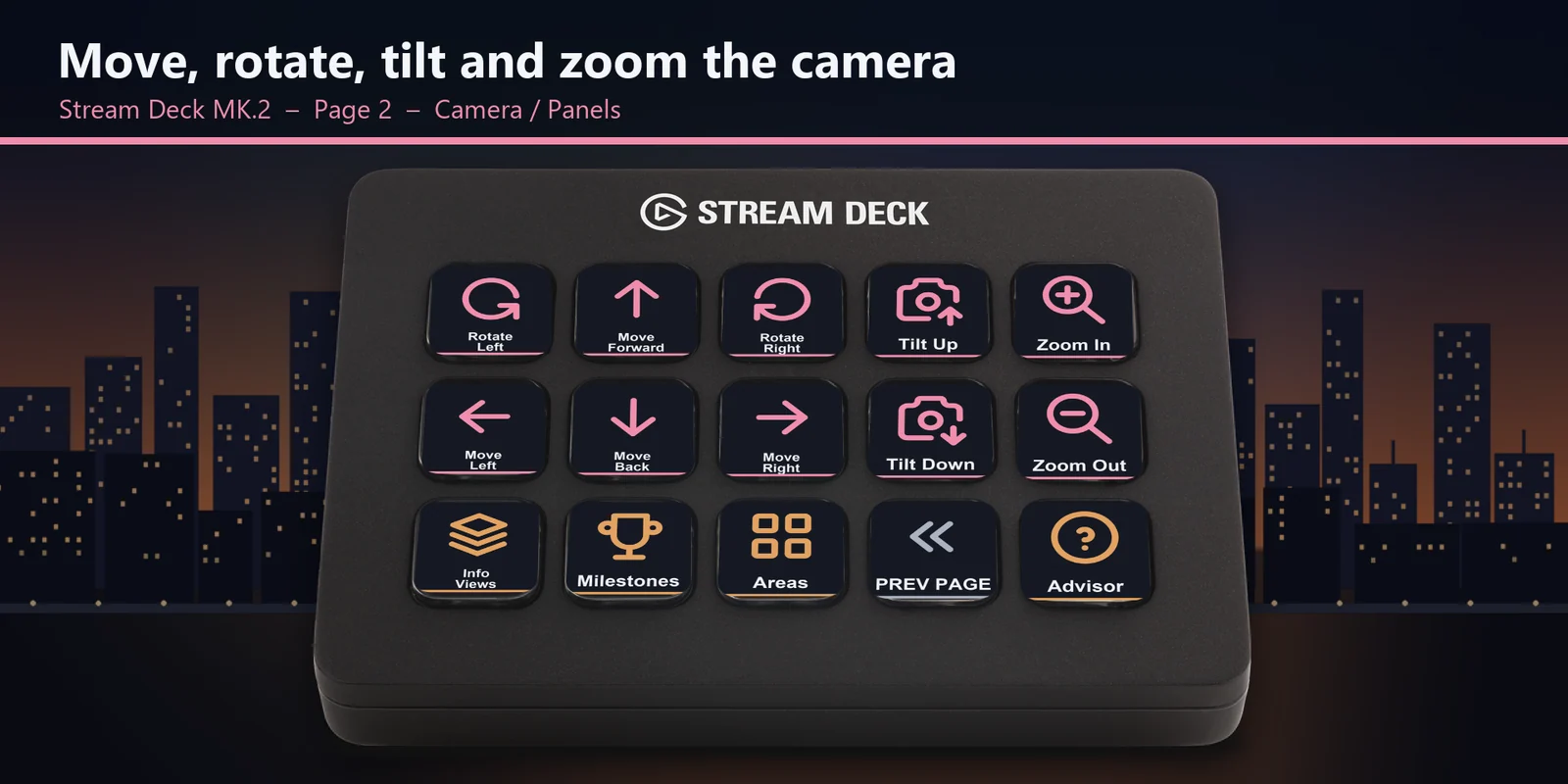
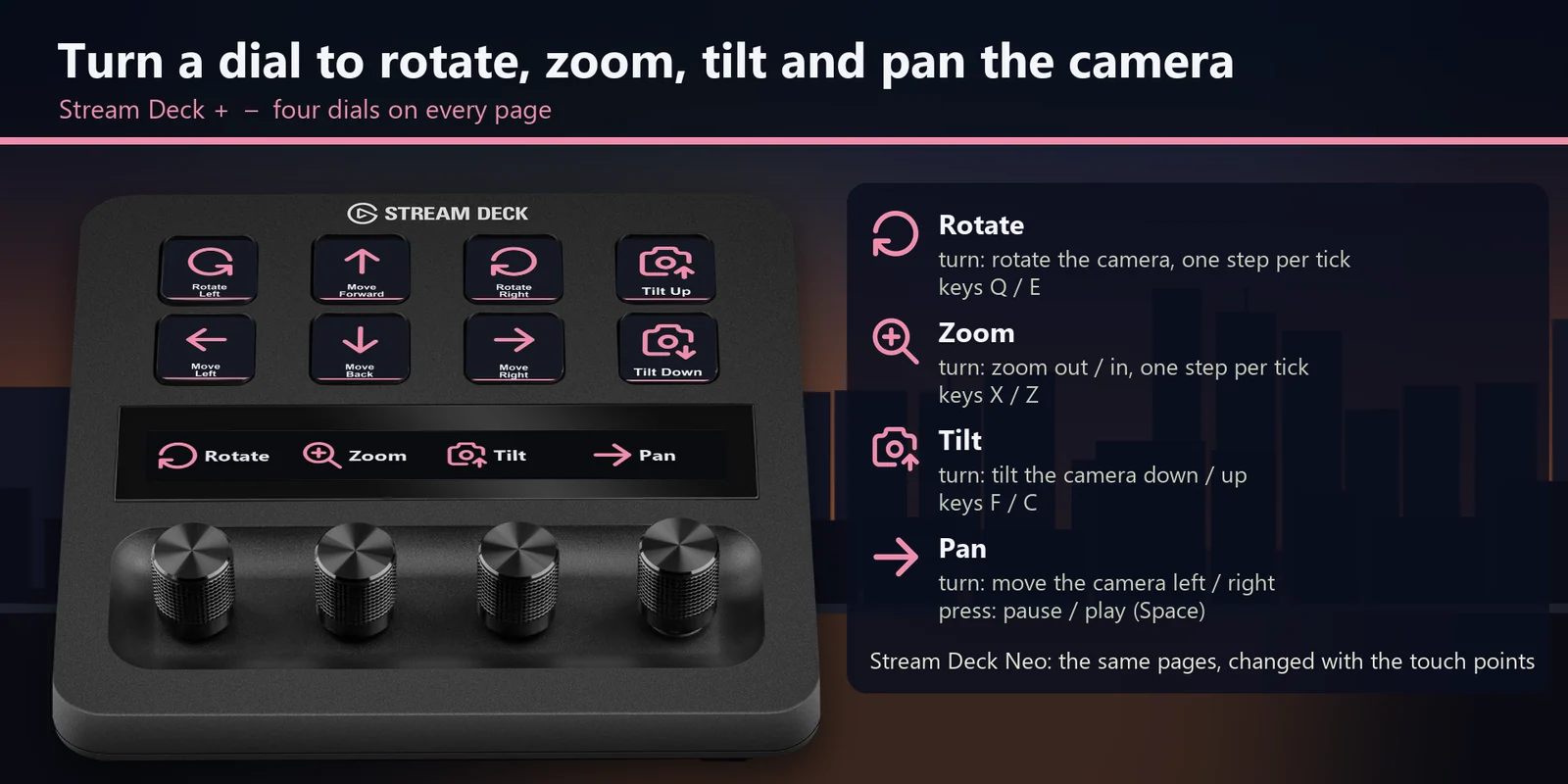
Rotate, zoom, tilt and pan the camera one step per tick, and press the pan dial to pause.
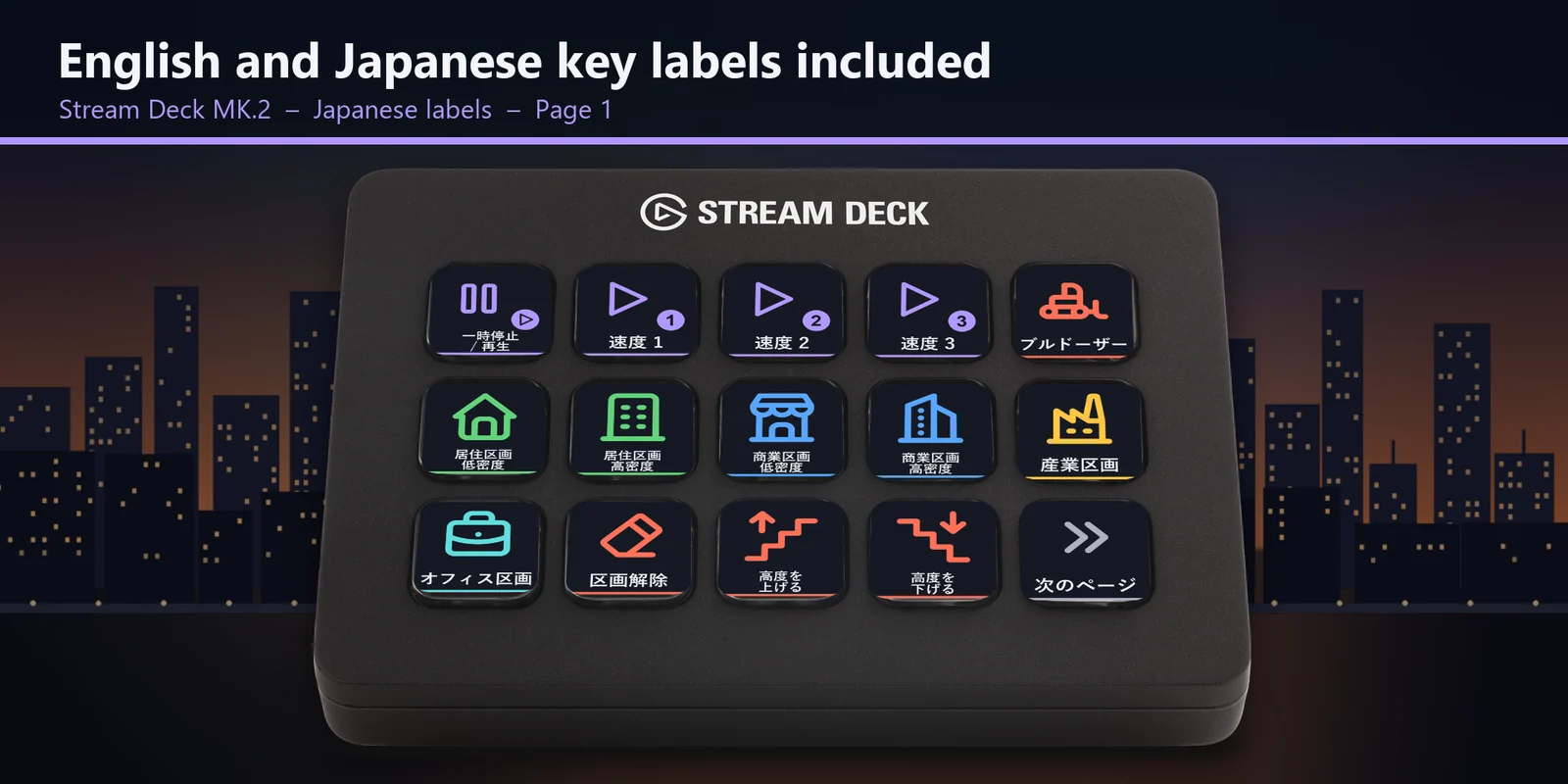
Every profile comes as an English set and a Japanese set with the same keys.
Set up
Good to knowEach key sends the game's key for its label to the window in front.
FAQ
Short answers to what people ask before they add it.
Email contact
Open the City Deck for Cities: Skylines profile for your Stream Deck MK.2, XL, Neo or +, start the game and keep its window in front. Each key sends the game's key for its label, such as pause, speed 3, a zone type or the bulldozer.
The Stream Deck MK.2, XL, Neo and +, with English or Japanese labels. On the + the four dials rotate, zoom, tilt and pan the camera.
Yes. The camera keys move, rotate, tilt and zoom the camera one step per press, and on the Stream Deck + each tick of a dial is one step.
Open that key in the Stream Deck app and set its Hotkey to the key you use in the game. The profile follows the key bindings the game starts with.
Yes. City Info and a few other actions have no key in the game at first. Give them a key in Options > Controls, then add a Hotkey action with the same key in the Stream Deck app.
Requirements
For the Stream Deck MK.2, XL, Neo and + on Windows, with Cities: Skylines - Windows 10 Edition and the key bindings it starts with.
A Stream Deck profile sold directly by GRAMSHIFT.
More for your Stream Deck
For the Stream Deck MK.2, XL, Neo and + on Windows, with Cities: Skylines - Windows 10 Edition and the key bindings it starts with.
Buy from GRAMSHIFTOne-time purchase direct from GRAMSHIFT, plus any tax at checkout. A download link appears right after payment, and the receipt arrives by email.