Your Dota 2 cooldowns, live on your Stream Deck keys
Each key shows one ability or item counting down, and a press casts it in the game.
One-time purchase direct from GRAMSHIFT, plus any tax at checkout. One license key for up to 3 computers; the plugin goes online to check its license key.
Overview
What Cooldown Deck for Dota 2 does
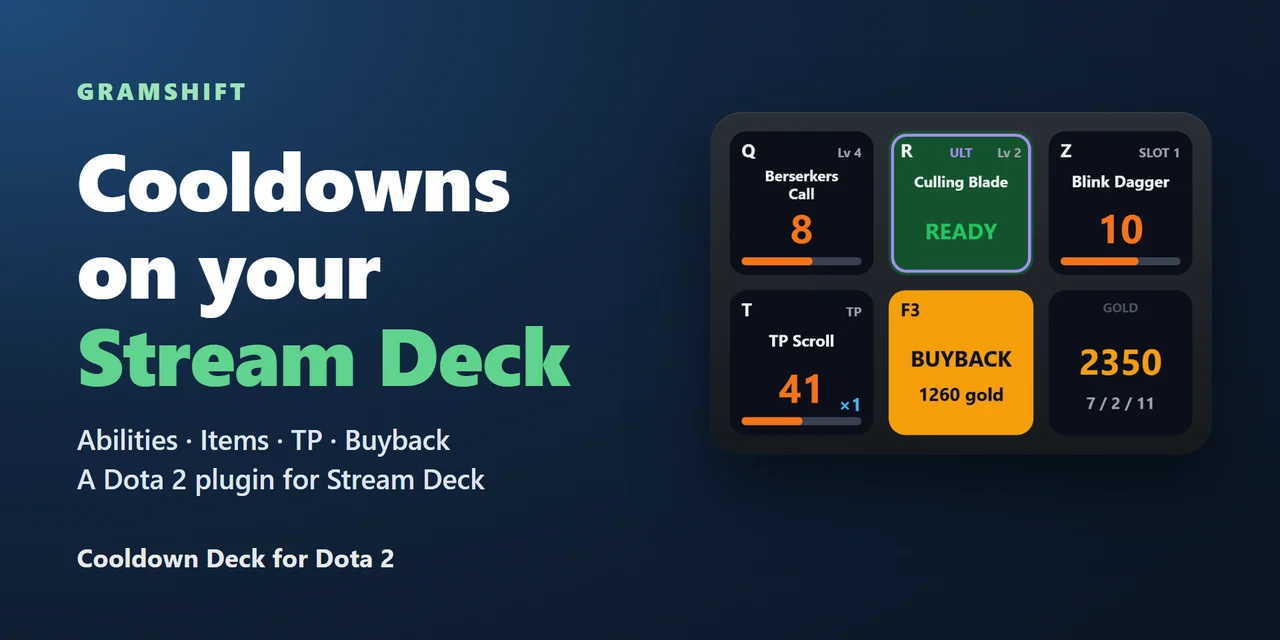
To show your Dota 2 ability and item cooldowns on a Stream Deck, add Cooldown Deck for Dota 2 and drag its keys onto your Stream Deck: each key shows one ability or item of your hero with its cooldown counting down, and a press casts it in the game.
Your ultimate, TP scroll, buyback, respawn timer, health, mana, the game clock, day and night, and gold with your KDA get their own keys, and the plugin sets up Dota 2 by itself, using only the game data provided by the game itself.
Features
What you can do
- Ability cooldowns
Choose a slot from Q to the ultimate. The key shows the ability's name, its level and the seconds left, turns green when it is ready, and also shows out of mana, silenced, charges and an ultimate you have yet to learn.
- Item cooldowns
Item slots 1 to 6, the TP scroll and the neutral item, each with the item's name, its cooldown and its charges.
- Press to cast
A press sends the game key of that slot, Dota 2's default keys Q W E D F R for abilities and Z X C V B N and T for items. If you changed your hotkeys in the game, set the same key in the key's settings.
- Buyback and respawn
The buyback key lights up with the cost when your gold covers it and buyback's cooldown is over, and while your hero is dead the respawn key counts down the seconds until it is back.
- Your hero and the match
Health and mana with a bar, the game clock (paused too), day or night with the time to the next change, and your gold with kills, deaths and assists.
- Sets itself up
The plugin finds Dota 2 in your Steam libraries and gets the game ready by itself. You close Dota 2 completely and start it again once.
Set up
How it works
- Buy Cooldown Deck for Dota 2 from GRAMSHIFT and open the plugin file you download. The Stream Deck app installs it.
- Drag the keys you want onto your Stream Deck and enter your license key once in a key's settings.
- Close Dota 2 completely and start it again once, as the key says. Start a match and the keys show your hero.
Good to knowA press sends one key of the game's own hotkeys, the same key you would type on your keyboard, only while Dota 2 is the window in front.
FAQ
Questions
Short answers to what people ask before they add it.
Email contact
How do I show my Dota 2 ability cooldowns on a Stream Deck?
Drag an Ability key of Cooldown Deck for Dota 2 onto your Stream Deck, enter your license key in its settings and restart Dota 2 once. In a match, the key shows the ability's cooldown counting down and turns green when it is ready.
Can a Stream Deck key cast a Dota 2 ability or use an item?
A press sends the game key of that slot while Dota 2 is the window in front: Dota 2's default keys, Q W E D F R for abilities and Z X C V B N and T for items. If you changed your hotkeys in the game, set the same key in the key's settings.
Can I get banned for using it?
It uses only the game data provided by the game itself for tools like this. It does not read the game's memory, and a press is the same key you would type on your keyboard. Like any tool, use it within the game's rules; GRAMSHIFT is not affiliated with Valve.
How do I set up a buyback key?
Dota 2 has no buyback key by default. Give buyback a key in the game's hotkeys, then type the same key in the Buyback key's settings. The neutral item works the same way.
Do I need launch options or a separate program?
Usually not. The plugin sets up Dota 2 by itself; you close Dota 2 completely and start it again once. If the keys stay empty after that, the Status line in the key's settings says what to do next.
How many PCs can I use with one license key?
Up to 3 of your own PCs. If you replace a PC, email us and we free up a place for the new one.
Requirements
Before you buy
Works with
Works on Windows 10 or later with the Stream Deck app 6.9 or later and Dota 2 from Steam on the same PC.
A Stream Deck plugin sold directly by GRAMSHIFT.
Limits
- Windows only, with Dota 2 and your Stream Deck on the same PC.
- The first time, Dota 2 has to be closed completely and started again once before the keys show your hero.
- Presses reach the game only while Dota 2 is the window in front. If Dota 2 runs as administrator, Windows blocks keys from the Stream Deck app: start Dota 2 normally.
- Buyback and the neutral item have no key in Dota 2 by default. Give them a key in the game's hotkeys, then type the same key in that key's settings.
- It shows your own hero while you play a match, not while spectating or watching a replay.
- The plugin checks its license key online when you activate it, when it starts and about once a day. Without a connection it keeps working for up to 44 days after the last successful check.
- Checked on the real Dota 2 in a bot match, on the Stream Deck app's virtual deck rather than a physical device: the setup and the one restart, presses on an ability key and on the TP key cast them with the seconds left on the key, the respawn countdown while dead matched the game, and the buyback key lit up with its cost when the gold covered it. The licensed version was checked with a stand-in for the game, not in a real match.
More for your Stream Deck
Related Stream Deck plugins
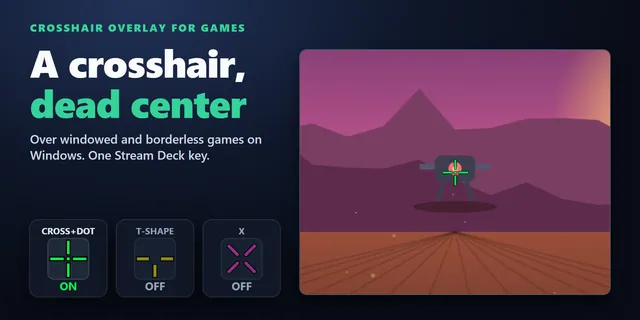 Crosshair Overlay for GamesShow a crosshair in the center of your screen over windowed and borderless games from a Stream Deck key.
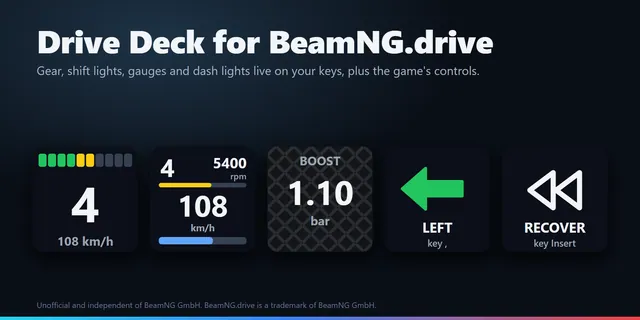 Drive Deck for BeamNG.driveBeamNG.drive gear, shift lights, rpm, fuel, temperatures and dash lights on Stream Deck keys, plus recover and reset.
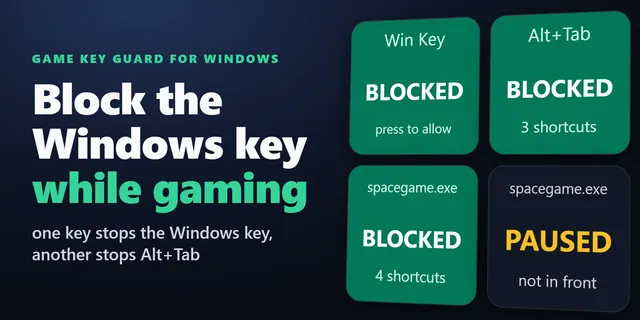 Game Key Guard for WindowsTurn off the Windows key and Alt+Tab while you play with one Stream Deck key; press again to turn them back on.
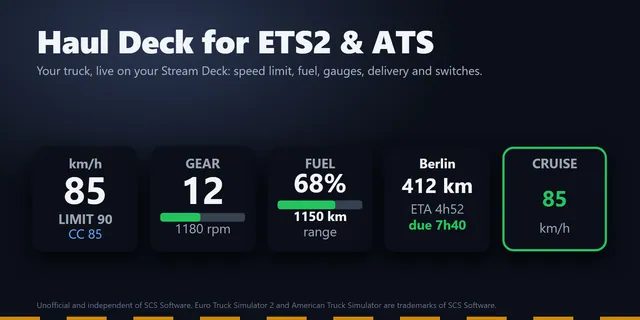 Haul Deck for ETS2 & ATSShow ETS2 and ATS speed against the limit, fuel, gauges and delivery ETA on Stream Deck keys, and switch your truck.
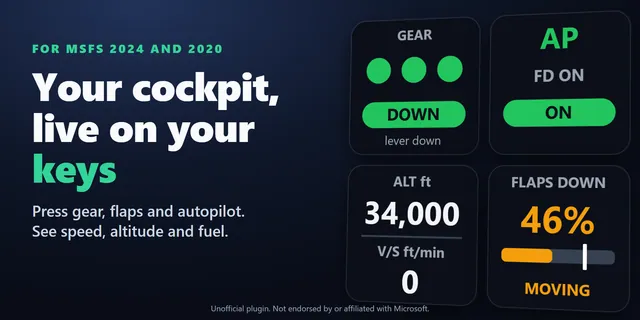 Live Cockpit for SimConnectGear, flaps, autopilot, lights and transponder keys that show your aircraft's real state in MSFS 2024 and 2020.
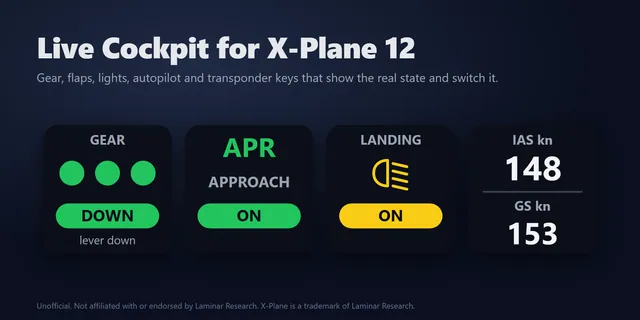 Live Cockpit for X-Plane 12Switch X-Plane 12 gear, flaps, autopilot and lights from Stream Deck keys that show their real state.
Get Cooldown Deck for Dota 2
Works on Windows 10 or later with the Stream Deck app 6.9 or later and Dota 2 from Steam on the same PC.
Buy from GRAMSHIFTOne-time purchase direct from GRAMSHIFT, plus any tax at checkout. One license key for up to 3 computers; the plugin goes online to check its license key.