01
See it all at once on a Stream Deck XL
Screens, navigation and bookmarks together on the first page.
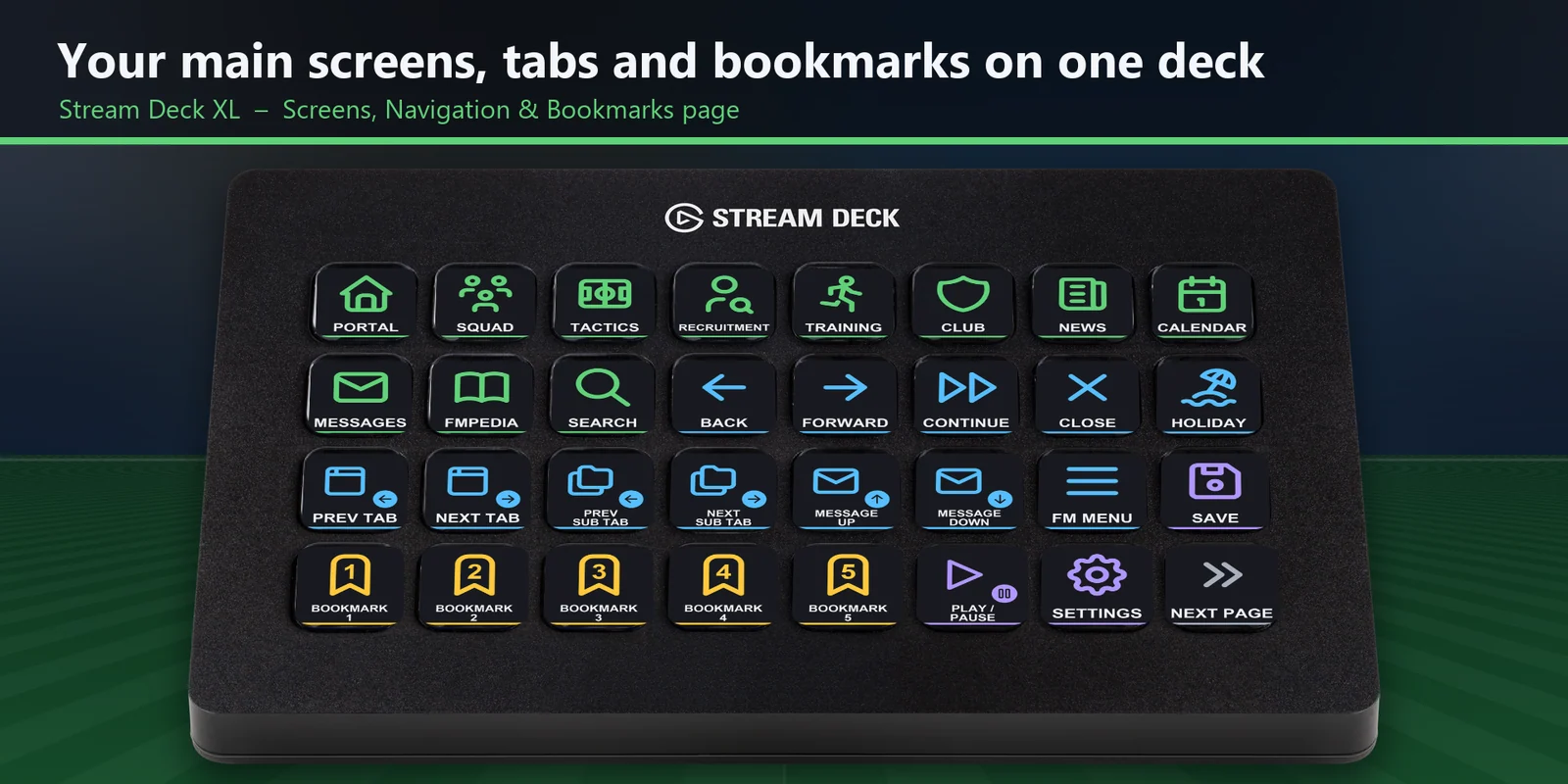
Open Squad, Tactics and Recruitment, switch tabs, read messages, press Continue and save with one key press.
One-time purchase direct from GRAMSHIFT, plus any tax at checkout. A download link appears right after payment, and the receipt arrives by email.
Overview
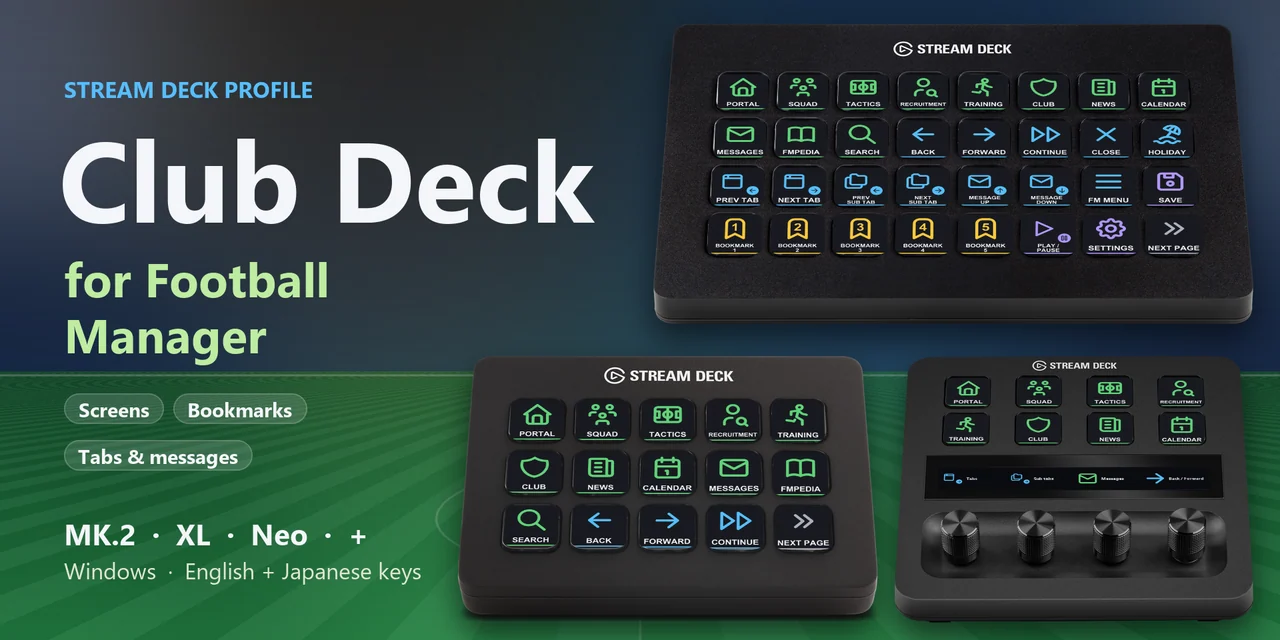
To use a Stream Deck with Football Manager 27 on Windows, download Club Deck for Football Manager, open the file for your Stream Deck and keep the game window in front.
Each key of Club Deck for Football Manager sends one of the game's own default keyboard shortcuts, so you can open screens, switch tabs, read messages, press Continue and save with one press, and nothing is added to the game.
Features
Screens, navigation and bookmarks together on the first page.
Squad, Tactics, Recruitment, Training, Club, News, Calendar, Messages, FMPedia, Search and Portal on the Screens page.
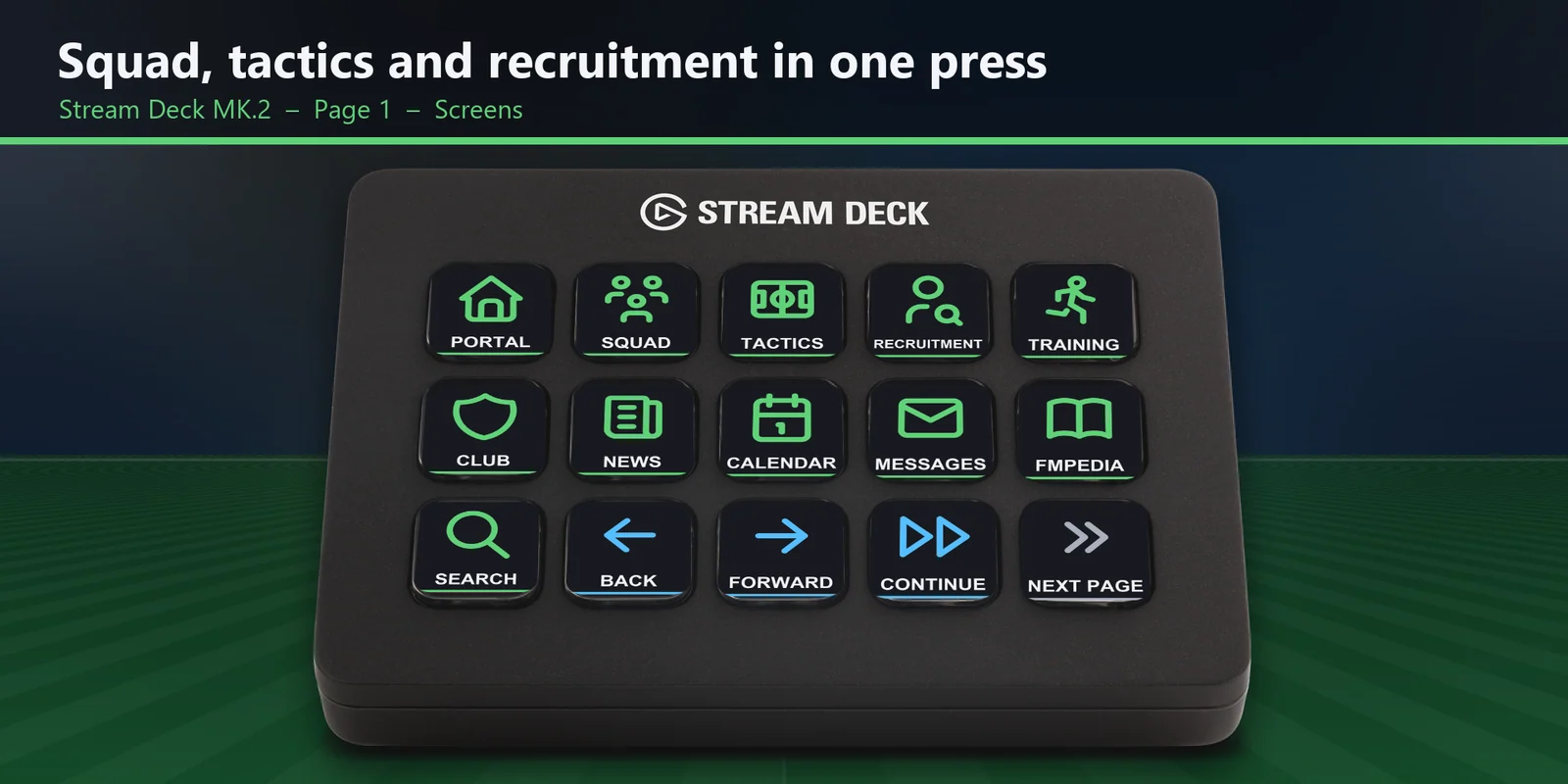
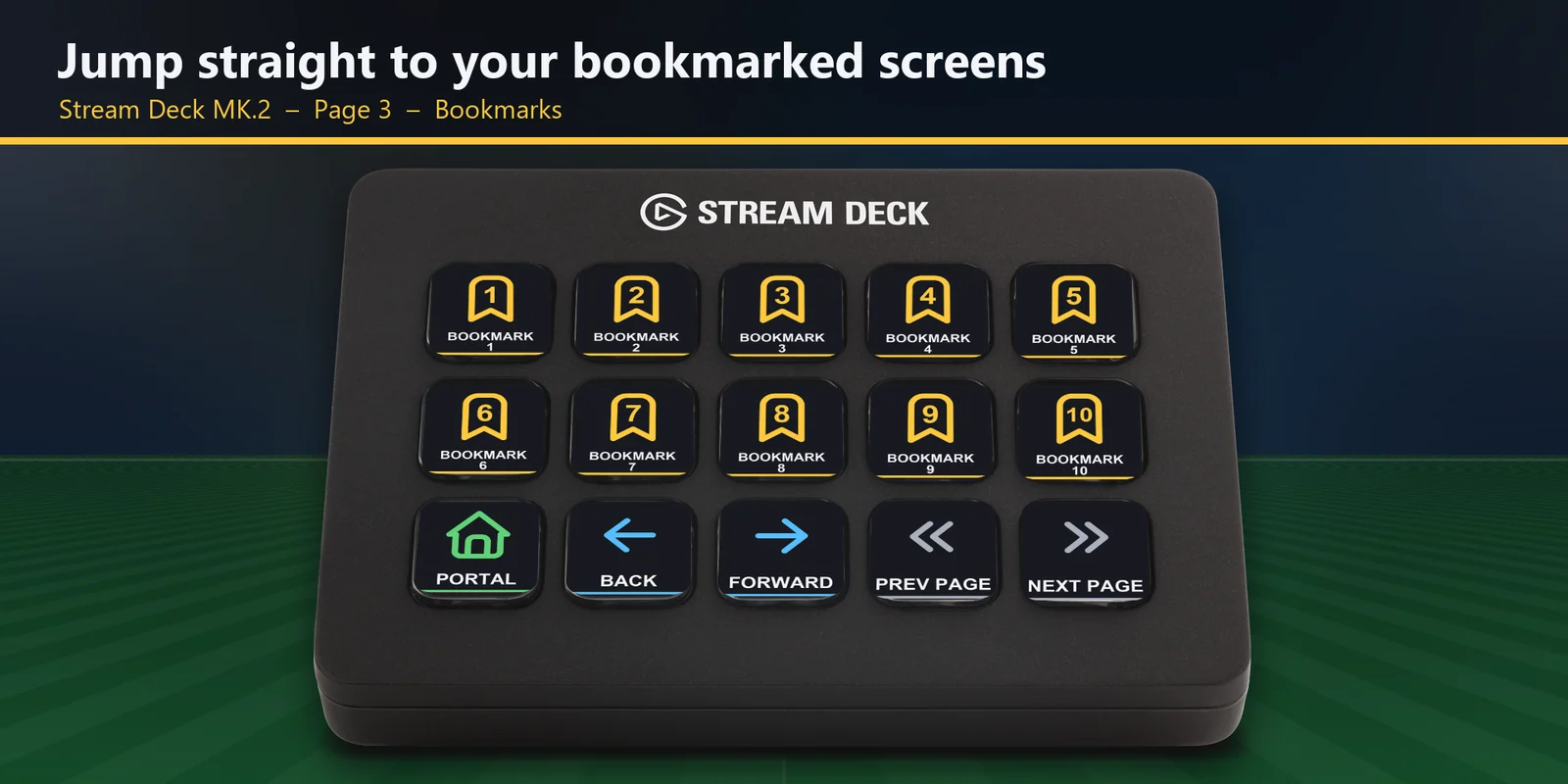
The Bookmarks page has a key for each of your bookmarked screens, 1 to 10.
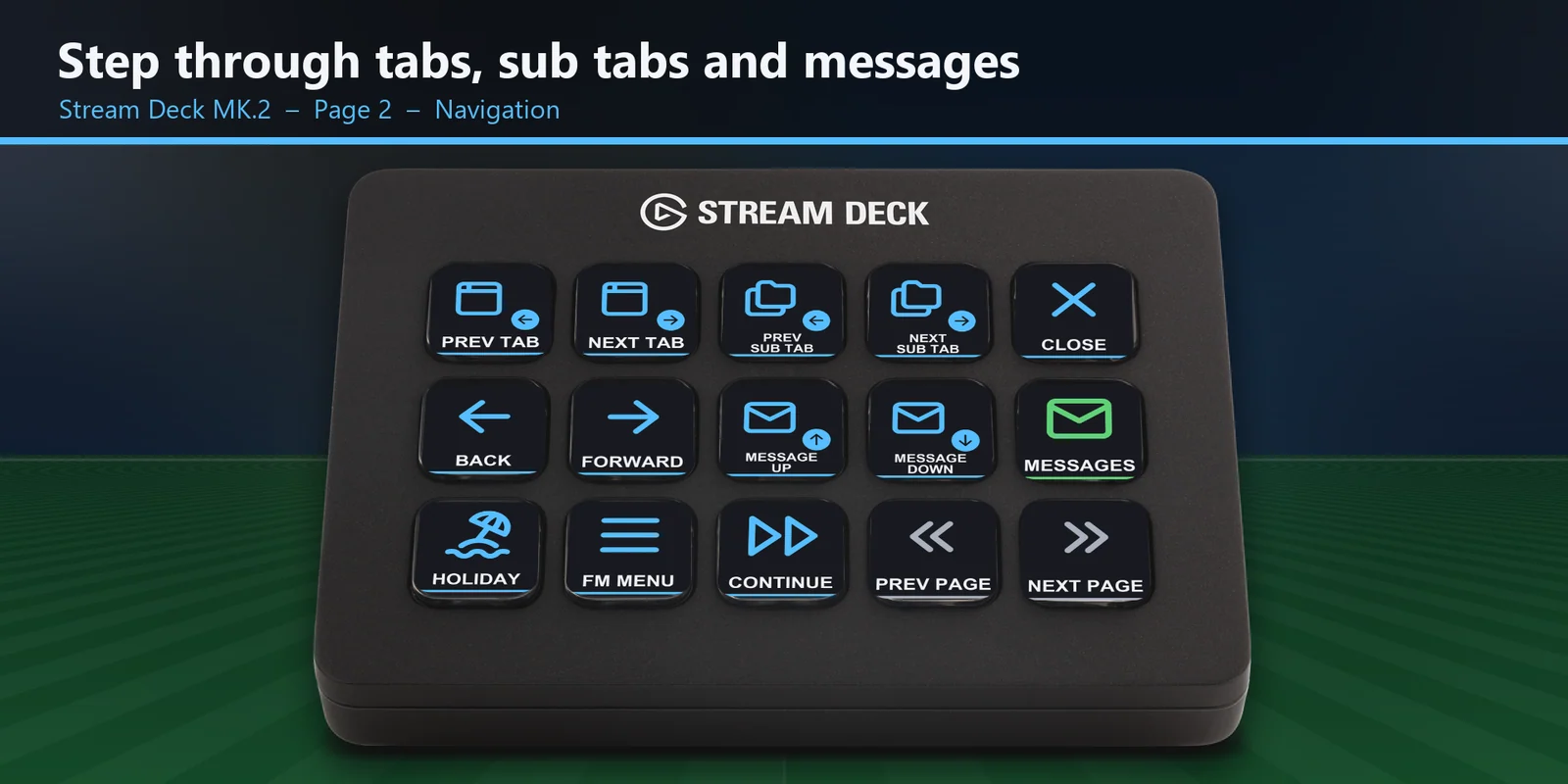
The Navigation page has Back, Forward, Continue, Close, previous and next tab, previous and next sub tab, and message up and down.
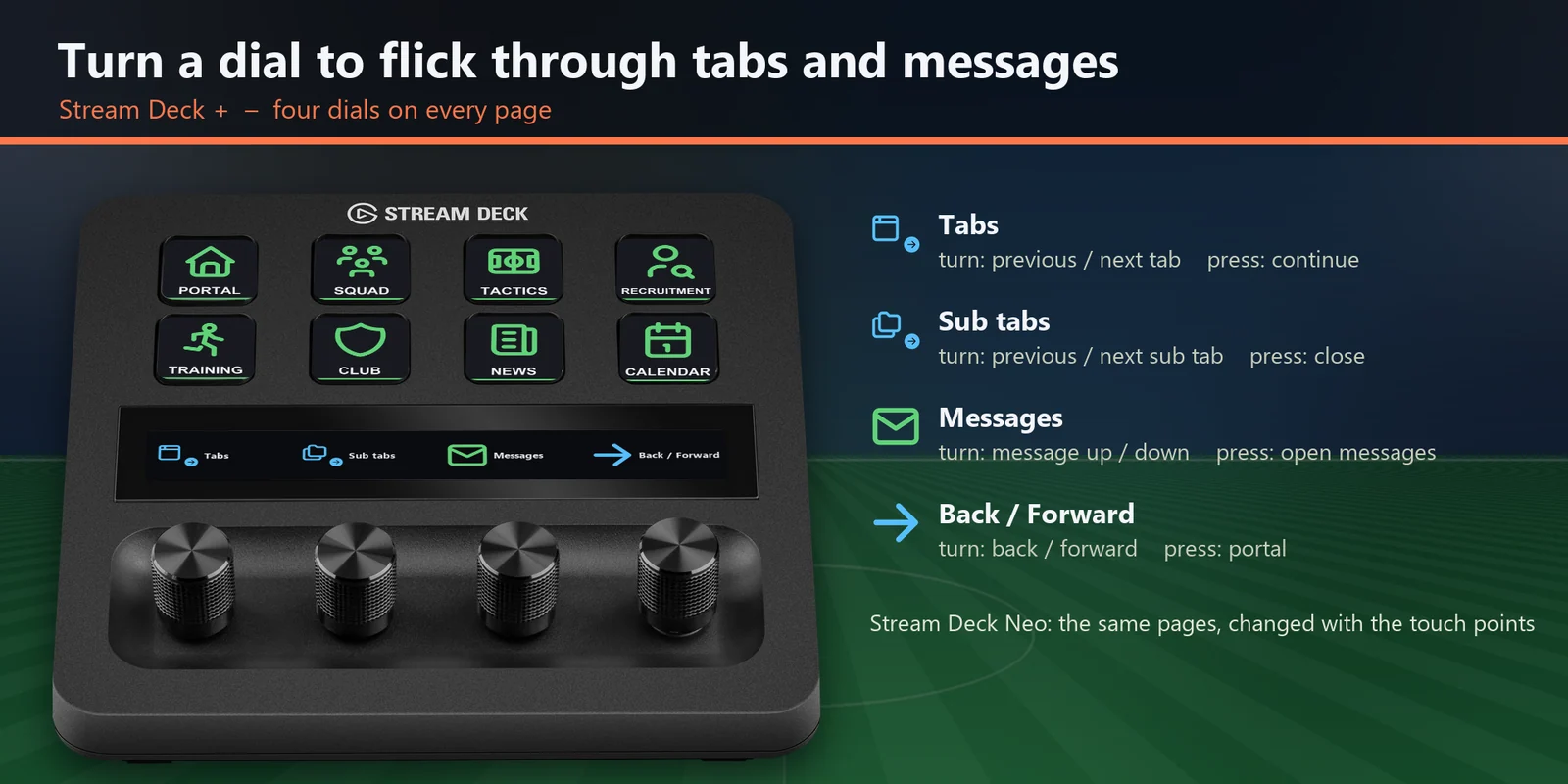
The four dials move through tabs, sub tabs and messages and step back and forward.
The Japanese key labels come with the same keys as the English set.
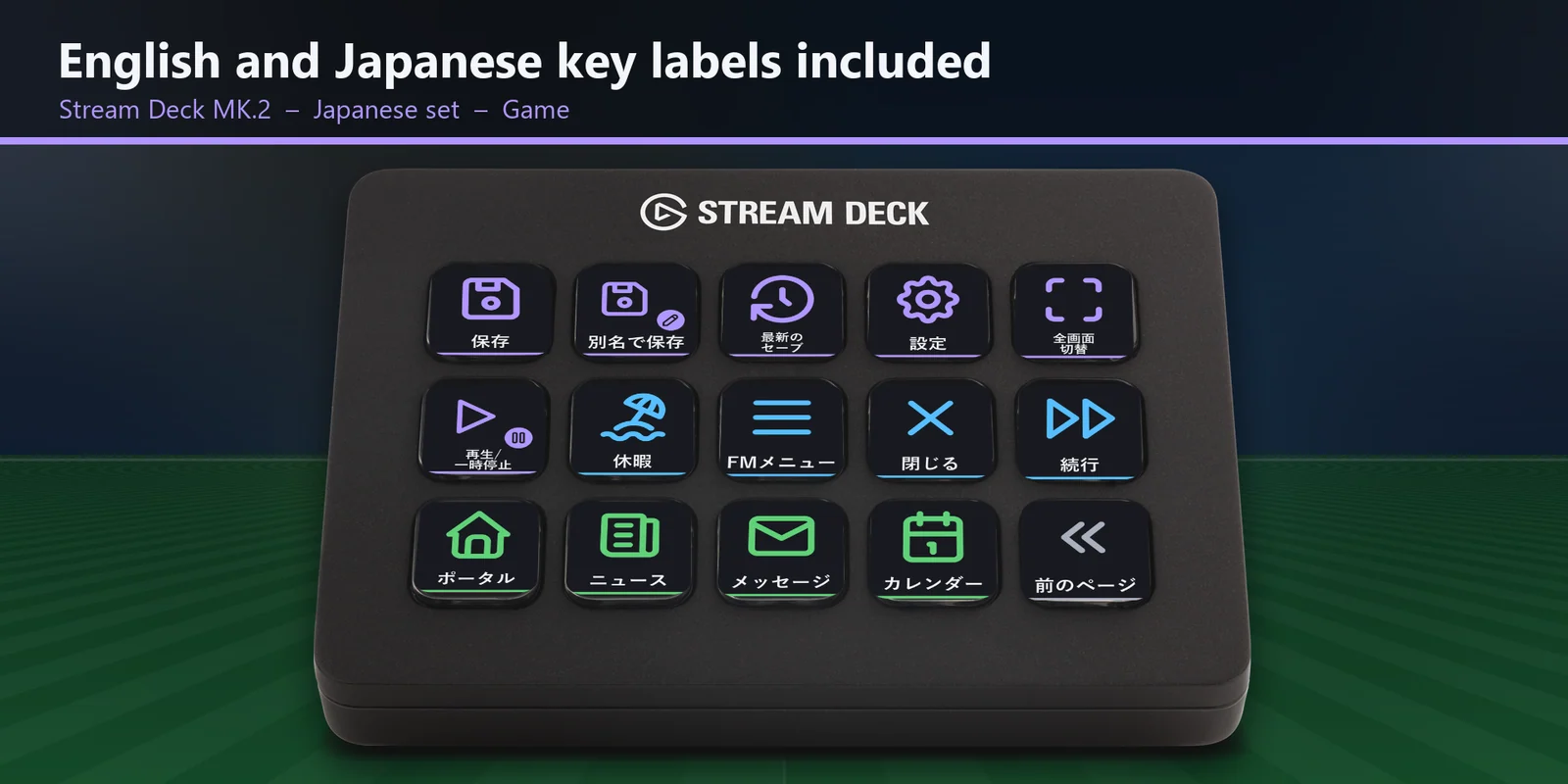
Save, Save as, Load recent save, Settings, Full screen and Play / pause the match are on labeled keys.
The keys use the shortcuts the game already has, so nothing is added to the game and your save files stay as they are.
Set up
Good to knowEach key sends the game's default keyboard shortcut to the window in front.
FAQ
Short answers to what people ask before they add it.
Email contact
Download Club Deck for Football Manager, open the file for your Stream Deck MK.2, XL, Neo or +, start the game and keep its window in front. Each key then sends the game's default keyboard shortcut for its label, such as Squad, Tactics, Continue or Save.
The Stream Deck MK.2, XL, Neo and +, with English or Japanese key labels. On the + the dials flick through tabs, sub tabs and messages and step back and forward.
No. The keys use the shortcuts the game already has, so nothing is added to the game and your save files stay as they are.
Open that key in the Stream Deck app and set its Hotkey to the key you use in the game. The profile is made for the game's default shortcuts.
The bookmark keys open the screens you have bookmarked in the game. Bookmark a screen first; Bookmark 1 opens the first one, and so on.
Requirements
For the Stream Deck MK.2, XL, Neo and + with the Stream Deck app, and Football Manager 27 on Windows (Steam, Epic Games Store or Xbox app) with its default keyboard shortcuts.
A Stream Deck profile sold directly by GRAMSHIFT.
More for your Stream Deck
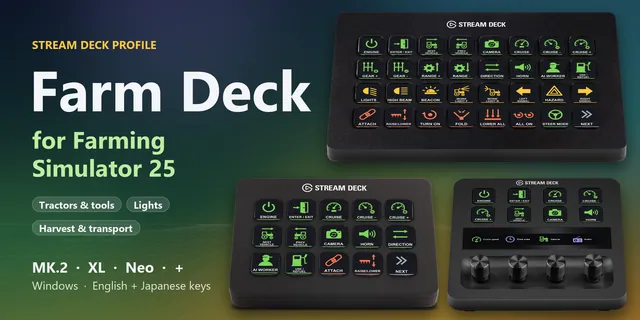
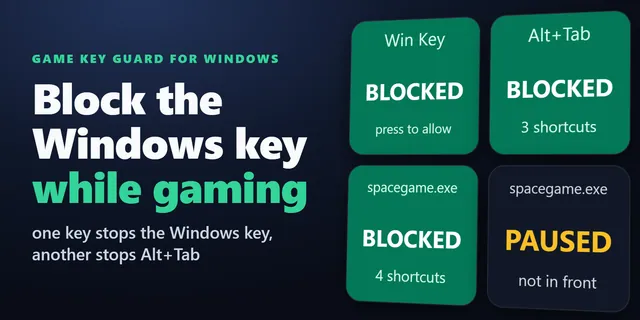
For the Stream Deck MK.2, XL, Neo and + with the Stream Deck app, and Football Manager 27 on Windows (Steam, Epic Games Store or Xbox app) with its default keyboard shortcuts.
Buy from GRAMSHIFTOne-time purchase direct from GRAMSHIFT, plus any tax at checkout. A download link appears right after payment, and the receipt arrives by email.