Gimmicks
Sakiaruki! (StepBloom) - flowers and stars bloom where you walk in VRChat
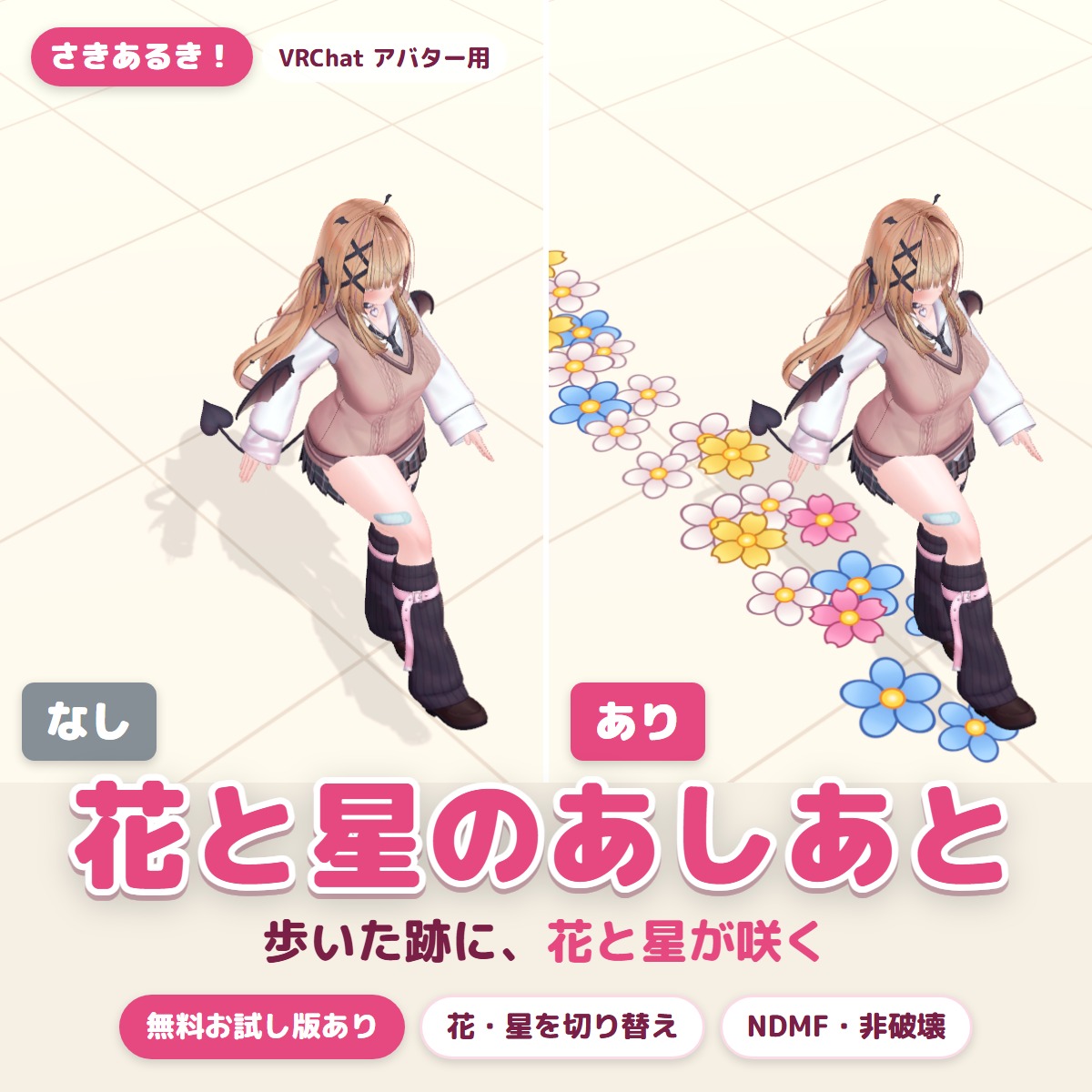
A VRChat avatar gimmick: when you walk, flowers or stars bloom at your feet and stay along the path you walked, then fade away.
¥300Free trialUpdates in VCC
Released Nov 24, 2026 · latest version 1.0.0
You pay when you confirm the order. Refunds: the full amount within 14 days of purchase if a tool does not work in your setup. Legal notice (Japan)
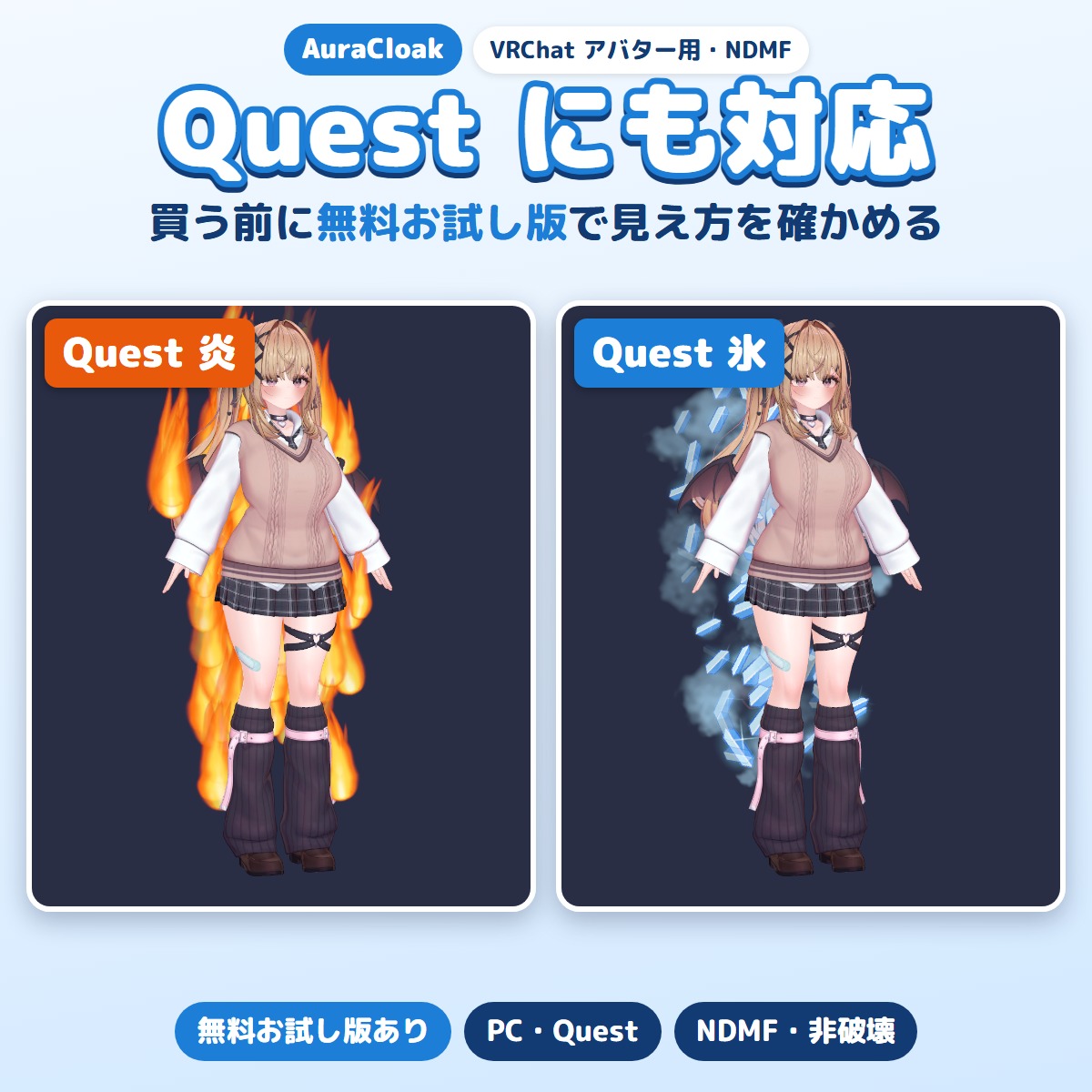
Check it on your own avatar before you buy.
Not in the trial: Scene preview of the aura only (fire, ice and the 6 fighting-aura colors). Nothing is added to uploaded avatars.
This tool uses Modular Avatar (free, the standard tool for avatar edits). If Modular Avatar is not in your VCC yet, press the button below first. You only do this once; after that, VCC installs it together with the tool.
Add Modular Avatar to VCC (free)
For ALCOM or manual setup: https://vpm.nadena.dev/vpm.json
https://gramshift.com/vpm-shop/free/index.jsonCheckout is not offered in your region. Free items (such as trials) are still available on this page.
Estimate: the ECB rate of 2026-11-23 plus the Stripe conversion fee (about 4%). Checkout shows the exact amount, or you can choose to pay in Japanese yen.
Prices include Japanese tax. In some countries, local tax may be added at checkout; you see the total before you pay. Right after payment you get an "Add to VCC" button and a zip download. Add it to VCC (the free official app from VRChat) or ALCOM (a free app that does the same), and new versions install with one click.
Added to your cart.View cart
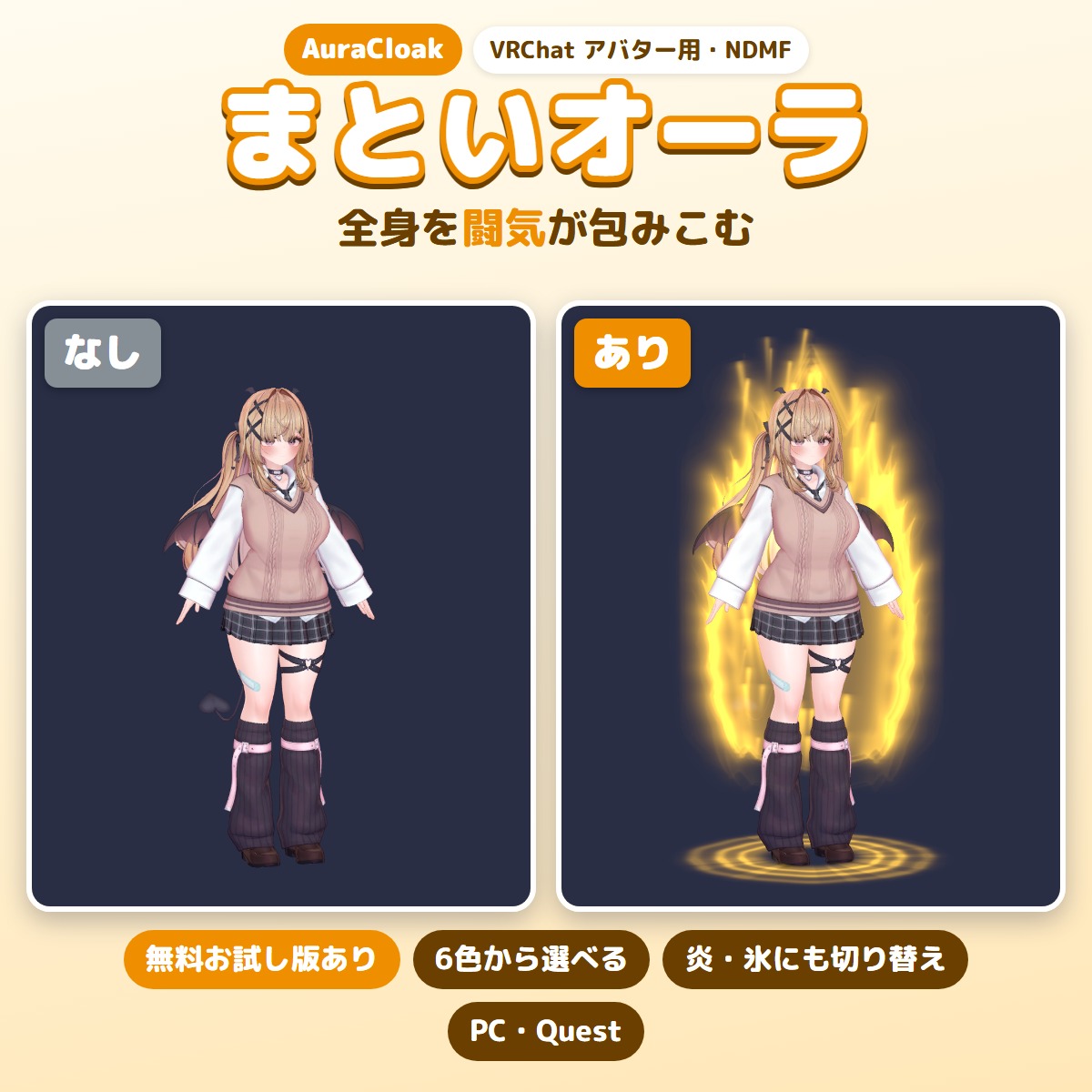
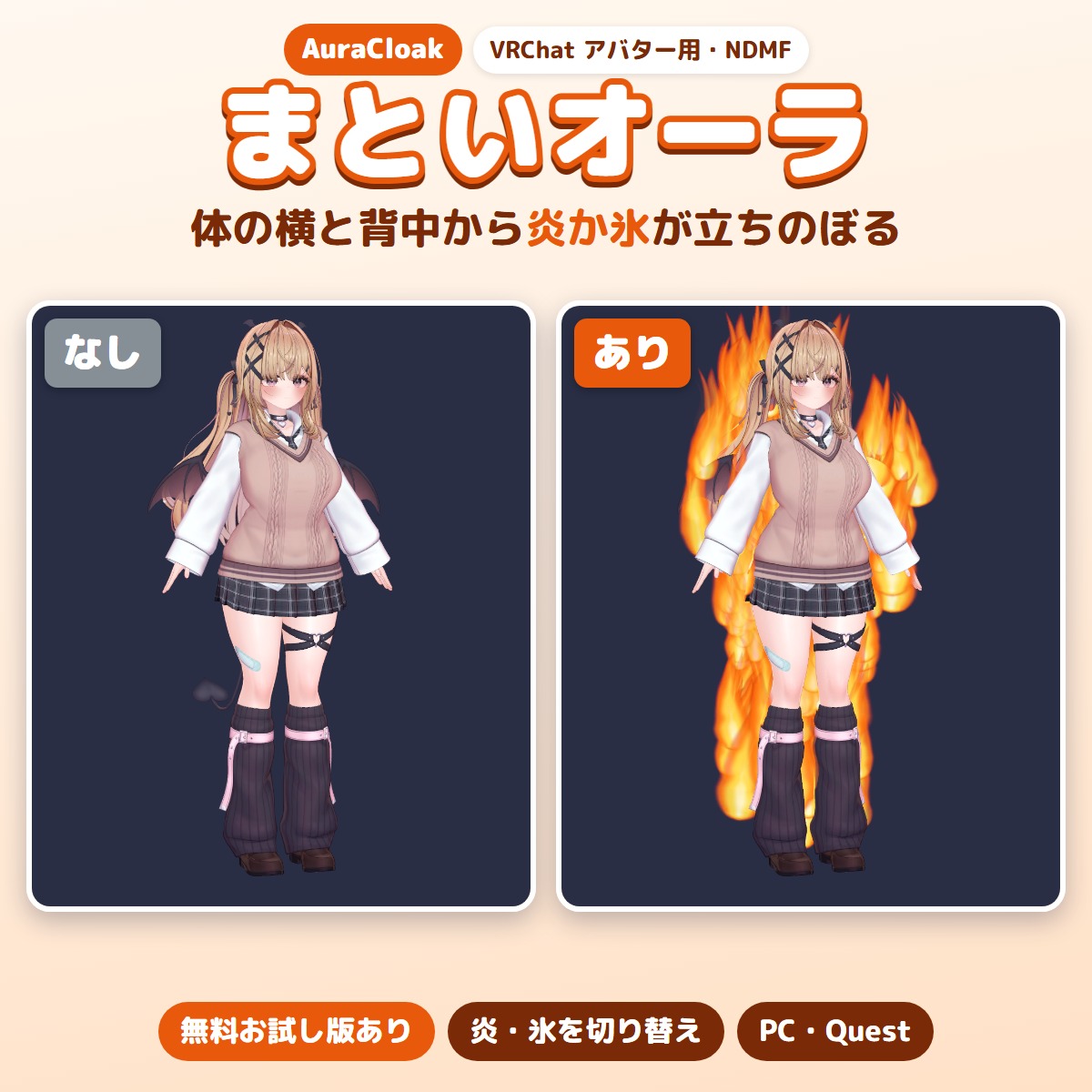
A VRChat avatar gimmick that wraps your avatar in a fighting aura (6 colors), fire or ice, with your face kept clear. Switch and set strength in the menu.
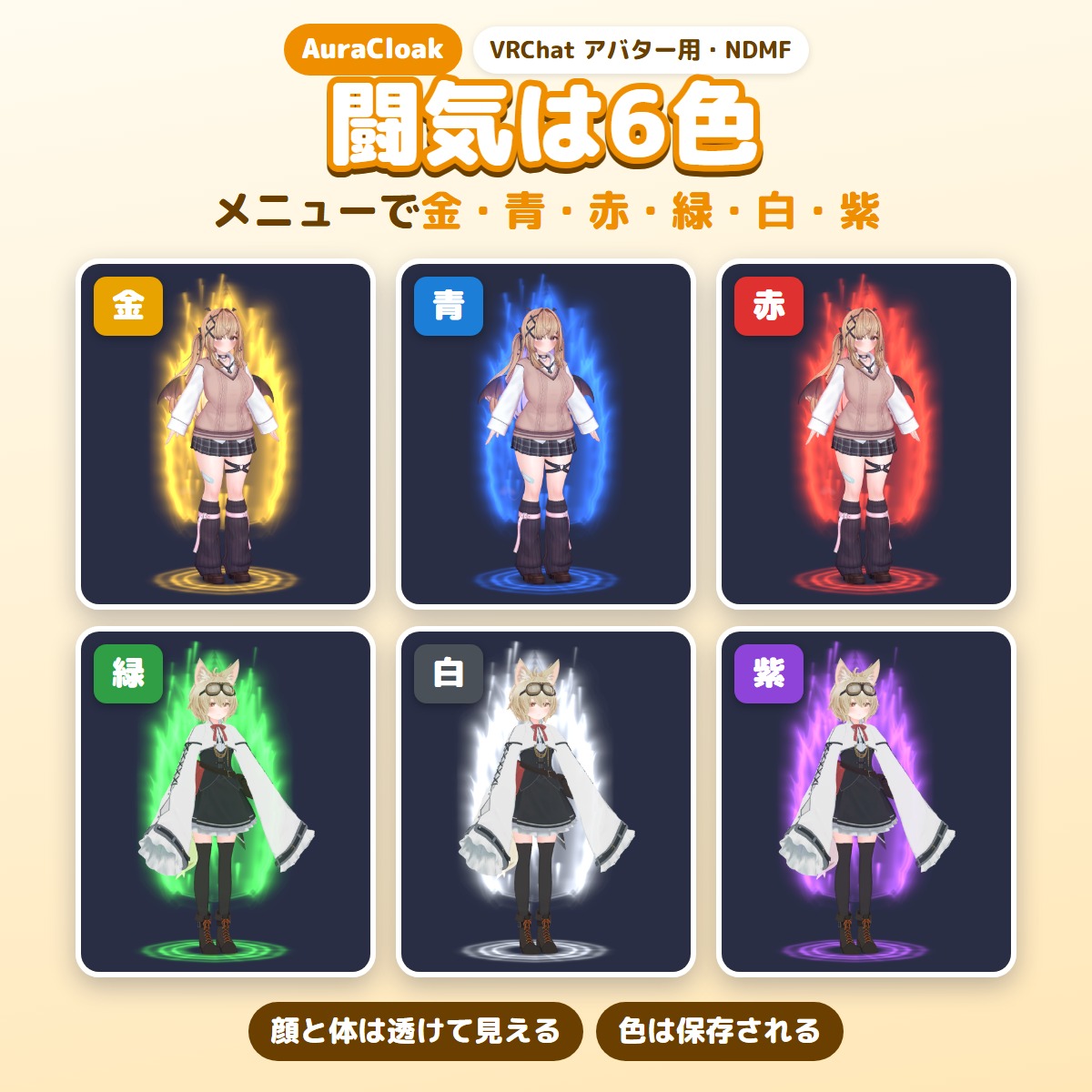
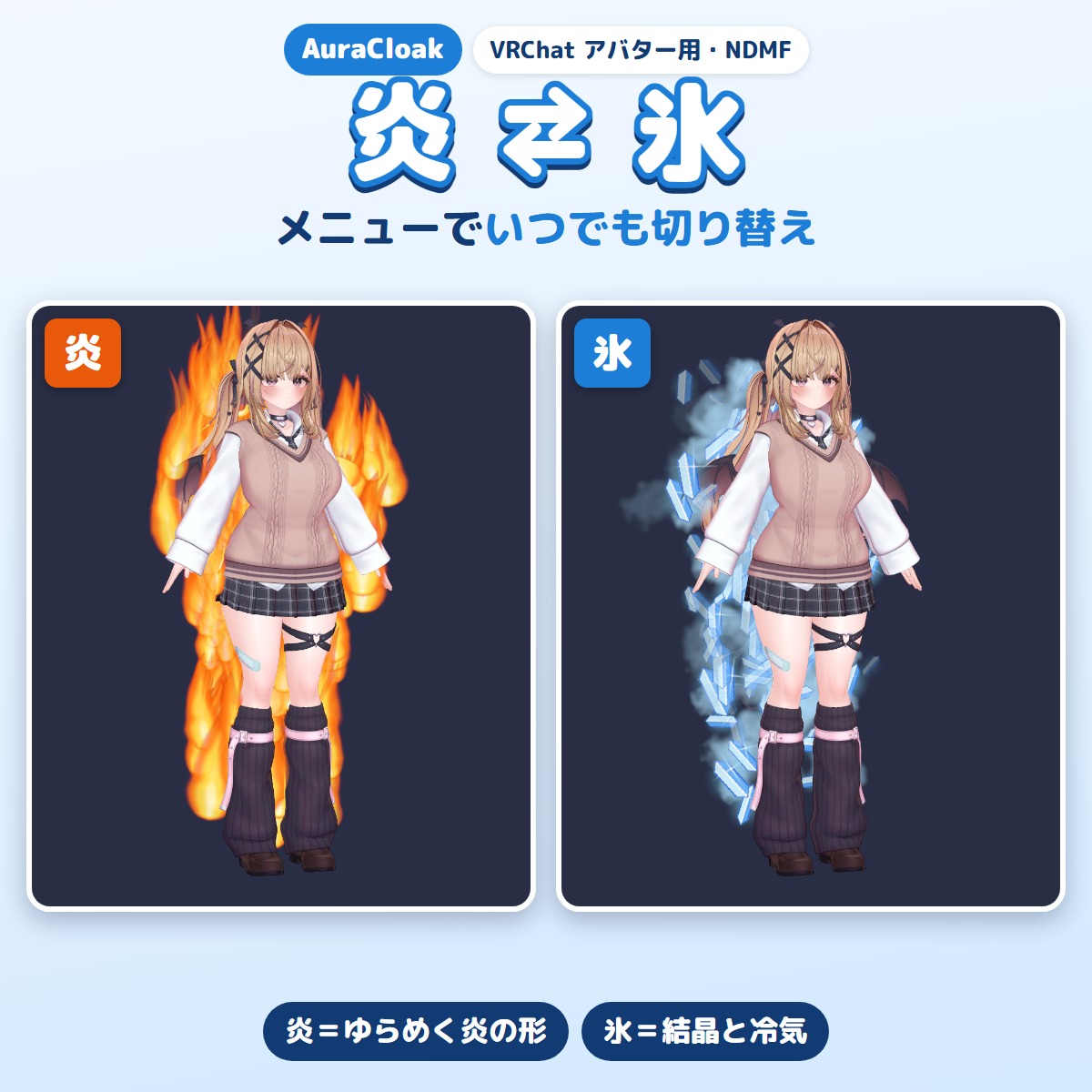
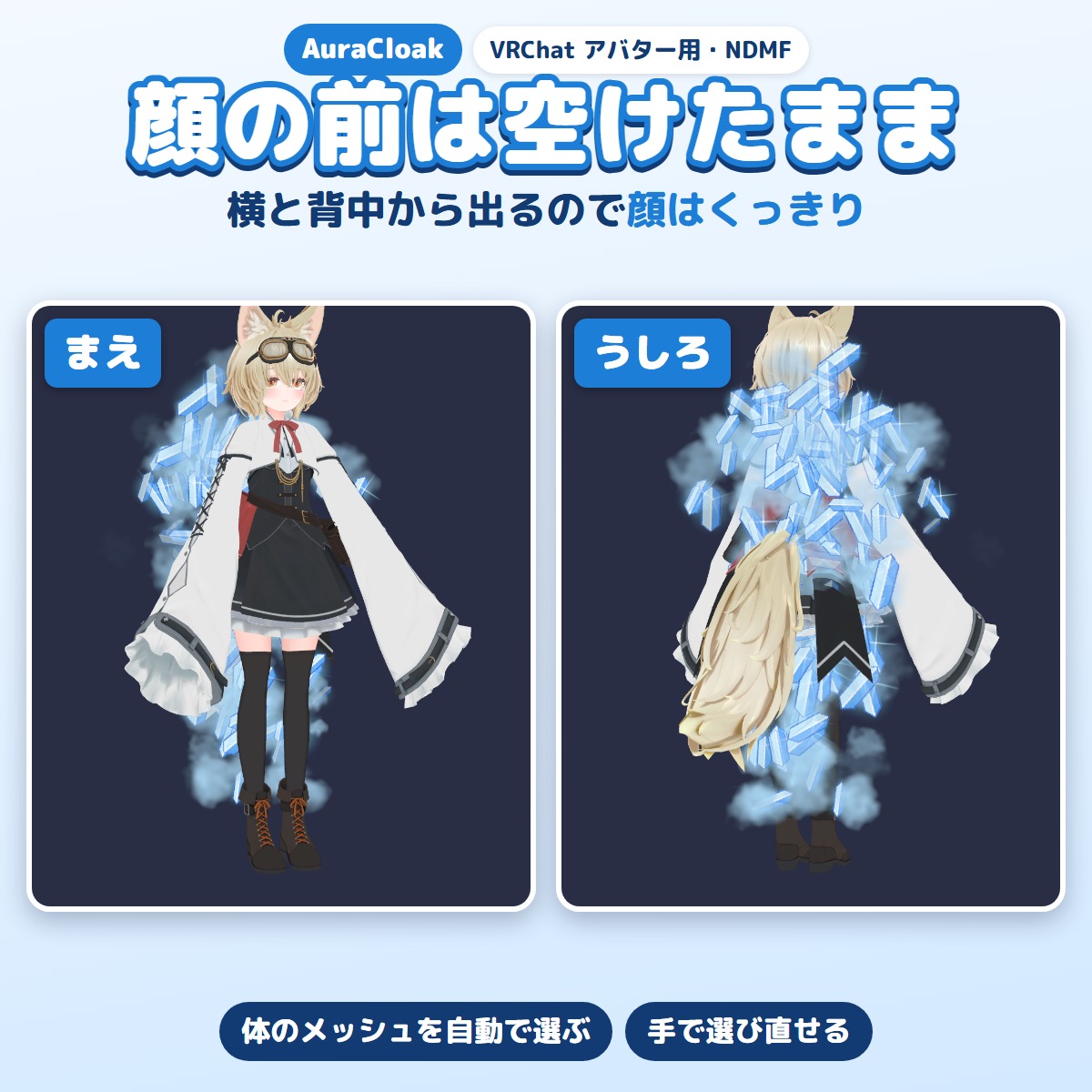
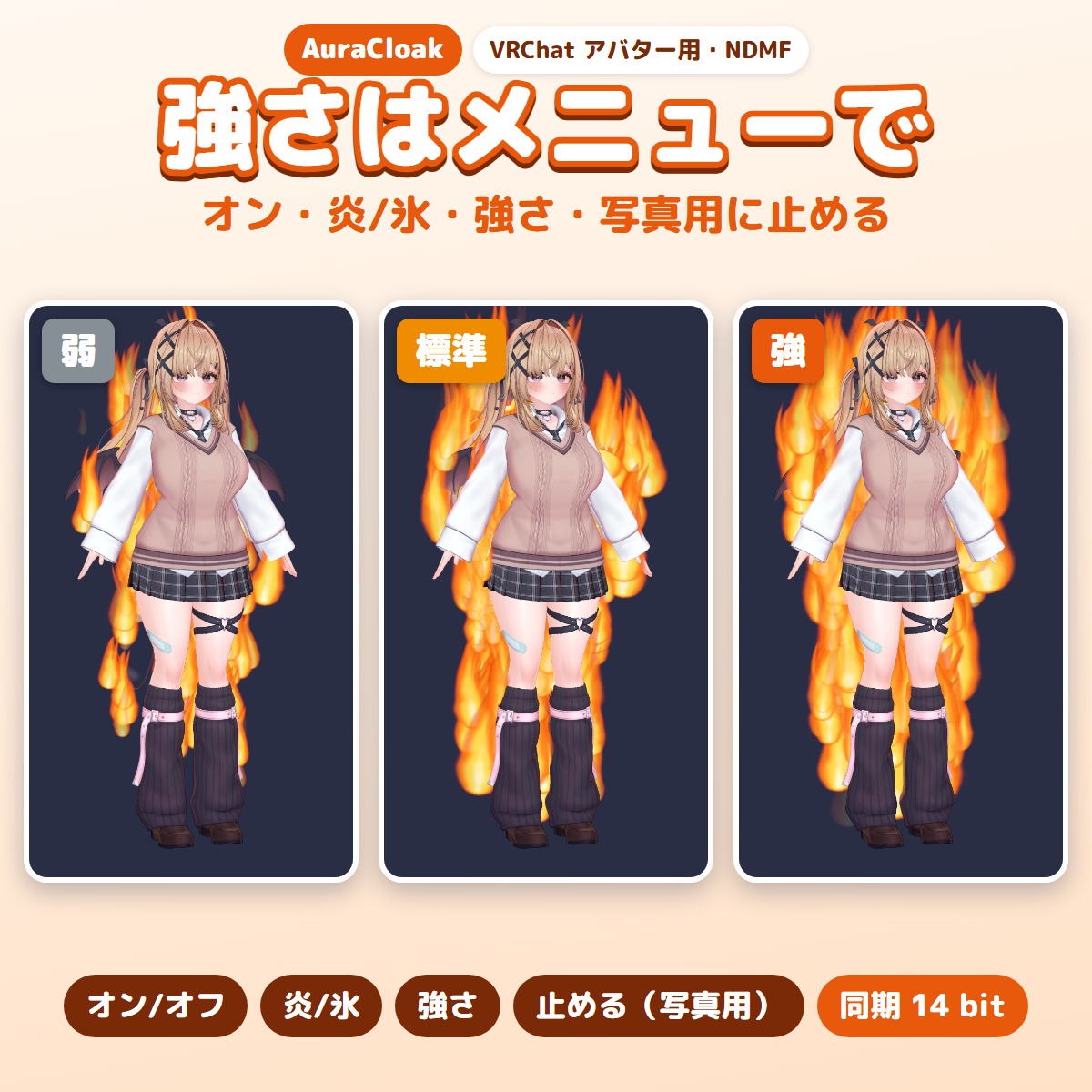
AuraCloak is a VRChat avatar gimmick that wraps your avatar in a fighting aura (6 colors: gold, blue, red, green, white, purple), a flickering fire aura, or a glittering ice-crystal and cold-mist aura. Fire and ice never come from in front of the face or chest, and the fighting aura lets your face and body show through, so your face stays clear. With "Aura" in the Expressions menu you can turn it on/off, switch fire / ice / fighting aura and its color, set the strength (radial) and freeze it for photos, and people around you see the same. Add one component with Modular Avatar, non-destructively; also builds for Quest (Android). Try the look on your avatar with the free trial first.
1. Add this tool in VCC (or ALCOM) (Modular Avatar and NDMF are added with it)
2. Add "Add Component → GRAMSHIFT → AuraCloak" to the top of your avatar (the object with the VRC Avatar Descriptor), or right-click it in the Hierarchy → GRAMSHIFT → AuraCloak
3. Pick fire, ice or the fighting aura and its color, the strength and the size, and check the look with "オーラの見本を見る" (aura preview) in the scene
4. Upload as usual and use "まといオーラ" (Aura) in the Expressions menu
If something does not work, feel free to contact the shop (with any message shown). The most-requested features go into the next version.
Partly AI-assisted
First release
First release
No reviews yet.
Only people who bought this item here can review it (from the Library after buying).
No published questions yet.
For how to use this item, ask GRAMSHIFT in "Questions and answers" above.
For help with payment or downloads, just email contact
Gimmicks
A VRChat avatar gimmick: when you walk, flowers or stars bloom at your feet and stay along the path you walked, then fade away.
Gimmicks
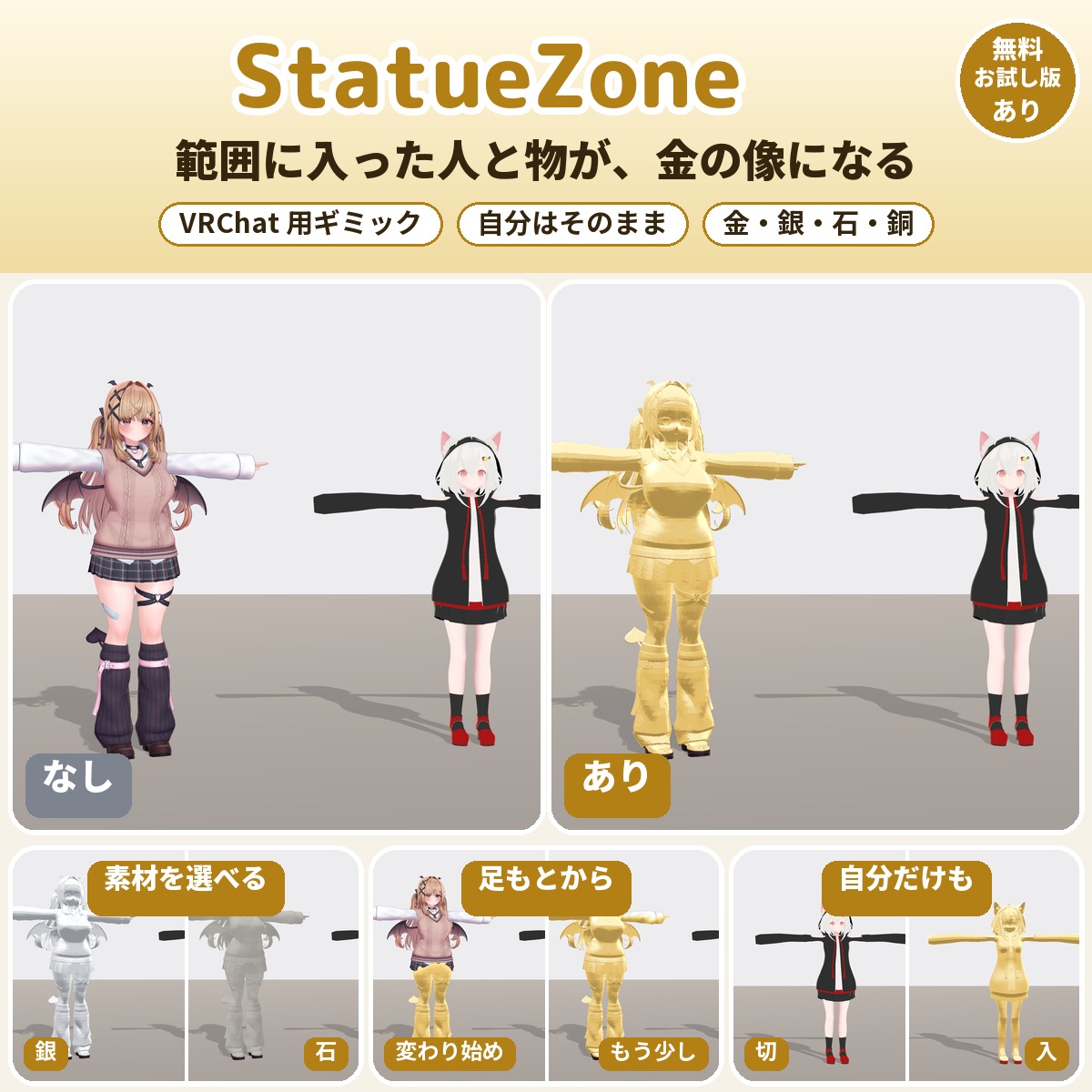
A VRChat avatar gimmick that turns people and objects entering the area around you into gold, silver, stone or bronze statues, rising from their feet.
Gimmicks
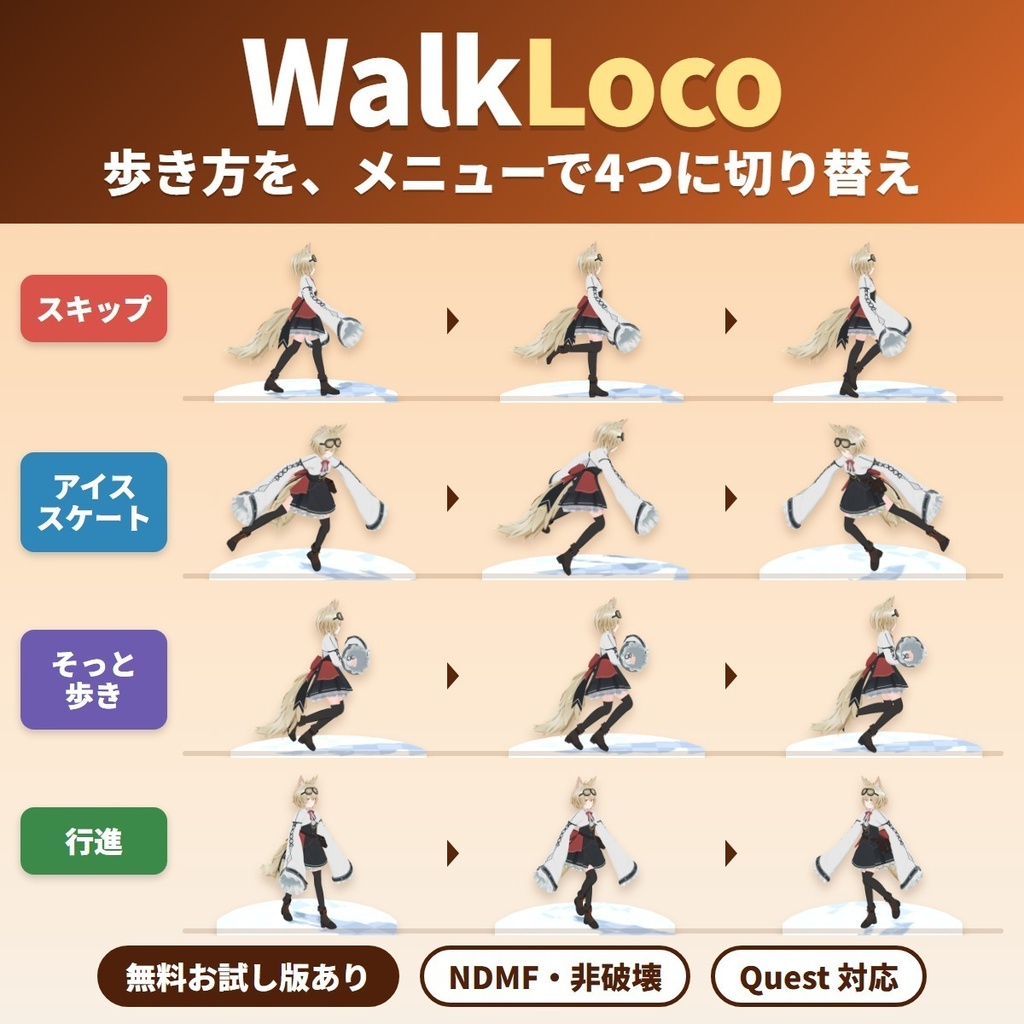
Turn walking and running into skip, ice skate, sneak or march. Switch from the menu. PC and Quest.
Blender tools
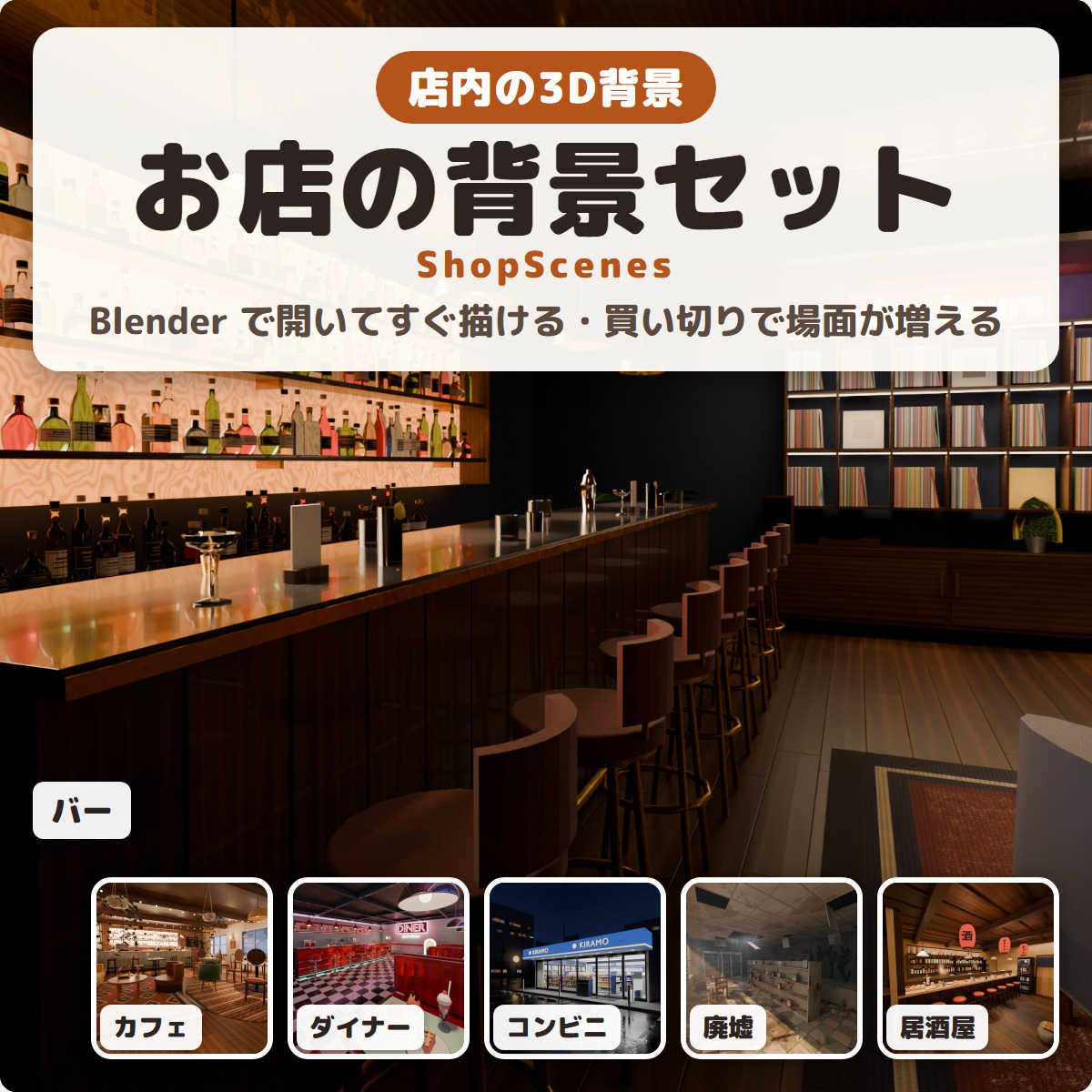
Ready-to-render 3D shop interiors for Blender: a cafe, bar, diner, convenience store, abandoned shop and izakaya, with lights and cameras set.
Streaming tools
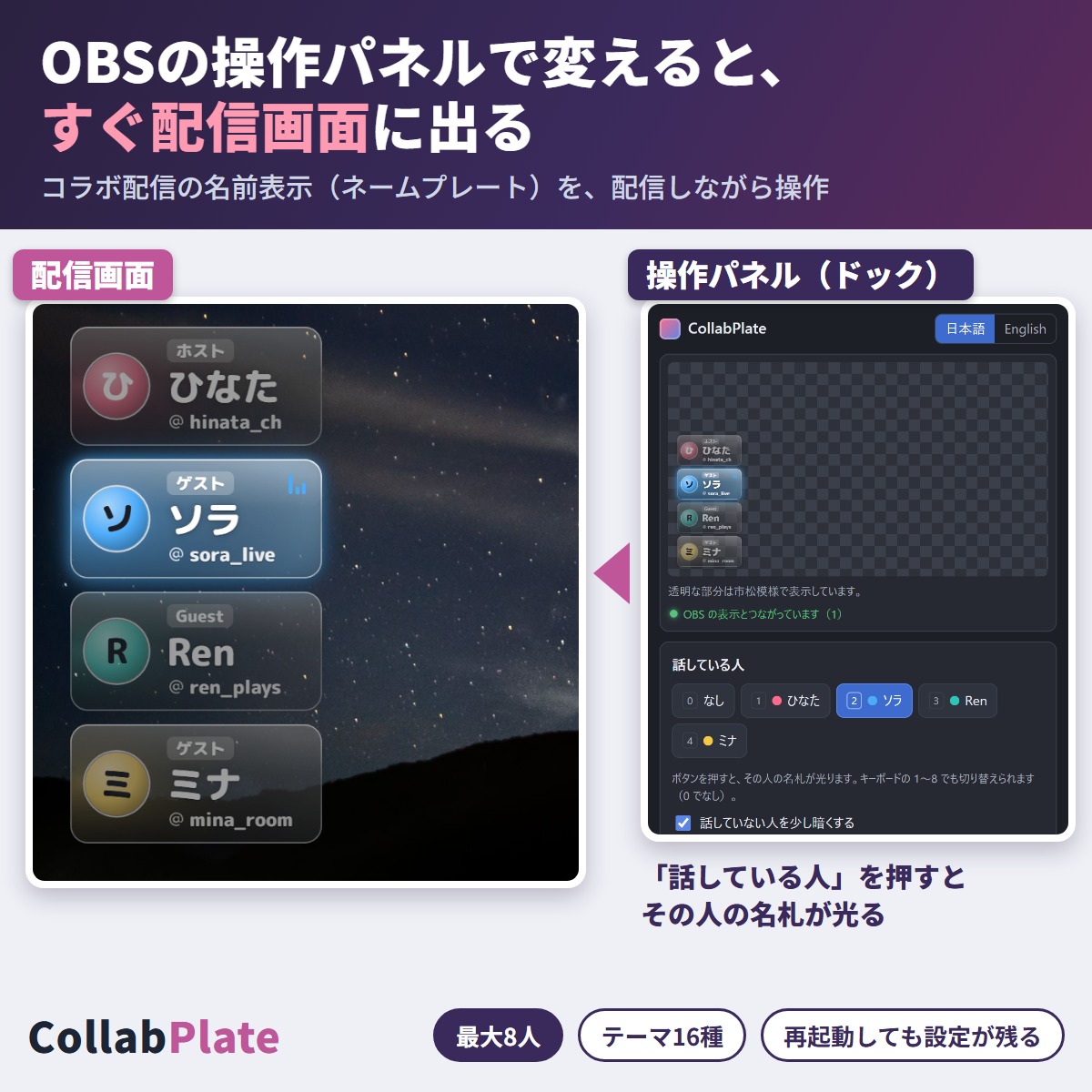
Name plates for collab streams in OBS. Change a name or the speaker in the panel and it shows on stream right away.
Avatar tools
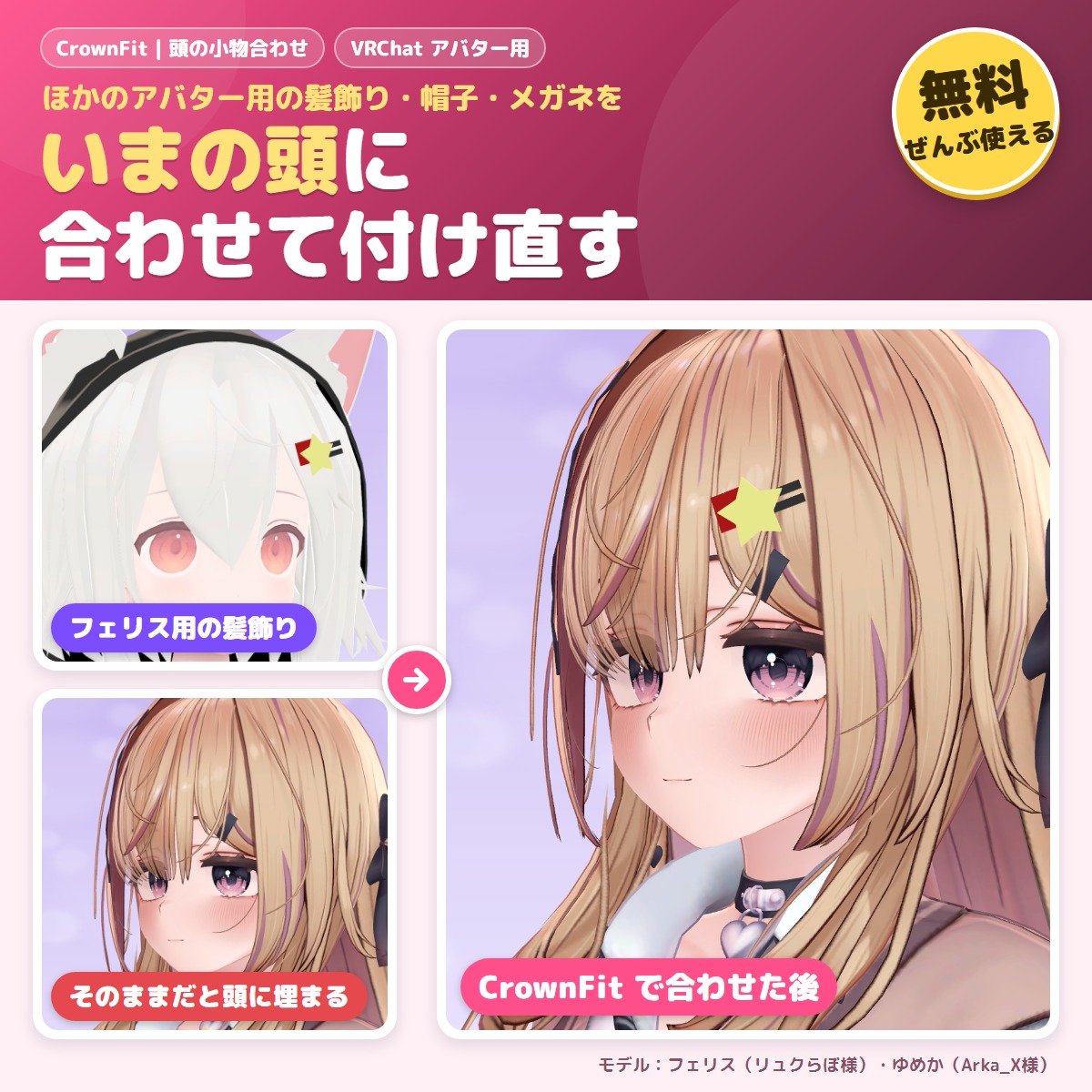
A free tool that fits hair ornaments, hairpins, hats and glasses made for another avatar to your avatar's head.
Blender tools
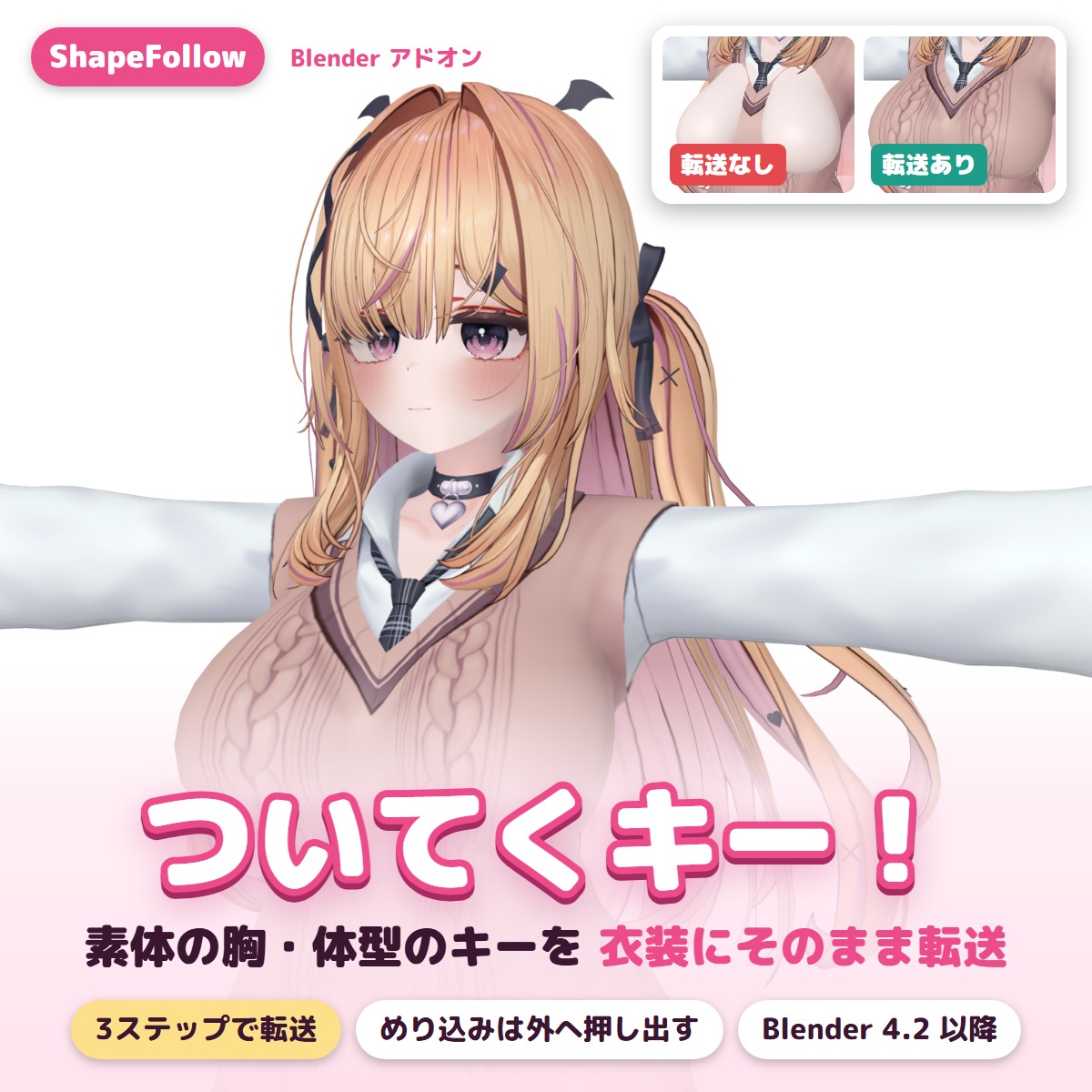
A Blender add-on that copies the body's shape keys (bust, body shape) to outfits in two clicks and pushes clipping back out.
Avatar tools
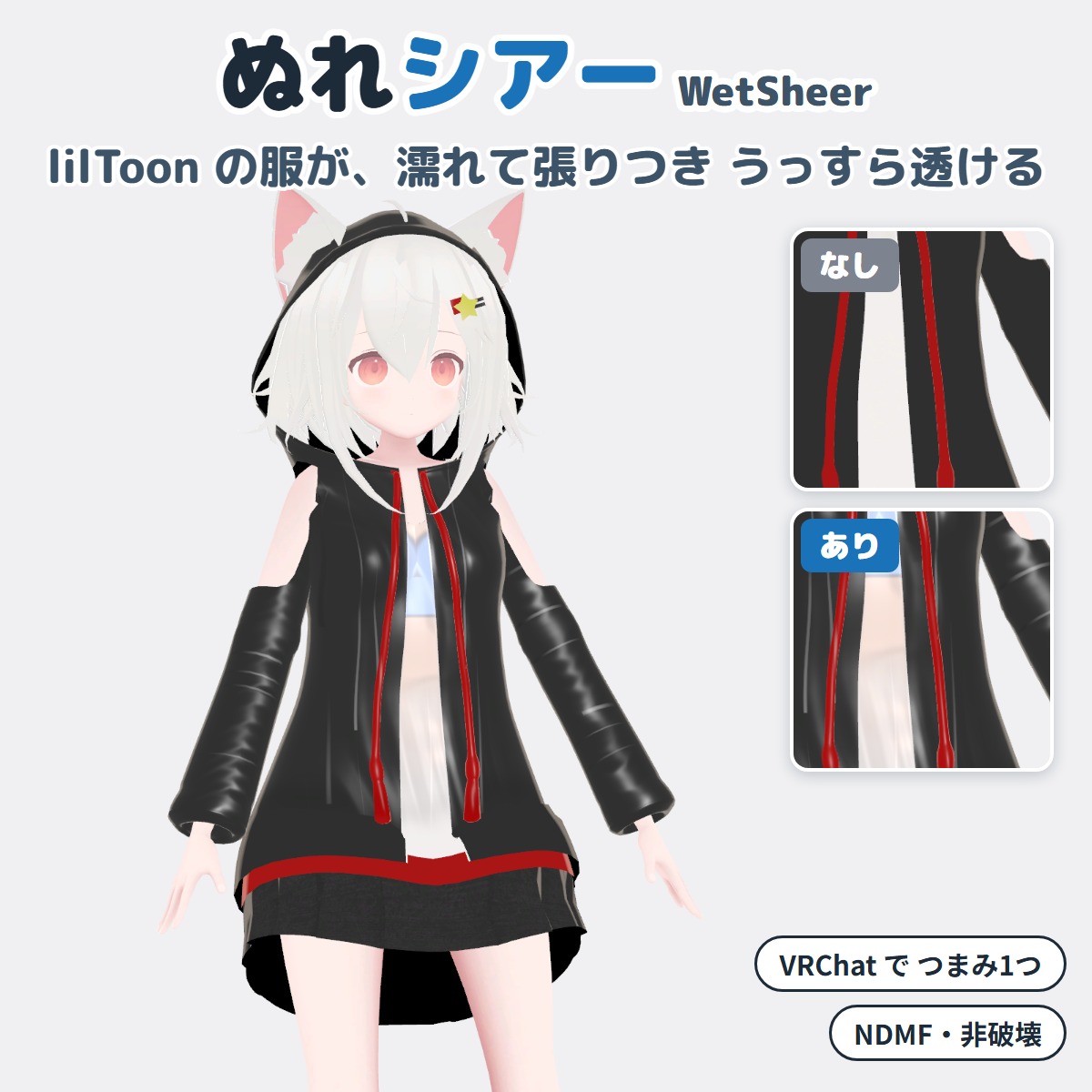
A Unity editor extension that makes your VRChat avatar's lilToon clothing look wet and see-through (won't change your original avatar).