01
Always know what is next
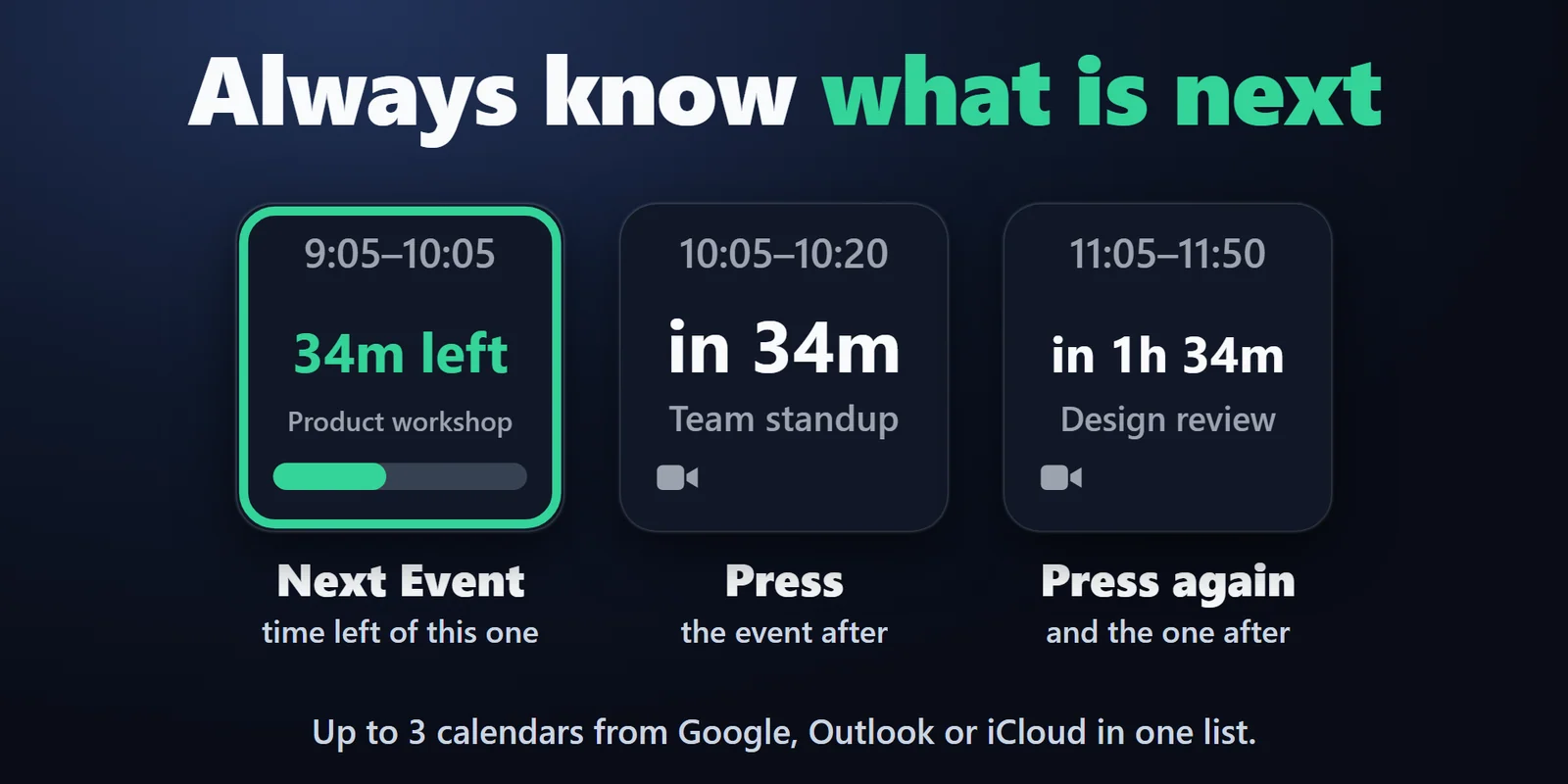
The Next Event key shows the time, a countdown ("in 12m", "40m left") and the title. Press it to see the event after, and again for the one after that.
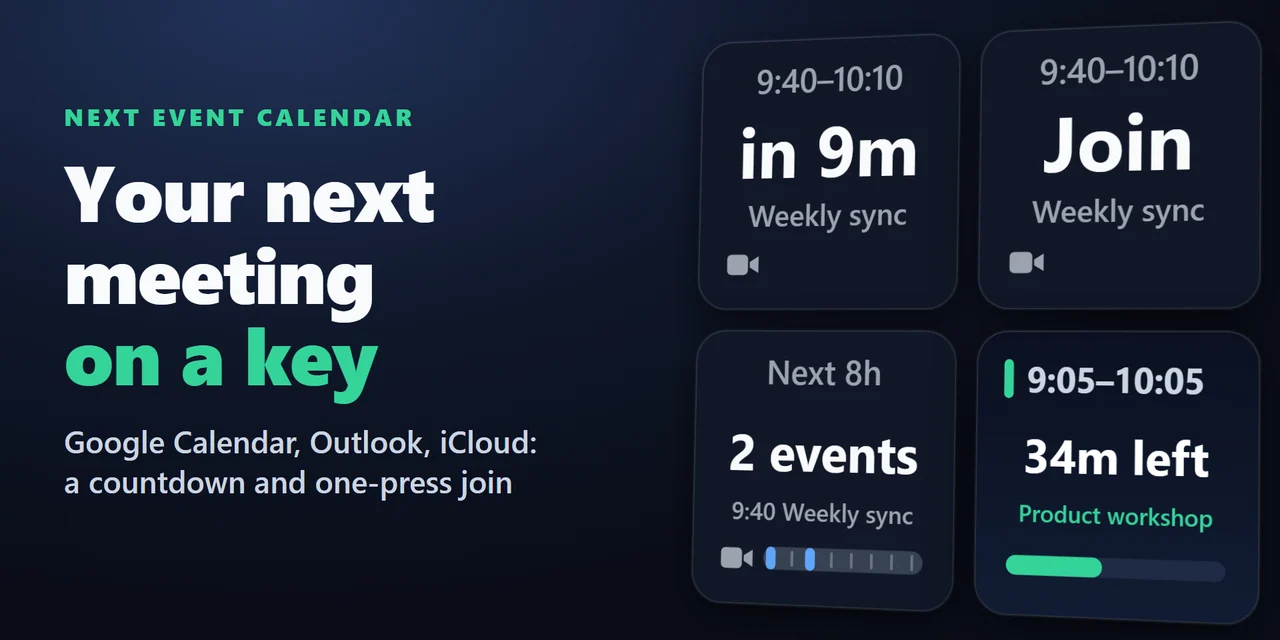
Keys show your next Google Calendar, Outlook or iCloud event with a countdown, and a press joins its Zoom or Teams call.
Overview
To show your next Google Calendar, Outlook or iCloud meeting on a Stream Deck, add Next Event Calendar, put its Next Event key on your Stream Deck and paste your calendar's private iCal (.ics) link in its settings: the key shows the time, a live countdown and the title, turns amber a few minutes before the start and red when it starts.
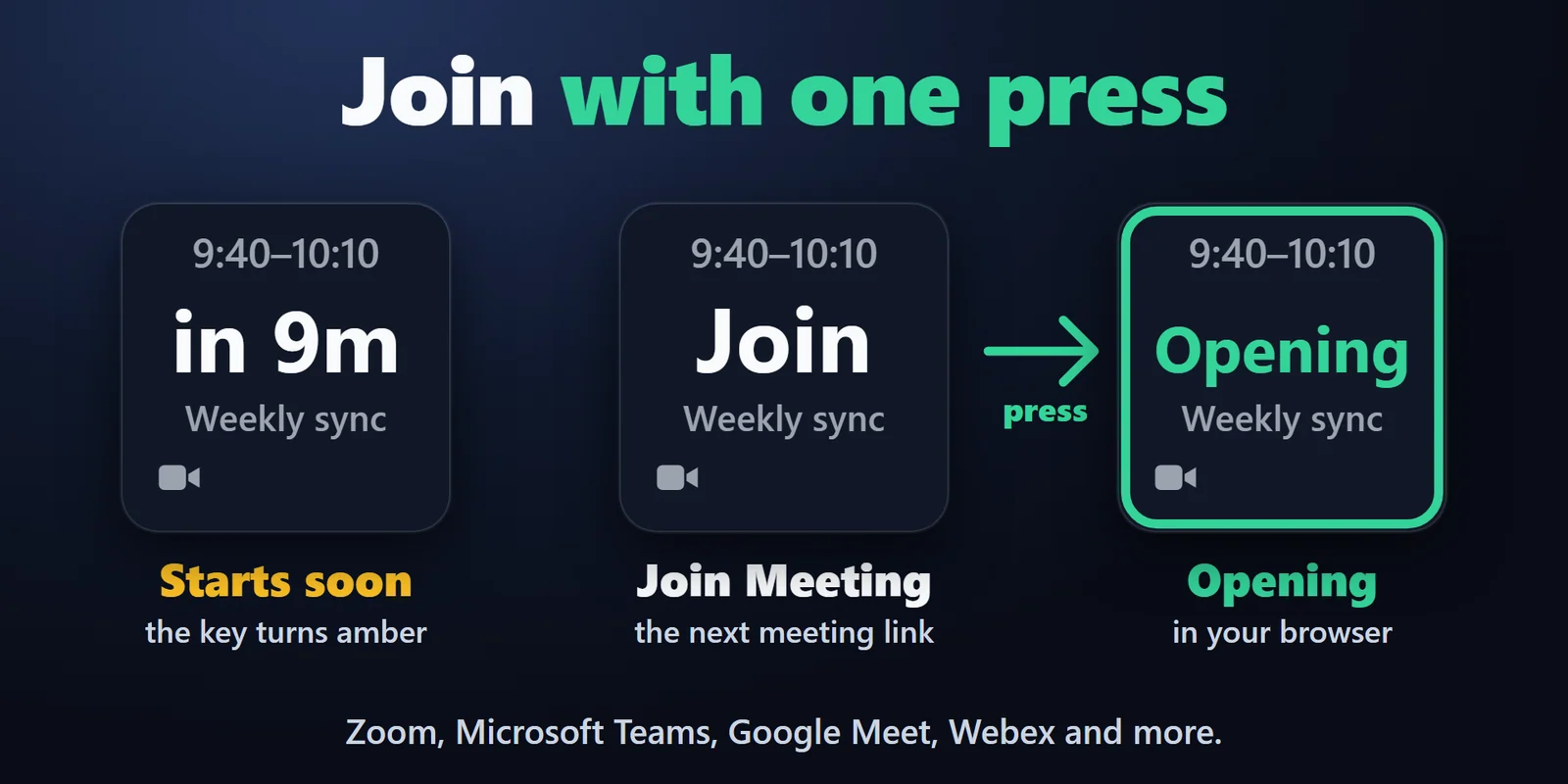
One press joins the meeting's Zoom, Microsoft Teams, Google Meet or Webex link, and there is no sign-in to Google or Microsoft.
Features
The Next Event key shows the time, a countdown ("in 12m", "40m left") and the title. Press it to see the event after, and again for the one after that.
From 10 minutes before a meeting, a press opens its Zoom, Microsoft Teams, Google Meet, Webex or other meeting link. The Join Meeting key always holds the next meeting that has a link.
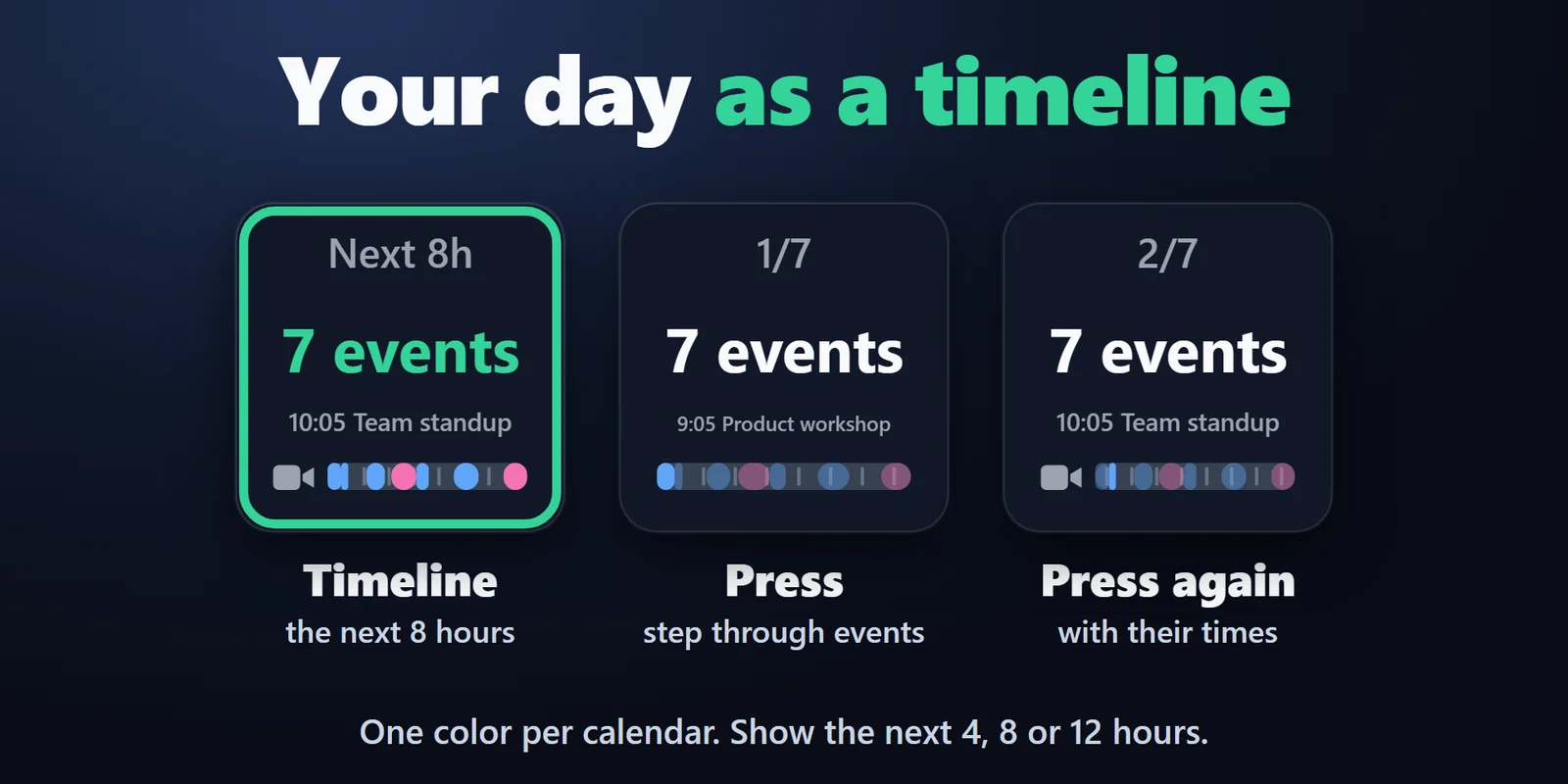
The Timeline key shows the next 4, 8 or 12 hours as a band, one block per event in its calendar's color. Press to step through the events with their times.
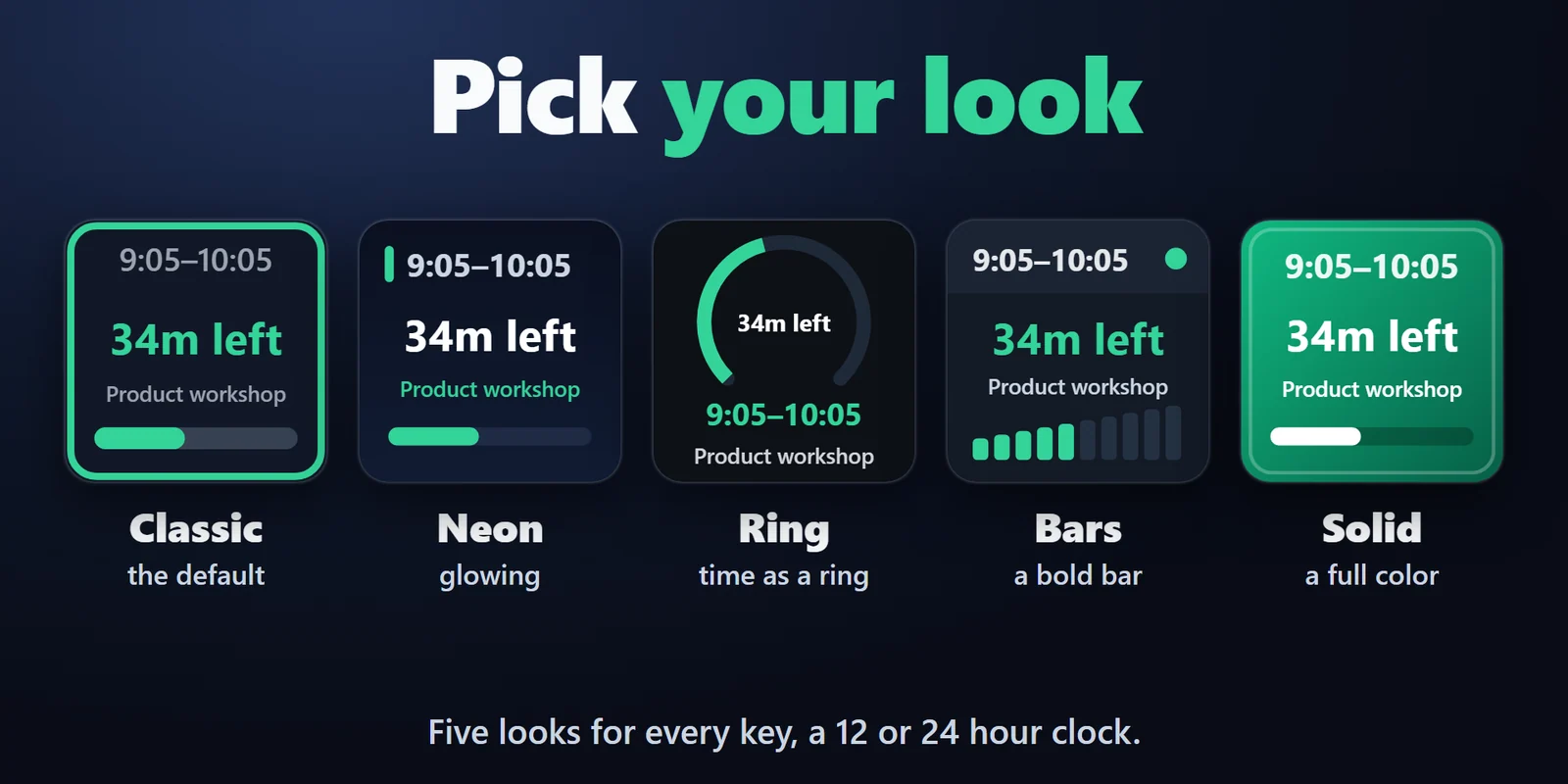
Classic, Neon, Ring, Bars or Solid for every key, with a 12 or 24 hour clock.
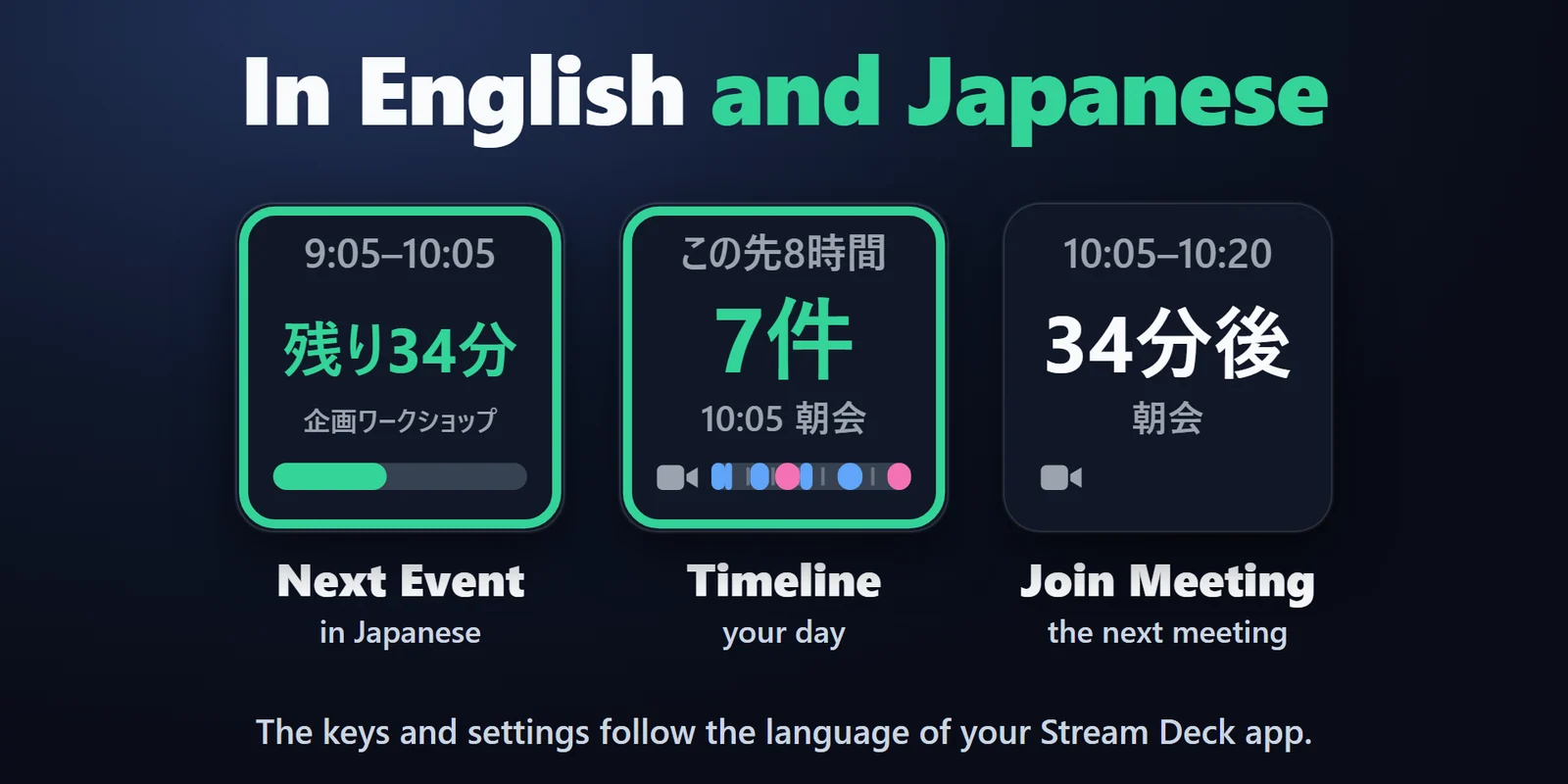
The keys and the settings follow the language of your Stream Deck app.
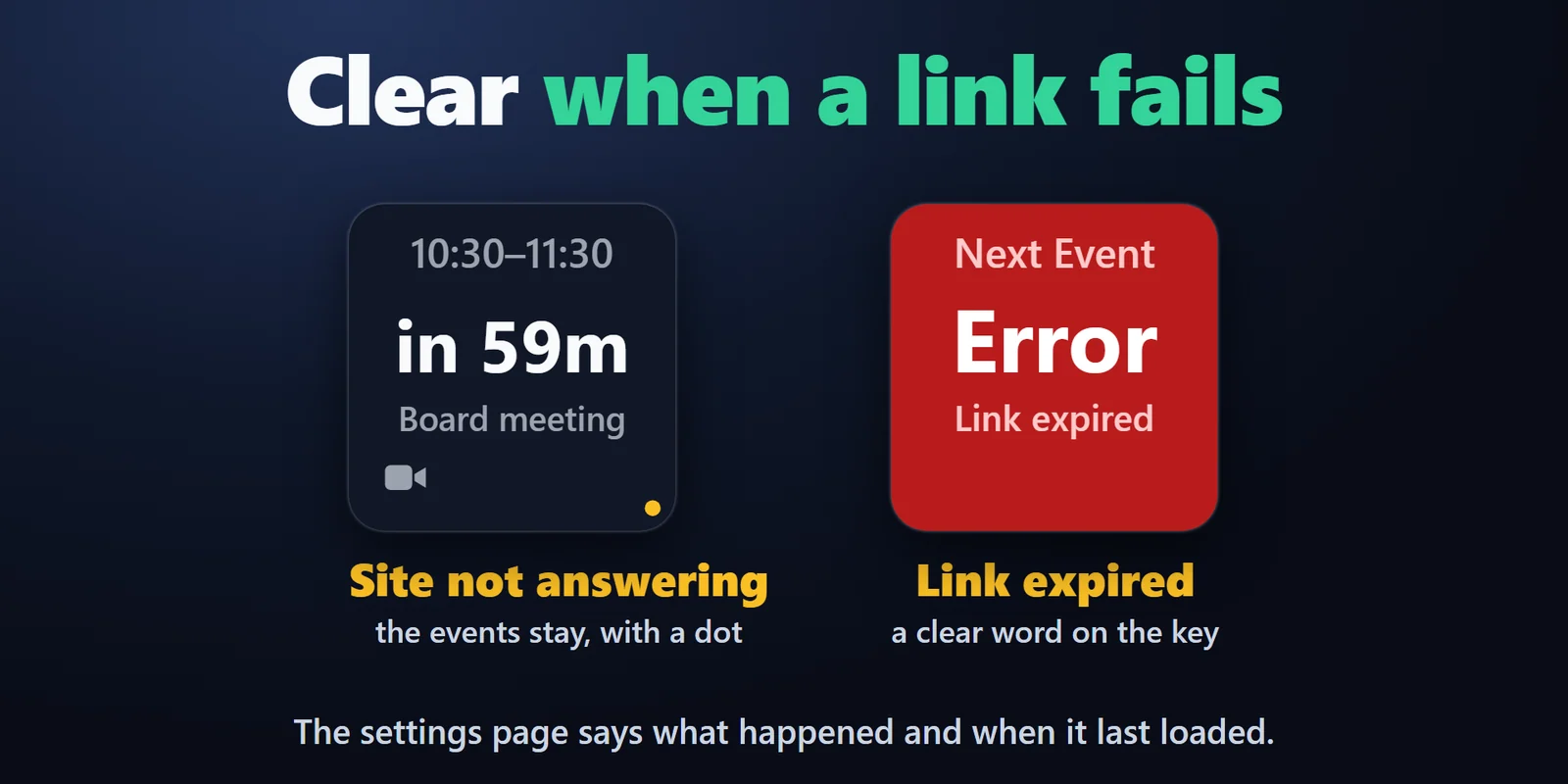
If a calendar cannot be loaded, the key keeps the events it had with a small dot, or shows a plain word such as Link expired or Offline. The settings page says what happened and when it last loaded.
Up to 3 calendars, work, personal and team, merged into one list. The same event in two calendars is shown once.
Repeating events, moved and cancelled dates, all-day events and time zones are handled: a moved meeting shows at its new time and a cancelled date is left out.
The calendar link stays in the Stream Deck app on your PC and goes only to your calendar's own site. No account, no server of ours, no telemetry.
Set up
Coming soon: Elgato Marketplace
FAQ
Short answers to what people ask before they add it.
Email contact
Add the Next Event key of Next Event Calendar and paste your calendar's private iCal (.ics) link in its settings. The key shows the time, a countdown and the title of your next event right away, turns amber before it starts and red when it starts.
Yes. The Next Event key joins when the meeting starts within 10 minutes or is running, and the Join Meeting key opens the next meeting link at any time. Webex, GoTo Meeting, Whereby, Jitsi, Amazon Chime and Slack huddle links work too.
No. The plugin reads the calendar link you paste, the same way a calendar app subscribes to it. Nothing about your account is asked or stored.
The plugin checks every 5 minutes, but your calendar site updates the shared link on its own schedule, from minutes to a few hours. The key shows the change once the site has updated the link.
Yes. Paste up to 3 calendar links, for example work, personal and a team calendar. They are merged into one list, each with its own color on the Timeline key, and the same event in two calendars is shown once.
Requirements
Works on Windows 10 or 11 with the Stream Deck app 6.9 or later, with Google Calendar, Outlook (Outlook.com and Microsoft 365), iCloud and any calendar that gives an iCal (.ics) link.
A Stream Deck plugin sold on the Elgato Marketplace.
More for your Stream Deck
Works on Windows 10 or 11 with the Stream Deck app 6.9 or later, with Google Calendar, Outlook (Outlook.com and Microsoft 365), iCloud and any calendar that gives an iCal (.ics) link.
Coming soon: Elgato Marketplace