01
See your whole job on one deck
On a Stream Deck XL, idle villagers, army orders and formations share one page.
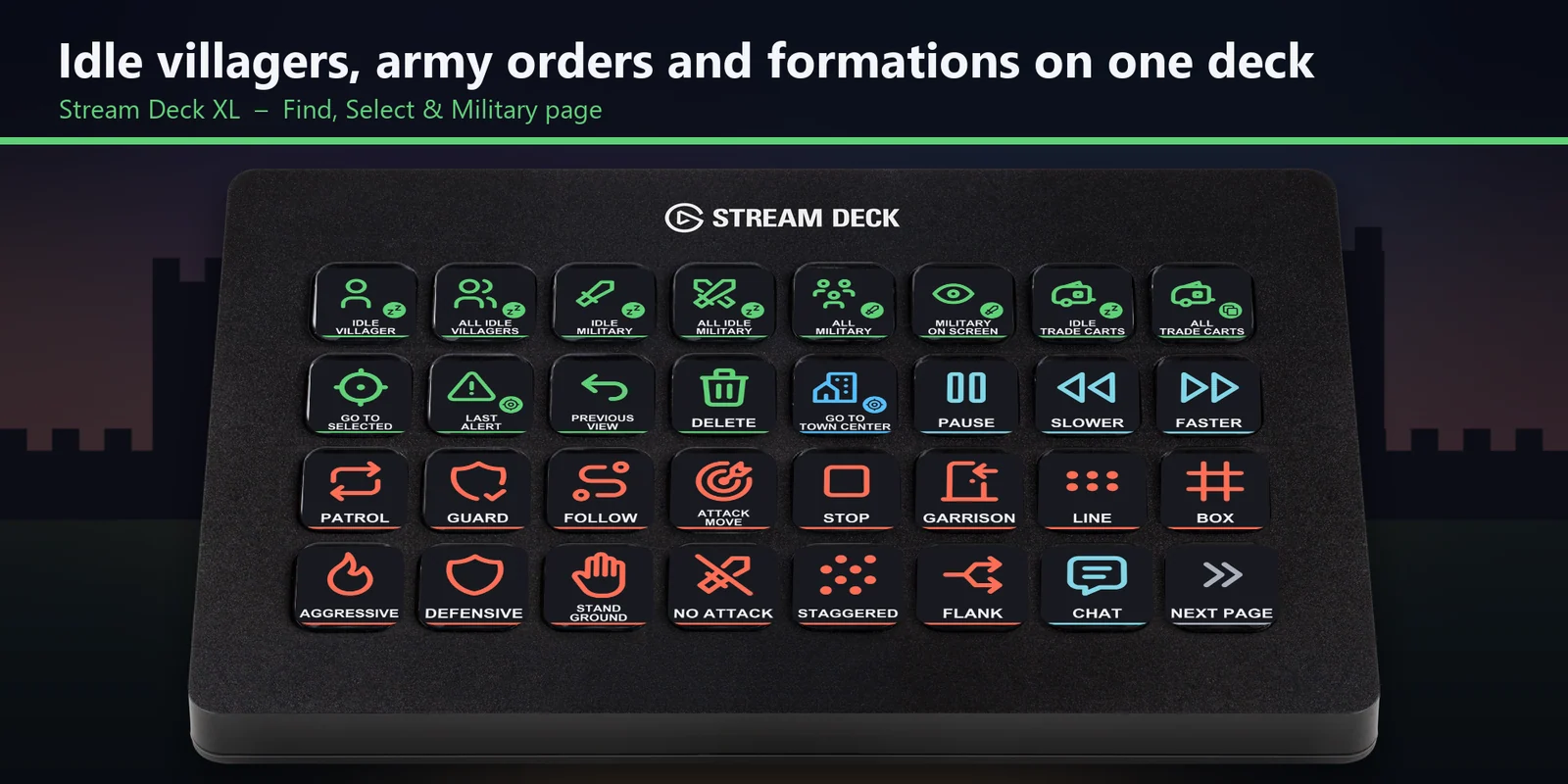

Find idle villagers, command your army and jump to buildings with default-hotkey keys on MK.2, XL, Neo or +.
One-time purchase direct from GRAMSHIFT, plus any tax at checkout. A download link appears right after payment, and the receipt arrives by email.
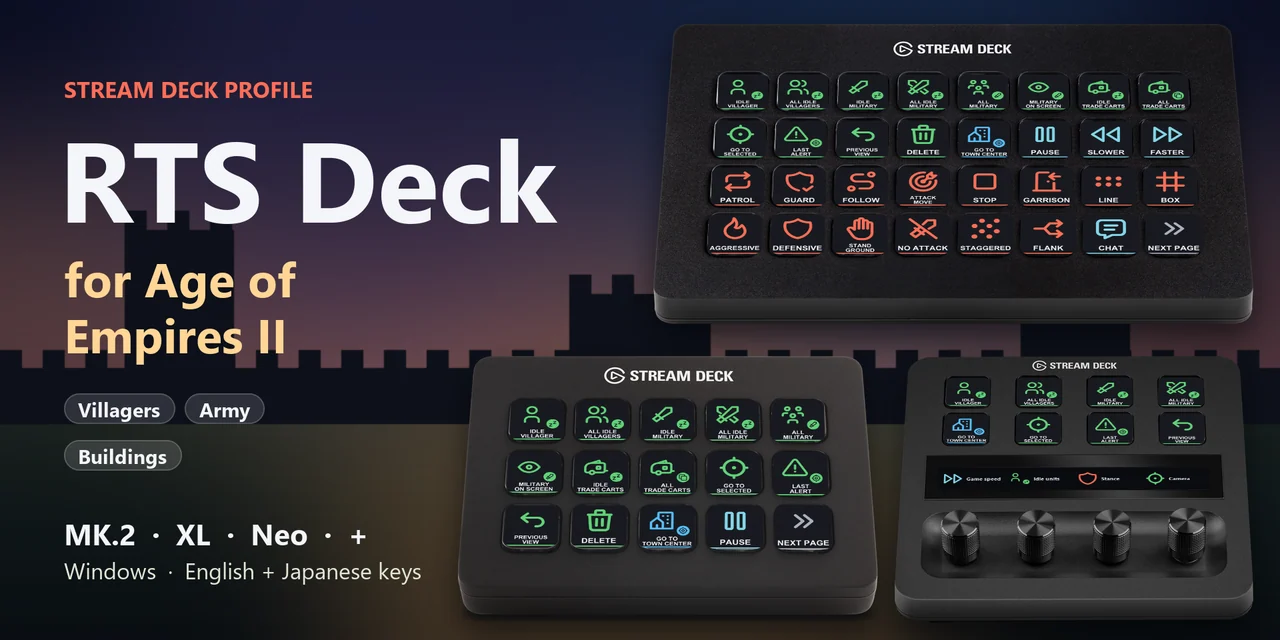
Overview
To find idle villagers, command your army and jump to your buildings in Age of Empires II: Definitive Edition from a Stream Deck on Windows, open the RTS Deck for Age of Empires II profile for your device and keep the game window in front.
Each key of RTS Deck for Age of Empires II sends the game's default hotkey for its label, so one press does what a keyboard shortcut does, with English or Japanese labels.
Features
On a Stream Deck XL, idle villagers, army orders and formations share one page.
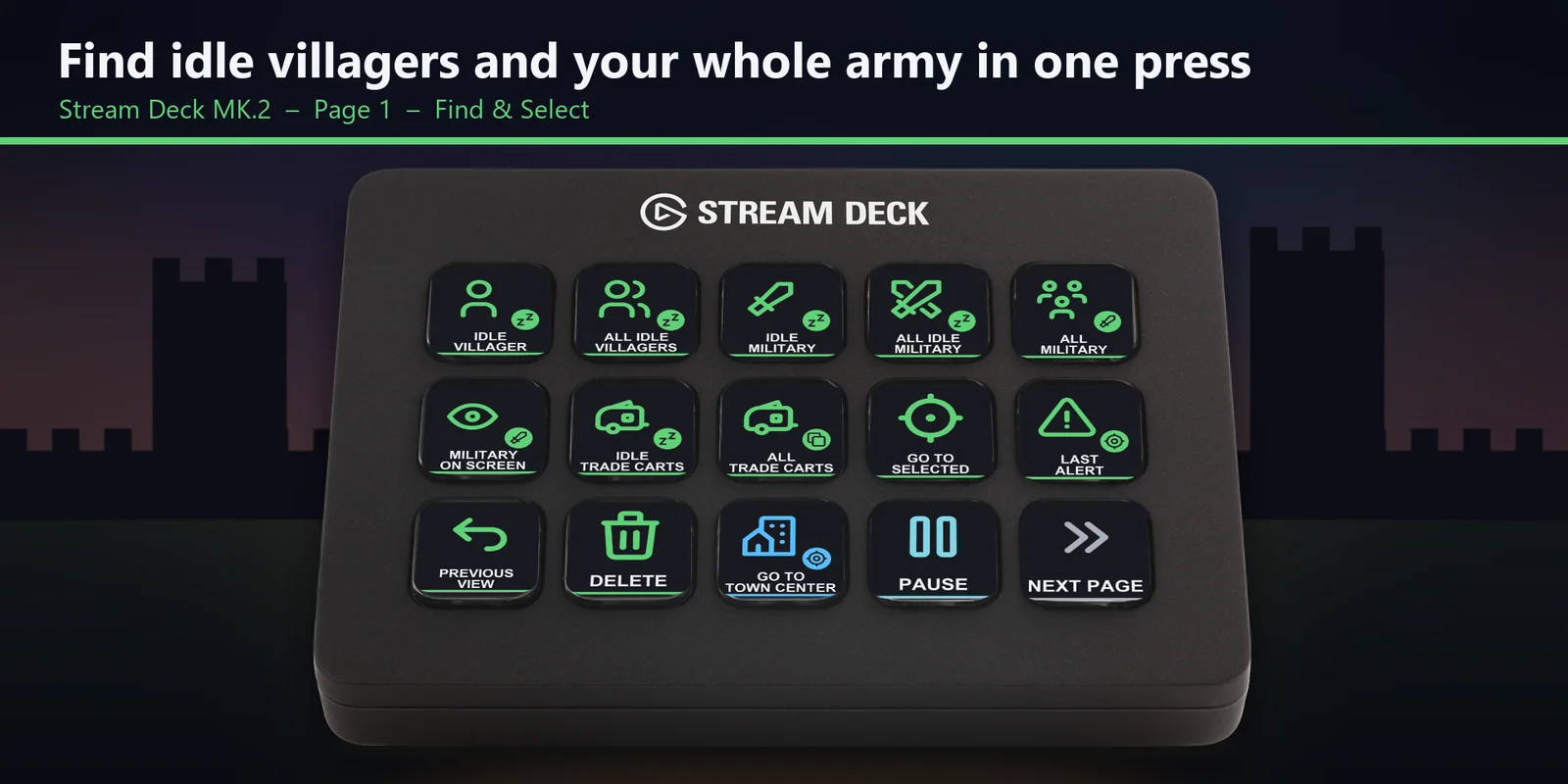
On the MK.2 Find and Select page, idle villagers, idle military, all military, trade carts and the last alert are each one key away.
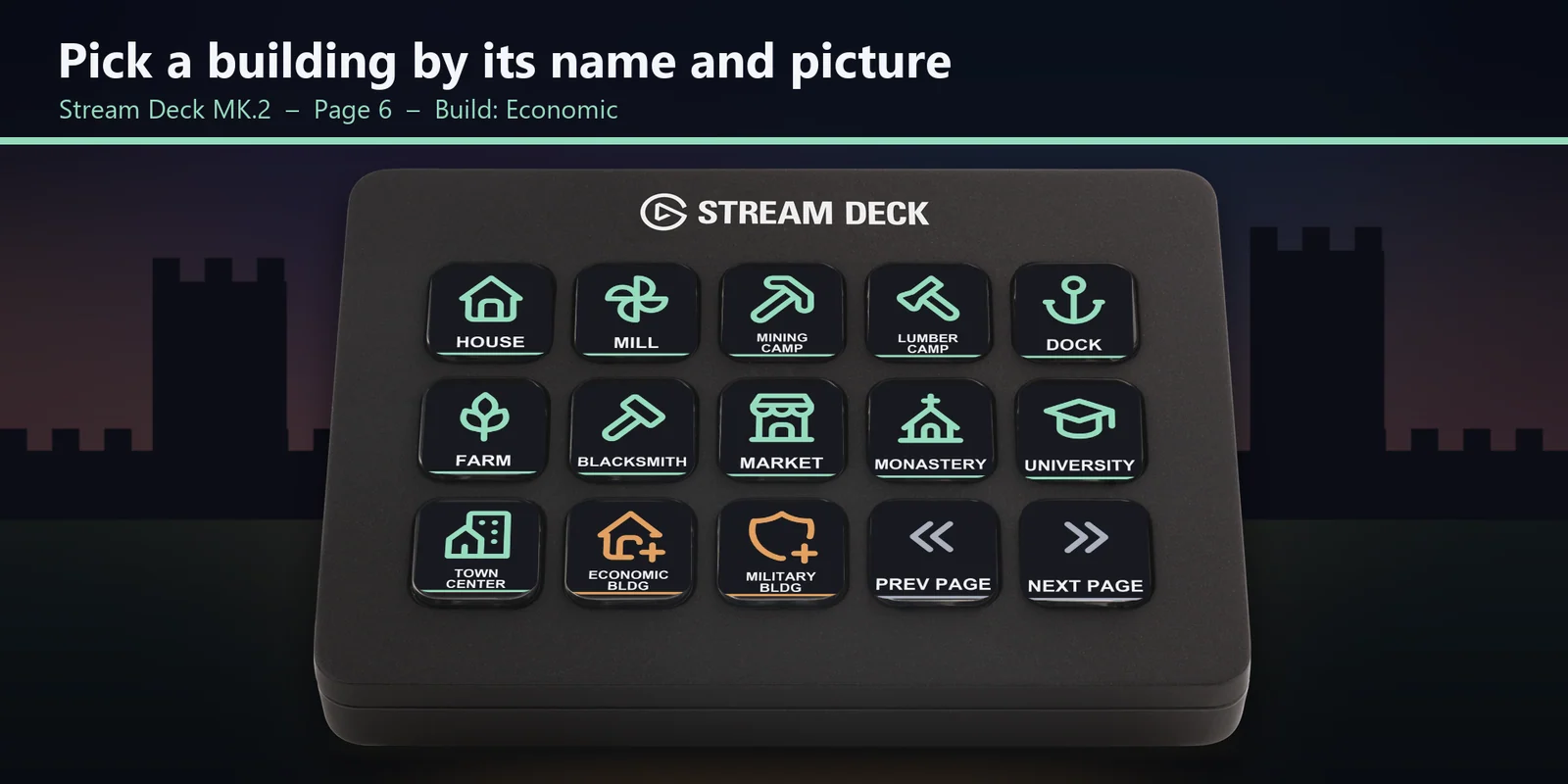
On the MK.2 Build page, each building key shows its name and picture, with the build menus and repair alongside.
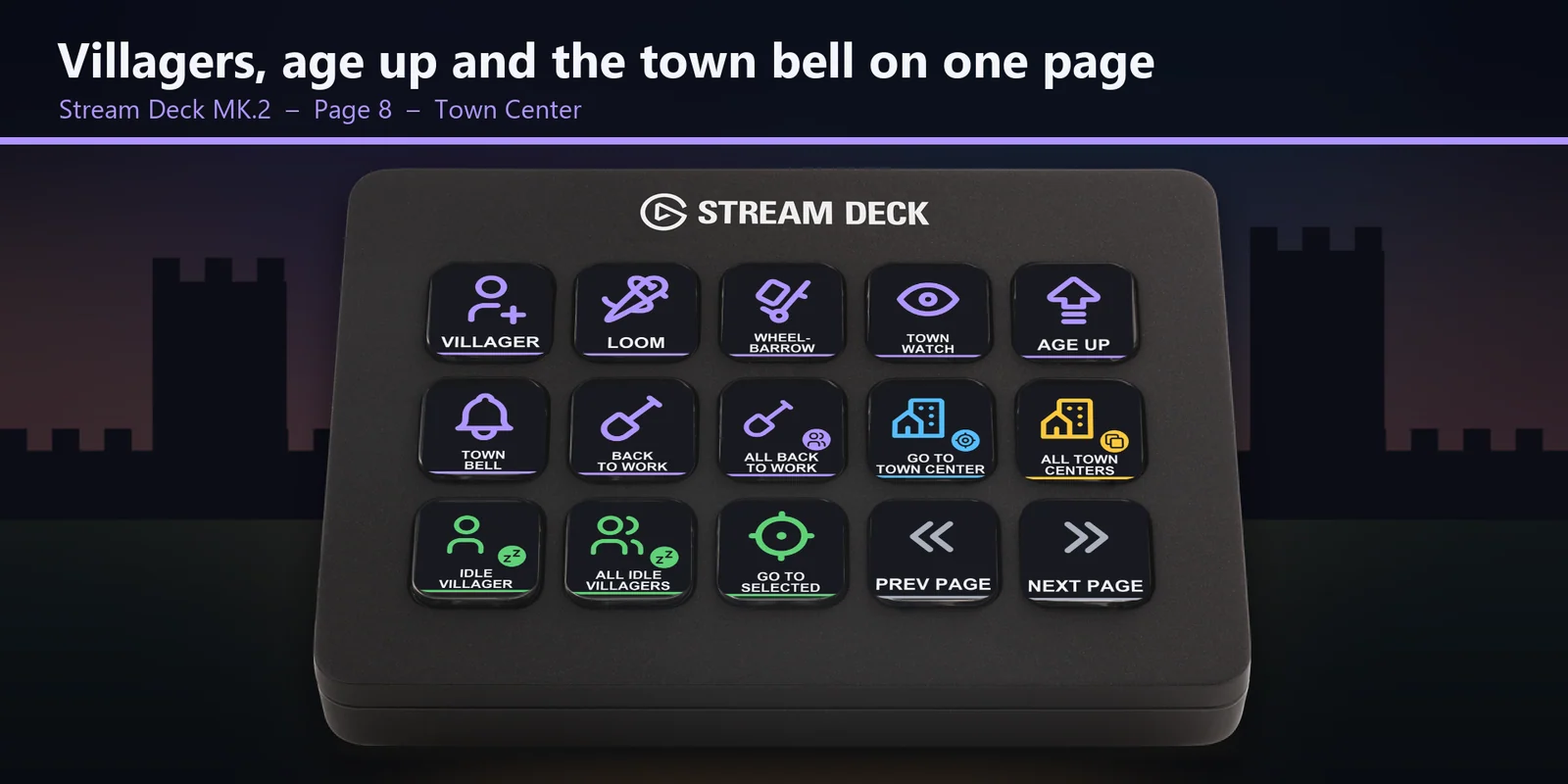
On the MK.2 Town Center page, train a villager, age up and ring the town bell, with trade cart, sell and buy keys for the Market.
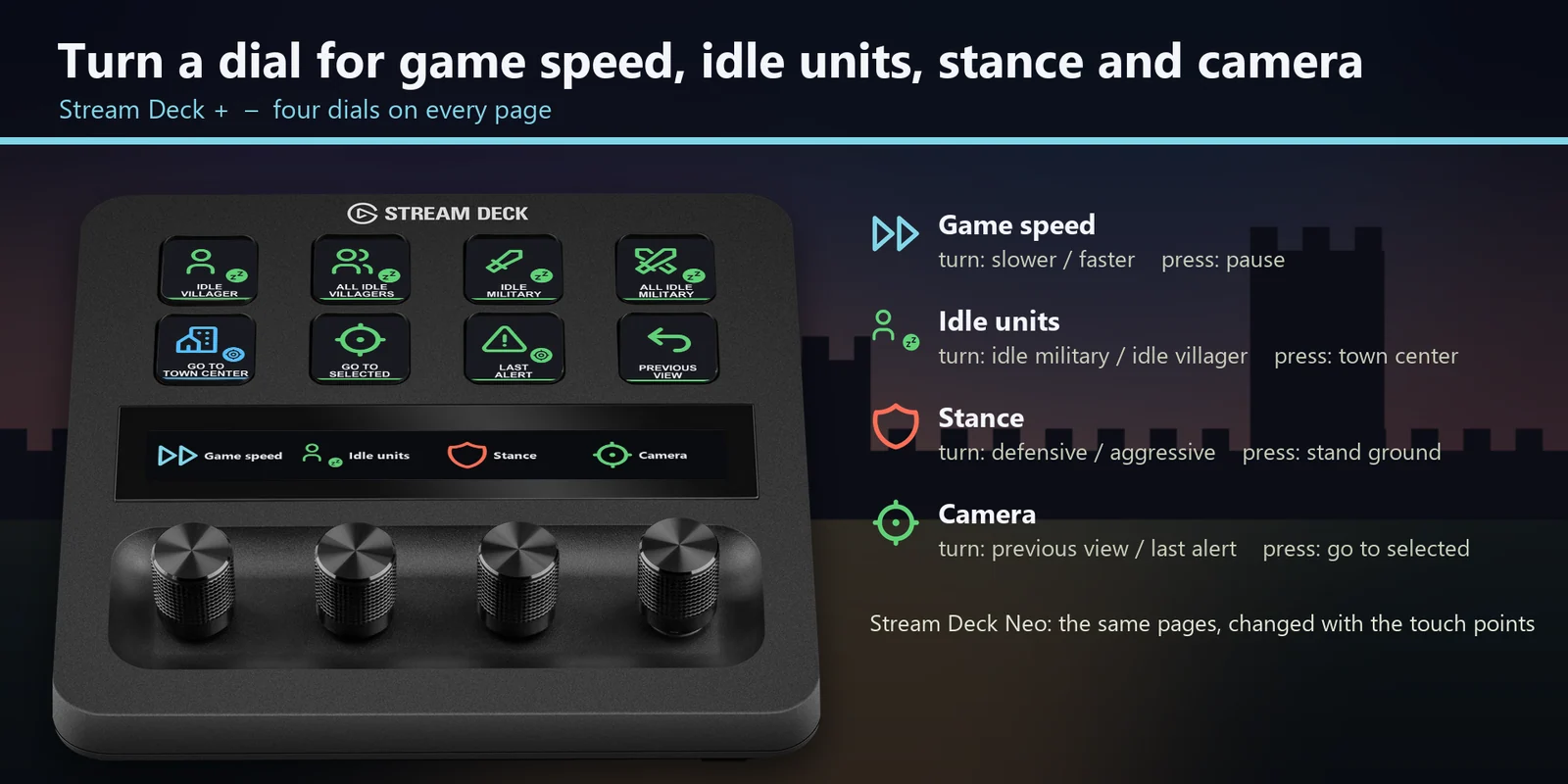
Game speed, idle units, stance and camera, each with a press action.
Every profile comes as an English set and a Japanese set with the same keys.
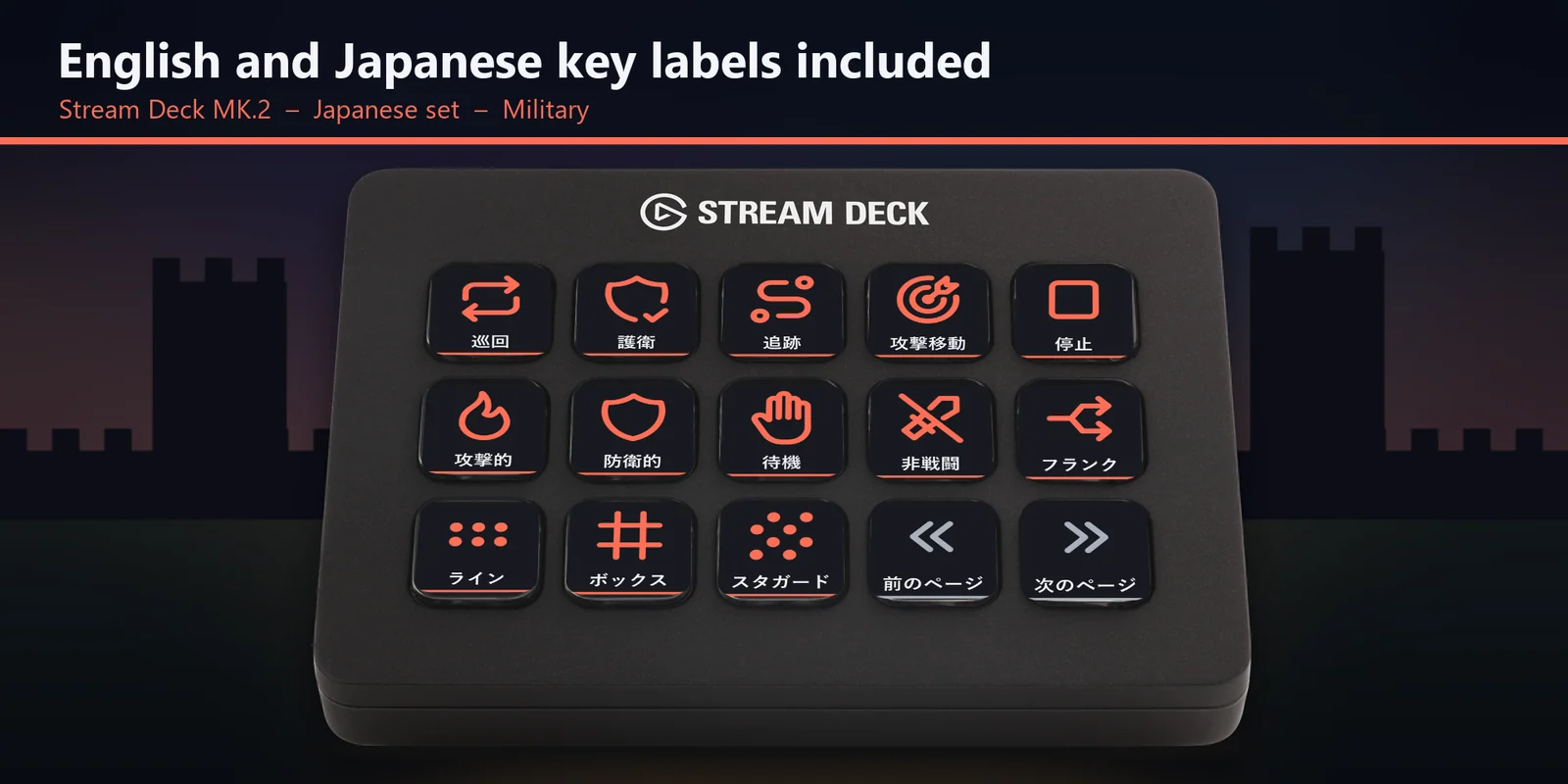
Patrol, guard, attack move, stances, formations, stop and garrison.
Go to the Town Center, Barracks, Stable, Castle, Market and more, select all buildings of a kind, and use pause, speed, chat, flare, mini-map modes and control groups.
Set up
Good to knowEach key sends the game's default hotkey for its label to the window in front.
FAQ
Short answers to what people ask before they add it.
Email contact
Open the RTS Deck for Age of Empires II profile for your Stream Deck MK.2, XL, Neo or +, start the game and keep its window in front. Each key sends the game's default hotkey for its label, such as idle villager, attack move, go to Town Center or age up.
The Stream Deck MK.2, XL, Neo and +, with English or Japanese labels. On the + the dials set game speed, idle units, stance and camera.
Open that key in the Stream Deck app and set its Hotkey to the key you use in the game. The profile follows the Definitive Edition default hotkey set.
It is made for US and Japanese keyboards. For other layouts or custom hotkeys, edit the key in the Stream Deck app.
Each key sends one short press, so scrolling stays on your mouse. The keys cover the hotkeys you tap, such as idle villager, attack move, go to Town Center and age up.
Requirements
For the Stream Deck MK.2, XL, Neo and + on Windows, with Age of Empires II: Definitive Edition for Windows and its Definitive Edition default hotkeys.
A Stream Deck profile sold directly by GRAMSHIFT.
More for your Stream Deck
For the Stream Deck MK.2, XL, Neo and + on Windows, with Age of Empires II: Definitive Edition for Windows and its Definitive Edition default hotkeys.
Buy from GRAMSHIFTOne-time purchase direct from GRAMSHIFT, plus any tax at checkout. A download link appears right after payment, and the receipt arrives by email.