Drive your OMSI 2 bus from your Stream Deck keys
Open the doors and kneel the bus in OMSI 2, and see the stop request and the next stop on your Stream Deck.
One-time purchase on the Elgato Marketplace, shown there in your own currency.
Overview
What Bus Deck for OMSI 2 does
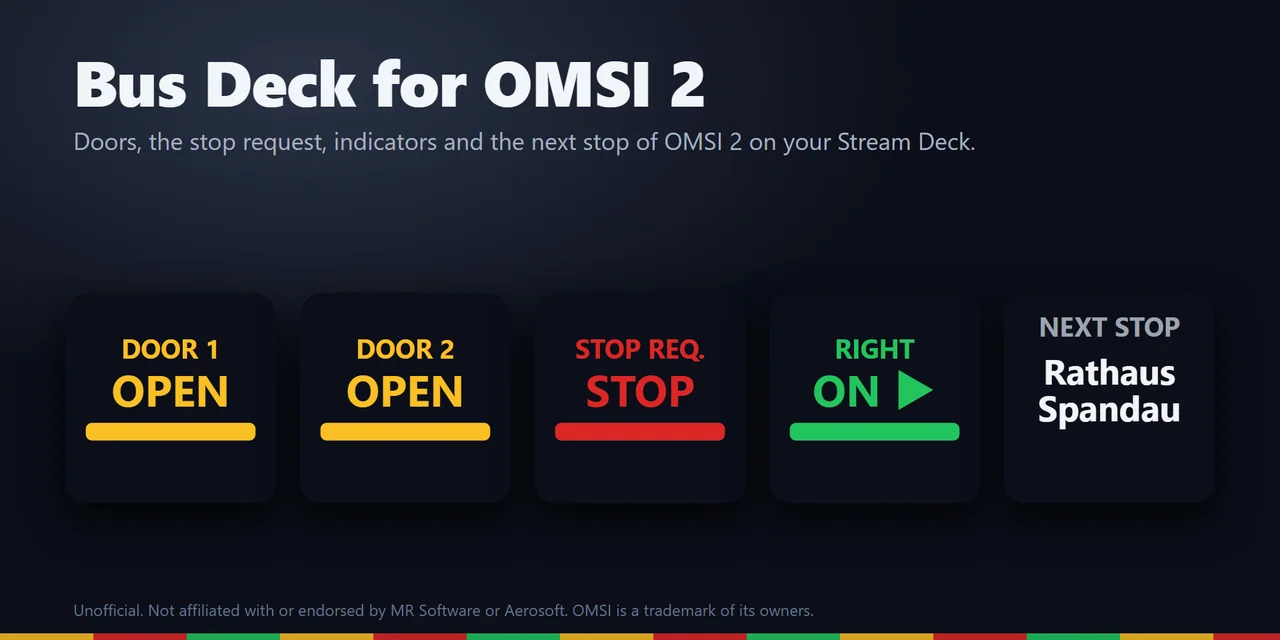
To drive OMSI 2 from a Stream Deck, add Bus Deck for OMSI 2 and drag its keys onto your Stream Deck: they open and close the doors, set the indicators, kneel the bus and sound the horn, and light up while a door is open or a passenger has pressed the stop request.
Other keys show the speed, the next stop and the destination on the IBIS, fuel and the time in the game, so your Stream Deck works as the button box and the dashboard of your bus.
Features
What you can do
- Work the doors
Door 1, Door 2, Door 3 and the door release open and close the doors and say OPEN while a door is open.
- Catch every stop
The Stop Request key turns red with STOP while a passenger has asked to stop, and the bus stop brake key lights while it holds the bus.
- Read the IBIS at a glance
The next stop and the destination of your bus, with the speed in km/h or mph, engine RPM, fuel, the odometer and the time in the game.
- Use the cockpit switches from the deck
Indicators, hazards, headlights, high beam, rear fog and cabin light, the engine, gear D, N and R, the wiper, kneeling and the parking brake.
Hold the horn as long as you hold the key, hand out the ticket and the change, and step the line and the destination up or down, also with a turn of a Stream Deck + dial.
- Press from any window
A press plays the OMSI trigger in the game, even with OMSI in the background; or send a keyboard key instead.
- Drive add-on buses
Change the trigger name a key plays in its settings.
- Use a Mac or a second PC
The keys can show the values from your OMSI PC over your home network.
- Make it yours
Five looks (Classic, Neon, Ring, Bars and Solid) or your own color, and keys in English and Japanese.
Set up
How it works
- Get Bus Deck for OMSI 2 from the Elgato Marketplace and close OMSI 2.
- Drag the keys you want onto your Stream Deck, open the settings of any key and press Install. The plugin finds OMSI 2 in your Steam libraries and puts its game plugin into the plugins folder of OMSI 2; if it is not found, type the OMSI 2 folder.
- Start OMSI 2 and pick a bus. The keys fill in when you drive.
Good to knowOMSI 2 loads the small game plugin. It reads the values of the bus you drive and plays a trigger only while you press a key, and it does not change your buses, maps or the game's files. With the Stream Deck on a Mac or a second PC, it sends the same values over your home network to that computer.
FAQ
Questions
Short answers to what people ask before they add it.
Email contact
How do I open the doors of my OMSI 2 bus with a Stream Deck?
Install Bus Deck for OMSI 2, drag the Door 1, Door 2 or Door 3 key onto your Stream Deck, open a key's settings and press Install with OMSI closed. Start OMSI 2 and pick a bus: a press opens or closes that door, and the key says OPEN while it is open.
Does it work with add-on buses?
Yes. The values and switches of OMSI 2's standard names work on every bus that uses them. A bus that names a switch or a lamp differently shows a dash on that key until you write its name in the key's settings.
Does OMSI have to be the active window for a key press?
No. By default a press plays the OMSI trigger inside the game, like the cockpit's own switch, even when OMSI is not the active window. A key set to send a keyboard key instead sends it only while OMSI is the active window.
Can I see the OMSI 2 values on a Stream Deck connected to a Mac?
Yes. Drive on your Windows PC and, on the Mac, set Receive from to "This PC and the network" in a key's settings. The settings page shows the address of the Mac and the steps for the OMSI PC: save the files with that address and copy them into the OMSI 2 folder there. On a Mac the keys show the values; a press reaches OMSI only from the Windows PC it runs on.
Does it change my game or my buses?
No. The game plugin reads the values of the bus you drive and plays a trigger only while you press a key. It does not change your buses, maps or the game's files.
Does it go online?
No. There is no account and no analytics, and nothing goes to GRAMSHIFT. Nothing goes over the network until you copy the files for a Mac or a second PC, and then only these bus values, only to that address.
Requirements
Before you buy
Works with
Works on Windows 10 or later with the Stream Deck app 6.9 or later and OMSI 2 from Steam. For the values on a Mac: macOS 12 or later, with OMSI 2 on a Windows PC in the same network. Stream Deck MK.2, XL, Neo and Stream Deck +.
A Stream Deck plugin sold on the Elgato Marketplace.
Limits
- OMSI 2 runs on Windows. The keys show the values with the Stream Deck on the same PC, or on a Mac or a second PC in the same network; presses reach OMSI only on the Windows PC it runs on.
- A bus that does not have a value or a trigger shows a dash on that key. Add-on buses may name their buttons differently: change the trigger name in the key settings.
- If OMSI runs as administrator, run Stream Deck the same way.
- Press Remove in the key settings before you uninstall the Stream Deck plugin; otherwise the game plugin stays in the OMSI 2 folder.
More for your Stream Deck
Related Stream Deck plugins
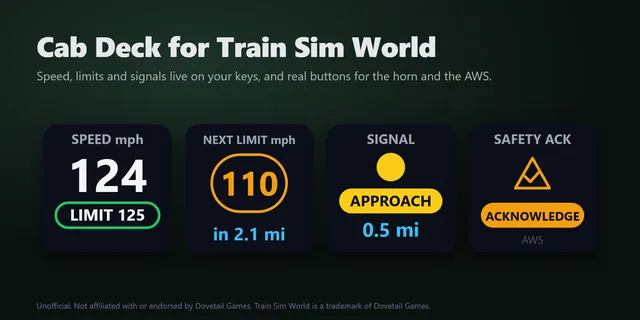 Cab Deck for Train Sim WorldShow Train Sim World speed limits and the next signal on Stream Deck keys, and work cab controls with a press.
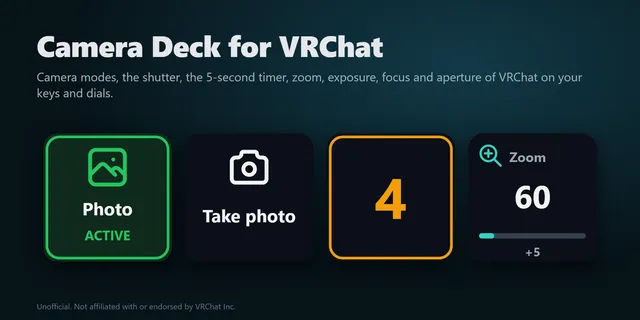 Camera Deck for VRChatTake photos, zoom, set exposure and switch camera modes in VRChat from your Stream Deck keys, without opening menus.
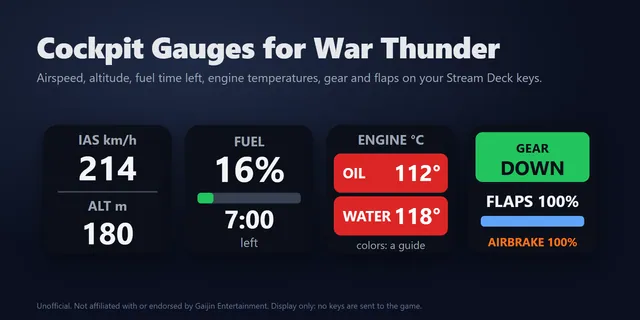 Cockpit Gauges for War ThunderShow War Thunder airspeed, altitude, fuel, engine temperatures and tank crew live on Stream Deck keys.
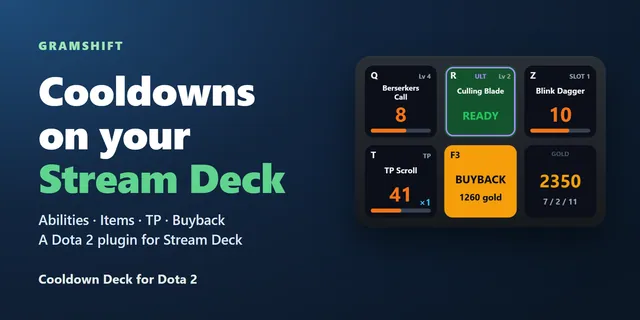 Cooldown Deck for Dota 2Each key shows one ability or item counting down, and a press casts it in the game.
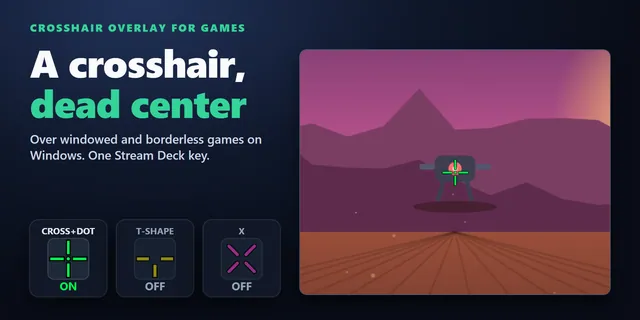 Crosshair Overlay for GamesShow a crosshair in the center of your screen over windowed and borderless games from a Stream Deck key.
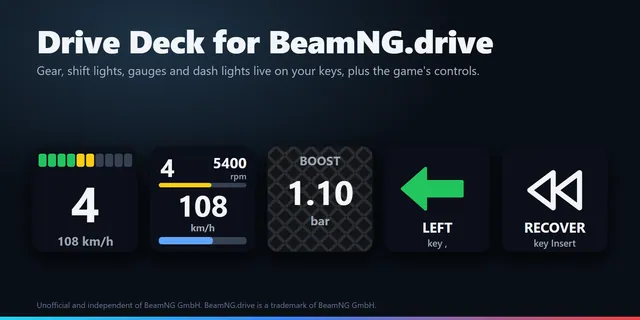 Drive Deck for BeamNG.driveBeamNG.drive gear, shift lights, rpm, fuel, temperatures and dash lights on Stream Deck keys, plus recover and reset.
Get Bus Deck for OMSI 2
Works on Windows 10 or later with the Stream Deck app 6.9 or later and OMSI 2 from Steam. For the values on a Mac: macOS 12 or later, with OMSI 2 on a Windows PC in the same network. Stream Deck MK.2, XL, Neo and Stream Deck +.
Get it on the Elgato MarketplaceOne-time purchase on the Elgato Marketplace, shown there in your own currency.