01
Edit events
Split, duplicate, repeat, lock, insert silence, and cut or delete time.
Recording, editing, markers, events and workspaces on one-press keys for Stream Deck MK.2, XL, Neo and +.
Overview
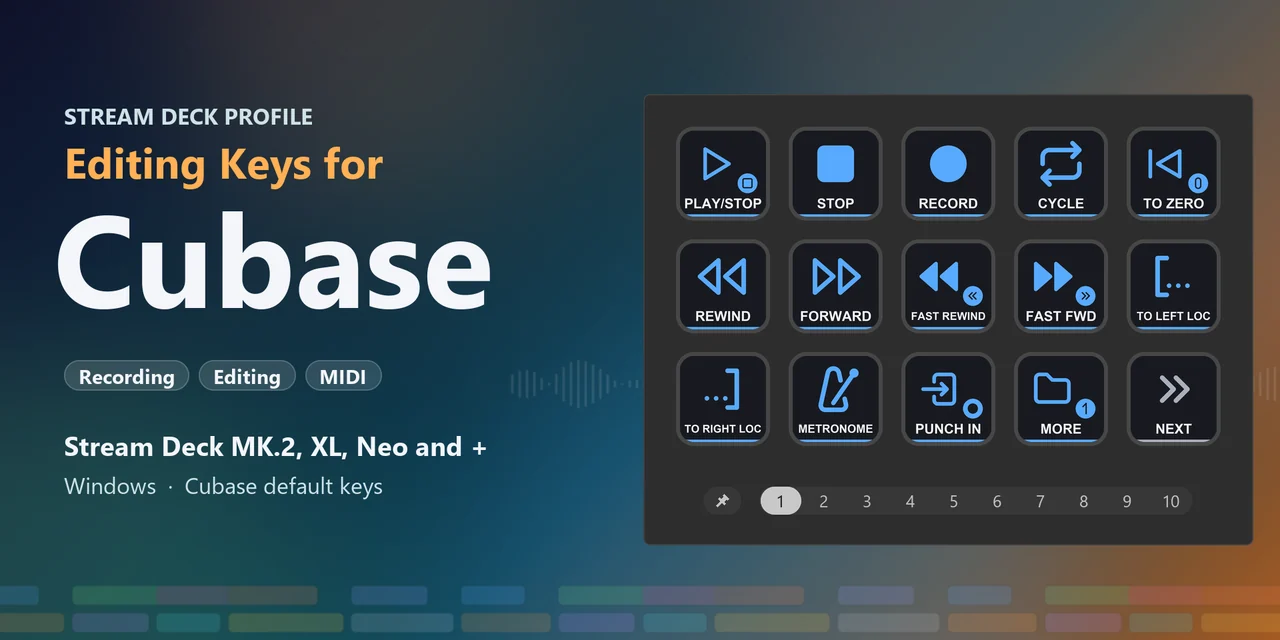
To use a Stream Deck with Cubase, install Editing Keys for Cubase: labeled keys for Cubase's own default key commands, with profiles for Stream Deck MK.2, XL, Neo and + on Windows.
It works as Cubase comes and your key commands stay as they are: keep Cubase in front and press a key to record, split events, set locators, jump to markers or quantize, and on the Stream Deck + turn the dials to zoom, change tracks, move the cursor and undo.
Features
Split, duplicate, repeat, lock, insert silence, and cut or delete time.
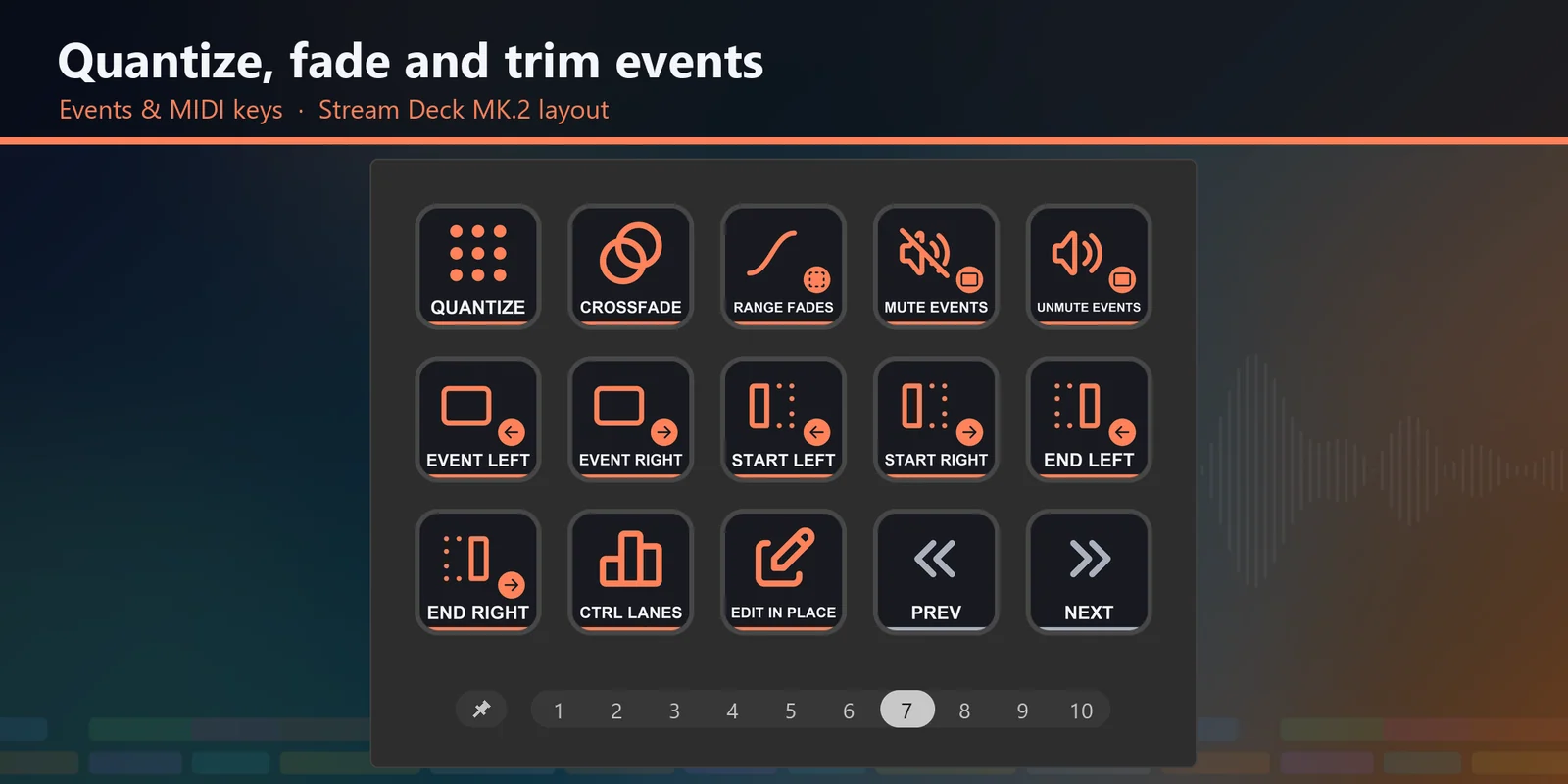
Quantize, crossfade, fades, nudge and trim events, and controller lanes.
Turn Zoom to zoom out and in, Tracks to move to the previous or next track, Cursor to nudge the cursor left and right, and Undo / Redo to undo and redo; press them to zoom to the whole project, open the MixConsole, play / stop and save.
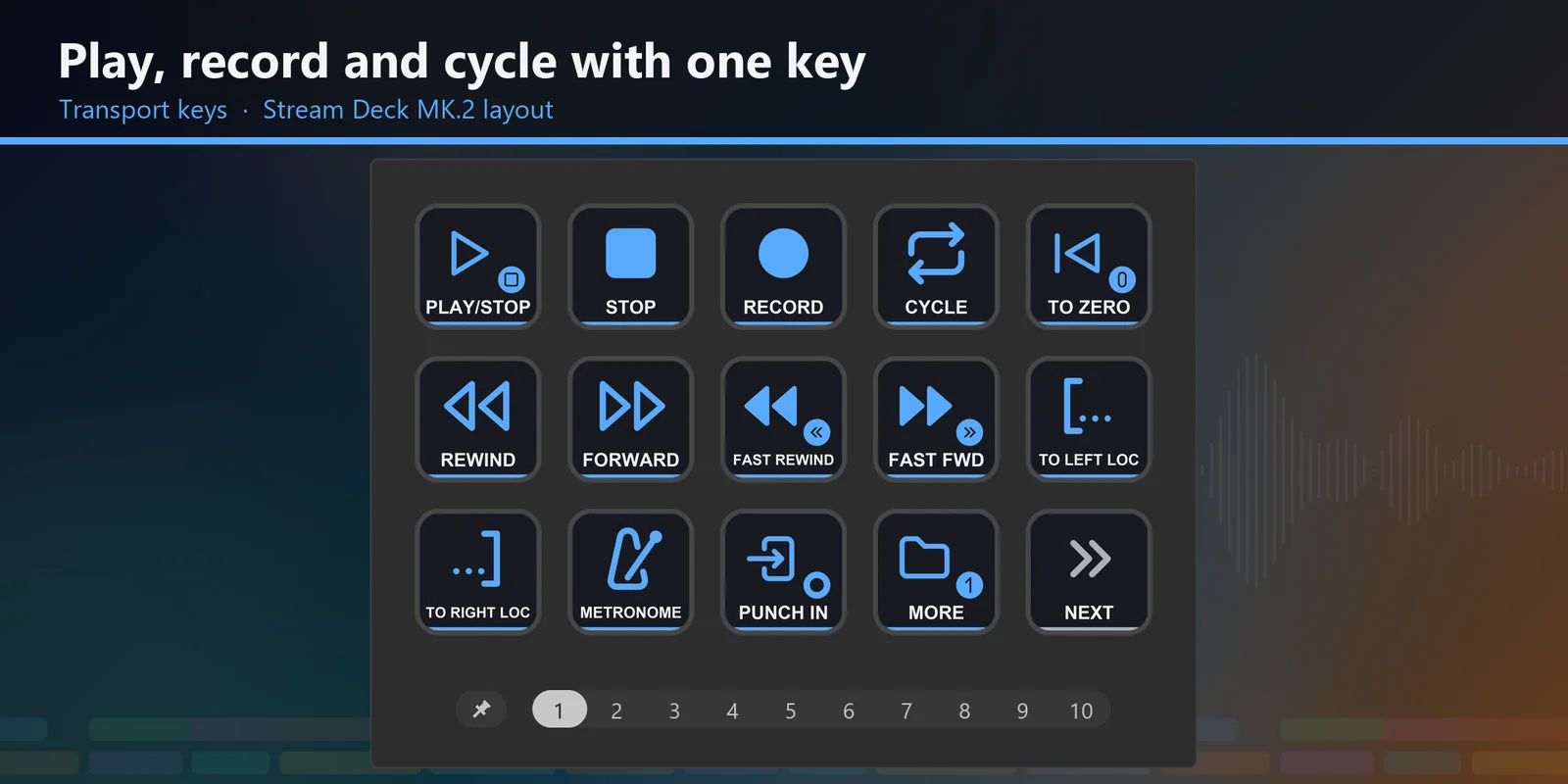
Play, record, cycle, punch in and out, retrospective record and tap tempo.
Add markers, jump to marker 1 to 9 with one key each, and set the left and right locators.
The select, range, split, glue, erase, zoom, mute, draw and play tools, snap and auto-scroll on one page.
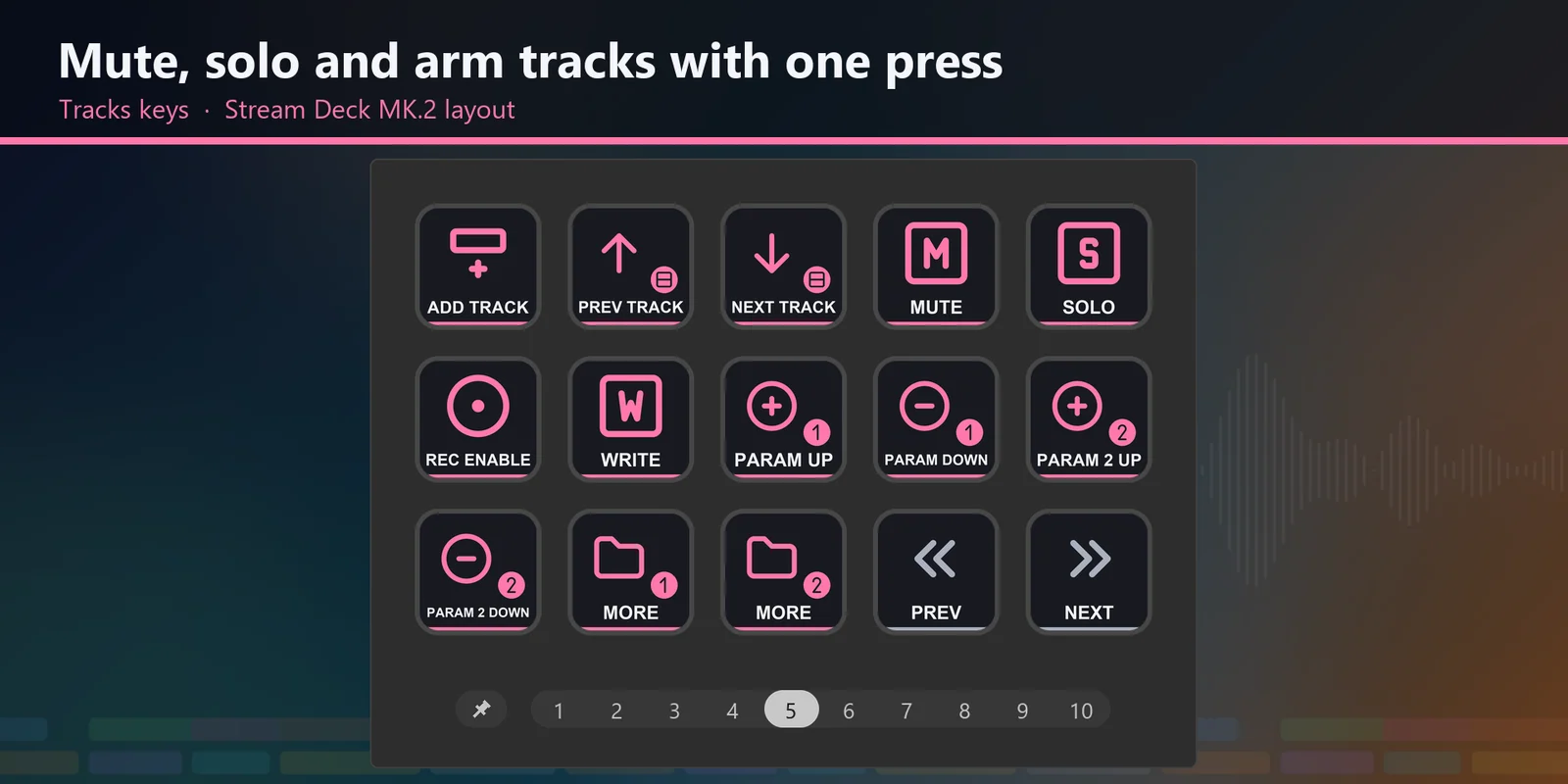
Add, mute, solo, record enable, automation read and write, and track versions.
Zoom to the selection or an event, and change the track and waveform height.
The MixConsole, MediaBay, VST Instruments, the editors, Chord Pads and the virtual keyboard.
Show or hide the zones and change workspaces.
Every key has its own picture and label, and the keys that delete events, time or tracks are red, with empty keys around them: in MORE folders on the MK.2, Neo and +, and on the bottom row of the page on the XL.
Stream Deck MK.2, XL, Neo and +, and on the XL every key of a page fits on one screen.
Set up
Good to knowEach key sends one of Cubase's own default key commands to the active window, so nothing needs to be imported into Cubase: no key commands file, plugin or MIDI setup.
Coming soon: Elgato Marketplace
FAQ
Short answers to what people ask before they add it.
Email contact
Import the Editing Keys for Cubase profile for your device (Stream Deck MK.2, XL, Neo or +) and select it. Keep Cubase in front and press a key.
The keys send Cubase's own default key commands, so nothing is imported into Cubase and your key commands stay as they are.
The keys send Cubase's default key commands. If you changed a key command, change that key's Hotkey in the Stream Deck app to match.
The profiles were made with Cubase Pro. A key for a window or feature that your edition does not have does nothing.
Stream Deck MK.2, XL, Neo and + on Windows: the download has a profile for each, and the Stream Deck + profile adds four dials that are the same on every page. Stream Deck Mini, Stream Deck Studio and Mac are not included.
Requirements
For Stream Deck MK.2, XL, Neo and + on Windows with the Stream Deck app, and Cubase with its default key commands (made with Cubase Pro 15.0.30).
A Stream Deck profile sold on the Elgato Marketplace.
More for your Stream Deck
For Stream Deck MK.2, XL, Neo and + on Windows with the Stream Deck app, and Cubase with its default key commands (made with Cubase Pro 15.0.30).
Coming soon: Elgato Marketplace