Stream Deck keys that show what REAPER is doing right now
See REAPER's play state, mute, solo, record arm and FX on your keys, and turn Stream Deck + dials for volume and pan.
One-time purchase on the Elgato Marketplace, shown there in your own currency.
Overview
What Live Keys for REAPER does
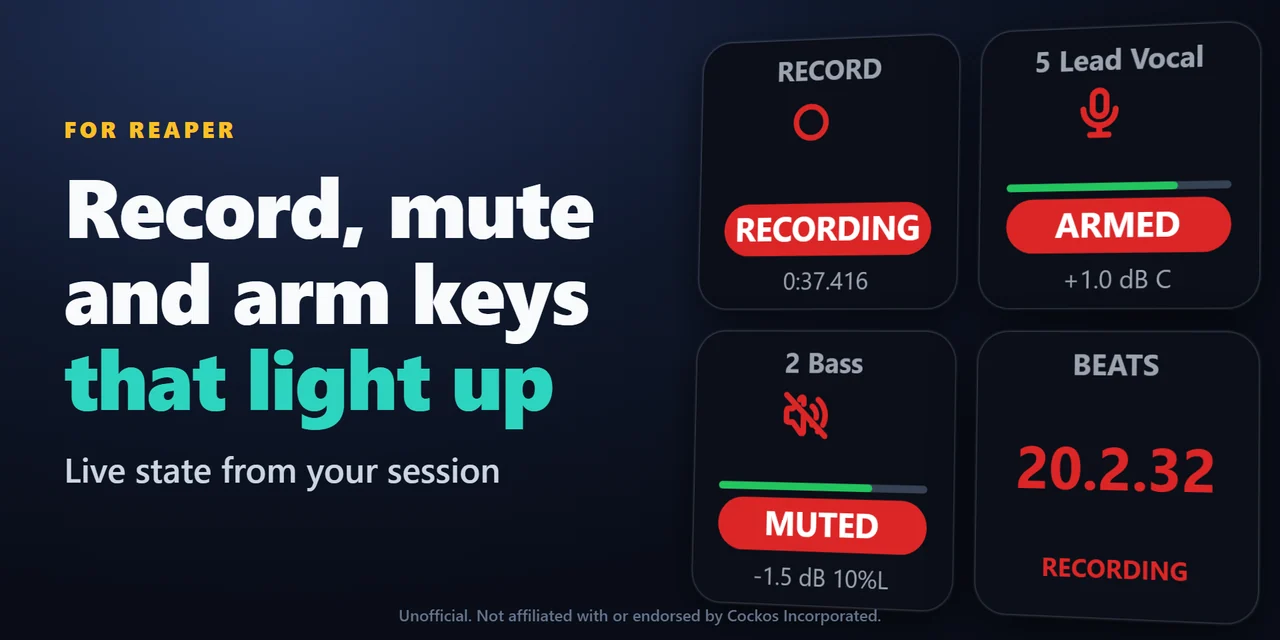
To see REAPER's state on a Stream Deck, add Live Keys for REAPER and drag its keys onto your Stream Deck: play and record keys light up with the time, track keys show mute, solo, record arm and FX with the track name, color and meter, and the metronome, snap and ripple keys show if they are on.
The keys find REAPER's web remote and connect by themselves, so a glance at your Stream Deck tells you what is armed, muted or soloed, also when you change it in REAPER.
Features
What you can do
- Run the transport
Play, stop, pause, record, to the start or to the end, with REAPER's play state (STOPPED, PLAYING, PAUSED, RECORDING) and the time on the key.
- Know your tracks
Mute, solo, record arm, monitoring, FX on or off, or select, with the track name, color and meter; MUTED, SOLO, ARMED or FX BYPASSED on the key.
- Pick the track your way
A track number, the selected track, or master.
- See your toggles
Metronome, repeat and snap light up while on, and the ripple key shows OFF, PER TRACK or ALL TRACKS, also when you change them in REAPER.
- Know where you are in the song
The play position in bars.beats or minutes:seconds, the tempo and time signature, and the marker and region at the play position.
- Jump around
To the next or previous marker, or to a marker by its number; a tempo key for the metronome or tap tempo.
- Put any action on a key
Any REAPER action by its command ID, scripts and extensions too, with ON or OFF for actions that REAPER marks as on or off.
- Turn a dial on Stream Deck +
A track's volume in steps of 0.1, 0.5 or 1 dB, or its pan, with the track name, value and meter on the touch strip; push for mute or center.
- Stay private
No account and no analytics; the keys talk only to REAPER on this computer.
Set up
How it works
- Get Live Keys for REAPER from the Elgato Marketplace. The Stream Deck app adds it.
- Drag the keys you want onto your Stream Deck and start REAPER. The keys find REAPER's web remote and connect by themselves.
- No web remote in REAPER yet? Close REAPER, open the settings of any key and press Turn on the web remote, then start REAPER again.
Good to knowThe keys talk to REAPER through REAPER's own web remote (Web browser interface), on this computer only.
FAQ
Questions
Short answers to what people ask before they add it.
Email contact
How do I see REAPER's state on my Stream Deck?
Install Live Keys for REAPER, drag the Transport, Track or Toggle keys onto your Stream Deck and start REAPER. The keys connect by themselves and show the play state, mute, solo, record arm and more.
Why do the keys say WEB REMOTE OFF?
REAPER has no web remote yet. Close REAPER, open the settings of any key and press Turn on the web remote, or add it in REAPER: Options > Preferences > Control/OSC/web > Add > Web browser interface.
Can I run my own REAPER actions and scripts?
Yes. Paste the command ID into a Custom Action key: in REAPER, Actions > Show action list, right-click the action and copy its command ID. Actions that REAPER marks as on or off light up while on.
My web remote has a login. What do I enter?
Enter it in the key settings as user:password, the one set in REAPER's web remote settings. A portable REAPER: enter the port of its web remote in the Port field.
Does it go online?
No. There is no account and no analytics. The keys talk only to REAPER on this computer, through its web remote.
Requirements
Before you buy
Works with
Works on Windows 10 or later or macOS 12 or later with the Stream Deck app 6.9 or later, and REAPER on the same computer.
A Stream Deck plugin sold on the Elgato Marketplace.
Limits
- While a dialog is open in REAPER, REAPER does not answer: the keys show REAPER BUSY and presses are not sent until it is closed.
- A track key follows the track number, so moving tracks changes which track it shows; use the selected track to follow your selection.
- Custom Action shows on or off only for actions that REAPER marks as on or off.
- REAPER runs on the same computer as the Stream Deck app.
More for your Stream Deck
Related Stream Deck plugins
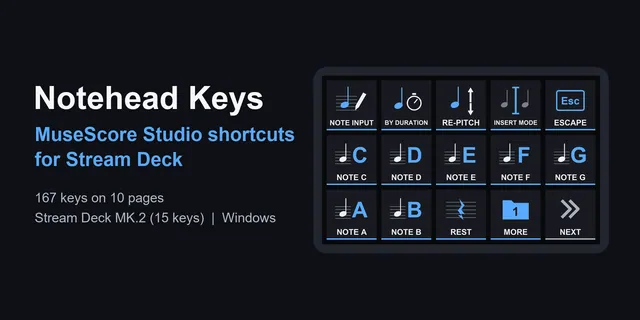 Notehead KeysFrom note input to tuplets, scoring commands are one press each on Stream Deck MK.2, XL, Neo and +.
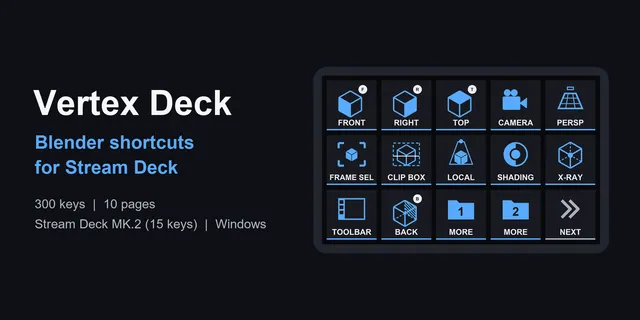 Vertex DeckLabeled keys for modeling, sculpting, UV work, animation and nodes, with profiles for Stream Deck MK.2, XL, Neo and +.
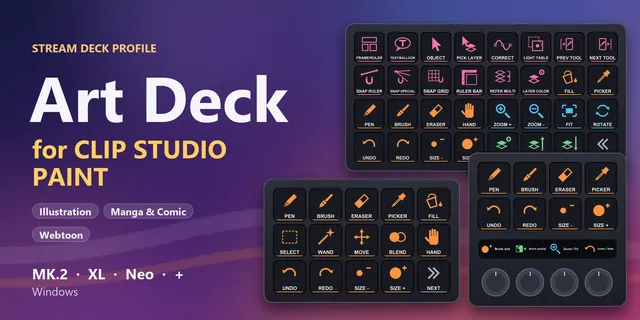 Art Deck for Clip Studio PaintCLIP STUDIO PAINT shortcuts on Stream Deck MK.2, XL, Neo or +: tools, brush size, zoom, layers and manga tools.
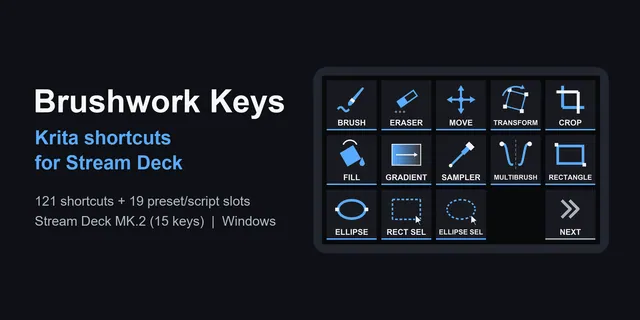 Brushwork Keys for KritaKeep the pen in one hand: tools, layers and your own brush slots are one press away on Stream Deck MK.2, XL, Neo and +.
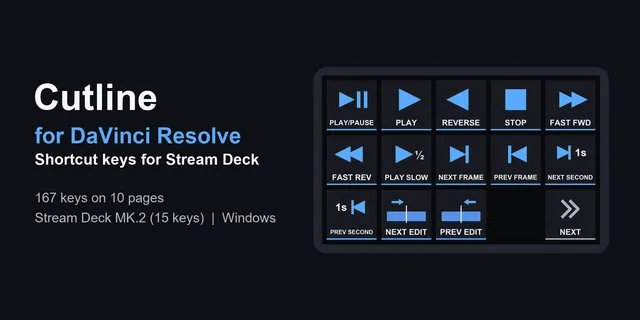 Cutline for DaVinci ResolveFrom playback and marks to color nodes, the edits you repeat are one press each on Stream Deck MK.2, XL, Neo and +.
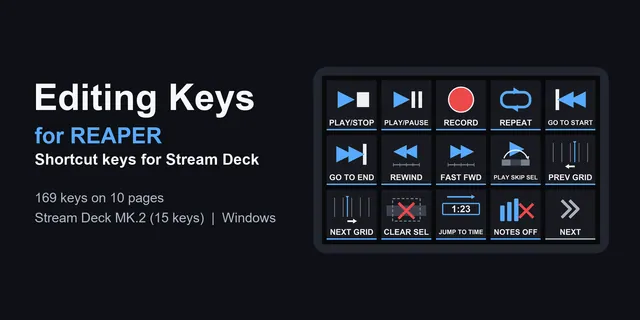 Editing Keys for REAPERRecording, editing, markers and the MIDI editor on one-press keys for Stream Deck MK.2, XL, Neo and +.
Get Live Keys for REAPER
Works on Windows 10 or later or macOS 12 or later with the Stream Deck app 6.9 or later, and REAPER on the same computer.
Get it on the Elgato MarketplaceOne-time purchase on the Elgato Marketplace, shown there in your own currency.