See if your USB device is still connected, right on a Stream Deck key
Watch a USB mic, webcam or capture card on a key: green when connected, red when it drops, amber with a dropout count.
One-time purchase on the Elgato Marketplace, shown there in your own currency.
Overview
What USB Device Watch for Windows does
To see whether a USB microphone, webcam, capture card or audio interface is still connected, add USB Device Watch for Windows to your Stream Deck and put one Device Watch key on it for each device you care about.
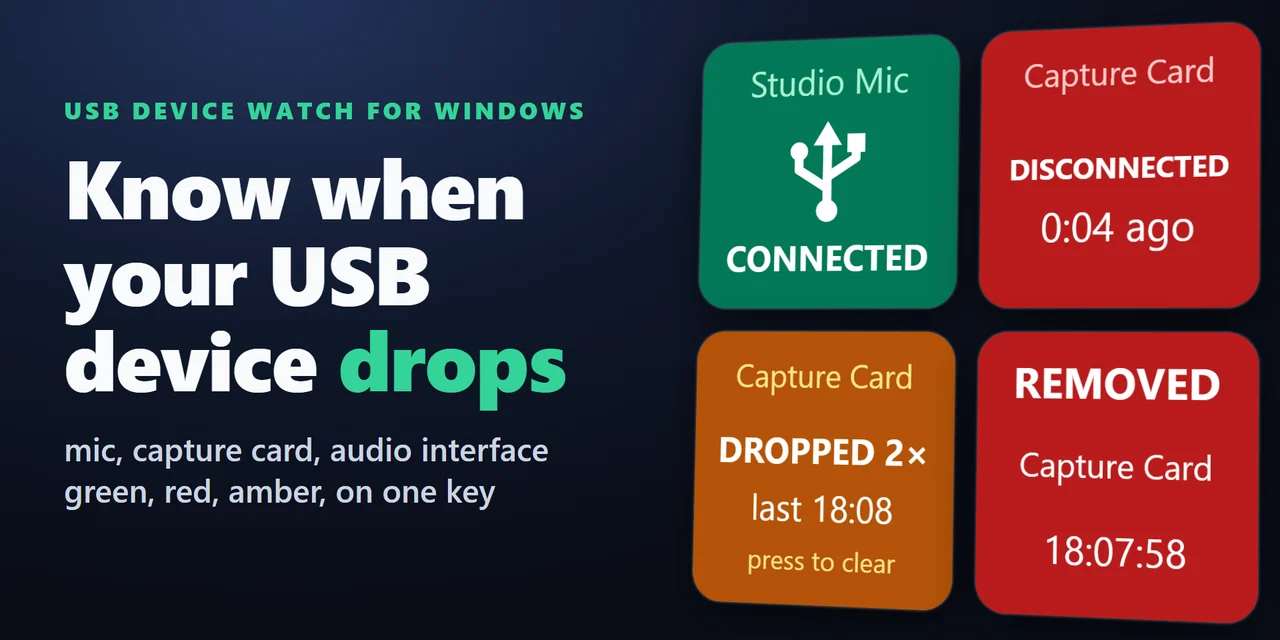
The key is green while the device is connected, red when it disconnects and amber with a count of USB dropouts once it returns, so a disconnect in the middle of a stream is easy to spot.
Features
What you can do
- Watch any USB device
Pick a connected USB mic, camera, controller, capture card, audio interface or wireless receiver from a list in the key's settings.
- Read the state at a glance
Green means connected, red means disconnected with the time since, and amber means the device is back, with the drop count and the time of the last drop. Press the key to clear it.
- Catch a device that is connected but not working
The key turns red with NOT WORKING and the code Windows shows for it, for example Code 43, or disabled.
- Count dropouts
Drops are counted from Windows plug and unplug events and a check of the list every 2 seconds.
- Hear a drop
Choose the Windows warning sound or a short beep to play when a device drops. It is off by default.
- Find out what Windows just detected
The Last USB Change key names the last USB device plugged in or removed, so you know what caused the USB disconnect sound. Press it for older changes (up to 10), hold it for the latest.
- Keep watching on any port
A device with a serial number is found again on any USB port.
- Make the key your own
Choose a solid, dark or light look and type your own label, such as Mic.
- Safe and private
It only reads the list of connected devices, needs no administrator rights and sends nothing anywhere.
English and Japanese.
Set up
How it works
- Install the plugin from the Elgato Marketplace. In the Stream Deck app, drag Device Watch onto a key.
- In the key's settings, choose the device from the list of connected USB devices. Optionally set a sound on a drop, the look and a label.
- Watch the key: green when connected, red when it drops, amber with the dropout count when it comes back. Add a Last USB Change key to see the last device plugged in or removed.
Good to knowThe plugin reads the list of USB devices from Windows through Windows PowerShell and follows Windows plug and unplug events.
FAQ
Questions
Short answers to what people ask before they add it.
Email contact
How do I see if my USB microphone has disconnected with a Stream Deck?
Add a Device Watch key from USB Device Watch for Windows and choose your microphone in the key's settings. The key is green while it is connected and turns red as soon as it disconnects, with the time since.
How can I tell which device made the Windows USB disconnect sound?
Add a Last USB Change key. It shows the last USB device plugged in or removed, with its name and the time. Press it to step back through older changes.
Can it count how many times my device dropped out?
Yes. When the device returns, the key turns amber and shows how many times it dropped and when the last drop was. Press the key to clear it.
Will it play a sound when a device disconnects?
Yes, if you choose one in the key's settings: the Windows warning sound or a short beep. It is off by default. The sound plays on your default speakers or headphones.
Does it change or turn off my devices?
No. It only reads the list of connected devices and needs no administrator rights.
Does it work with two identical devices?
Yes. Devices with a serial number are told apart on any port. Two identical devices without a serial number are told apart by their port, so the key watches the port it was chosen on.
Requirements
Before you buy
Works with
Works on Windows 10 or later (including Windows 11) with the Stream Deck app 6.9 or later.
A Stream Deck plugin sold on the Elgato Marketplace.
Limits
- It watches the USB connection, not the sound: a connected microphone that goes silent stays green.
- Bluetooth devices are not covered. USB receivers, such as a wireless headset's USB dongle, are.
- The name on the key is what the device reports to Windows; type a label in the key's settings to rename it.
- Counts and history reset when Stream Deck or the plugin restarts.
- Works on keys only, not on dials or in Multi Actions.
- Needs Windows PowerShell, which is part of Windows but may be blocked on some managed PCs.
- Windows only (Windows 10 or later). Not for Mac.
More for your Stream Deck
Related Stream Deck plugins
 USB Drive Eject for WindowsSafely eject a USB stick, external hard drive or SSD from a Stream Deck key, pick it by name, and see what blocks it.
 Window Layout Keys for WindowsTile your open windows into a grid and save and restore window layouts from Stream Deck keys.
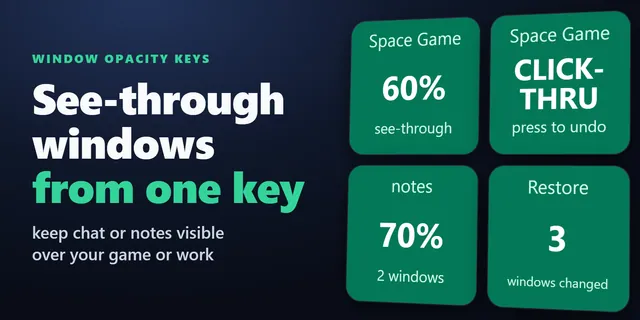 Window Opacity KeysFade a chat or video so you can see what is behind it, and let your clicks pass through to the program below.
 Window Peek for WindowsShow a window or part of your screen live on a Stream Deck key, and light a key up when it stops changing.
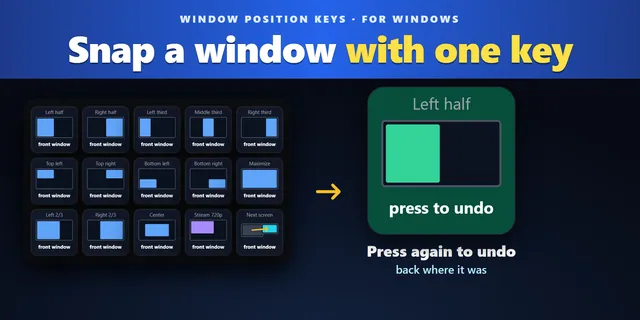 Window Position KeysPut the window you work in on a half, third or quarter with one press, then press again to put it back.
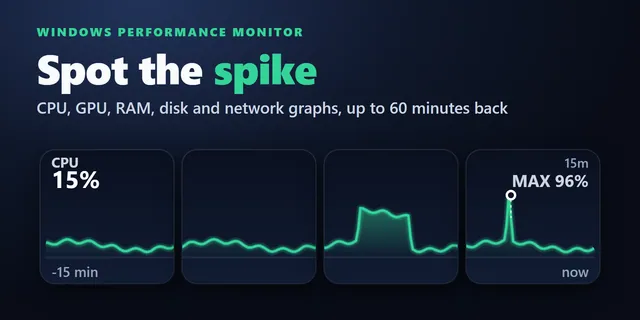 Windows Performance Graph KeysEach key draws the last 1 to 60 minutes, so you see when a slowdown started and what was busy.
Get USB Device Watch for Windows
Works on Windows 10 or later (including Windows 11) with the Stream Deck app 6.9 or later.
Get it on the Elgato MarketplaceOne-time purchase on the Elgato Marketplace, shown there in your own currency.