A live RaceRoom dashboard on your Stream Deck keys
Know at a glance if your fuel reaches the flag, how your tyres and brakes are, and where you stand in the race.
One-time purchase direct from GRAMSHIFT, plus any tax at checkout. One license key for up to 3 computers; the plugin goes online to check its license key.
Overview
What Race Deck: RaceRoom does
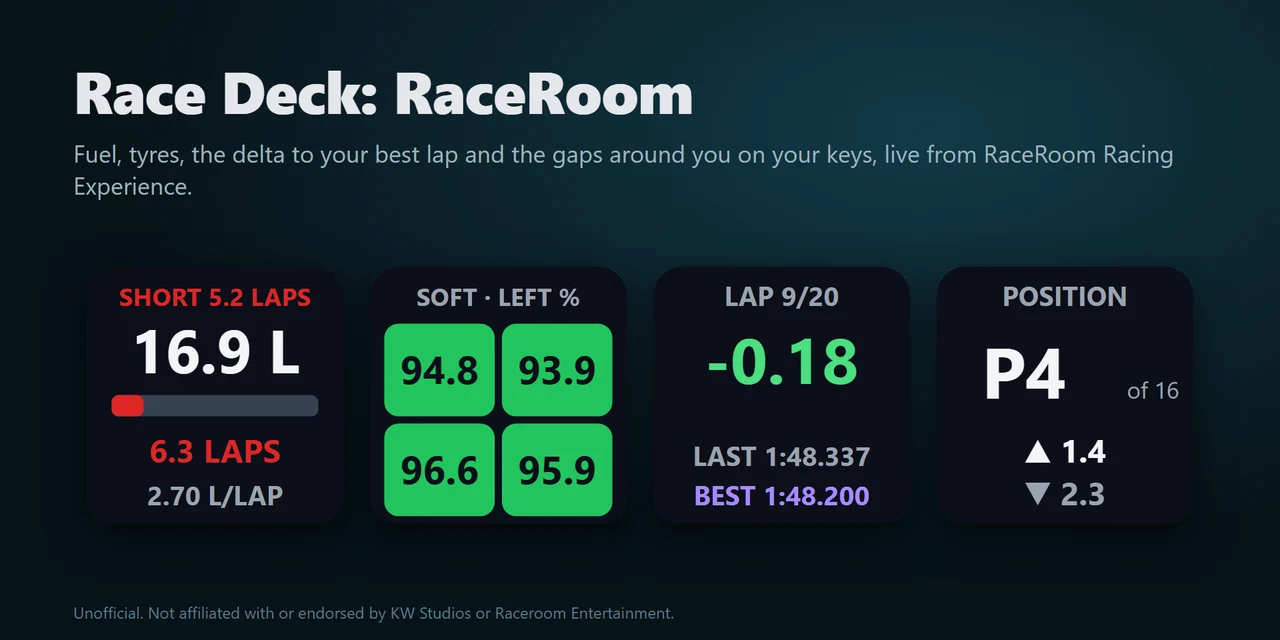
To get a RaceRoom telemetry dashboard on a Stream Deck, add Race Deck: RaceRoom and drag its keys onto your Stream Deck: they show fuel and the laps it lasts, tyres, brakes, the delta to your best lap, position and gaps, flags, and pit and stint while you drive RaceRoom Racing Experience on PC.
In a race the Fuel key works as a fuel calculator that checks the laps your fuel lasts against the laps to the flag and shows a red SHORT before you run dry, and any key can send the game key you choose, so your Stream Deck also works as a button box.
Features
What you can do
- Know if your fuel reaches the flag
Litres or US gallons with a tank bar, the laps it lasts and the fuel use per lap the game works out. In a race it compares them with the laps to the flag and shows SHORT 5.2 LAPS in red when it falls short.
- Read your tyres and brakes
The four tyres in their corners as colours with the compound, showing tyre life left, tread temperature against the tyre's own window, or pressure in psi, kPa or bar, and the four brake temperatures against the brakes' own window in C or F.
- Find time on every lap
The live delta to your best lap in green or red, or the current lap time, with your last and best laps and invalid laps marked.
- Watch the race around you
Your place overall or in your class with the number of cars, the gaps ahead and behind in seconds, the flag shown to you (yellow, blue, black, white, chequered), track-limit warnings and a penalty to serve.
- Follow pit and stint
Pit lane, pit box and LIMITER, the stop and its work, the laps and time of your stint and the pit window, plus TC and ABS levels, the engine map, brake bias, damage and Push to Pass or DRS.
- Use it as a button box
Every key can send a game key you choose, such as F13 or Ctrl+Shift+P, by default only while the game is the window in front, so presses stay out of your other windows.
Set up
How it works
- Buy Race Deck: RaceRoom from GRAMSHIFT and open the plugin file you download. The Stream Deck app installs it.
- Drag the keys you want onto your Stream Deck and enter your license key once in a key's settings.
- Start RaceRoom and drive. The keys show your car within about a second, with no setting to change in the game.
Good to knowThe keys read the live data RaceRoom provides for dashboards on your PC. Nothing is written to the game, and the race data stays on your PC.
FAQ
Questions
Short answers to what people ask before they add it.
Email contact
How do I get a RaceRoom telemetry dashboard on my Stream Deck?
Install Race Deck: RaceRoom, drag the Fuel, Tyres, Brakes or Lap Times keys onto your Stream Deck and enter your license key once. Start RaceRoom and drive: the keys show your car. There is no setting to change in the game.
Is there a fuel calculator for RaceRoom on Stream Deck?
Yes. The Fuel key shows the laps your fuel lasts at the game's own fuel use per lap. In a race it compares them with the laps to the flag and shows a red SHORT with the laps missing, so you know how much to add at the stop.
Can a key press send a game key, like a button box?
Yes. Enter a key such as F13 or Ctrl+Shift+P in a key's settings and bind the same key in the game's controls. F13 to F24 avoid clashes. By default it sends only while the game is the window in front.
Why do the keys say NO GAME?
RaceRoom is not running yet, so its live data is not there. Start the game and a session; the keys find it within about a second.
Does it change the game or need a mod?
No. It only reads the live data RaceRoom provides for dashboards. Nothing is installed into the game folder and nothing is written to the game.
How many PCs can I use with one license key?
Up to 3 of your own PCs. If you replace a PC, email us and we free up a place for the new one.
Requirements
Before you buy
Works with
Works on Windows 10 or later with the Stream Deck app 6.9 or later and the PC version of RaceRoom Racing Experience on the same PC.
A Stream Deck plugin sold directly by GRAMSHIFT.
Limits
- Windows only, with RaceRoom and your Stream Deck on the same PC. Needs the PC version of RaceRoom Racing Experience. Stream Deck keys only: the actions do not go on dials.
- Reads RaceRoom only. If a game update changes its live data, the keys show UNSUPPORTED and no numbers until a plugin update.
- NO GAME: RaceRoom is not running. NO SESSION: menus. REPLAY: a replay is playing, and the keys show no values. VIEWING: another car is in view; once the plugin has seen you drive, the last values of your car stay on the keys, dimmed. PAUSED: the game is paused. STALE: the data stopped changing for 3 seconds.
- Fuel per lap and the delta come from the game itself, so they appear after your first full lap and your first best lap.
- Sent keys do not reach a game running as administrator: start it normally. The display keys still work.
- The plugin checks its license key online when you activate it, when it starts and about once a day. Without a connection it keeps working for up to 44 days after the last successful check.
- Tried in a live RaceRoom race on Windows 11 (the 64-bit game, RRRE64.exe): every key showed live data from the race (the Boost key showed that this car has none), and a key press sent from the deck switched the game's pit limiter on and off. Not tried yet: Push to Pass and hybrid energy in a car that has them, the gap to a car behind (we ran last), fuel use while really driving and the red SHORT warning, and the older 32-bit game (RRRE.exe). If something looks wrong on your setup, write to us, or ask for a refund within 14 days.
More for your Stream Deck
Related Stream Deck plugins
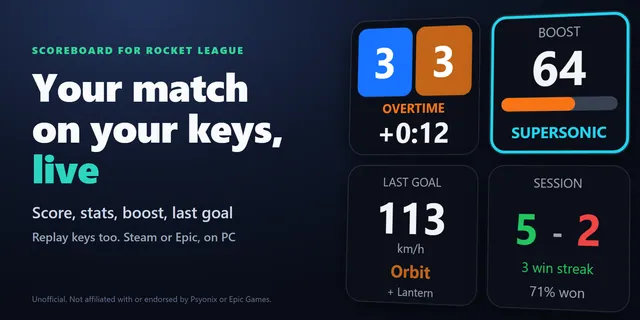 Scoreboard for Rocket LeagueSee your Rocket League goals, saves, last goal speed and win streak on keys, and run replays from them.
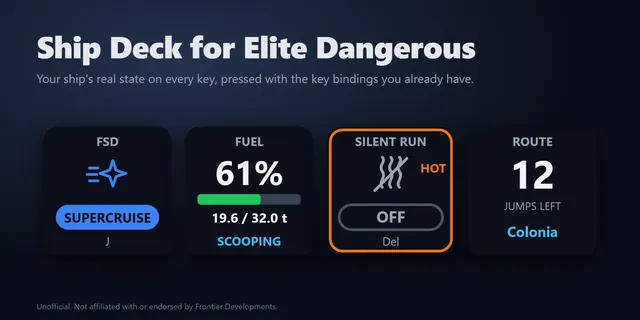 Ship Deck for Elite DangerousTurn your Stream Deck into an Elite Dangerous button box that lights up with your ship and uses your keybinds.
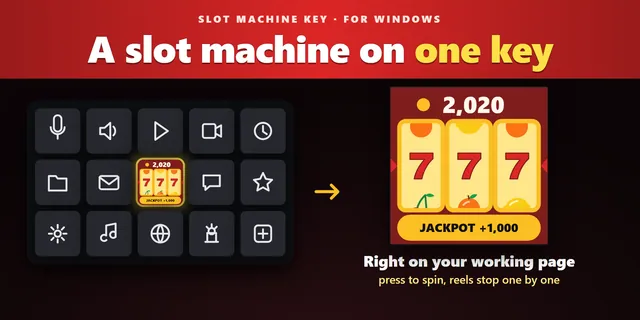 Slot Machine KeyThree reels spin and stop one by one on a single key, a small break between tasks without leaving your page.
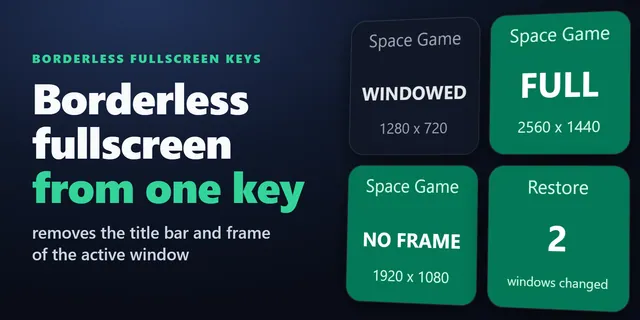 Borderless Fullscreen KeysOne press removes the border and fills the screen with the game window; another press puts the window back as it was.
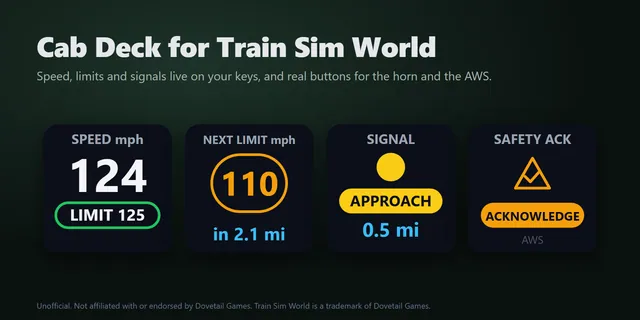 Cab Deck for Train Sim WorldShow Train Sim World speed limits and the next signal on Stream Deck keys, and work cab controls with a press.
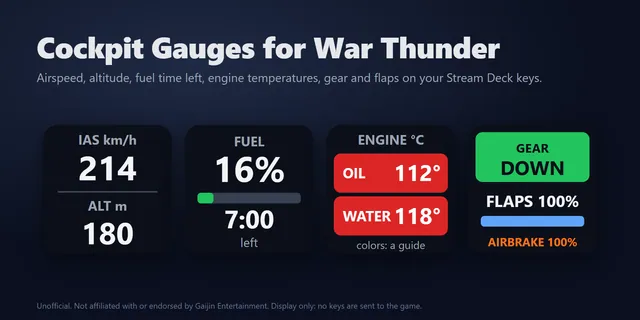 Cockpit Gauges for War ThunderShow War Thunder airspeed, altitude, fuel, engine temperatures and tank crew live on Stream Deck keys.
Get Race Deck: RaceRoom
Works on Windows 10 or later with the Stream Deck app 6.9 or later and the PC version of RaceRoom Racing Experience on the same PC.
Buy from GRAMSHIFTOne-time purchase direct from GRAMSHIFT, plus any tax at checkout. One license key for up to 3 computers; the plugin goes online to check its license key.