01
See every key at once
On a Stream Deck XL or + XL, the menu, action, shortcut and in-menu keys share one page.
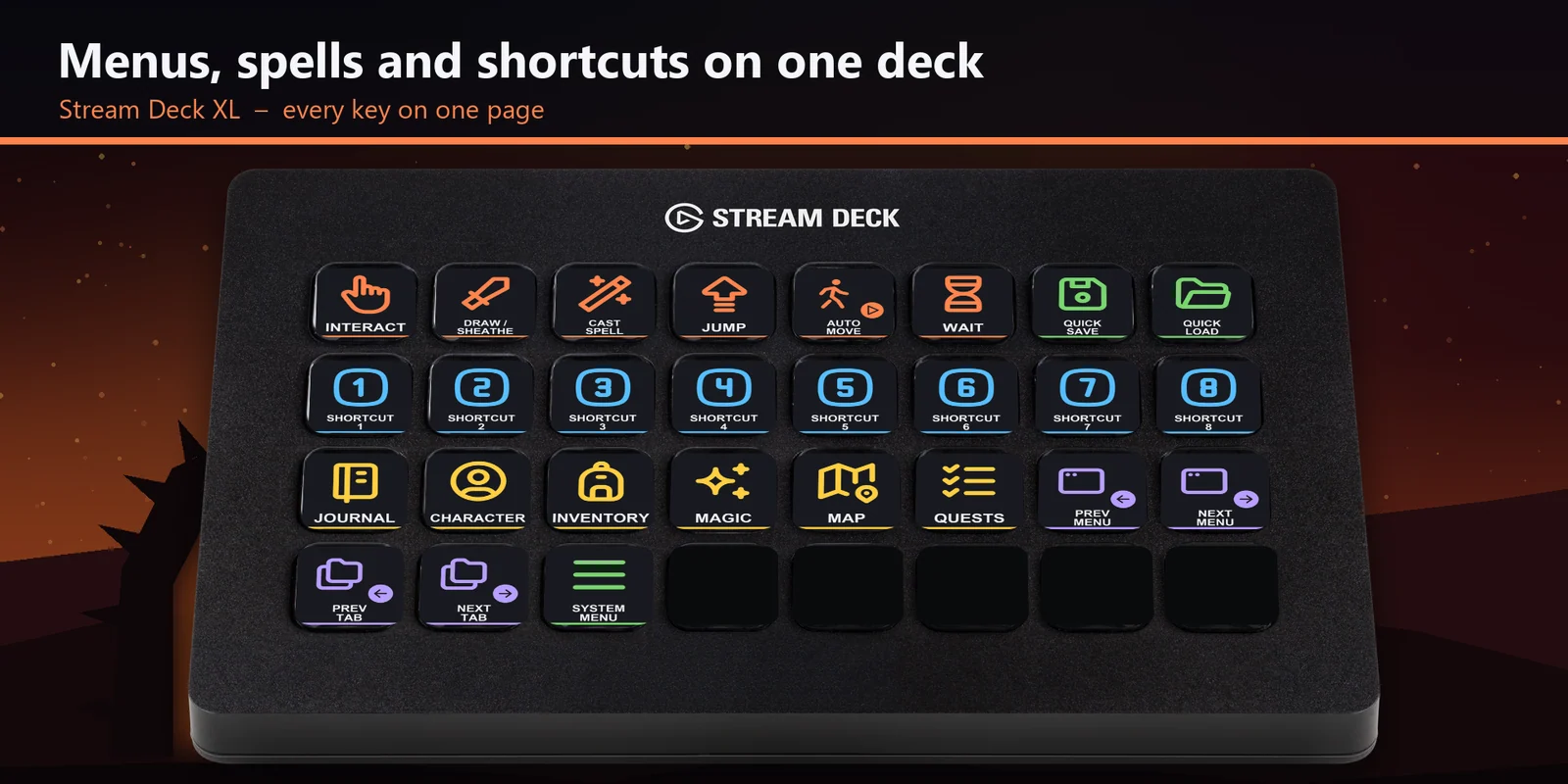
Open inventory, magic and map, cast spells, use shortcuts 1 to 8 and quick save in Oblivion Remastered on a Stream Deck.
One-time purchase direct from GRAMSHIFT, plus any tax at checkout. A download link appears right after payment, and the receipt arrives by email.
Overview
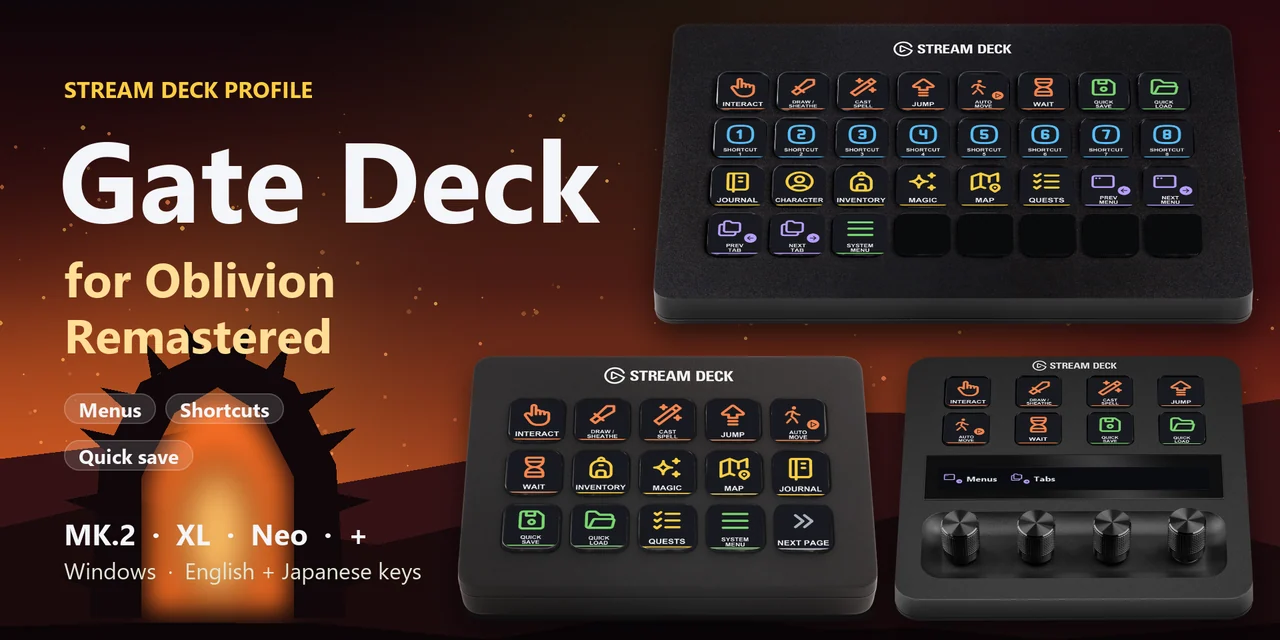
To open your inventory, magic, map or journal, cast a spell, draw your weapon, use shortcut slots 1 to 8, wait or quick save in The Elder Scrolls IV: Oblivion Remastered from a Stream Deck on Windows, open the Gate Deck for Oblivion profile for your device and keep the game window in front.
Each key of Gate Deck for Oblivion sends the keyboard key the game uses out of the box, so there is nothing to set up inside the game and no mods, with English or Japanese labels.
Features
On a Stream Deck XL or + XL, the menu, action, shortcut and in-menu keys share one page.
The journal, character, inventory, magic, map and quests menus and the system menu.
Shortcut 1 to 8 use the spells, weapons and potions you put on the game's shortcut slots.
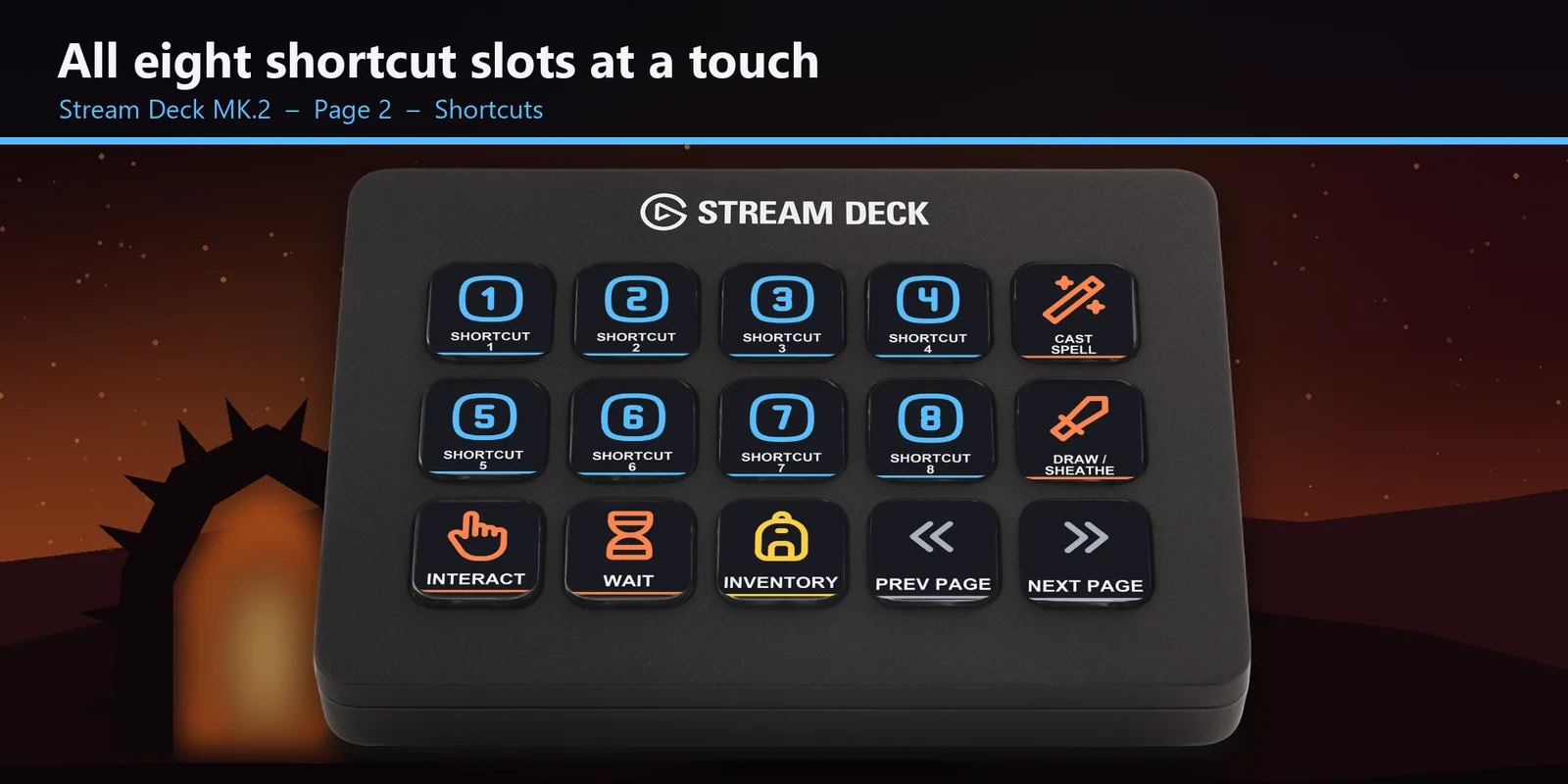
Interact, draw or sheathe your weapon, cast a spell, jump, auto move, open the wait window, quick save and quick load.
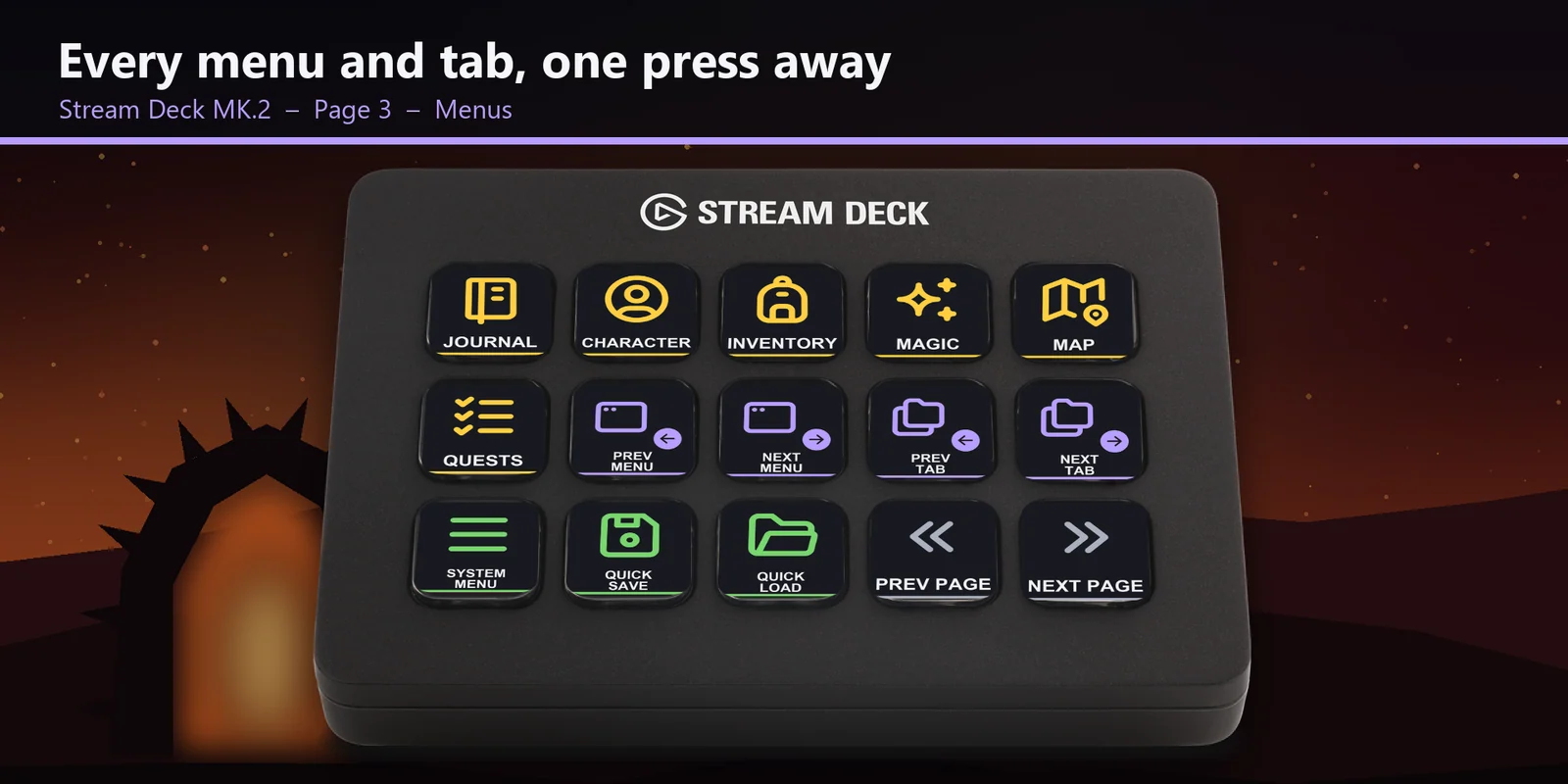
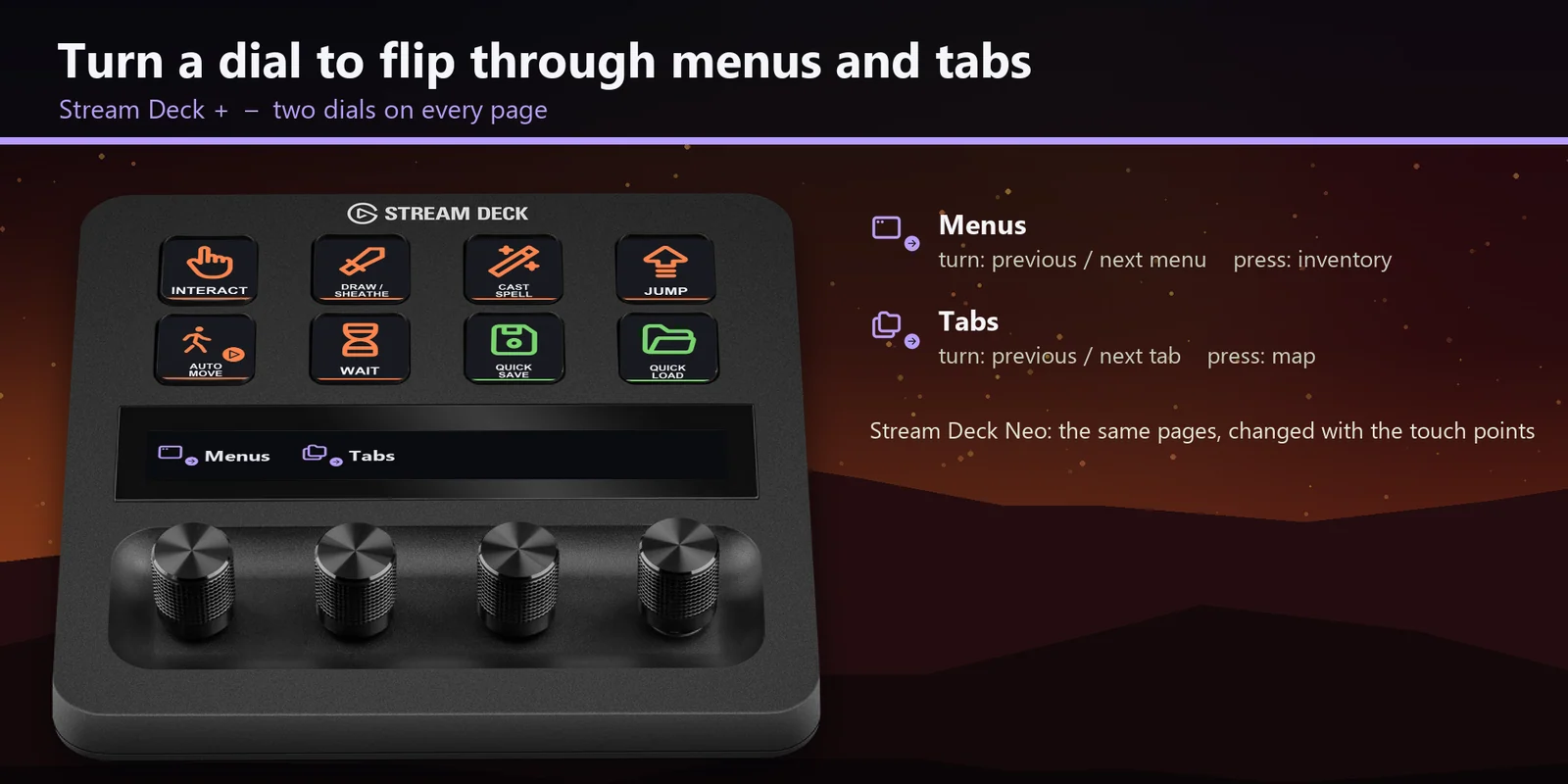
Move to the previous or next menu and tab while a menu is open, or turn the Menus and Tabs dials on a Stream Deck +.
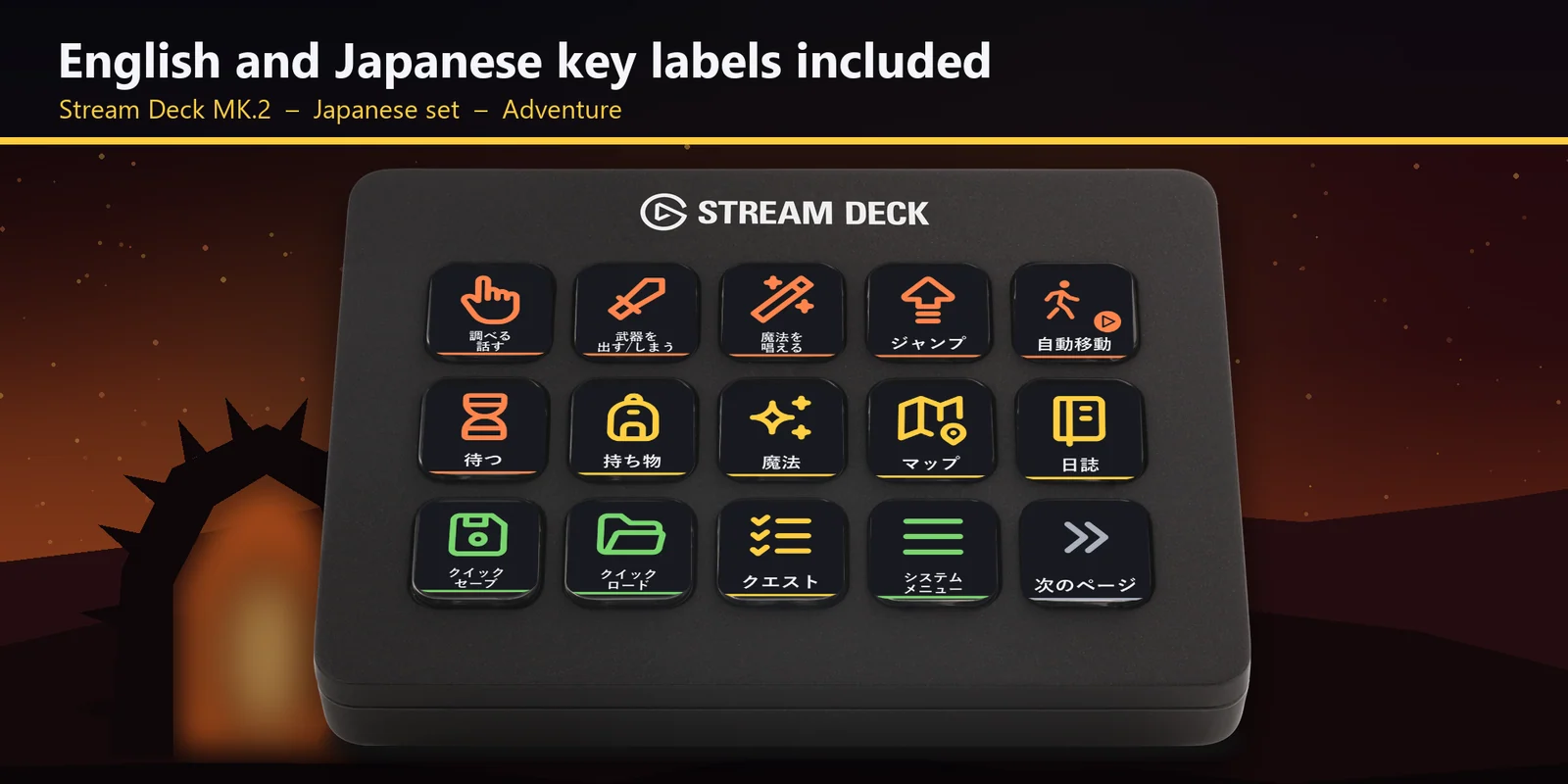
Every profile comes as an English set and a Japanese set with the same keys.
Set up
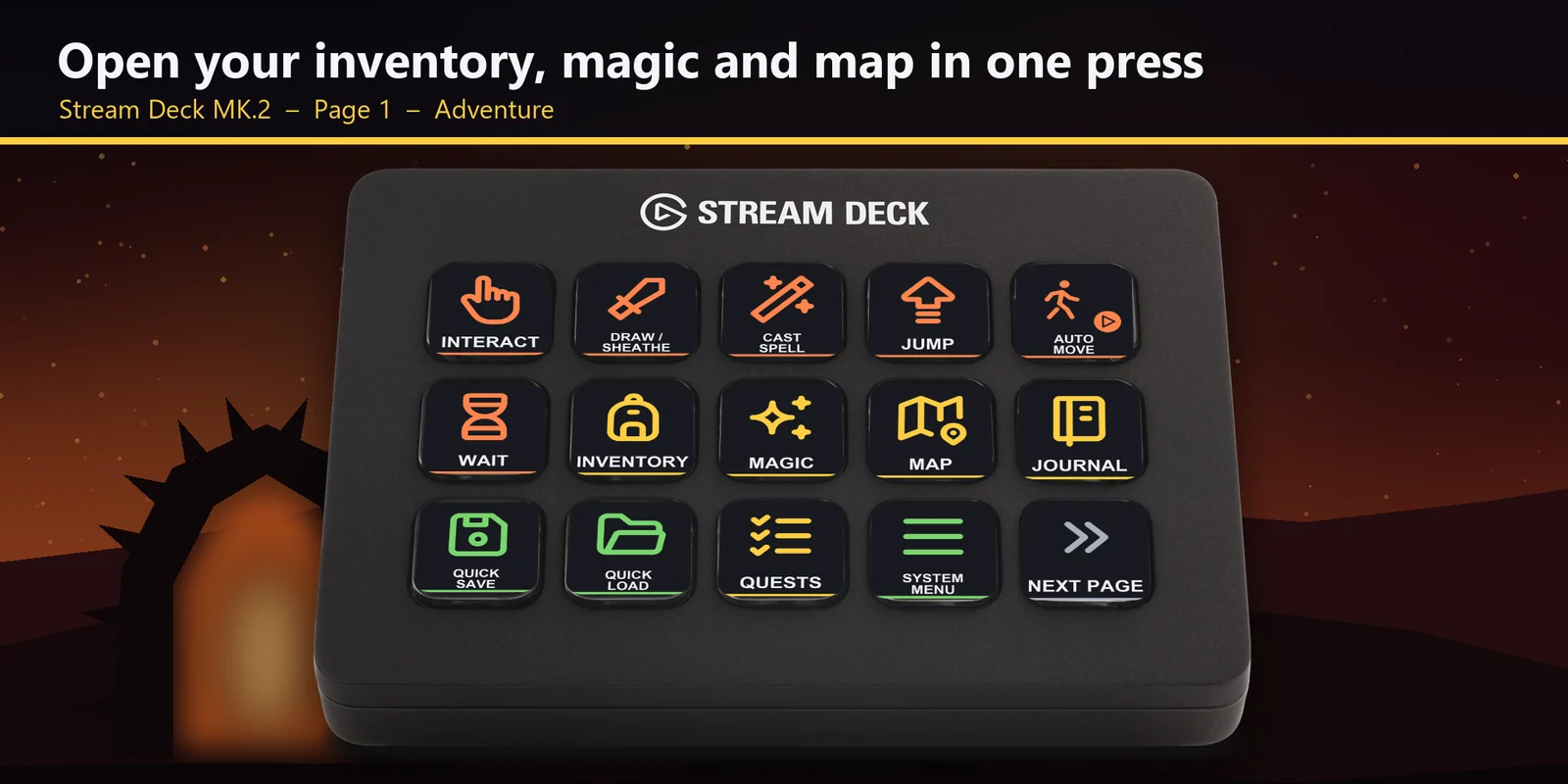
Good to knowEach key sends the game's key for its label to the window in front. On the XL and + XL every key is on one page; the MK.2 and Galleon 100 SD have the Adventure, Shortcuts, Menus and Game pages, and the Neo and + split the same keys into the Adventure, Shortcuts, Menus and In menus pages.
FAQ
Short answers to what people ask before they add it.
Email contact
Open the Gate Deck for Oblivion profile for your Stream Deck MK.2, XL, Neo, + or + XL, or Corsair Galleon 100 SD, start the game and keep its window in front. Each key sends the game's key for its label, such as the inventory, the magic menu, cast spell, a shortcut slot or quick save.
The Stream Deck MK.2, XL, Neo, + and + XL and the Corsair Galleon 100 SD on Windows, with English or Japanese labels. On the +, + XL and Galleon 100 SD the two dials flip through the game's menus and tabs.
No. The keys match the game's default key bindings, and no mods are needed. If you changed a key in the game, open that key in the Stream Deck app and set its Hotkey to the key you use.
They press the game's shortcut slots 1 to 8, so each key uses the spell, weapon or potion you put on that slot in the game.
While a menu is open: they move to the previous or next menu and tab. Press Inventory or Map, or press a dial, to open a menu first.
The keys go to the window in front, so keep the game window in front. If another app uses the same key as a shortcut across Windows, change that app's shortcut.
Requirements
For the Stream Deck MK.2, XL, Neo, + and + XL and the Corsair Galleon 100 SD on Windows, with The Elder Scrolls IV: Oblivion Remastered (Steam or Xbox app / PC Game Pass) and its default keyboard controls.
Pages for each model: Corsair Galleon 100 SD · Stream Deck + XL
A Stream Deck profile sold directly by GRAMSHIFT.
More for your Stream Deck
For the Stream Deck MK.2, XL, Neo, + and + XL and the Corsair Galleon 100 SD on Windows, with The Elder Scrolls IV: Oblivion Remastered (Steam or Xbox app / PC Game Pass) and its default keyboard controls.
Buy from GRAMSHIFTOne-time purchase direct from GRAMSHIFT, plus any tax at checkout. A download link appears right after payment, and the receipt arrives by email.