
Turn your VPN on or off from one Stream Deck key
See if your VPN is on and catch a dropped VPN. For Tailscale, WireGuard, OpenVPN and Windows VPN.
One-time purchase on the Elgato Marketplace, shown there in your own currency.
Overview
What VPN Switch for Windows does
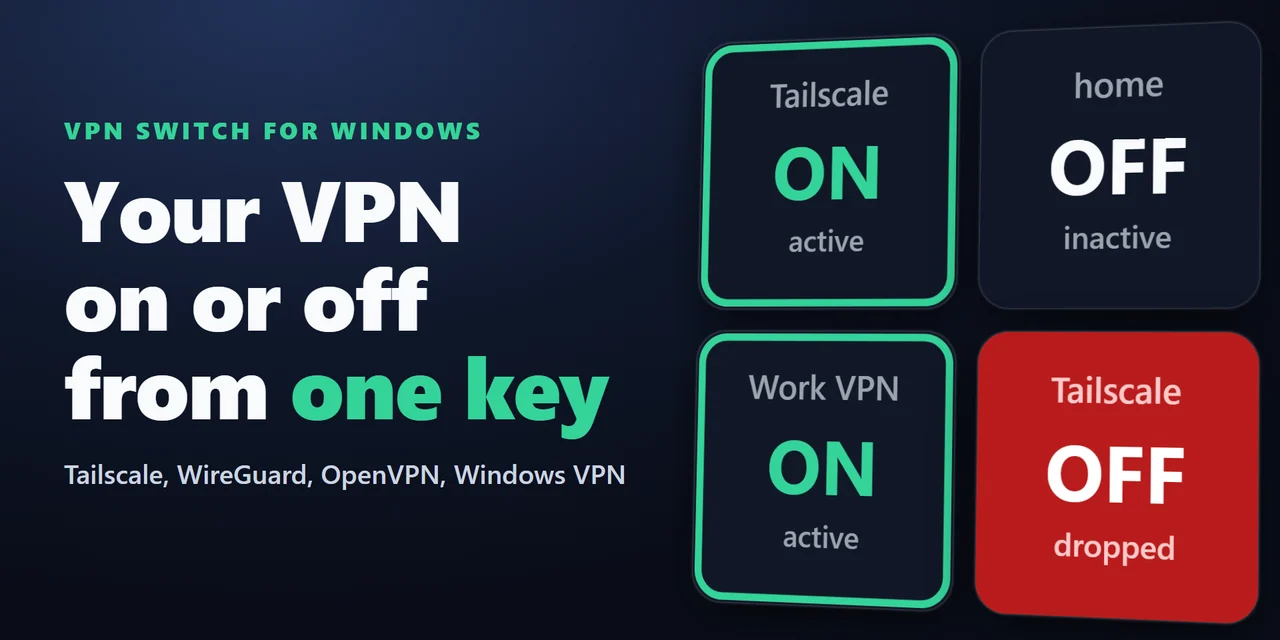
To turn your VPN on or off from a Stream Deck on Windows, add VPN Switch for Windows and put its VPN Switch key on your Stream Deck: one press connects or disconnects Tailscale, WireGuard, OpenVPN or a Windows VPN connection.
The key shows whether your VPN is on and turns red if it drops, so you can see it without opening your VPN app.
Features
What you can do
- Connect with one press
VPN Switch connects or disconnects one VPN, and the key shows ON or OFF.
- Set it to do only one thing
A key can connect only or disconnect only.
- Use the VPNs you already have
Tailscale, WireGuard, OpenVPN and the connections in Windows Settings.
- See other VPNs too
VPN Status shows on or off for VPNs it recognizes, or for the VPN adapter you pick.
- Watch one VPN
Pick one adapter on a VPN Status key and it shows only that one.
- Notice a dropped VPN
The key turns red when a VPN goes off without a press. You can turn this off.
- Pick your look
Classic, Neon, Ring, Bars or Solid.
- Keep it private
It reads this PC's network adapters and asks your VPN app to connect. Your passwords and traffic stay with your VPN.
Set up
How it works
- Set up your VPN first, so that it connects from its own app.
- Install the plugin from the Elgato Marketplace. In the Stream Deck app, drag VPN Switch or VPN Status onto a key.
- Click the key to choose your VPN. The Status line says what the key sees now and what is still needed.
- Press the key to connect or disconnect. The key shows the result.
FAQ
Questions
Short answers to what people ask before they add it.
Email contact
How do I turn my VPN on and off from a Stream Deck?
Add the VPN Switch key of VPN Switch for Windows and choose your VPN in its settings. One press connects or disconnects Tailscale, WireGuard, OpenVPN or a Windows VPN connection, and the key shows ON or OFF.
How can I see if my VPN dropped?
Keep a VPN Switch or VPN Status key on your Stream Deck. It turns red when the VPN goes off without a press, and a press clears the red.
Does it work with my VPN app?
VPN Status shows on or off for VPNs it recognizes, or for the VPN adapter you pick. VPN Switch connects and disconnects Tailscale, WireGuard, OpenVPN with OpenVPN GUI, and the connections in Windows Settings. Write to us if you want another one added: we add the most requested ones in updates.
Why does Windows ask for permission for WireGuard?
Starting and stopping a tunnel normally takes administrator rights. Click Allow in the key's settings and answer Yes once for each tunnel: your Windows user can then start and stop that one tunnel, and the key does not ask again unless the tunnel is turned off in the WireGuard window.
Why does a Windows VPN open a window?
When Windows has to ask for something to connect, it opens its own window. Press Connect there. The plugin never sees what you type in that window.
Can the plugin see my passwords or traffic?
No. It reads whether the network adapter is on and asks your VPN program to connect or disconnect. It sends nothing to us.
Requirements
Before you buy
Works with
Works on Windows 10 or later with the Stream Deck app 6.9 or later.
A Stream Deck plugin sold on the Elgato Marketplace.
Limits
- Windows only (Windows 10 or later). Not for Mac.
- Your VPN has to be installed and set up first. The plugin does not include a VPN service.
- Other VPN apps show on or off through VPN Status, and only if they add a network adapter to Windows.
- ON means the VPN's adapter is up. If the server stops answering while the adapter stays up, the key still shows ON.
- A Windows VPN connection may open Windows' own window: press Connect there.
- WireGuard needs your permission once for each tunnel, and again if you turn the tunnel off in the WireGuard window. Tailscale needs its app to be running. OpenVPN needs OpenVPN GUI to be running; the key shows ON while any OpenVPN connection is up, and turning it off disconnects all of them.
More for your Stream Deck
Related Stream Deck plugins
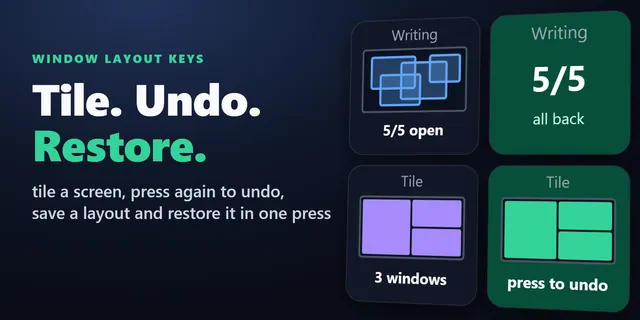 Window Layout Keys for WindowsTile your open windows into a grid and save and restore window layouts from Stream Deck keys.
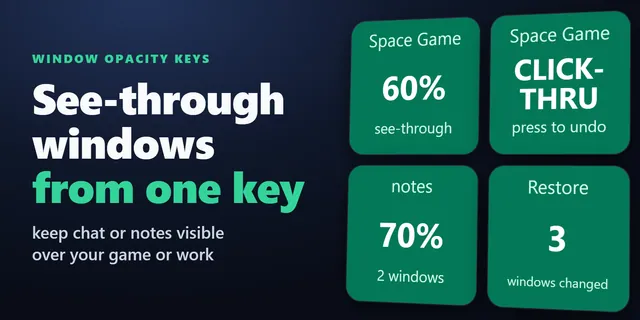 Window Opacity KeysFade a chat or video so you can see what is behind it, and let your clicks pass through to the program below.
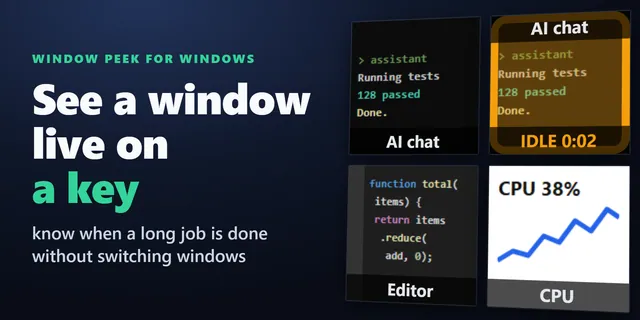 Window Peek for WindowsShow a window or part of your screen live on a Stream Deck key, and light a key up when it stops changing.
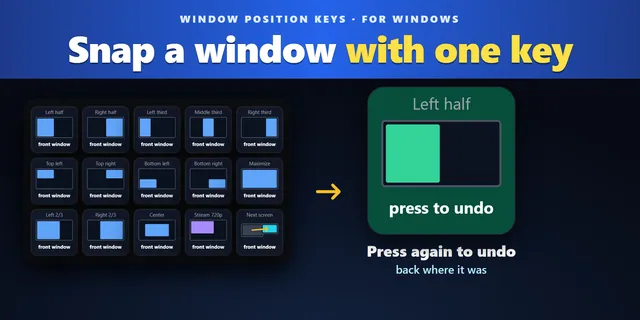 Window Position KeysPut the window you work in on a half, third or quarter with one press, then press again to put it back.
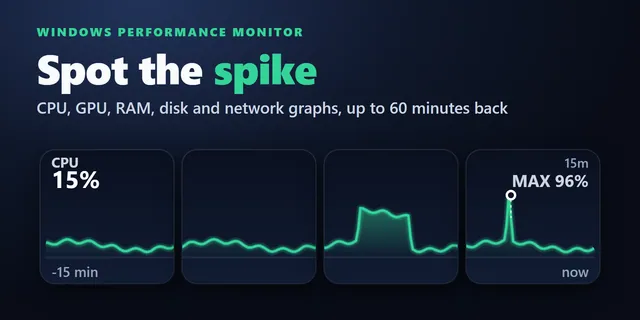 Windows Performance Graph KeysEach key draws the last 1 to 60 minutes, so you see when a slowdown started and what was busy.
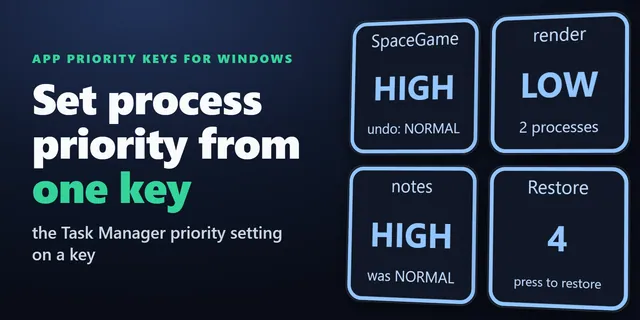 App Priority Keys for WindowsOne Stream Deck key gives a game High or a background job Low, like Task Manager, and sets it again at each start.
Get VPN Switch for Windows
Works on Windows 10 or later with the Stream Deck app 6.9 or later.
Get it on the Elgato MarketplaceOne-time purchase on the Elgato Marketplace, shown there in your own currency.