Overview
What Task Keys for Todoist does
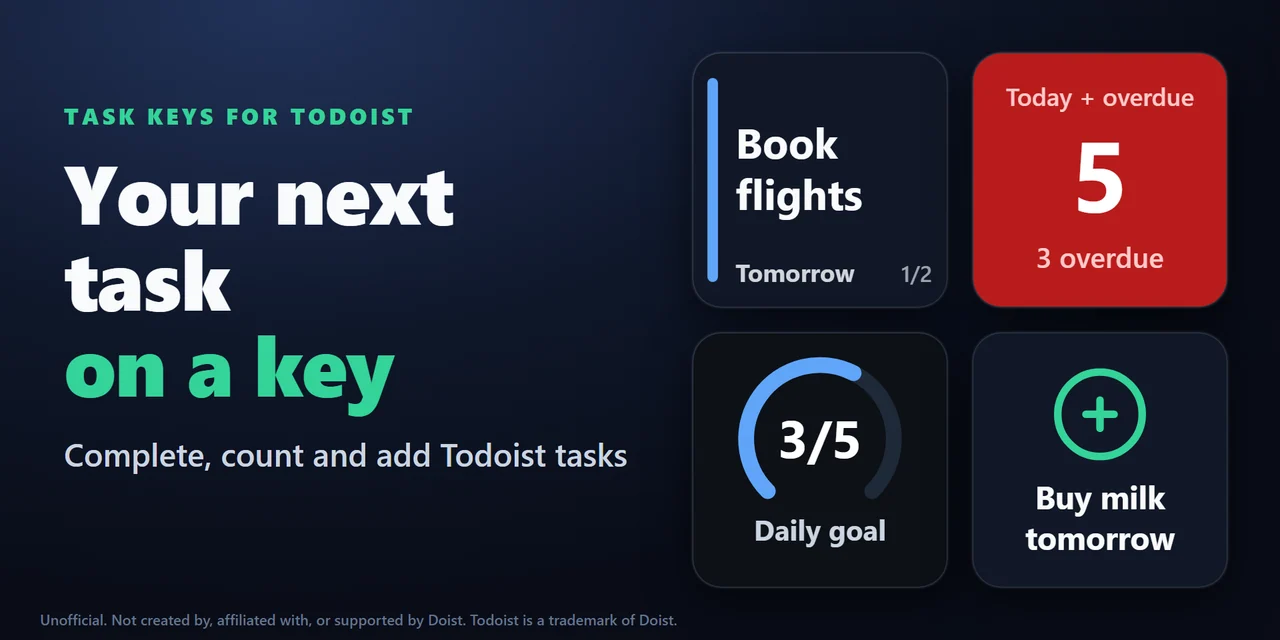
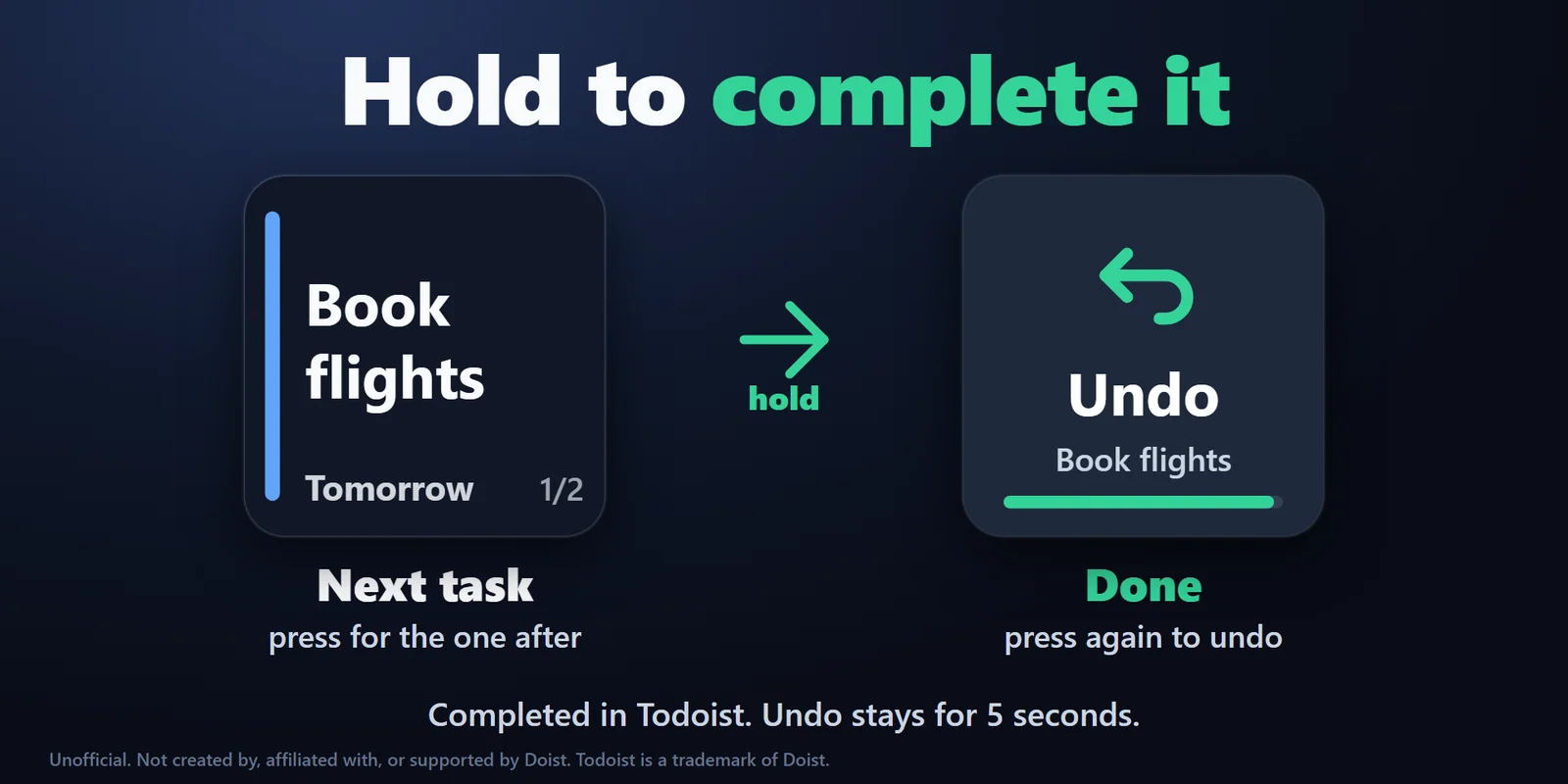
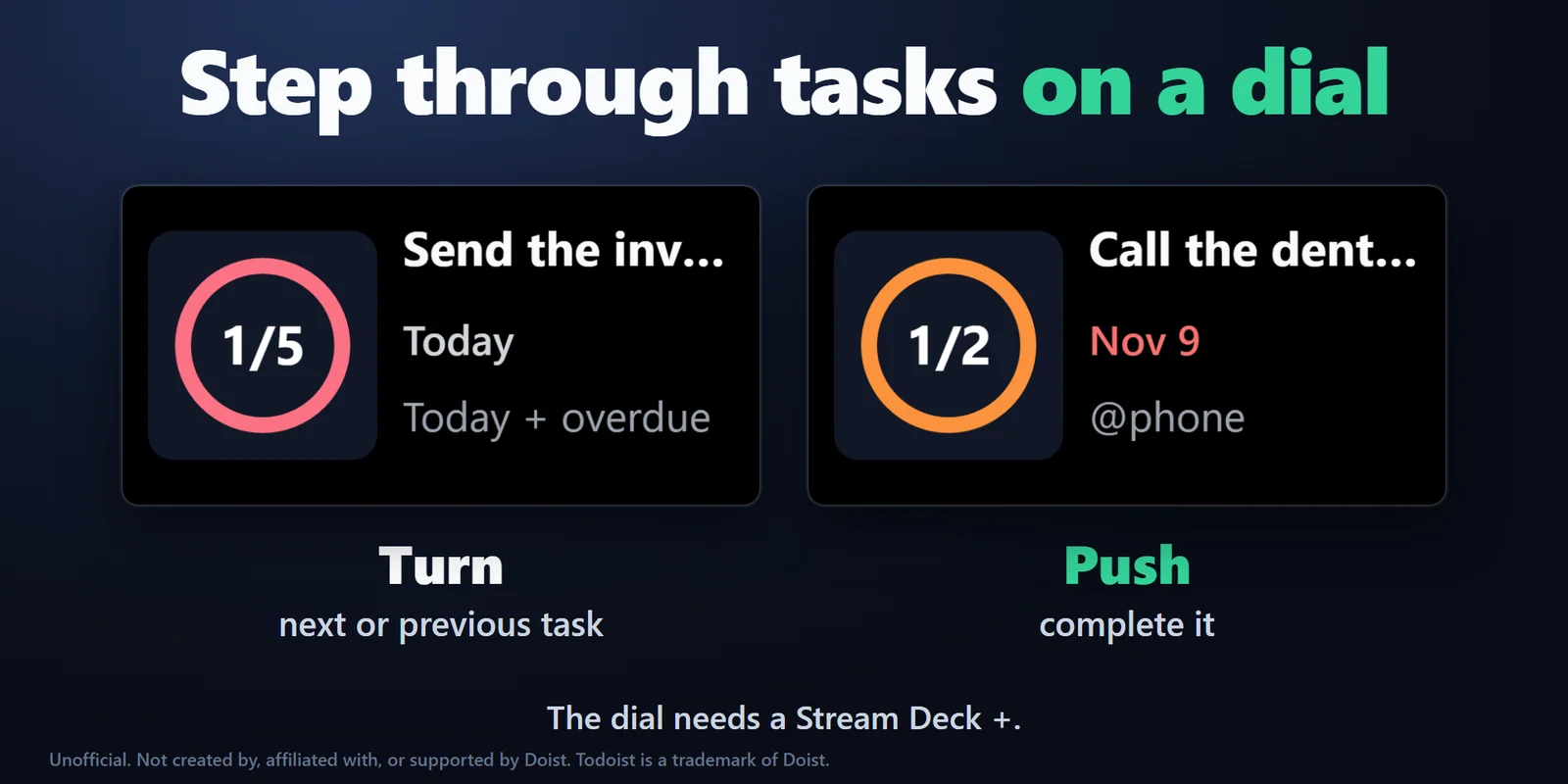
To see your Todoist tasks on a Stream Deck, add Task Keys for Todoist, put its Next Task key on your Stream Deck and paste your Todoist API token in its settings: the key shows the first task due today or overdue, a press steps to the next one and a hold completes it in Todoist, with five seconds to undo.
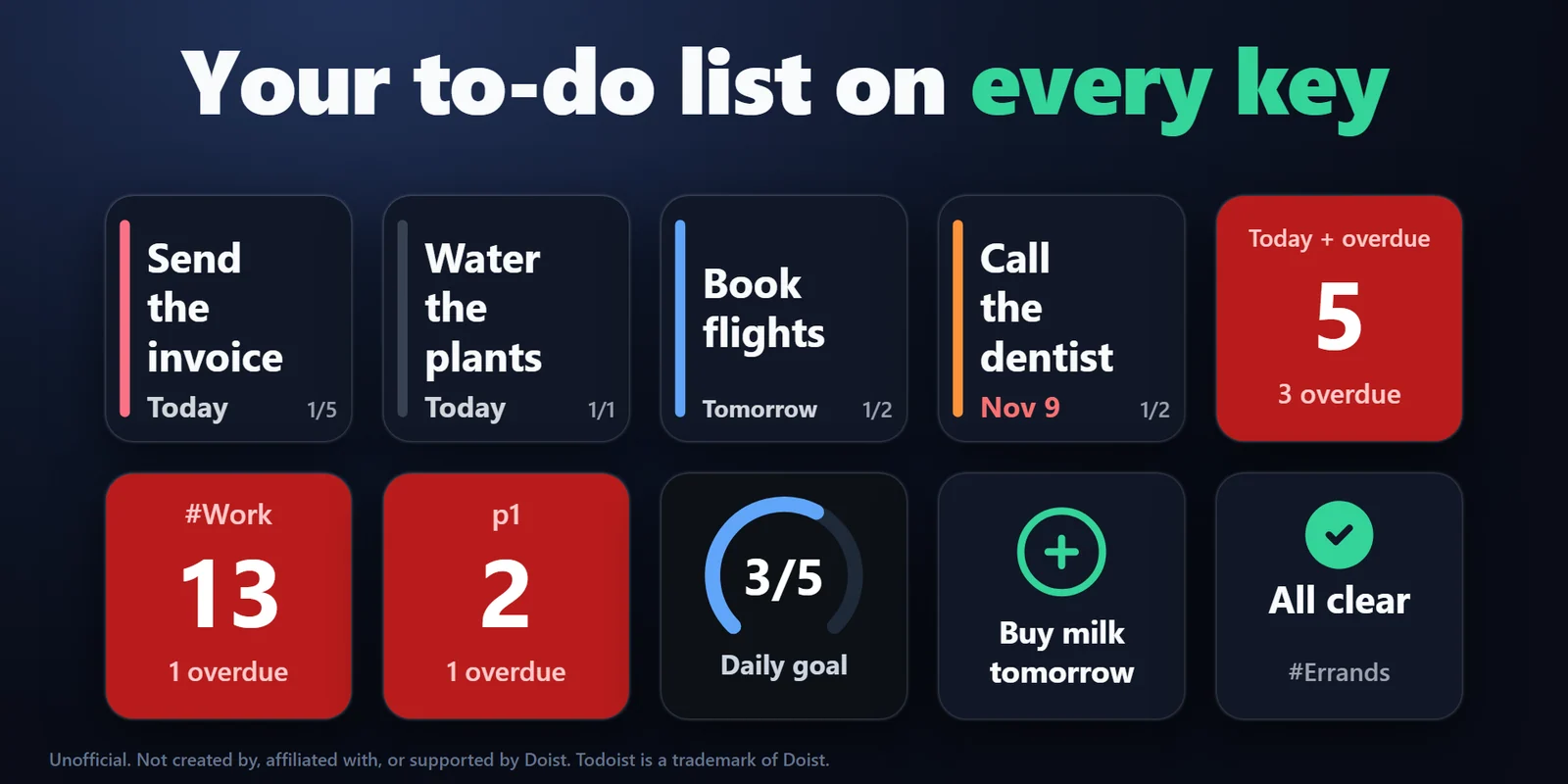
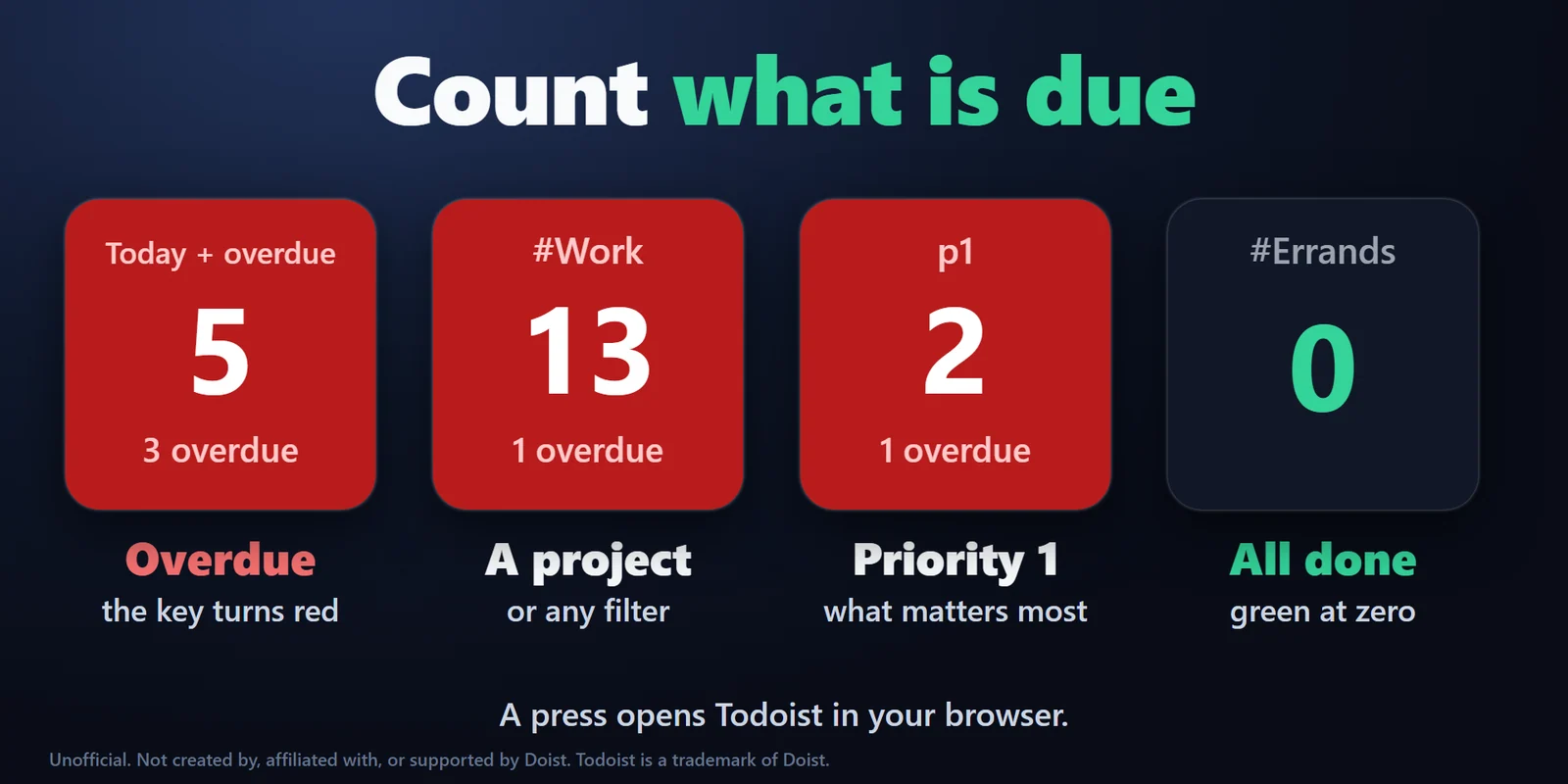
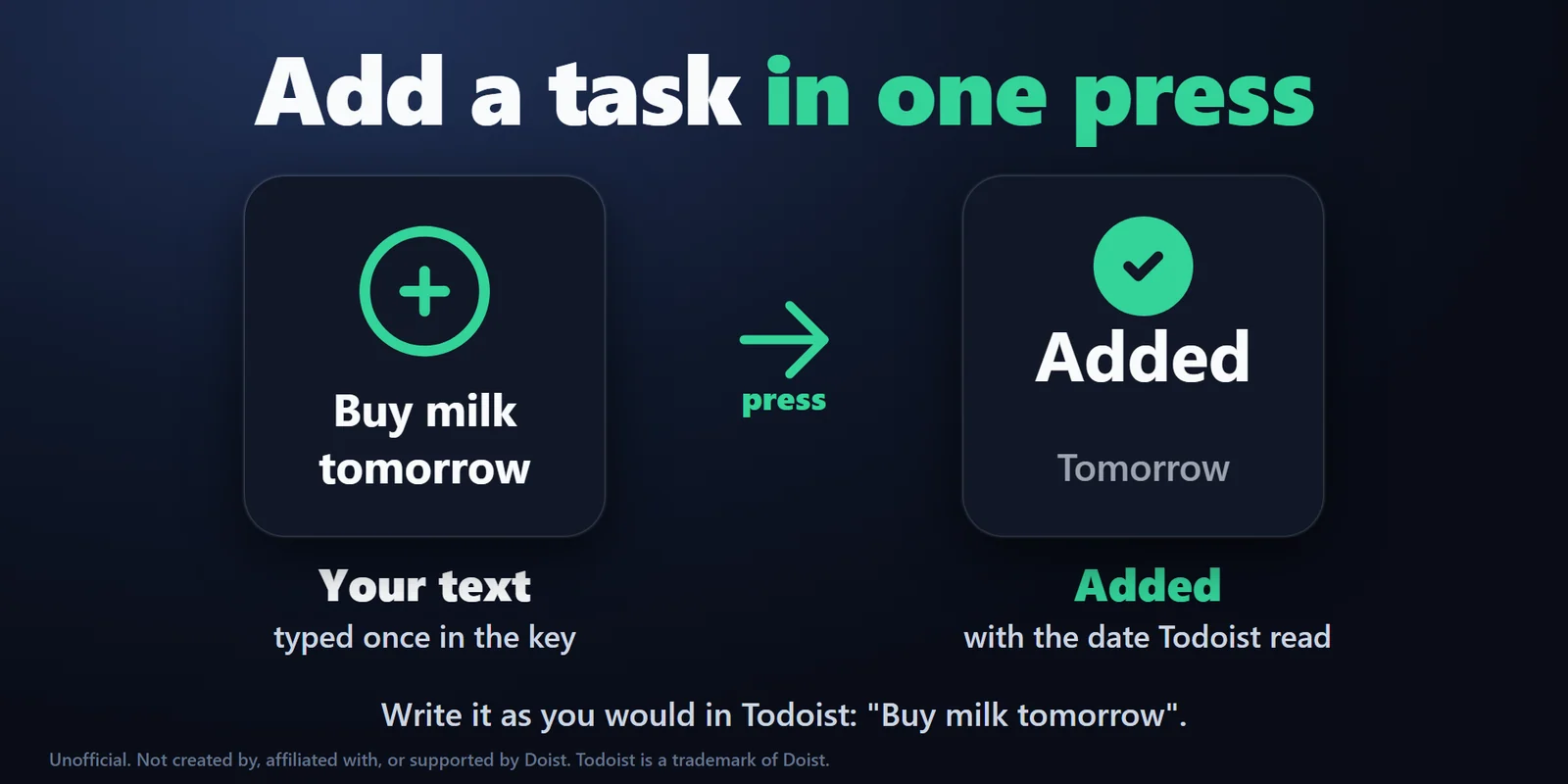
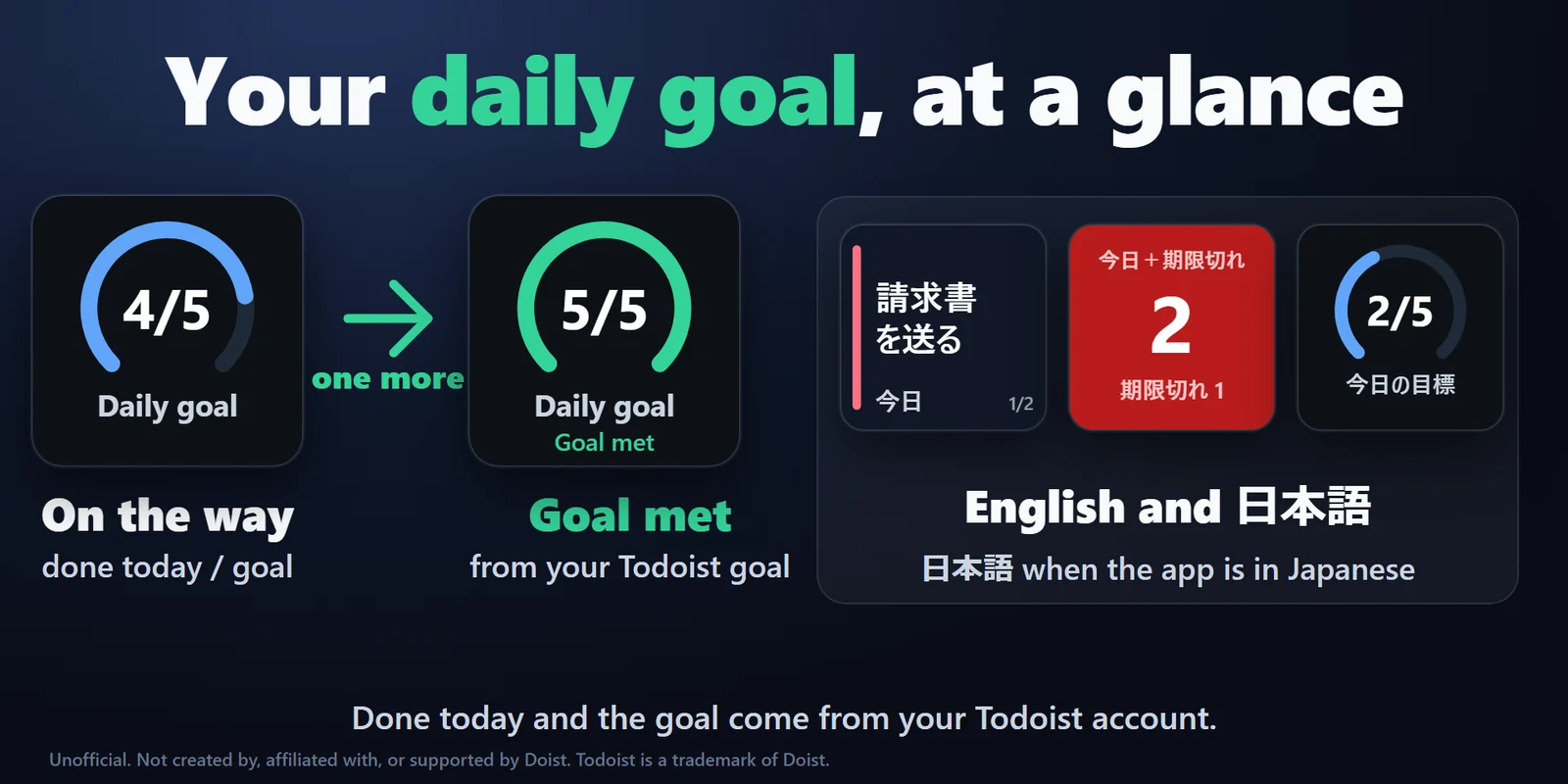
Other keys count the tasks of any filter and turn red when one is overdue, add a task you set with one press, and fill a ring as you reach your daily goal. Each key can follow its own Todoist filter, such as a project, a label or priority 1.