01
Model without the menus
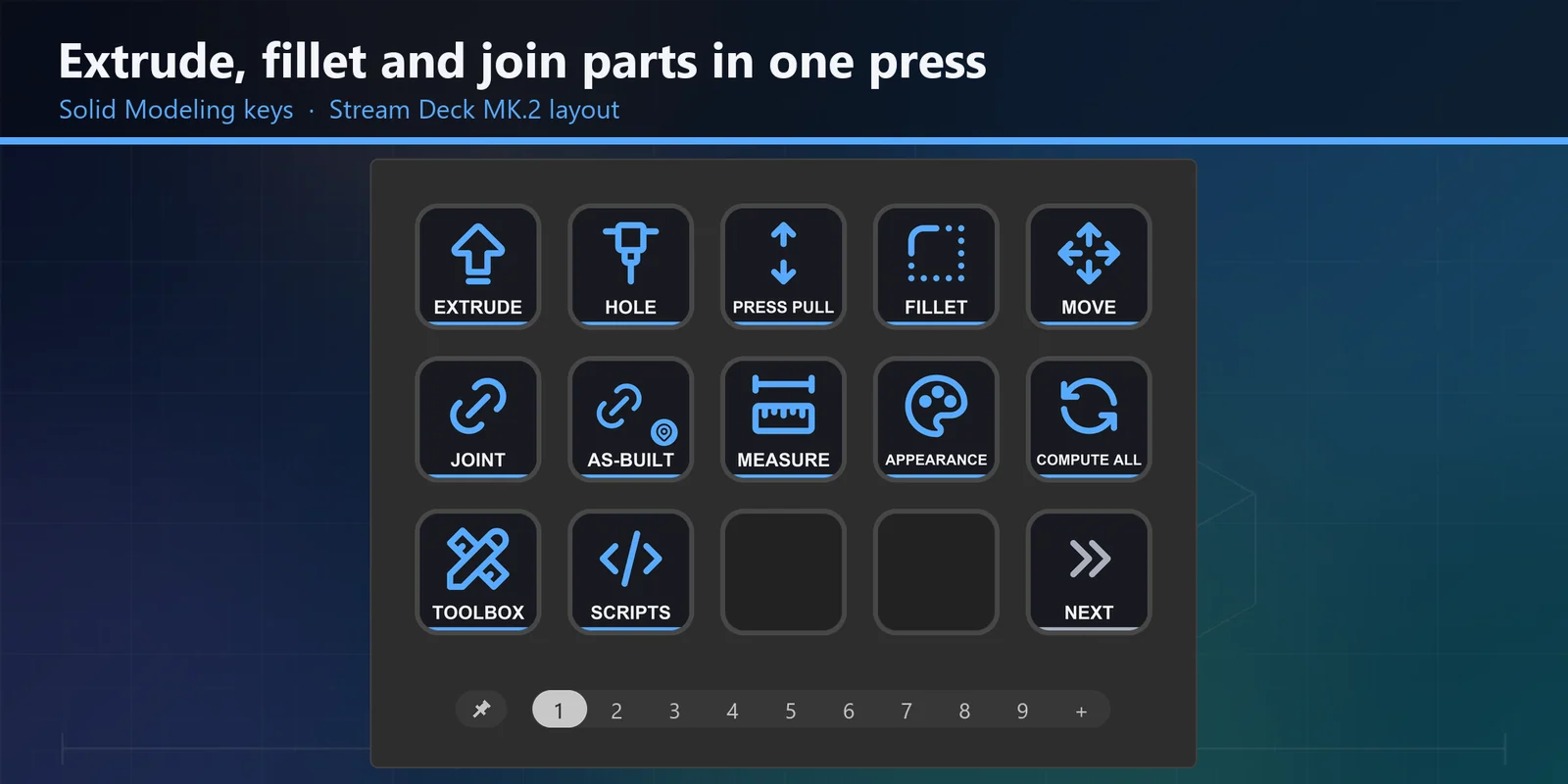
Extrude, hole, press pull, fillet, move, joint, as-built joint, measure, appearance, compute all, toolbox and scripts on the Solid Modeling page.

Send Fusion 360 commands from a Stream Deck: pages for solids, sketch, Form, Simulation and Drawing.
One-time purchase direct from GRAMSHIFT, plus any tax at checkout. A download link appears right after payment, and the receipt arrives by email.
Overview
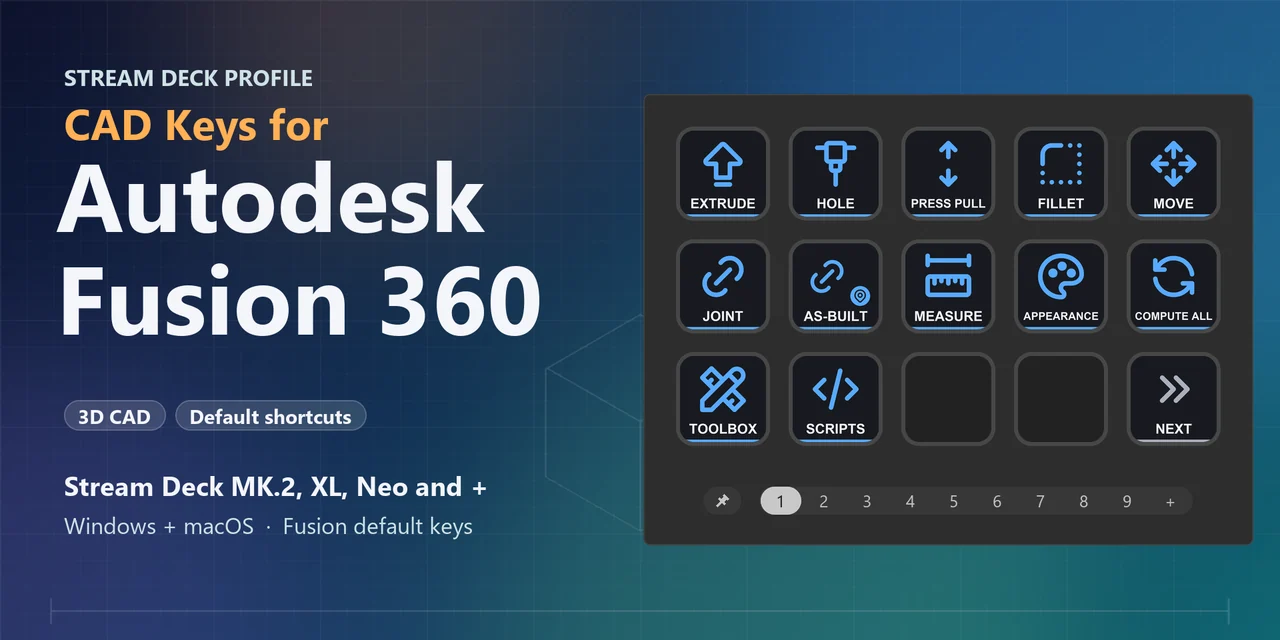
To run Autodesk Fusion (Fusion 360) from a Stream Deck MK.2, XL, Neo or + on Windows, open the CAD Keys for Autodesk Fusion profile for your device, keep Fusion in front and press a labeled key.
Each key of CAD Keys for Autodesk Fusion sends Fusion's own default keyboard shortcut, so you extrude, fillet, sketch and dimension with one press instead of a trip through the menus, with nothing to import into Fusion.
Features
Extrude, hole, press pull, fillet, move, joint, as-built joint, measure, appearance, compute all, toolbox and scripts on the Solid Modeling page.
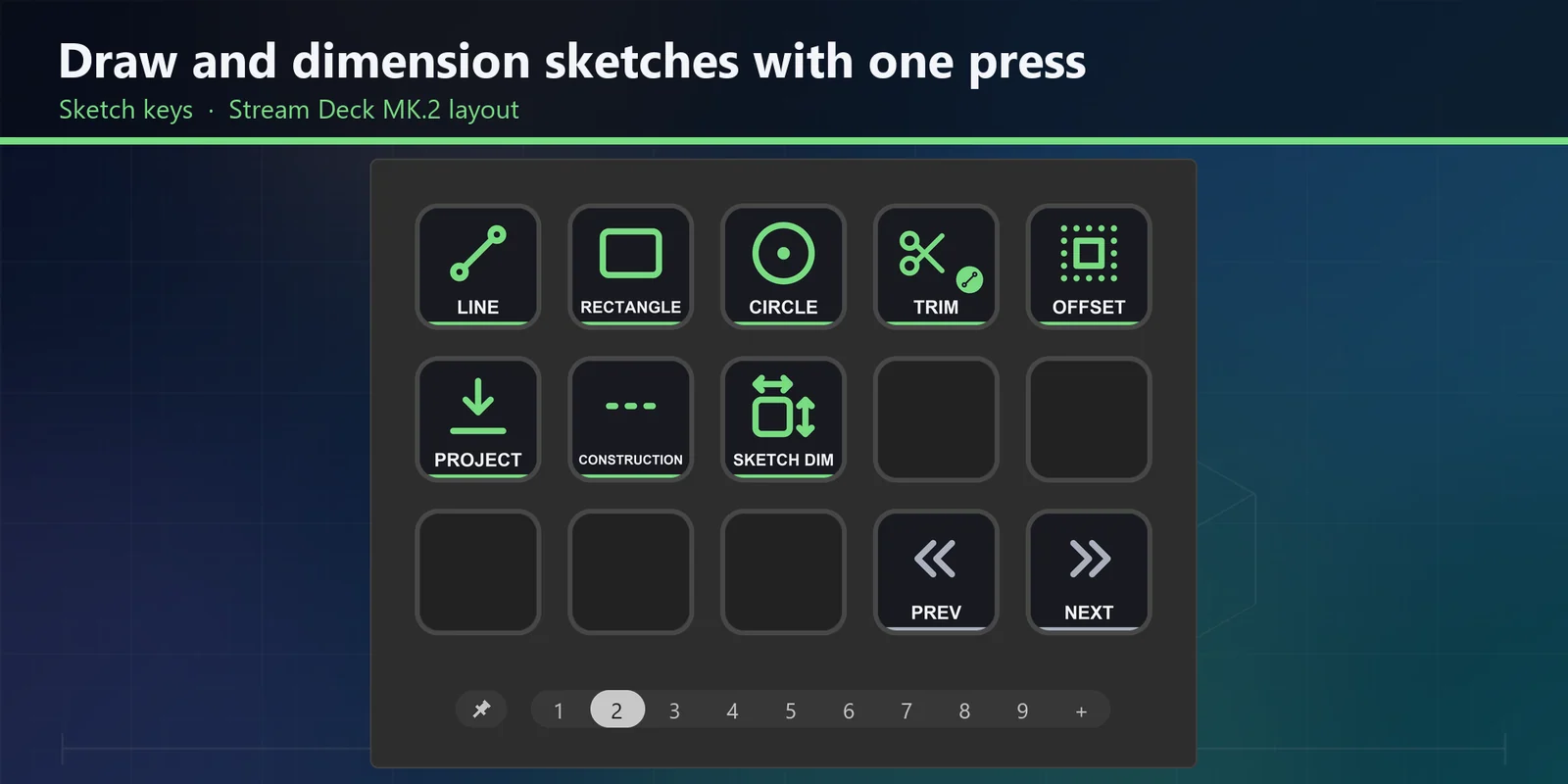
Line, rectangle, circle, trim, offset, project, construction and sketch dimension on the Sketch page.
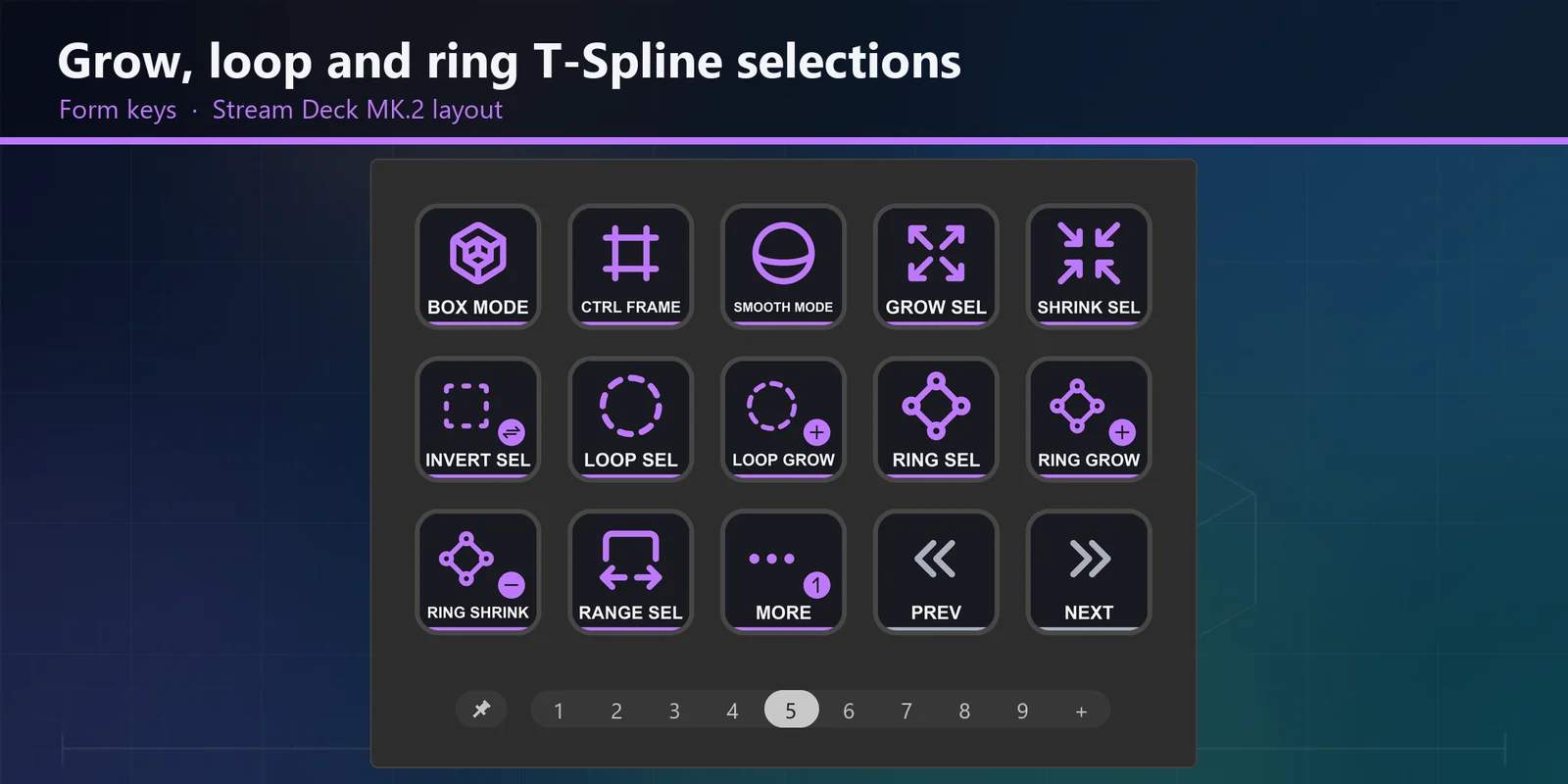
Box, control frame and smooth display, grow, shrink, invert, loop, ring, range and feature selection, and U / V steps.
New study, study setup, constraints, loads, force, thermal load (in an Electronics Cooling study), and the DOF, groups, model and results views.
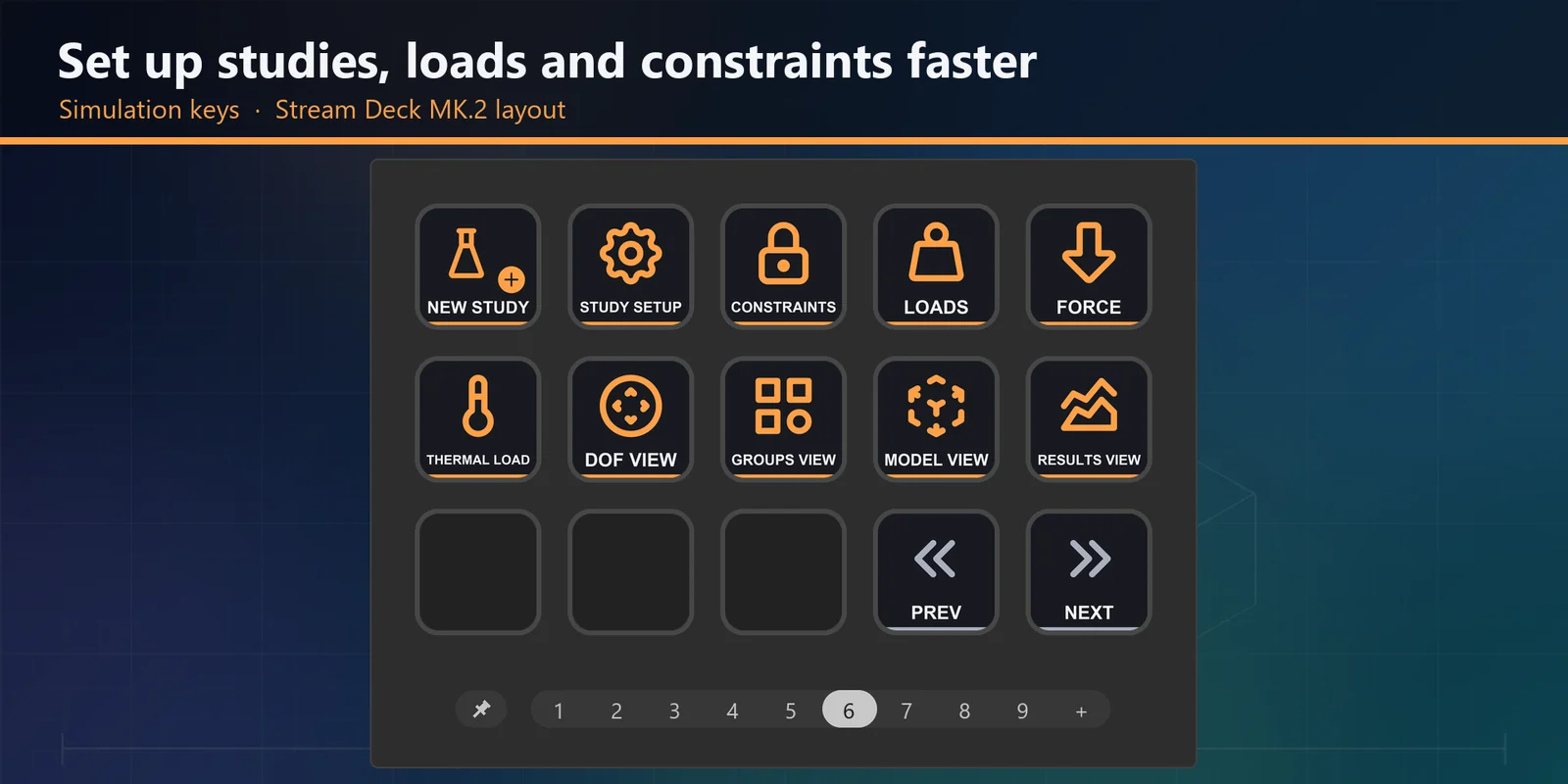
Undo / redo, workspace, grow / shrink and U direction on every page, and change pages with the touch strip on a + or the touch points on a Neo.
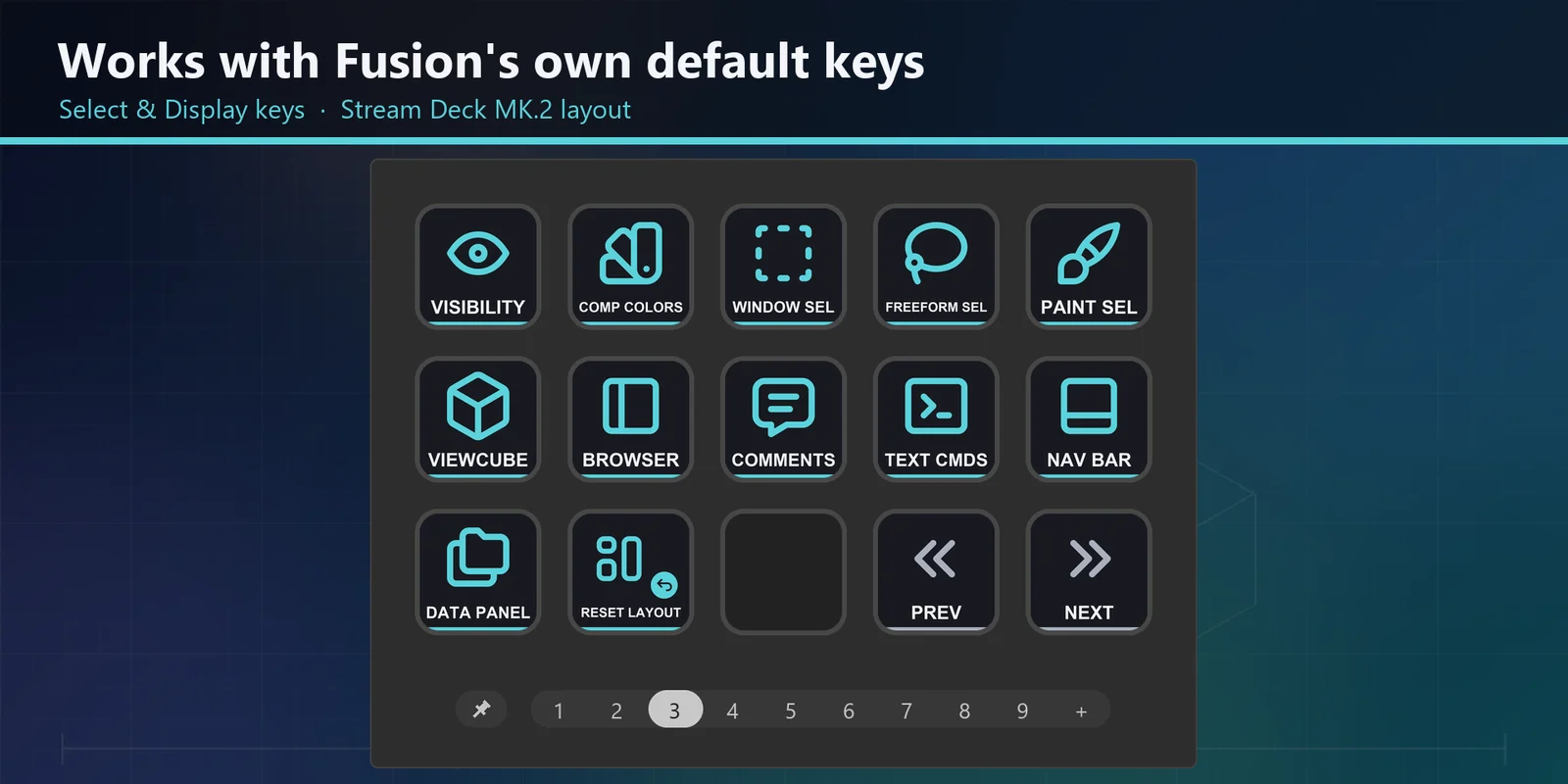
The keys send Fusion's own default keyboard shortcuts, so there is nothing to import and your Fusion settings stay as they are.
Transform components, auto and manual explode and publish video; generate toolpath and show log; projected view, center mark, dimension, text and balloon.
On a Stream Deck XL every key of a page is on one screen; on an MK.2, PREV and NEXT change pages.
Set up
Good to knowEach key sends the default Autodesk Fusion keyboard shortcut for its label to the window in front.
FAQ
Short answers to what people ask before they add it.
Email contact
Open the CAD Keys for Autodesk Fusion profile for your Stream Deck MK.2, XL, Neo or +, keep Autodesk Fusion in front and press a key. Each key sends Fusion's default keyboard shortcut for its label, such as Extrude, Fillet, Line, Sketch Dimension or Projected View.
No. The keys send Fusion's own default keyboard shortcuts, so there is nothing to import and your Fusion settings stay as they are. If you changed a Fusion shortcut, change the matching key's Hotkey in the Stream Deck app.
The Stream Deck MK.2, XL, Neo and + on Windows. On the XL every key of a page is on one screen; on the MK.2 PREV and NEXT change pages, and on the Neo and + the touch points or the touch strip change pages.
Solid Modeling, Sketch and Select & Display for the Design workspace, Form for T-spline modeling, then Simulation, Animation, Manufacture and Drawing, plus File & Undo for any workspace. The Electronics workspace has no page.
The four dials are the same on every page: Undo / Redo (press to save), Workspace (press for the next tab), Grow / Shrink the selection (press to invert it, in Form) and U Direction (press for a loop selection, in Form).
No. The profiles are for Windows only.
Requirements
For the Stream Deck MK.2, XL, Neo and + on Windows with the Stream Deck app, and Autodesk Fusion (Fusion 360) with its default keyboard shortcuts.
A Stream Deck profile sold directly by GRAMSHIFT.
More for your Stream Deck
For the Stream Deck MK.2, XL, Neo and + on Windows with the Stream Deck app, and Autodesk Fusion (Fusion 360) with its default keyboard shortcuts.
Buy from GRAMSHIFTOne-time purchase direct from GRAMSHIFT, plus any tax at checkout. A download link appears right after payment, and the receipt arrives by email.