NIGHTSWORD v2 WIRELESS SD · XENEON EDGE · Virtual Stream Deck
Stream Deck profiles for the NIGHTSWORD v2 WIRELESS SD
Which Stream Deck profiles work with the NIGHTSWORD v2 WIRELESS SD?
Stream Deck profiles made for Virtual Stream Deck work with the Corsair NIGHTSWORD v2 WIRELESS SD, because the Stream Deck button on the mouse opens Virtual Stream Deck on your screen. Each GRAMSHIFT profile below comes with a 5 x 3 and an 8 x 4 profile for Virtual Stream Deck, and the Corsair XENEON EDGE uses the same ones in its iCUE Stream Deck widget.
How to set it up
- Install the Stream Deck app, then press the Stream Deck button on the NIGHTSWORD v2 WIRELESS SD to open Virtual Stream Deck.
- In the Virtual Stream Deck settings, set the grid to 5 x 3 or 8 x 4 to match the profile you import.
- Double-click the Virtual Stream Deck profile from the download to import it, then choose it for Virtual Stream Deck in the Stream Deck app.
- On a XENEON EDGE, add the Stream Deck widget in iCUE: it shows the same Virtual Stream Deck, so the same profiles work there.
Profiles for Virtual Stream Deck
Each download includes a 5 x 3 and an 8 x 4 profile for Virtual Stream Deck on Windows, plus a profile for the Stream Deck + XL.
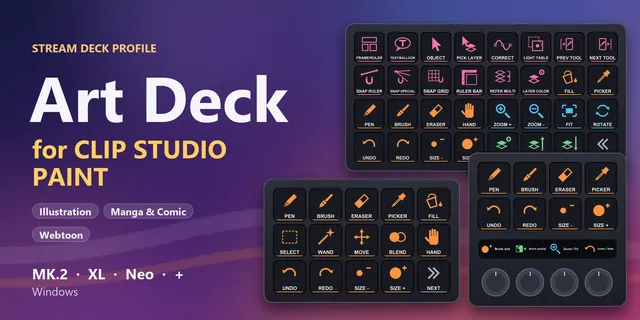
 Art Deck for Clip Studio Paint
CLIP STUDIO PAINT shortcuts on Stream Deck MK.2, XL, Neo or +: tools, brush size, zoom, layers and manga tools.
View in the GRAMSHIFT shop →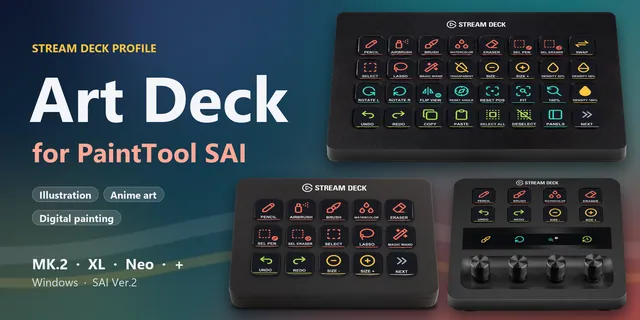
 Art Deck for PaintTool SAI
PaintTool SAI 2 shortcuts on Stream Deck MK.2, XL, Neo or +: tools, brush size, density, rotate view, layers and file.
View in the GRAMSHIFT shop →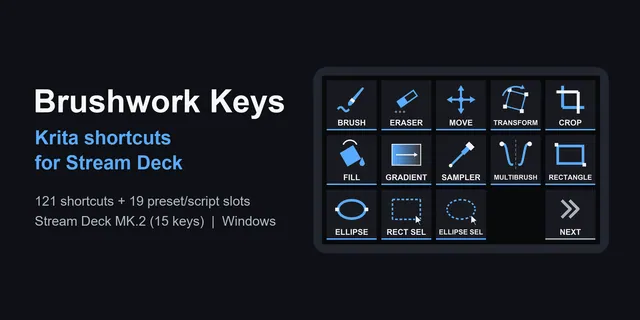
 Brushwork Keys for Krita
Keep the pen in one hand: tools, layers and your own brush slots are one press away on Stream Deck MK.2, XL, Neo and +.
View in the GRAMSHIFT shop →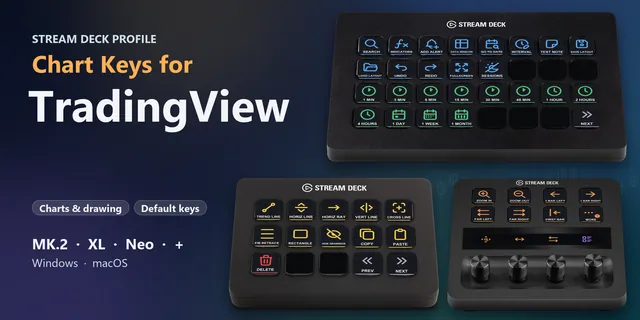
 Chart Keys for TradingView
Search symbols, switch intervals, zoom and draw in TradingView from Stream Deck keys on Windows or macOS.
View in the GRAMSHIFT shop →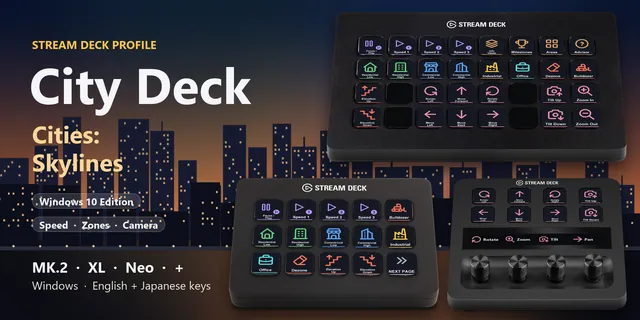
 City Deck for Cities: Skylines
Pause, set the speed, pick a zone type, bulldoze and move the Cities: Skylines camera from keys on MK.2, XL, Neo or +.
View in the GRAMSHIFT shop →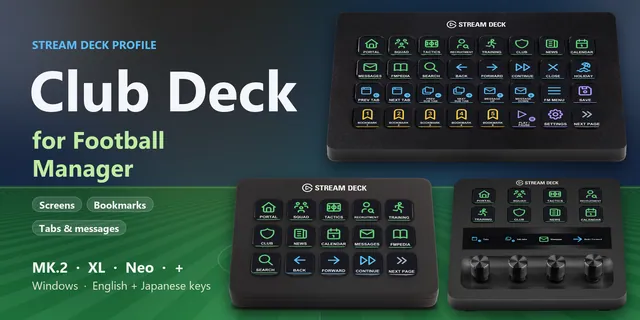
 Club Deck for Football Manager
Open Squad, Tactics and Recruitment, switch tabs, read messages, press Continue and save with one key press.
View in the GRAMSHIFT shop →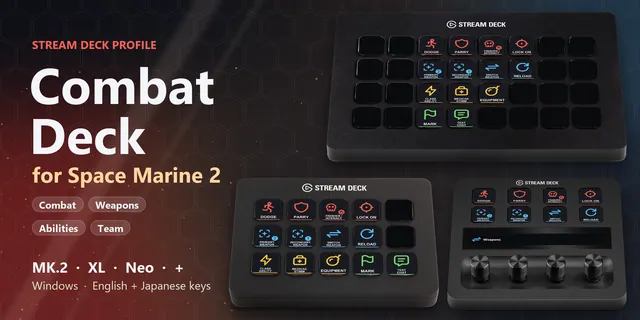
 Combat Deck for Space Marine 2
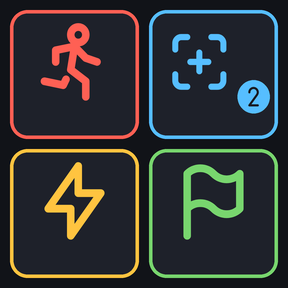
Dodge, parry, lock on, swap and reload weapons, class ability and stimm in Space Marine 2, one Stream Deck key each.
View in the GRAMSHIFT shop →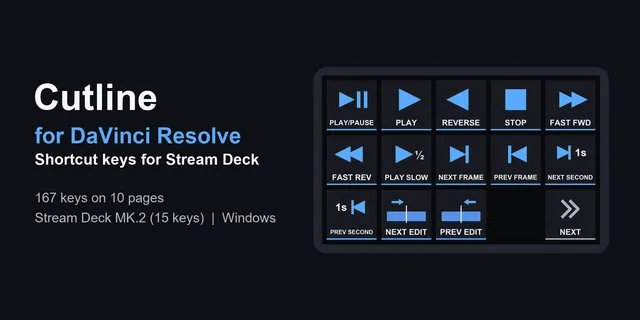
 Cutline for DaVinci Resolve
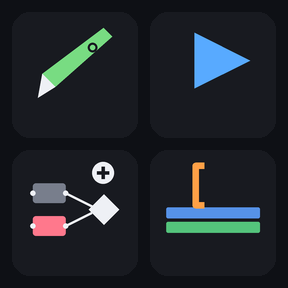
From playback and marks to color nodes, the edits you repeat are one press each on Stream Deck MK.2, XL, Neo and +.
View in the GRAMSHIFT shop →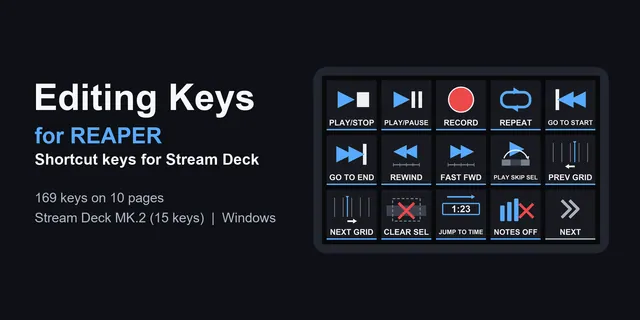
 Editing Keys for REAPER
Recording, editing, markers and the MIDI editor on one-press keys for Stream Deck MK.2, XL, Neo and +.
View in the GRAMSHIFT shop →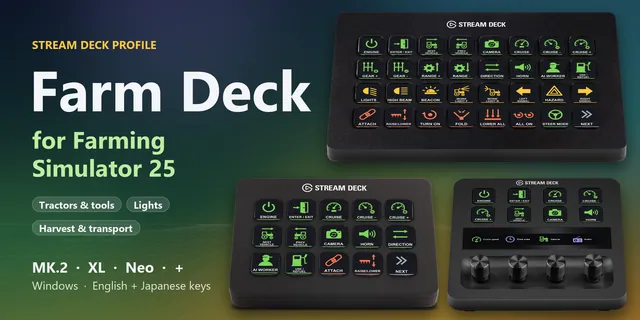
 Farm Deck for Farming Sim 25
Send FS25 engine, cruise, light, implement, unload and time controls from Stream Deck MK.2, XL, Neo or + keys.
View in the GRAMSHIFT shop →
 Gate Deck for Oblivion
Open inventory, magic and map, cast spells, use shortcuts 1 to 8 and quick save in Oblivion Remastered on a Stream Deck.
View in the GRAMSHIFT shop →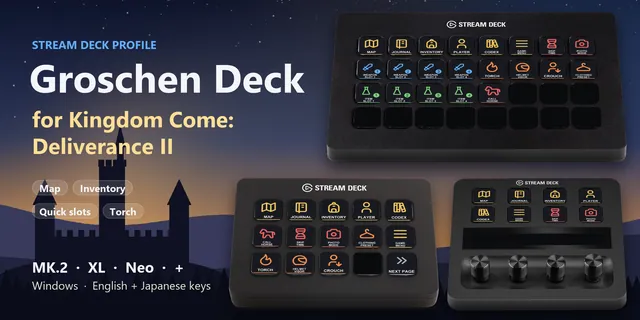
 Groschen Deck for Kingdom Come
Open the map, use quick slots, light your torch and call your horse in Kingdom Come: Deliverance II from a Stream Deck.
View in the GRAMSHIFT shop →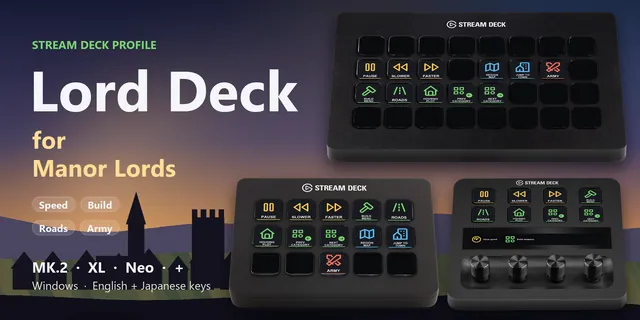
 Lord Deck for Manor Lords
Pause, set the speed, open the build menu, pick roads and plots and jump to your town in Manor Lords from a Stream Deck.
View in the GRAMSHIFT shop →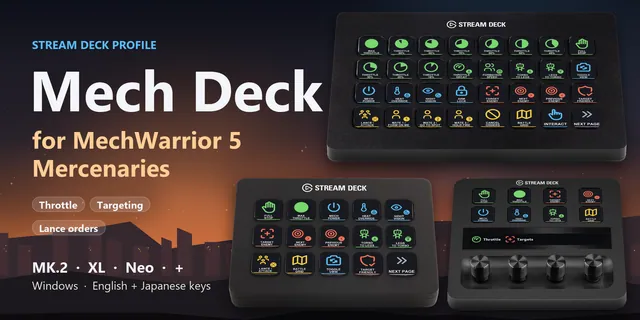
 Mech Deck for MechWarrior 5
Throttle, targeting, lance orders and heat override in MechWarrior 5: Mercenaries, one Stream Deck key each.
View in the GRAMSHIFT shop →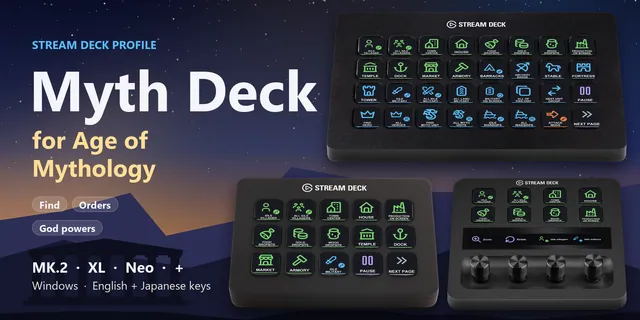
 Myth Deck for Age of Mythology
Find idle villagers, jump to buildings, set formations and pick god powers from labeled keys in AoM Retold.
View in the GRAMSHIFT shop →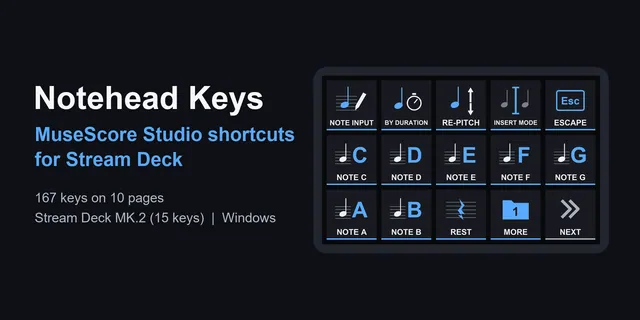
 Notehead Keys
From note input to tuplets, scoring commands are one press each on Stream Deck MK.2, XL, Neo and +.
View in the GRAMSHIFT shop →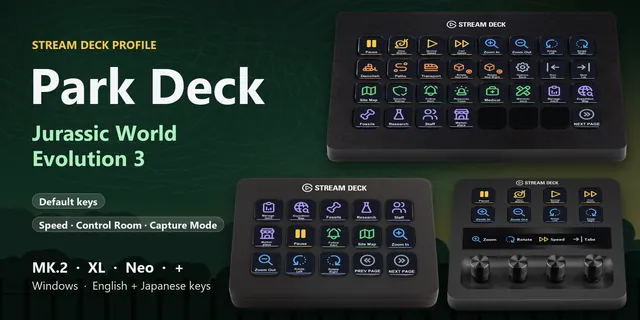
 Park Deck for Jurassic Evo 3
Set game speed, open Control Room tabs and frame Capture Mode photos in Jurassic World Evolution 3 from a Stream Deck.
View in the GRAMSHIFT shop →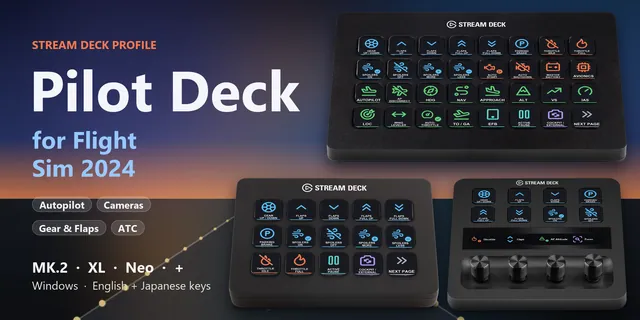
 Pilot Deck for Flight Sim 2024
Lower gear, set flaps, engage autopilot modes, trim, switch cameras and answer ATC with one press in MSFS.
View in the GRAMSHIFT shop →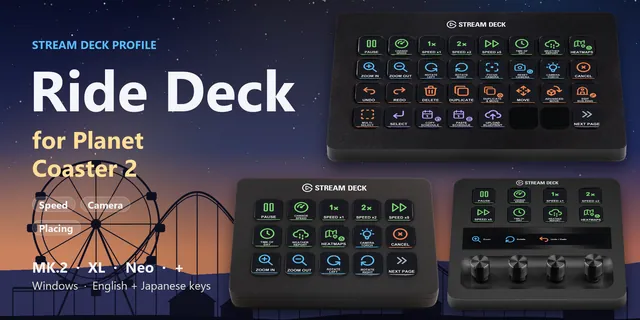
 Ride Deck for Planet Coaster 2
Pause, change park speed, zoom and turn the camera, rotate and snap objects and raise paths with one press.
View in the GRAMSHIFT shop →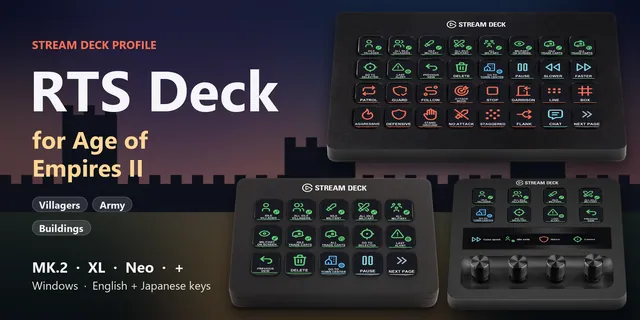
 RTS Deck for Age of Empires II
Find idle villagers, command your army and jump to buildings with default-hotkey keys on MK.2, XL, Neo or +.
View in the GRAMSHIFT shop →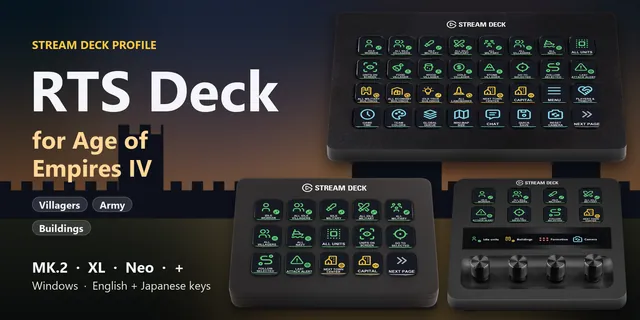
 RTS Deck for Age of Empires IV
Find idle villagers, command your army, open build menus and train units with default-hotkey keys on MK.2, XL, Neo or +.
View in the GRAMSHIFT shop →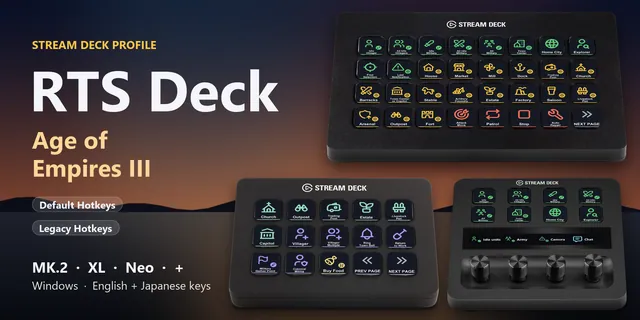
 RTS Deck: Age of Empires III
Find idle villagers, select your army, build and train with keys for either hotkey set on MK.2, XL, Neo or +.
View in the GRAMSHIFT shop →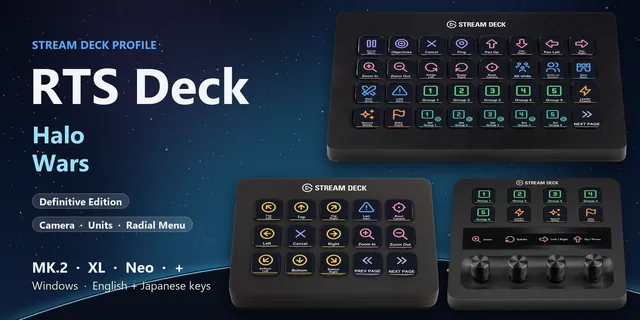
 RTS Deck: Halo Wars
Select units, jump to bases and armies, set control groups and pick radial menu slots in Halo Wars from a Stream Deck.
View in the GRAMSHIFT shop →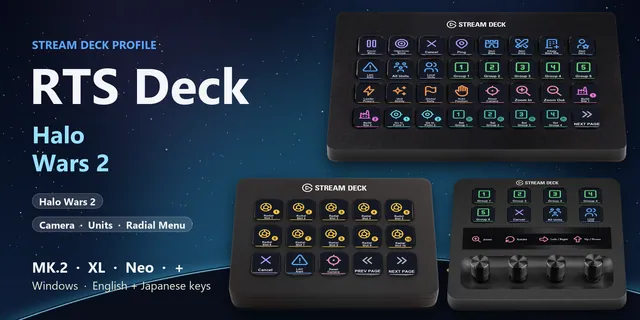
 RTS Deck: Halo Wars 2
Select units, jump to bases and armies, set control groups and pick radial menu slots in Halo Wars 2 from a Stream Deck.
View in the GRAMSHIFT shop →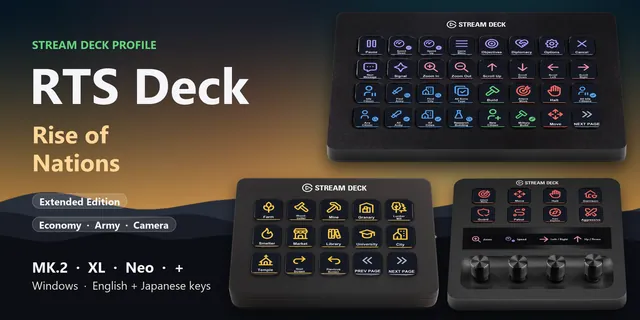
 RTS Deck: Rise of Nations
Find idle citizens and your army, build, research and give orders in Rise of Nations from keys on MK.2, XL, Neo or +.
View in the GRAMSHIFT shop →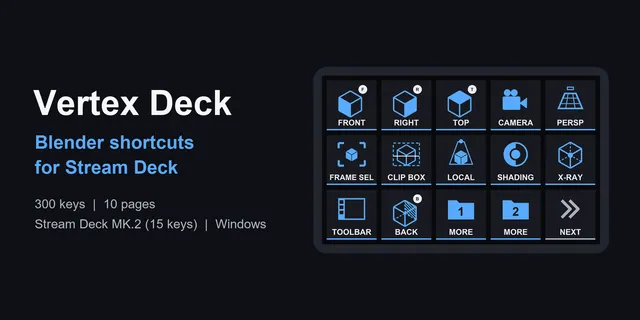
 Vertex Deck
Labeled keys for modeling, sculpting, UV work, animation and nodes, with profiles for Stream Deck MK.2, XL, Neo and +.
View in the GRAMSHIFT shop →
Plugins whose key actions work on Virtual Stream Deck
In the Stream Deck app, drag their key actions onto the keys of Virtual Stream Deck.
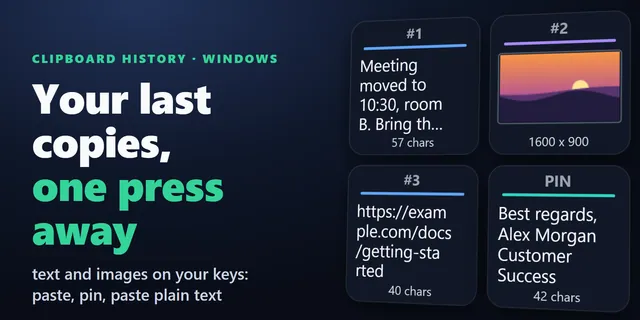
 Clipboard History for Windows
Paste your recent copies, text and images, from Stream Deck keys, and pin the snippets you reuse.
View in the GRAMSHIFT shop →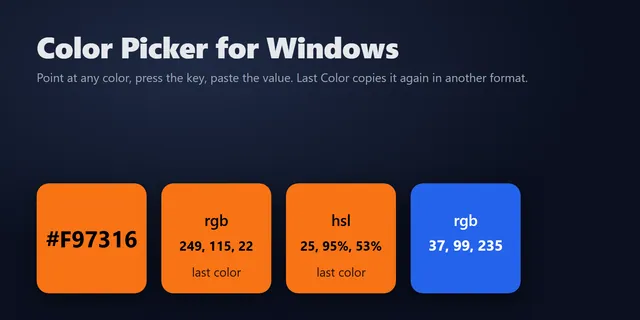
 Color Picker for Windows
Copy the HEX, RGB or HSL value of any pixel on your screen with one Stream Deck key.
View in the GRAMSHIFT shop →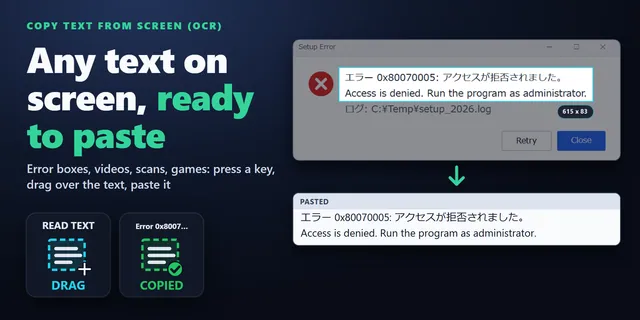
 Copy Text from Screen (OCR)
Read the words in pictures, paused videos, scans and error boxes, and paste them anywhere as plain text.
View in the GRAMSHIFT shop →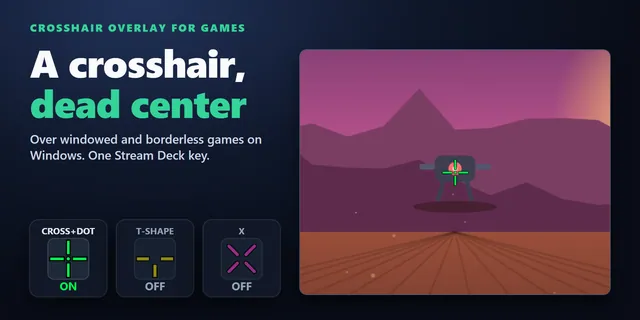
 Crosshair Overlay for Games
Show a crosshair in the center of your screen over windowed and borderless games from a Stream Deck key.
View in the GRAMSHIFT shop →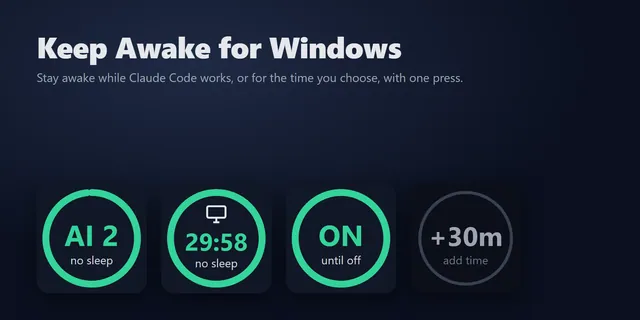
 Keep Awake for Windows
Keep your Windows PC awake while Claude Code works, or for a set time, from a Stream Deck key.
View in the GRAMSHIFT shop →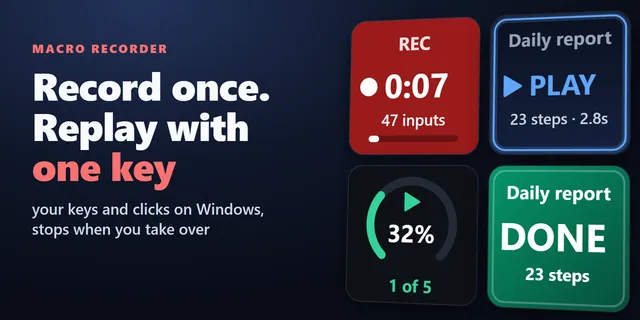
 Macro Recorder Key for Windows
Record your keystrokes and mouse clicks on Windows and replay them with one Stream Deck key.
View in the GRAMSHIFT shop →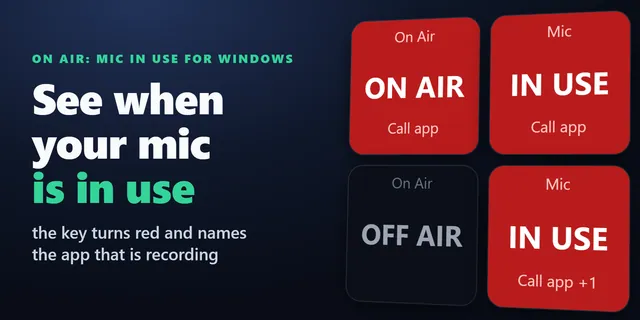
 On Air: Mic In Use for Windows
See on a key whether an app is using your microphone right now, and which app, with a red ON AIR lamp.
View in the GRAMSHIFT shop →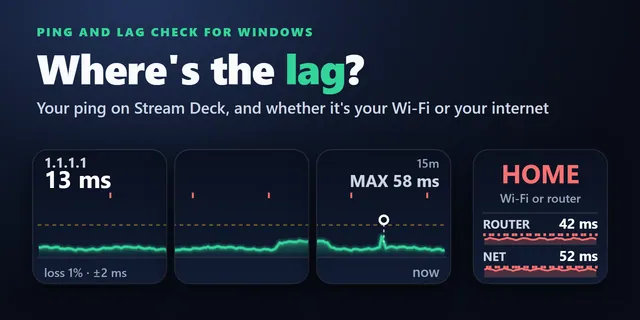
 Ping and Lag Check for Windows
Show your ping in ms on Stream Deck keys and find out whether lag comes from your Wi-Fi or router or your internet.
View in the GRAMSHIFT shop →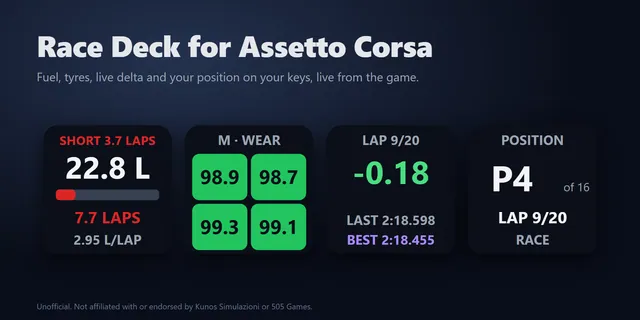
 Race Deck for Assetto Corsa
Show Assetto Corsa fuel laps left, tyres, a live delta, TC, ABS and brake bias live on Stream Deck keys.
View in the GRAMSHIFT shop →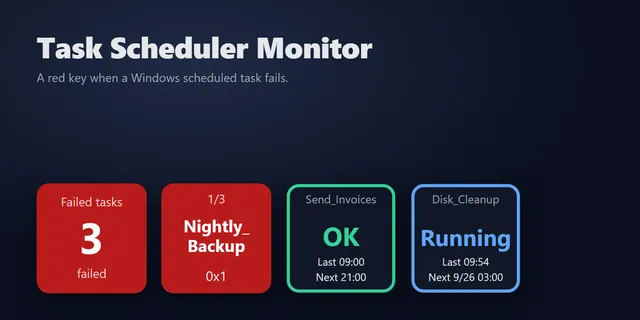
 Task Scheduler Monitor
Know when a Windows Task Scheduler job fails, with its name and result code, without opening Task Scheduler.
View in the GRAMSHIFT shop →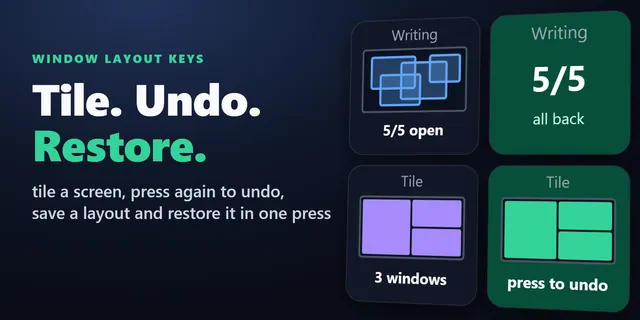
 Window Layout Keys for Windows
Tile your open windows into a grid and save and restore window layouts from Stream Deck keys.
View in the GRAMSHIFT shop →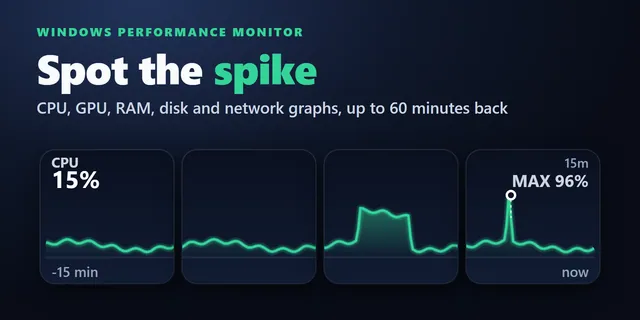
 Windows Performance Graph Keys
Each key draws the last 1 to 60 minutes, so you see when a slowdown started and what was busy.
View in the GRAMSHIFT shop →
Questions
Which Stream Deck profiles work with the NIGHTSWORD v2 WIRELESS SD?
Which Stream Deck profiles work with the NIGHTSWORD v2 WIRELESS SD?
Profiles made for Virtual Stream Deck, because the NIGHTSWORD v2 WIRELESS SD opens Virtual Stream Deck with its button. Each GRAMSHIFT profile on this page includes a 5 x 3 and an 8 x 4 version for it.
Do the same profiles work on the XENEON EDGE?
Yes. The XENEON EDGE shows Virtual Stream Deck in the iCUE Stream Deck widget, so the Virtual Stream Deck profiles in each download work there too.
Which grid should I set in Virtual Stream Deck?
In the Virtual Stream Deck settings, set the grid to 5 x 3 or 8 x 4 to match the profile you import. The 5 x 3 profile follows the Stream Deck MK.2 pages, and the 8 x 4 profile follows the Stream Deck XL pages.
Do the dial pages appear on Virtual Stream Deck?
Virtual Stream Deck has no dials, so the dial pages do not appear there. The key pages work as usual.
Do Stream Deck plugins work on the NIGHTSWORD v2 WIRELESS SD?
Their key actions do: in the Stream Deck app, drag them onto the keys of Virtual Stream Deck. Virtual Stream Deck has no dials, so the dial actions do not appear there.
Is there also a profile for the Stream Deck + XL?
Yes. Each profile download on this page also includes one for the Stream Deck + XL.